




The best price testing tools in 2026 are  Intelligems for Shopify brands that test prices often,
 ABConvert and Elevate for Shopify price tests on a smaller budget, and
 Superwall or
 RevenueCat for subscription apps.
SaaS and lead gen sites without a store platform usually need a general testing tool like  VWO plus a billing setup that can charge two prices.
How we picked: we read each vendor's docs and pricing page, checked public ratings, and looked at the price tests in our archive that ran on each tool.
We have not used these tools ourselves. We may earn a commission if you sign up for  Convert or VWO through our links; the others pay us nothing.
A real price test is different from a normal A/B test.
The visitor has to be charged the price they saw, at checkout or in the app store, not just shown a different number on the page.
That is the main thing that separates the tools below.
For the method itself, see our guide to price testing.
Price testing tools compared
| Tool | Best for | Starting price (as of November 2026) | Free plan or trial | Rating (source) |
|---|---|---|---|---|
| Intelligems | Shopify brands running many price tests | $69/month (content only); price tests need a paid Smart Pricing module or Unlimited ($349/month on the App Store listing; $1,279/month billed annually on the website) | 14-day trial, but not for price testing | 4.8 (201 reviews, Shopify App Store) |
 Shoplift | Shopify Plus stores that also test themes | $99/month; price tests on Advanced, $399/month ($299 billed annually) | 14-day trial | 4.9 (134 reviews, Shopify App Store) |
| ABConvert | Price and shipping tests, month to month | $99/month; price tests on Growth, $199/month | 14-day trial | 4.7 (84 reviews, Shopify App Store) |
| Elevate | Lowest-cost Shopify price tests | $49/month; price tests on Standard, $99/month | 14-day trial | 4.9 (145 reviews, Shopify App Store) |
 Shopify Rollouts | Simple catalog price experiments with no extra app | Included; experiments need the Grow plan ($105/month, $89 billed yearly) | Shopify trial | Not rated (built into Shopify) |
| Convert | Teams testing Shopify and other sites in one tool | $399/month ($299 billed annually) | 15-day trial, no card | Not verified |
| VWO (Wingify) | SaaS and lead gen pricing pages | Contact sales | 30-day trial, no card | Not verified |
| Superwall | Subscription apps testing paywall prices | $0 up to $10k MAR, then 1% of MAR | Free tier | Not verified |
| RevenueCat | Apps that want billing and price tests together | $0 up to $2,500 MTR, then 1% | Free tier | Not verified |
 Adapty | Apps testing prices, paywalls and flows | $0 under $5K/month, then 1% of tracked revenue | Free tier | Not verified |
| Google Play price experiments | Android apps testing in-app product prices by country | Free in Play Console | Free | Not rated |
The 11 best price testing tools
1. Intelligems
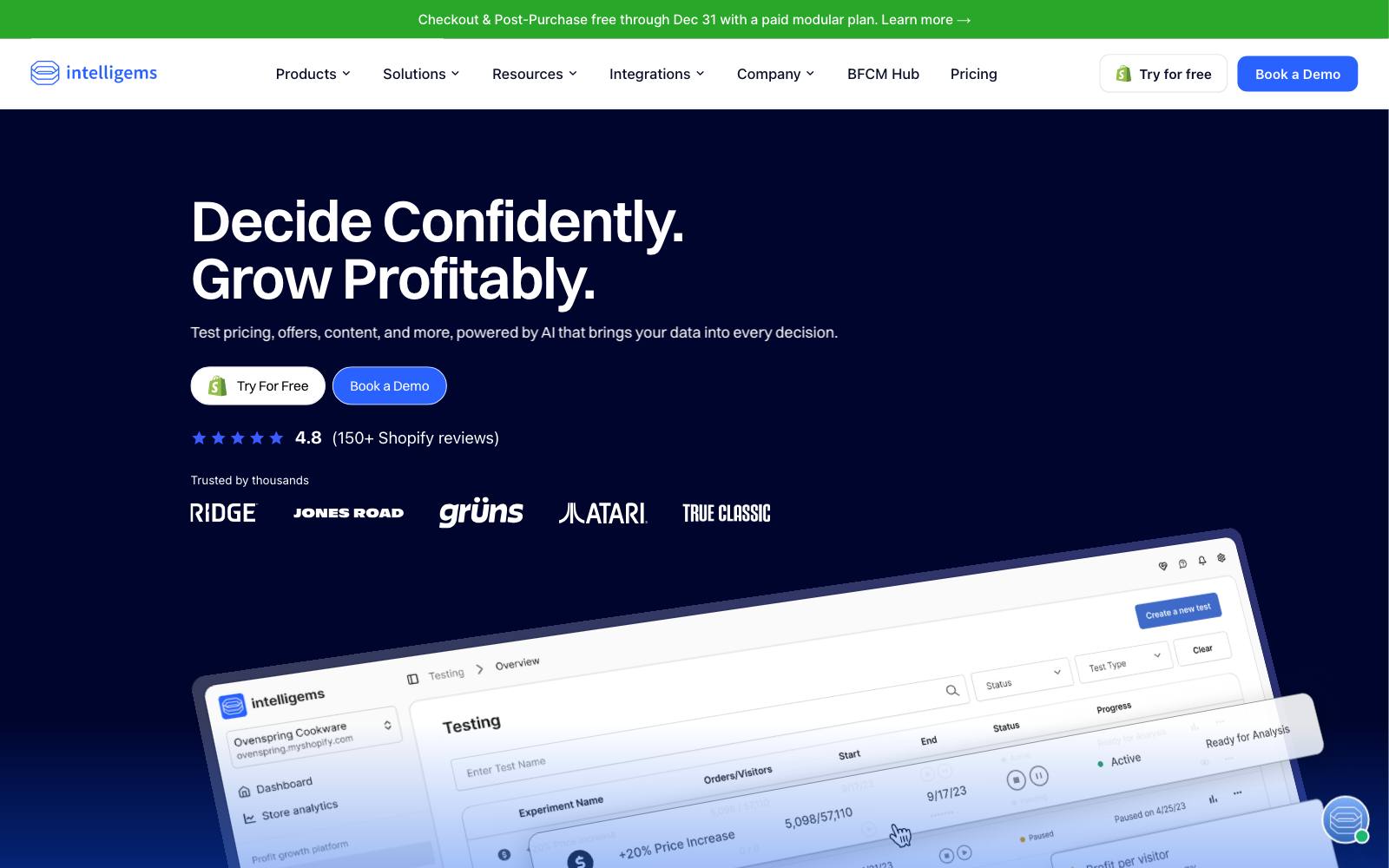
Best for: Shopify brands that want to test prices, shipping and offers again and again, and judge them on profit.
What it does: Intelligems is a Shopify testing app built around price, shipping and offer tests.
Its team builds a price-test integration for your store, and results show revenue and profit per visitor using your own product costs. It only runs on Shopify.
Key features:
- Price tests on product prices, subscription prices, compare-at prices and multi-currency pricing (Unlimited)
- Up to five price points in one test, across one SKU or the whole catalog
- Shipping rate and free-shipping threshold tests
- Profit per visitor using your own COGS
- Price tests work on any Shopify plan, per the pricing FAQ
Pros:
- Price testing is its core product, not an add-on
- Profit metrics, not just conversion rate
- Hands-on setup for the price integration
Cons:
- Price testing is not in the free trial
- Smart Pricing and the Unlimited plan carry a 3-month minimum
- Smart Pricing Limited allows one active price test per month, in your default currency only
- Shopify only
Pricing: From $69/month for Smart Content (content tests only), scaling with order volume.
Price tests need Smart Pricing Limited or Unlimited, or the Unlimited plan, which the app listing shows at $349/month and the pricing page lists at $2,894/month, or $1,279/month billed annually.
Smart Pricing's own price is not listed on the page. See Intelligems pricing and our Intelligems review.
Rating: 4.8 on the Shopify App Store (201 reviews).
In our archive: Convertibles used Intelligems for a luxury pajama brand's Black Friday test: showing the calculated sale price instead of "25% off" brought +$102K/month.
Convertibles also ran a five-way price test for an adult wellness brand where $125/$90 beat $99/$99 by +54.7% profit per visitor (the tool isn't named in the source).
2. Shoplift
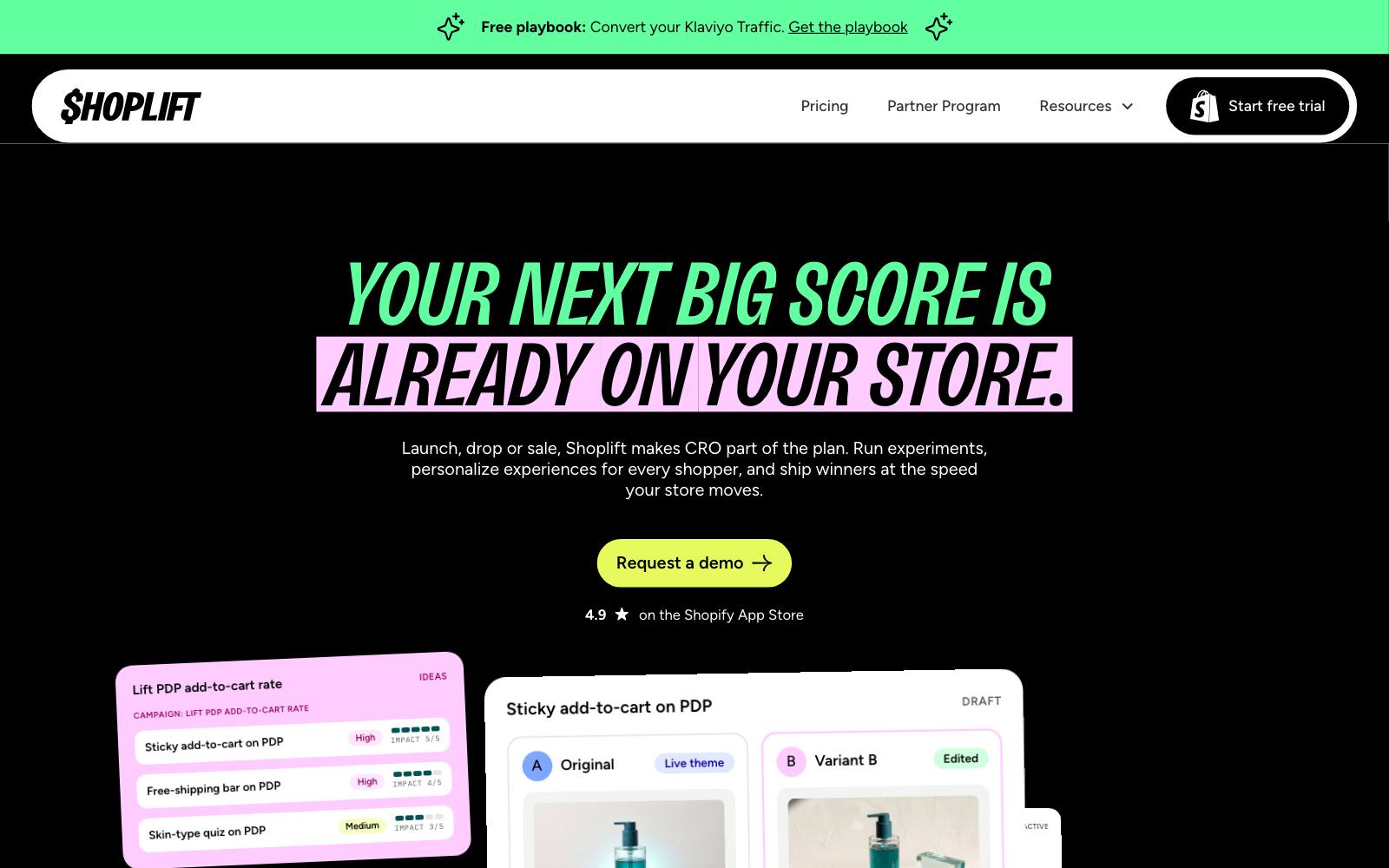
Best for: Shopify Plus stores that test themes and templates and want price tests in the same tool.
What it does: Shoplift is a no-code Shopify testing app for themes, templates and pages.
Price testing, including  Recharge subscription prices, sits on its Advanced plan.
Pricing is based on total monthly store visitors, not tested visitors.
Key features:
- Price tests on product prices and Recharge subscription prices
- Theme, template and page tests with a visual editor
- Advanced audience segmentation on Advanced
- Shopify Plus Certified App
Pros:
- Strong for stores that mostly test themes and add price tests later
- Clear visitor-based plans
- No-flicker setup, per its FAQ
Cons:
- Price testing starts at $399/month, four times the Core plan
- Tests pause if you go over your plan's visitor limit
- Advanced is listed for stores under 1M monthly visitors; larger stores need the annual-only top plan
Pricing: Core $99/month ($74 billed annually); Advanced, which includes price testing, $399/month ($299 billed annually); a higher annual-only tier from $699/month.
14-day trial on any plan. See Shoplift pricing and our Shoplift review.
Rating: 4.9 on the Shopify App Store (134 reviews).
In our archive: Three brands ran price increases on Shoplift.
HAIRtamin raised the Miracle Brush price by a few dollars and got higher revenue per visitor.
Minnow raised best sellers 10% and conversion held steady, and SAXX's 5% increase on one collection showed no change in conversion.
Both of those were flat, which is still useful: it means the extra margin came at no visible cost.
3. ABConvert
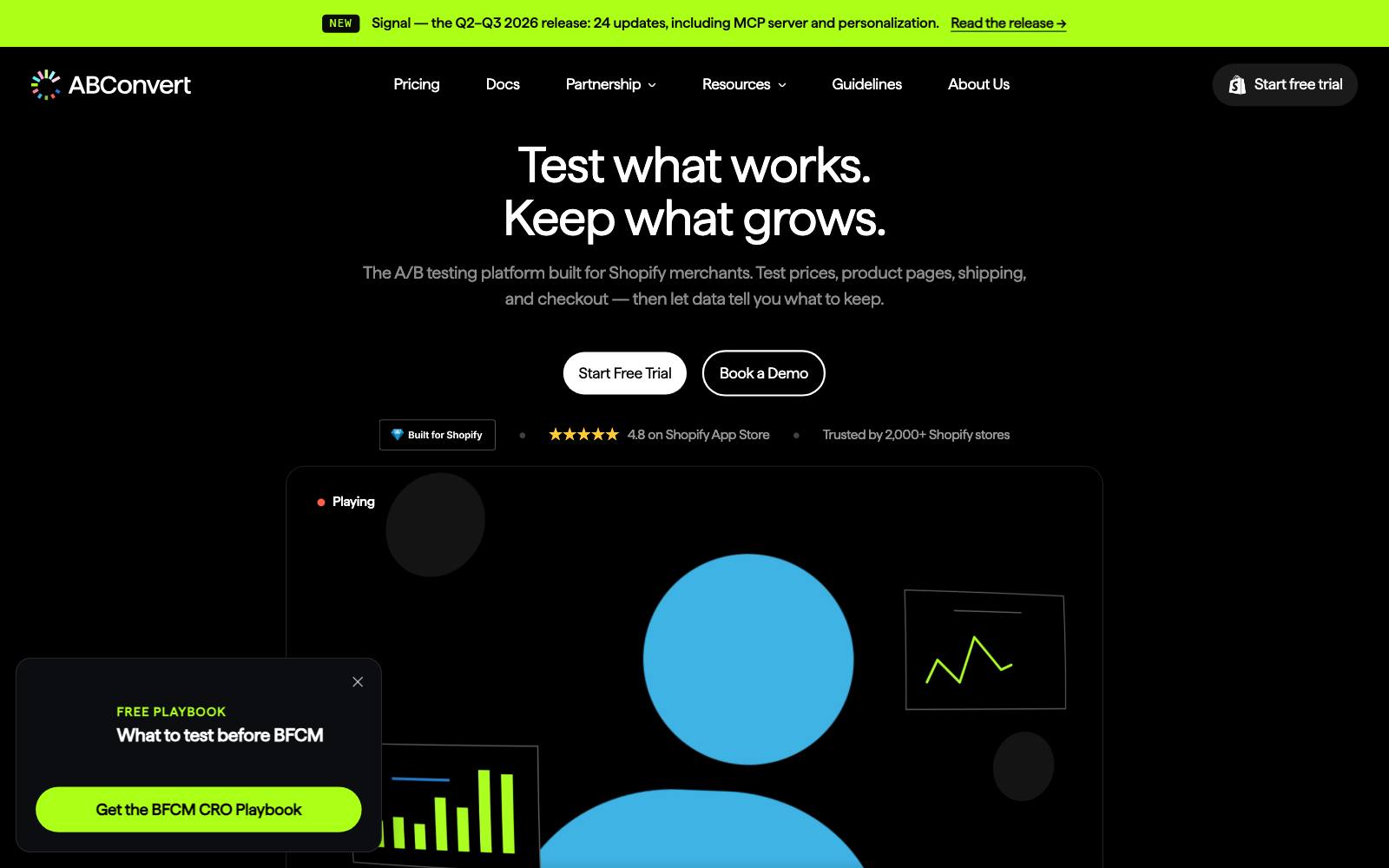
Best for: Shopify stores that want price, shipping and multi-market price tests month to month.
What it does: ABConvert is a Shopify testing app that covers price, shipping, offer, theme and template tests.
You pay a plan fee that includes a number of test orders, plus a fee per extra 1,000 test orders. Price tests start on the Growth plan.
Key features:
- Price tests and multi-market price tests (Growth and up)
- Shipping tests (needs a Shopify plan with the Carrier Service API)
- Offer and combined tests
- Mutually exclusive test groups on Growth
Pros:
- No minimum term on price testing
- You pay for test orders, not your whole store's traffic
- Many published price tests to learn from
Cons:
- Not included on the $99 Starter plan
- Order-based overage can add up for high-order stores
- New plan features apply to stores installed on or after November 2, 2026; existing customers switch on January 1, 2027
Pricing: Starter $99/month (1,000 test orders, no price tests); Growth $199/month (5,000 test orders, price tests); Scale $399/month; Pro $599/month.
14-day trial on all plans. See ABConvert pricing and our ABConvert review.
Rating: 4.7 on the Shopify App Store (84 reviews).
In our archive: ABConvert published both sides of a Levain Bakery test: a large price increase meant revenue per visitor fell, while a smaller one left revenue per visitor up slightly.
A puzzle store's 10% increase on selected products gave +6% AOV, +10% revenue.
4. Elevate A/B Testing
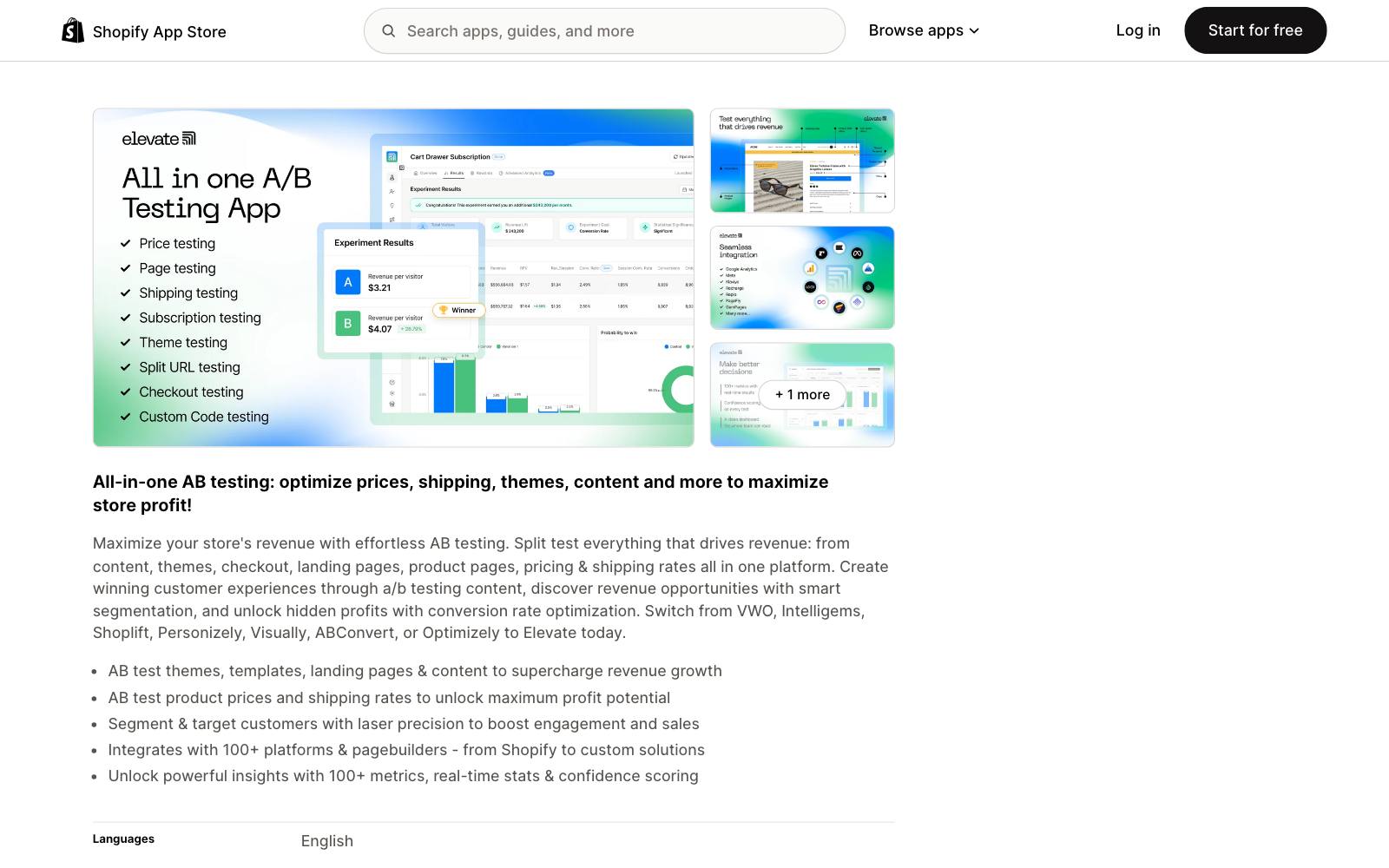
Best for: Smaller Shopify stores that want price and shipping tests at the lowest entry price.
What it does: Elevate is a Shopify testing app with template, theme, split URL and content tests on its base plan.
Its Standard plan adds price testing, subscription price testing and free-shipping threshold tests.
Multi-currency price tests sit on the top plan.
Key features:
- Price and subscription price tests (Standard)
- Free-shipping threshold and rate tests
- Profit metrics using your own COGS
- Bayesian stats engine
Pros:
- Cheapest price-testing plan we found among Shopify apps, at $99/month
- Price, shipping and checkout tests in one plan
- High rating across 145 reviews
Cons:
- Pricing scales with order volume, so the listed price is the floor
- Multi-currency price tests need the $499/month Premium plan
- No tests in our archive ran on it yet
Pricing: Basic $49/month (no price tests); Standard $99/month with price tests; Premium $499/month.
Yearly billing saves 40%. 14-day trial. See the Elevate app listing.
Rating: 4.9 on the Shopify App Store (145 reviews).
5. Shopify Rollouts
Best for: Shopify stores on Grow or higher that want a basic price experiment without another app.
What it does: Rollouts is Shopify's built-in tool for scheduling and testing store changes.
Experiments can switch a catalog on for part of your visitors, which changes the prices they see and pay in the online store, cart and checkout. It compares two versions with fixed metrics.
Key features:
- Catalog changes (prices and product availability) in an experiment
- Theme, discount and checkout configuration changes
- Built into Shopify admin
- Results cover online store, cart and checkout visitors
Pros:
- No app fee and no app script
- Prices apply at checkout because the change lives in Shopify itself
- Good first step before paying for a dedicated app
Cons:
- Experiments need the Grow plan or higher
- During an experiment, Google feeds and other channels can show a different price than your store
- No profit metrics or custom goals
- Headless storefronts are not covered by experiment results
Pricing: Included with Shopify. Experiments need Grow ($105/month billed monthly, $89 billed yearly) or higher. See Shopify pricing and the Rollouts requirements.
6. Convert
Best for: Teams that test a Shopify store and other sites, such as a SaaS marketing site, in one tool.
What it does: Convert is a general A/B testing platform that also lists Shopify price and shipping testing on every plan.
You can target price changes by product, collection, tag or pattern.
Plans are based on tested users per month.
Key features:
- Shopify price testing by product, collection, tag or pattern
- Shopify shipping and theme testing
- A/B, split URL and full-stack testing (full stack on Pro and up)
- 15-day free trial with no card
Pros:
- One tool for Shopify and non-Shopify sites
- Price tests included on the entry Growth plan
- Privacy-focused setup
Cons:
- $399/month entry price is high for a small store
- Overage of $399 per extra 100,000 tested users on Growth
- More setup than a Shopify-native app
Pricing: Growth $399/month or $299/month billed annually (100,000 tested users); Pro $599/month or $420/month billed annually; Enterprise on request.
See Convert pricing. Convert has an affiliate program, and we may earn a commission.
In our archive: Swanky ran a full-width percent-off banner on sale items in Convert and got +19% purchase conversion.
That is a discount display test, not a price change.
7. VWO (Wingify)
Best for: SaaS and lead gen sites testing how prices and plans are shown on the pricing page.
What it does: VWO, now part of the Wingify platform after its merger with  AB Tasty, runs A/B, split and multivariate tests on any site.
It changes what visitors see, so to test the price people actually pay you also need your billing system ( Stripe, for example) to charge the variant price.
Many SaaS teams use it to test plan layout, anchoring and displayed price points.
Key features:
- Visual and code editor
- Multi-armed bandit and rollout campaigns (Growth)
- Sample ratio mismatch detection and guardrail metrics (Pro)
- Server-side feature management on the wider platform
Pros:
- Works on any site, not just Shopify
- Large body of tests in our archive
- Strong stats and QA tools on higher plans
Cons:
- Prices are not published
- Does not charge the variant price for you; billing is your job
- Too much tool for a single small store
Pricing: Contact sales; the Wingify pricing page lists Growth, Pro and Enterprise features but no prices.
Wingify has an affiliate program, and we may earn a commission.
In our archive: PriceCharting tested the "Starts at" price shown beside a button in VWO.
Showing a lower price lost: $4 beat $2 and $1.
8. Superwall
Best for: Subscription apps that want to test paywall prices fast without an app release.
What it does: Superwall lets you build and change paywalls remotely and A/B test them, including the products and prices each group sees.
The subscription infrastructure is free; you pay only on revenue that comes through a Superwall paywall.
Key features:
- Paywall A/B tests with campaigns and audiences
- Remote paywall templates, no app update needed
- Localization (Startup plan)
- Free entitlements, purchase APIs and webhooks
Pros:
- Free to $10k monthly attributed revenue
- Price tests run on real App Store and Google Play products
- Many published app price tests
Cons:
- 1% of attributed revenue adds up at scale
- Each price point still has to be set up as a store product
- Dedicated account manager starts on Scale ($199/month)
Pricing: Indie $0 up to $10k MAR, then 1% of total MAR; Startup $49/month plus 1%; Scale $199/month plus 1%; Enterprise custom. See Superwall pricing and our Superwall review.
In our archive: Superwall published several price tests by its customers.
PropGPT raised its weekly price from $6.99 to $9.99 for +47.5% proceeds per user.
SellRaze went the other way, cutting the annual price from $59.99 to $44.99 for +10% ARPU.
9. RevenueCat
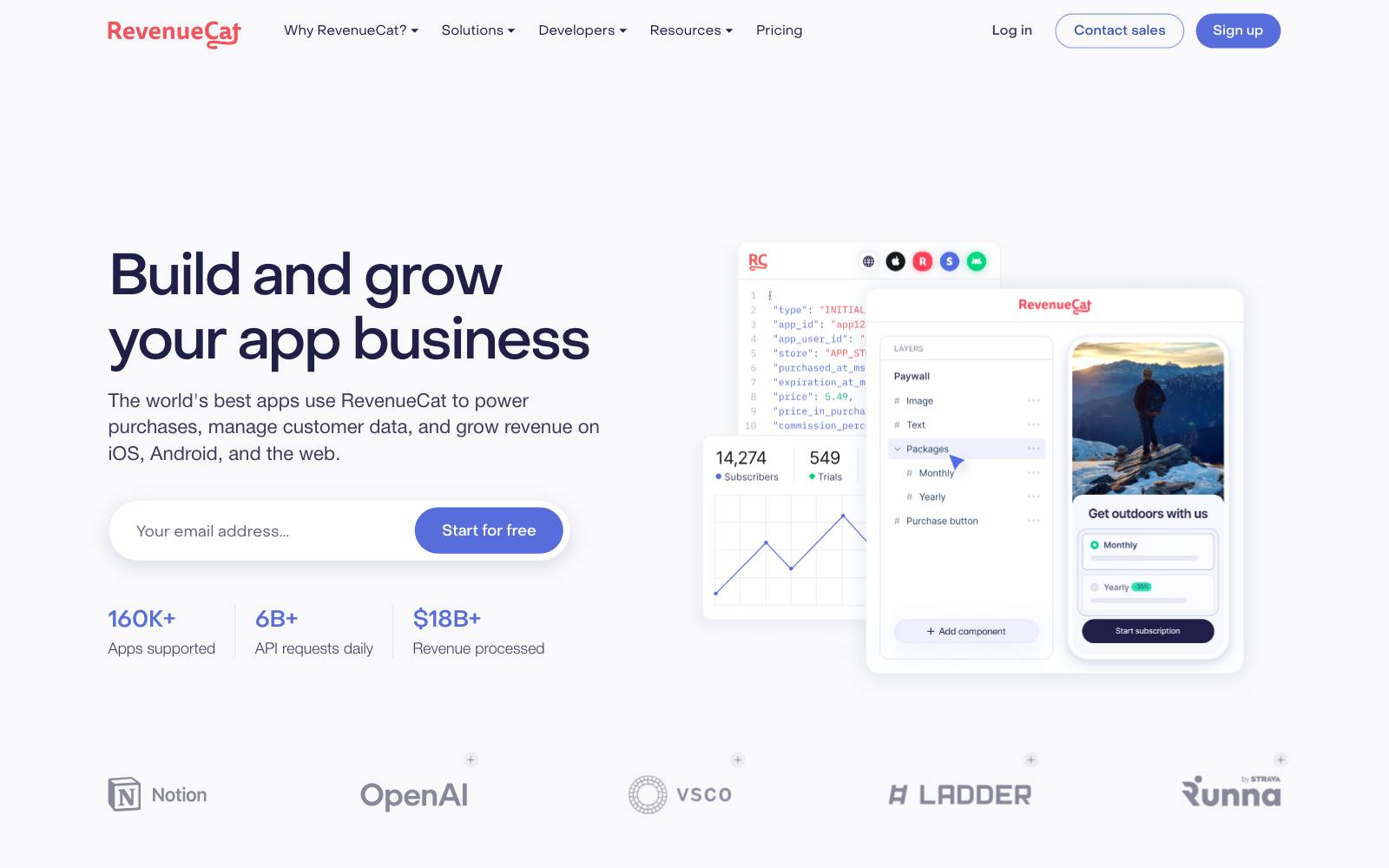
Best for: Apps that want subscription billing, analytics and price tests in one place.
What it does: RevenueCat is a subscription backend for iOS, Android and web apps.
It includes paywalls and A/B/n testing, so you can show different offerings with different prices to different user groups and compare revenue over time.
Key features:
- A/B testing with remote configuration and full-funnel analytics
- Paywall editor with templates
- Segmentation by audience and in-app placement
- Dashboards for 40+ metrics
Pros:
- Free up to $2,500 monthly tracked revenue
- All features on one plan
- Price tests read on revenue, not only conversion
Cons:
- 1% of tracked revenue once you pass $2,500
- Price tests need products set up in each store
- Enterprise terms need a sales call
Pricing: Free up to $2,500 in monthly tracked revenue, then 1% of what you track; Enterprise custom. See RevenueCat pricing and our RevenueCat review.
In our archive: RevenueCat tested a 30%-off web option next to in-app purchase on its own Dipsea app.
It lost: conversion to paying went 6.3% → 5.9%.
10. Adapty
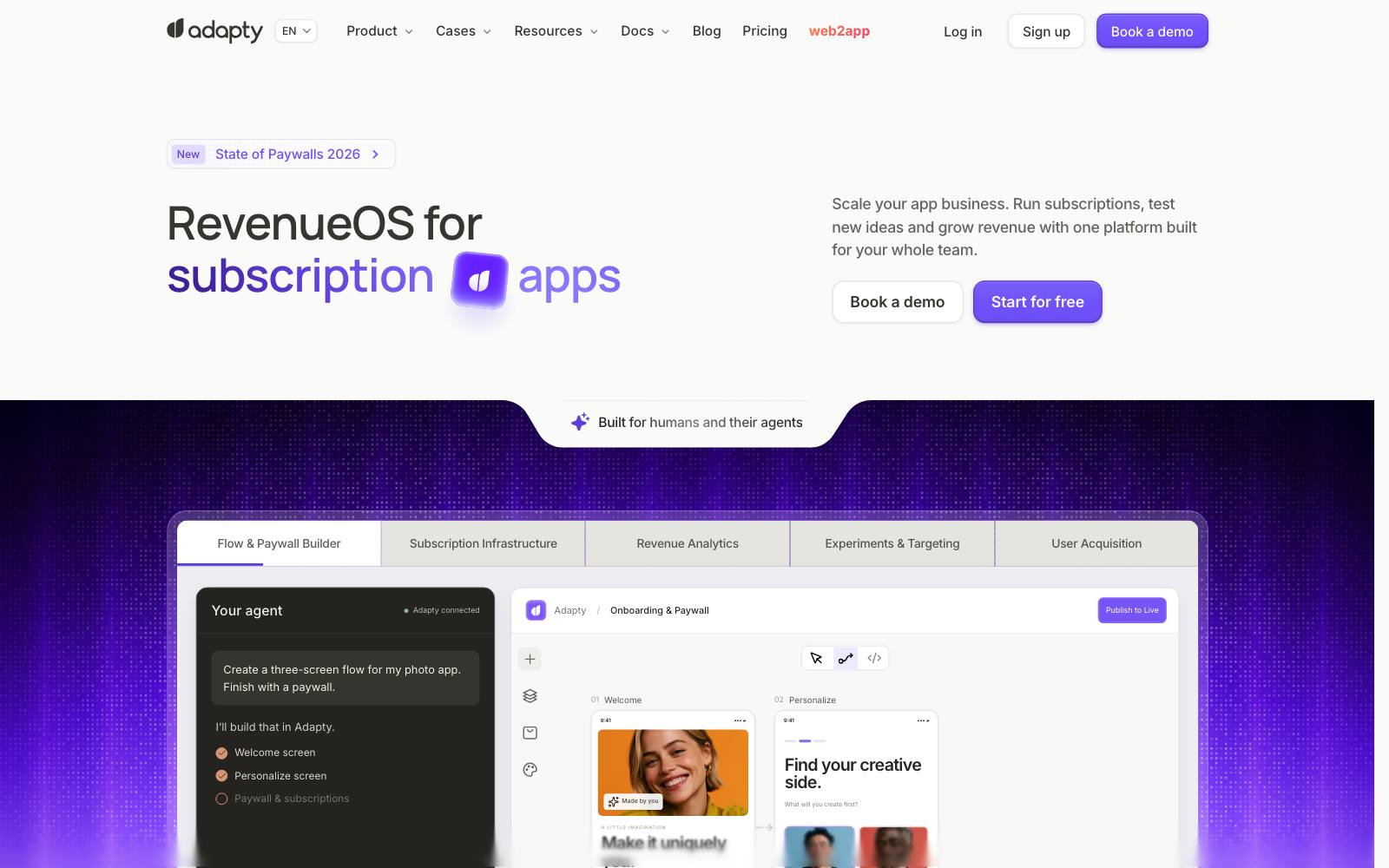
Best for: App teams that want price, paywall and onboarding tests with custom traffic splits.
What it does: Adapty is a subscription backend with a paywall builder and A/B testing.
Its pricing page lists A/B tests on pricing, paywalls and flows, with filters by country, platform and product.
Key features:
- A/B tests on pricing, paywalls and flows
- Custom traffic splits
- 50+ paywall templates plus an AI generator
- Breakdowns by country, platform, product and custom attributes
Pros:
- Free until $5K monthly revenue
- A/B tests on the free tier
- Data residency in the US or EU on Enterprise
Cons:
- 1% of tracked revenue after $5K/month
- Dedicated support and migration help are Enterprise only
- No tests in our archive name it as the tool
Pricing: Pro is free while you earn under $5K/month, then 1% of monthly tracked revenue; Enterprise is custom. See Adapty pricing.
11. Google Play price experiments
Best for: Android apps testing in-app product prices by country, at no cost.
What it does: Play Console has a built-in price experiments feature for in-app products.
You set up to two price variants against a control for chosen countries, and Play splits buyers and reports the result.
Key features:
- Up to two price variants and a control per experiment
- Up to 1,000 in-app products in one experiment
- Country-by-country tests to match local buying power
Pros:
- Free and native to Play Console
- Real charges through Google Play billing
- No SDK or third-party tool needed
Cons:
- Android only
- One experiment at a time per country
- Experiments can't be paused, and they end 14 days after a result is found
- Covers in-app products, not every subscription setup
Pricing: Free. See Google's price experiments help page.
Which one is right for you
Small Shopify store testing its first price
Start with Shopify Rollouts if you are on Grow or higher, since it costs nothing extra.
If you want profit metrics, Elevate Standard ($99/month) or ABConvert Growth ($199/month) are the cheapest dedicated options.
Shopify brand that tests prices every month
Intelligems, because price testing is its core product and it reports profit per visitor.
Shoplift Advanced fits if your team mostly tests themes and wants price tests in the same app. Our Intelligems vs Shoplift comparison goes deeper.
Brand selling in several currencies
ABConvert includes multi-market price tests from Growth. Intelligems needs Smart Pricing Unlimited or the Unlimited plan, and Elevate needs Premium.
Shopify plus other sites
Convert, because one plan covers Shopify price tests and A/B tests on your other domains.
SaaS or lead gen pricing page
VWO or Convert for the page, with your billing system set to charge the variant price. Test plan layout and displayed price first.
Subscription app
Superwall if paywall testing is the main need, RevenueCat if you also want the billing backend.
Add Google Play price experiments for free country-level tests on Android. See our paywall tools list for more.
What to look for in a price testing tool
- Real checkout prices: the buyer must be charged the price they saw, not just shown it.
- Profit or revenue per visitor as the main metric, because a higher price usually lowers conversion rate.
- Clear plan limits on price testing, since most tools lock it behind a higher tier or a minimum term.
- Multi-currency or country support if you sell in more than one market.
- Subscription price support (Recharge on Shopify, store products in apps) if you sell plans.
- Consistent pricing across channels, or at least a warning when ads and feeds will show a different price.
- A fair way to end the test, so you can roll out the winner or put every buyer back on one price quickly.
Before you start, use our sample size calculator to check you have the orders to reach a result.
Real price test results
These tests from our archive show the range: some price increases won, some were flat, and one large increase lost.
 ConvertiblesABConvertABConvert
Planner 5D tested its current price against two higher tiers on its paywall, with a result of +83% ARPU for the highest tier.
Price cuts can win too: Oliver Kenyon lowered a price and removed a free gift ($82 vs $85 + gift) for +46% CVR.
On the other hand, MarketingExperiments found that cutting an annual plan from $69.95 to $50 brought +19% subs but -15% revenue.
Watch out for
- Judging on conversion rate alone. A higher price that converts a little worse can still earn more per visitor, as the PropGPT and Minnow tests show.
- Mismatched prices across channels. Shopify warns that during an experiment your store can show different prices than Google feeds and other channels. Check your ads and marketplace listings.
- Customer complaints. Two people comparing notes may see different prices. Keep tests short, have a support reply ready, and honor the lower price if asked.
- App stacking. Running a price app, a theme testing app and a discount app at once can slow pages and make tests clash. Use one tool for price tests and check page speed.
- Discount dependence. Testing deep discounts can teach buyers to wait for sales. Test the list price itself as well as offers.
- Legal and store rules. Price tests in some markets and app stores have notice and fairness rules. Google Play, for example, limits how subscription price increases are rolled out to existing subscribers.
For more options beyond price tests, see our full list of A/B testing tools, the Shopify A/B testing apps roundup, or browse all tools.