



The best free A/B testing tools in 2026 are  GrowthBook and
 PostHog if someone on your team can write code, Mida if you want a visual-editor tool with a large free plan for a marketing site, and
 Shopify Rollouts if you run a Shopify store on the Grow plan or higher.
App teams should start with the free tests built into Firebase, Google Play and the App Store.
How we picked: we read each vendor's pricing page and docs in November 2026, checked public ratings where a store lists them, and matched each tool to tests in our archive. We have not used these tools ourselves.
Google Optimize, the old default free tool, shut down on September 30, 2023.
 VWO's free Starter plan is gone too: Wingify's pricing page lists only paid Growth, Pro and Enterprise tiers.
Every tool below has a free plan with no time limit, or is free to self-host. The limits are what set them apart.
| Tool | Best for | Starting price (as of November 2026) | Free plan or trial | Rating (source) |
|---|---|---|---|---|
| GrowthBook | Developer-led SaaS and product teams | Free; Pro $40/seat/month | Free cloud for 3 users, free self-hosted open source | Not verified |
| PostHog | Startups that want analytics, replay and tests together | Free; pay-as-you-go above limits | Free monthly allowance, no card | Not verified |
| Mida | Marketing sites that want a visual editor | Free; Growth from $224/month billed annually | Free for 100,000 tracked users, 3 live tests | Not verified |
| Shopify Rollouts | Shopify theme, price and discount tests | Included on Grow plan or higher | No extra cost on eligible plans | Not applicable |
 Statsig | Product teams that want strong stats on a free tier | Free; Pro $150/month | Free for 2M events a month | Not verified |
| Nelio A/B Testing | Small WordPress and WooCommerce sites | Free; Basic $39/month | Free for 500 tested page views a month | 4.8/5, 99 reviews (WordPress.org) |
| Firebase A/B Testing | Mobile apps | No cost | Free on the Spark plan | Not applicable |
| Google Play store listing experiments | Android store listings | No cost | Included in Play Console | Not applicable |
| Apple product page optimization | iOS App Store pages | No cost | Included in App Store Connect | Not applicable |
| Unleash | Engineers who want open-source flags with variants | Free; paid from $75/seat/month | Free open-source edition | Not verified |
For paid options with bigger feature sets, see our full list of A/B testing tools, or browse all the tools we cover.
The 10 best free A/B testing tools
1. GrowthBook
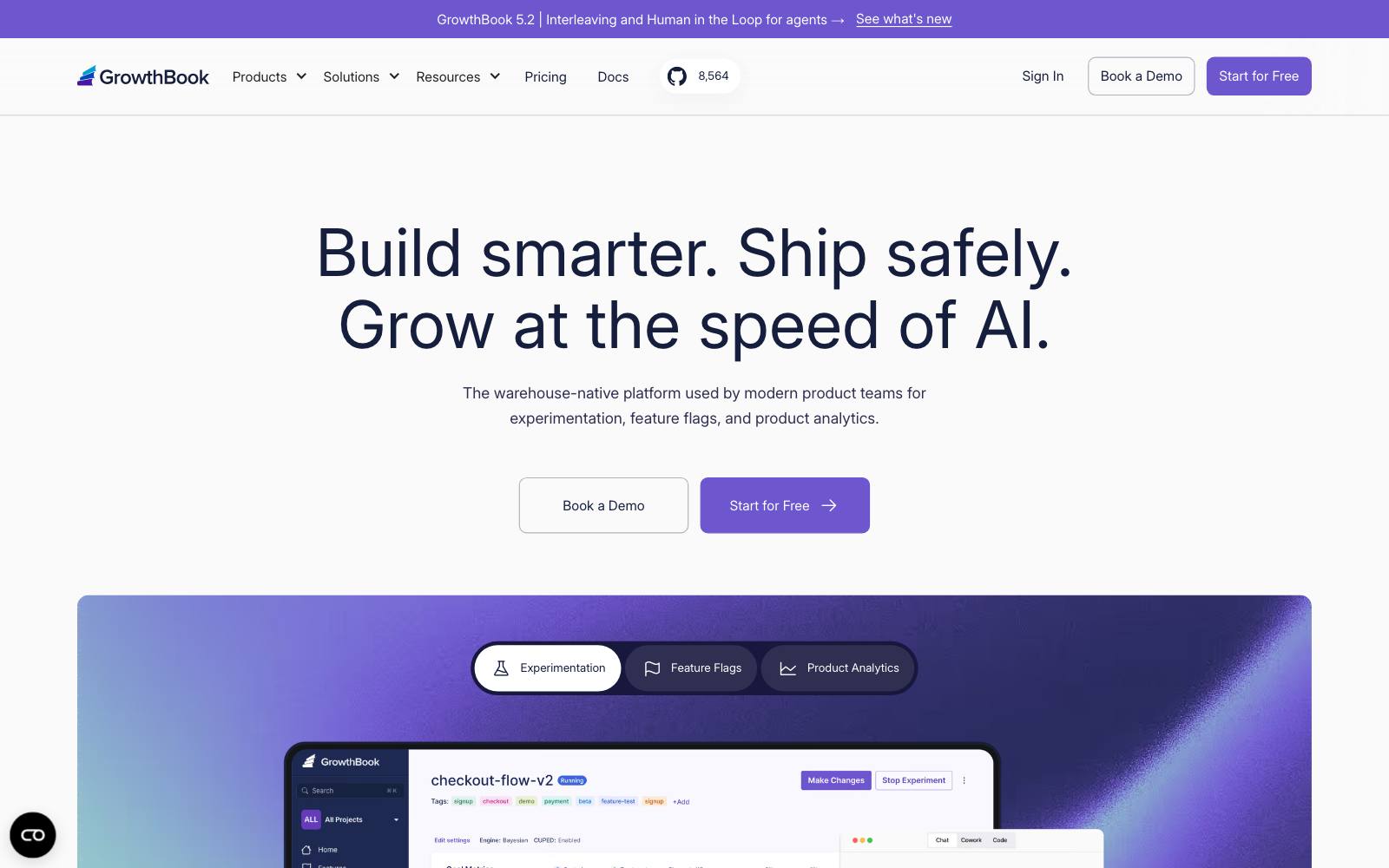
Best for: SaaS and product teams with a developer and, ideally, a data warehouse.
What it does: GrowthBook is an open-source feature flag and experiment platform.
Developers wrap a change in a flag, GrowthBook splits traffic, and results are calculated from your own warehouse or a managed one.
It is the closest thing to a full testing platform you can run for free.
Key features:
- Unlimited feature flags, experiments and traffic on the free plans
- Self-hosted open-source version with unlimited seats and 1 project
- Connects to your own data warehouse, so results come from data you already trust
- Open stats engine your data team can check
Pros:
- No traffic cap, which is rare among free tools
- Your data stays in your own stack if you self-host
Cons:
- The AI visual editor, sequential testing, CUPED, bandits and the power calculator are all on Pro or above
- Free cloud is capped at 3 users and 1 project, with 1M events a month on the managed warehouse
- Not for marketers who need to build variants without a developer
Pricing: as of November 2026, GrowthBook's pricing page lists Cloud Starter free (3 users, 1 project, no card), Pro at $40 per seat per month (up to 30 users, 3 projects), and custom Enterprise.
Extra managed-warehouse events cost $30 per million. Most of the code is open source, but some directories fall under a commercial license (GitHub). More detail in our GrowthBook review.
In our archive: GrowthBook suits product tests like this one: Patrick McKenzie cut a free trial from 15 to 8 cards and paid conversion went from 1.04% to 1.89%.
2. PostHog
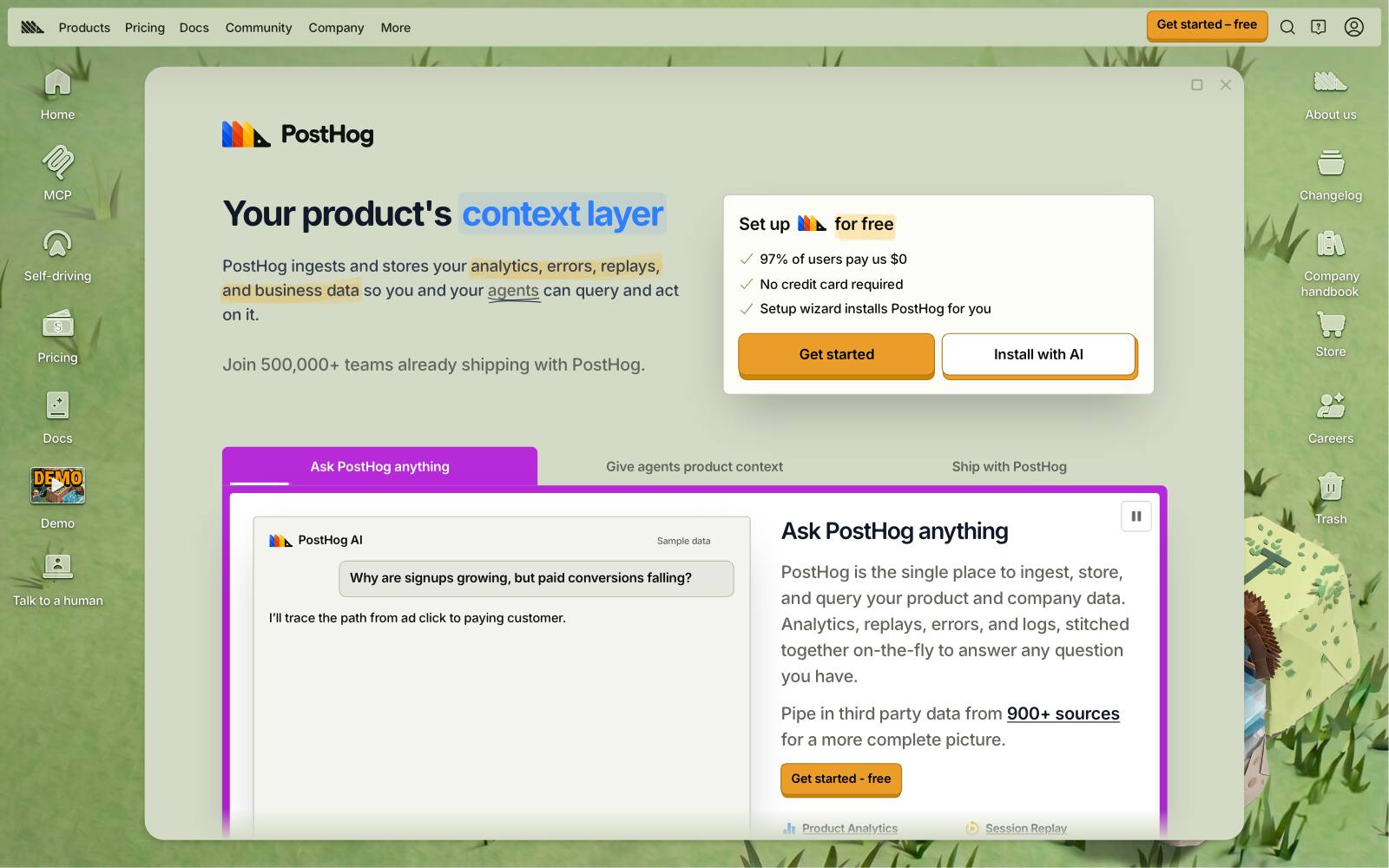
Best for: early-stage SaaS and app teams that want analytics, session replay, flags and experiments on one free tier.
What it does: PostHog is a product analytics suite with experiments built on its feature flags.
It also has no-code web experiments, built in its toolbar, for simple text, CSS and HTML changes.
Because results use events you already track, setup is quick if PostHog is your analytics tool.
Key features:
- 1M analytics events, 5,000 session replays and 1M feature flag requests free each month
- No-code web experiments through the toolbar
- Usage stops at the free limits, so you can't be billed by surprise
- Self-hosted Docker Compose version under an MIT license
Pros:
- One free tier covers research (replay, analytics) and testing
- No credit card and no time limit
Cons:
- The free plan has 1 project and 1-year data retention, and recordings are kept 1 month
- PostHog's docs say no-code experiments don't suit single-page apps (React, Vue, Angular), where re-renders can overwrite changes
- Self-hosted installs are officially unsupported, and paid features are cloud-only
Pricing: as of November 2026, PostHog's pricing page shows a free plan with the monthly allowance above, then pay-as-you-go rates per product.
Adding a card raises you to 6 projects and 7-year retention.
See the no-code experiments docs and our PostHog review.
In our archive: an onboarding test like AURUM's is the kind PostHog handles well: a floating onboarding checklist in a trial gave +187% activation.
3. Mida
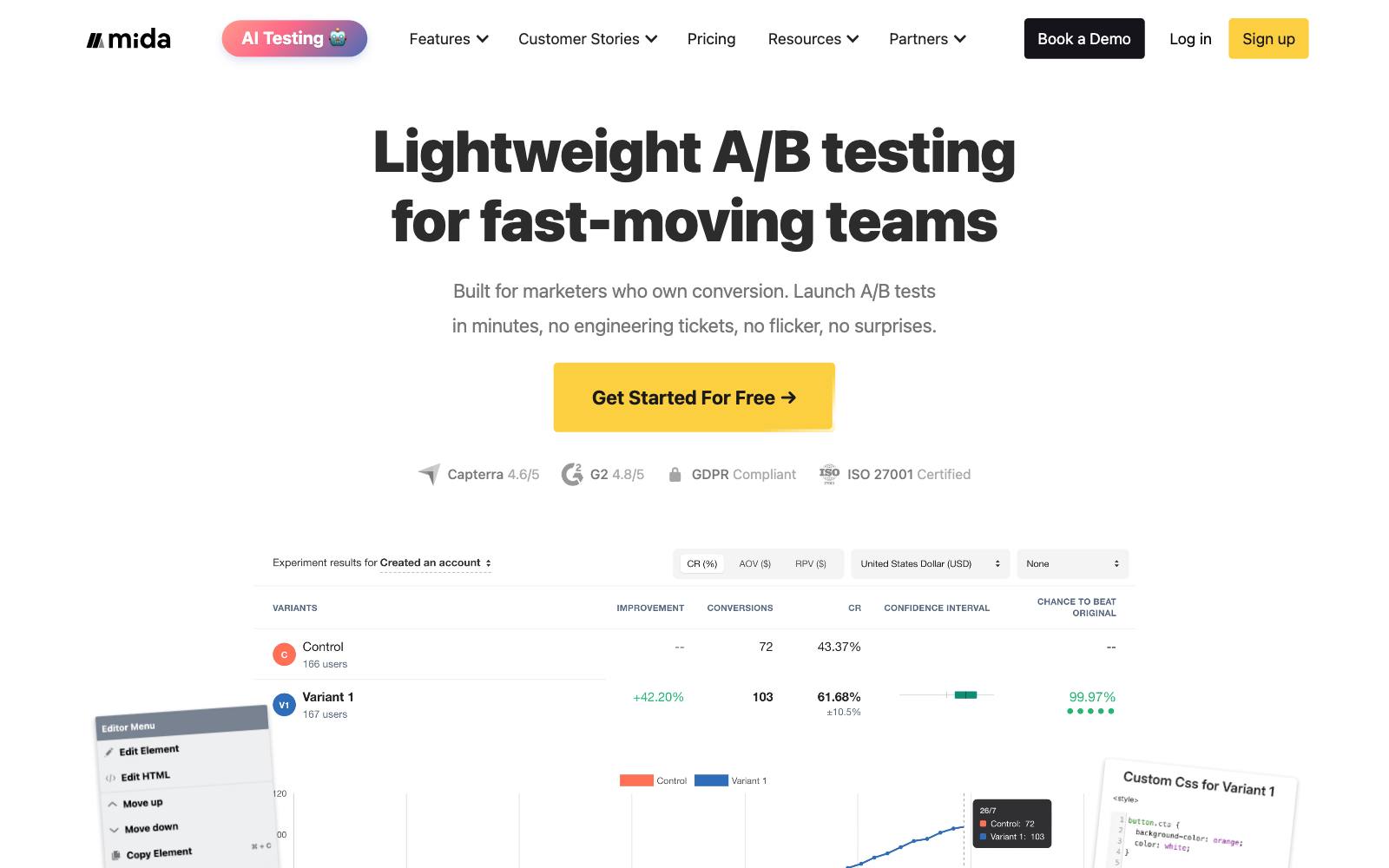
Best for: marketing, SaaS and ecommerce sites that want a visual editor and a free plan with room to grow.
What it does: Mida is a client-side A/B testing tool with a visual editor and surveys, and it also offers server-side SDKs.
Its free Sandbox plan has no time limit and counts only visitors who enter a test or see a survey.
Key features:
- Up to 100,000 monthly tracked users on the free plan
- 30 AI credits a month on the free plan
- Integrations for Shopify, WordPress and analytics tools
- REST API and server-side SDKs
Pros:
- A large visitor allowance: only visitors who enter a test or see a survey count
- No credit card needed
Cons:
- The free plan runs only 3 live tests per project, with 1 project
- Event tracking is capped at 50,000 events a day on the free plan
- Client-side changes can cause flicker if the script loads late
Pricing: as of November 2026, Mida's pricing page lists Sandbox free, a Growth plan shown at $224/month billed annually with a 15-day free trial (5 projects, unlimited event tracking), and Enterprise.
In our archive: Mida tested its own site: adding testimonials on the sign-up page raised sign-up completion by +56.94%.
4. Shopify Rollouts
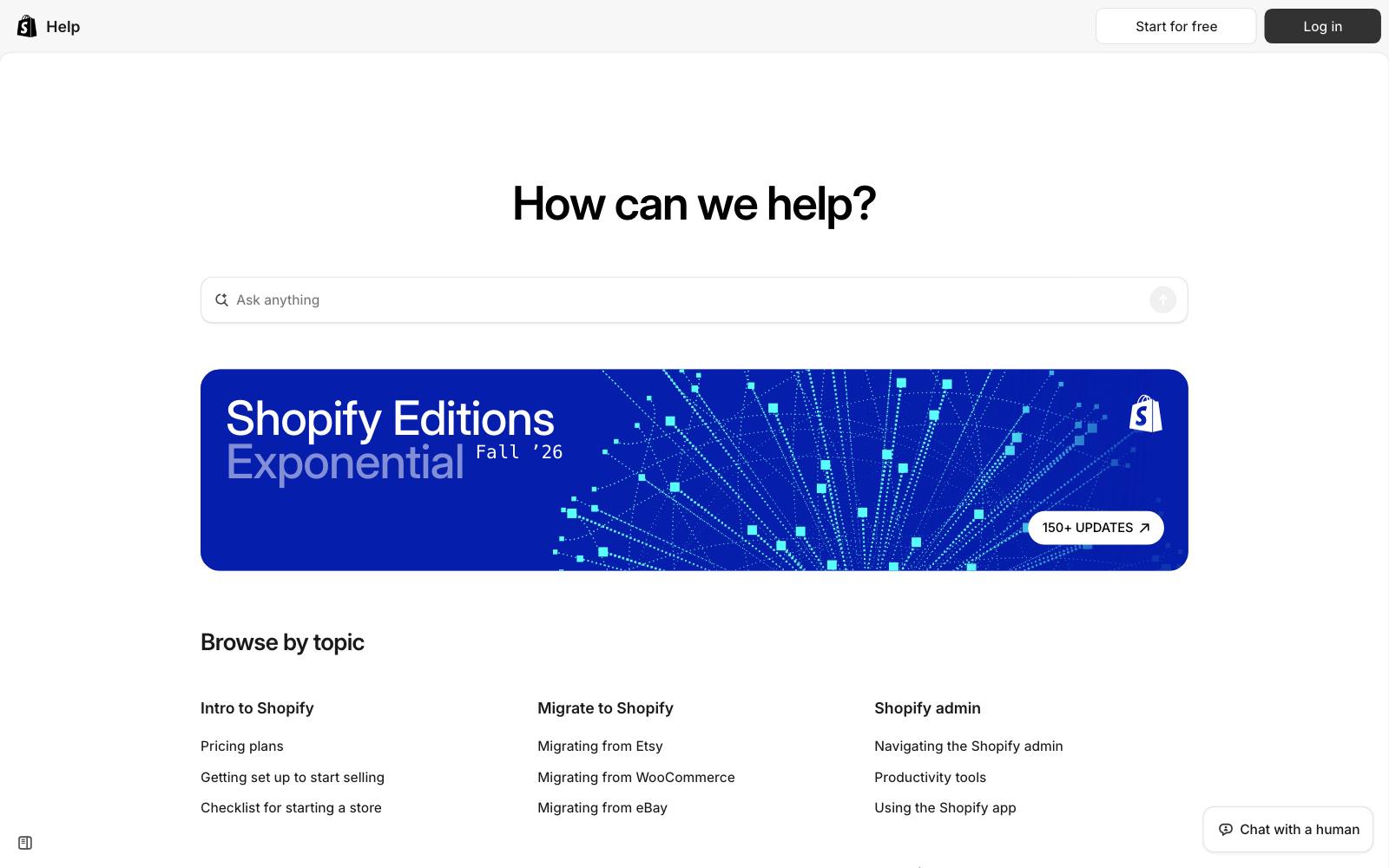
Best for: Shopify stores on the Grow plan or higher that want simple theme, price or discount tests.
What it does: Rollouts is built into Shopify admin.
An Experiment rollout splits visitors between a control and a treatment, 50/50 by default, and you can adjust the split.
You can test theme changes, catalog changes (prices and product availability), discounts, and checkout and customer account settings.
Key features:
- Theme, catalog, discount and checkout tests from Shopify admin
- Reports conversion rate and reached-checkout rate for theme experiments
- No extra app or script on your storefront
Pros:
- No added cost if you're already on an eligible plan
- Price tests through catalogs, which most free tools can't do
Cons:
- Only two versions (control and treatment), and you can't customize the metrics
- No vintage themes, no Liquid template changes, no headless storefronts
- During a catalog experiment, Google listings and other channels can show different prices from your store
- Not for stores on Basic, or anyone off Shopify
Pricing: included. Shopify's Rollouts requirements say experiments need the Grow plan or higher (rollout types).
If you outgrow it, compare Shopify A/B testing apps.
In our archive: whole-theme tests are where Rollouts fits.
Oliver Kenyon ran a full theme test of the homepage, collections, menu and subscriptions for BLD BRO, worth +£281,417 annual revenue.
Kasper Dolk's new theme with a BOGO offer raised revenue per visitor +41.85% (£1.08 to £1.54).
5. Statsig
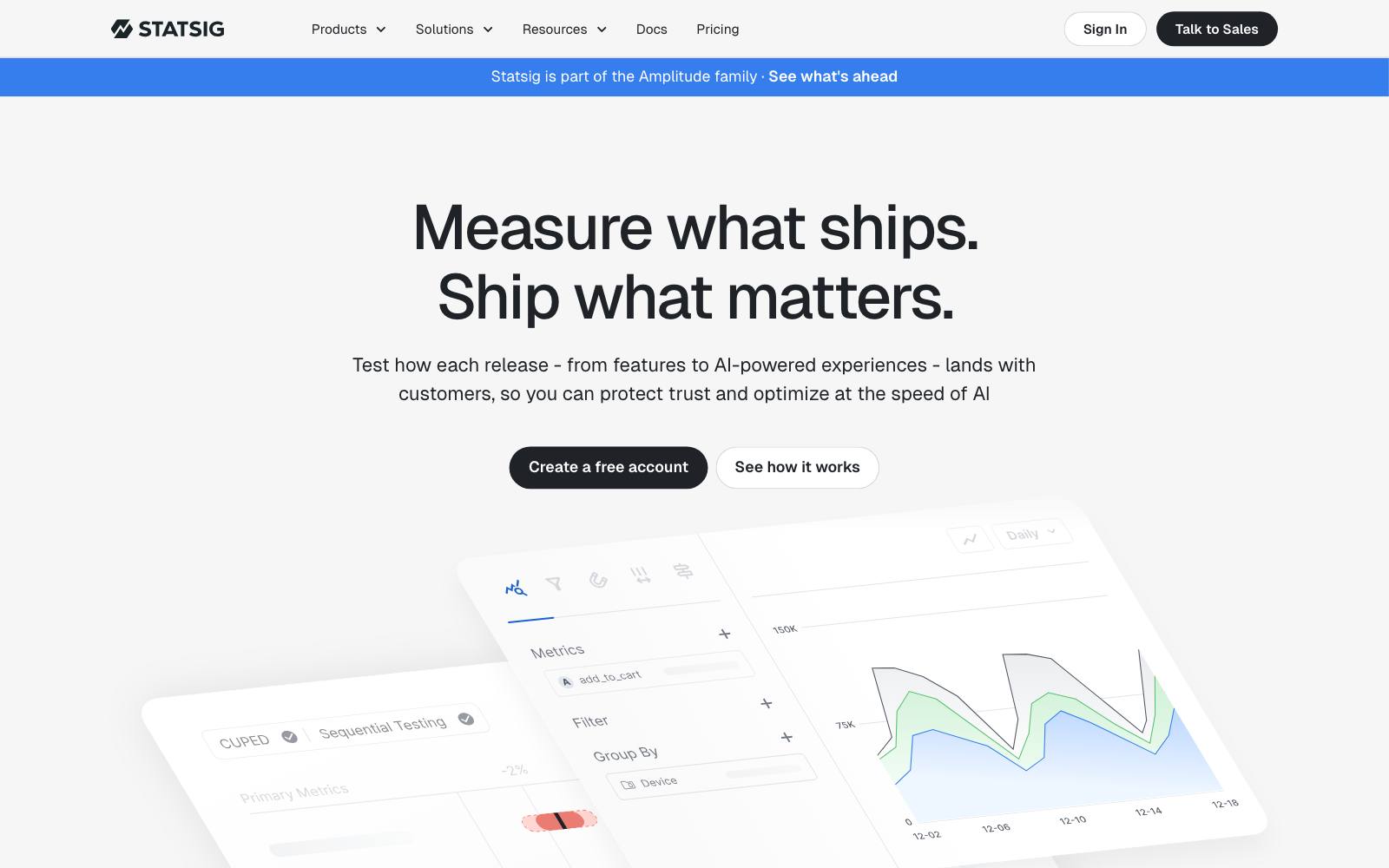
Best for: SaaS and app product teams that want serious experiment statistics on a free tier.
What it does: Statsig combines feature flags, A/B tests, product analytics and session replay.
Its free Developer plan includes A/B tests and unlimited seats, with a monthly event allowance.
Key features:
- 2M events a month free, with unlimited flag and config checks
- 50,000 session replays a month on the free plan
- Unlimited seats and 1-year analytics retention
Pros:
- Higher free event limit than PostHog's 1M
- No seat cap, unlike GrowthBook's free cloud
Cons:
- "Advanced experimentation" features sit on Pro at $150/month
- Its future is less settled: Amplitude announced a strategic partnership on May 5, 2026 under which it takes on Statsig's brand and customers, and plans a more integrated roadmap for the two platforms
- Built for code-based tests, so it's not for marketers working alone
Pricing: as of November 2026, Statsig's pricing page lists Developer free, Pro at $150/month (5M events, then $0.05 per 1,000), and Enterprise.
Amplitude says it will keep supporting existing customers. See our Statsig review.
In our archive: plan and trial tests like Acuity Scheduling's are typical Statsig work: a 14-day Pro trial instead of a free-forever plan brought +268% paid sign-ups.
6. Nelio A/B Testing
Best for: small WordPress and WooCommerce sites.
What it does: Nelio is a WordPress plugin that tests pages, posts and WooCommerce product details from the WordPress dashboard.
It also includes heatmaps. Results show conversion rates and confidence levels.
Key features:
- 500 tested page views a month on the free version
- WooCommerce product tests on titles, descriptions, images and prices
- Heatmaps and conversion goals in the same plugin
Pros:
- Works inside WordPress, so no separate editor to learn
- Only visits to tested pages use quota, not all traffic
Cons:
- 500 tested page views is too few to finish most tests; treat the free plan as a trial
- WordPress only
- Some WordPress.org reviewers complain that the free version feels like a locked-down trial
Pricing: as of November 2026, Nelio's pricing page lists Basic at $39/month (5,000 tested page views, 1 site), Professional at $149/month (50,000, 5 sites) and Enterprise from 200,000, with 20% off yearly billing and a 30-day refund.
More options in our WordPress A/B testing plugins list.
Rating: 4.8 out of 5 from 99 reviews, with 4,000+ active installs, on WordPress.org.
In our archive: lead-gen form tests fit a plugin like this.
The Reference added a student testimonial above a brochure form for Hotel Institute Montreux and got +50% submissions.
7. Firebase A/B Testing
Best for: iOS and Android apps already using Firebase.
What it does: Firebase A/B Testing runs experiments through Remote Config (app behavior and UI), Cloud Messaging and In-App Messaging.
Goals are Google Analytics events or conversion funnels, and you can target users by Analytics user properties.
Key features:
- Test onboarding, paywall and feature changes without a new app release, via Remote Config
- Test push and in-app message variants
- Users stay in their variant for the life of the experiment
Pros:
- Listed as "No-cost" on Firebase's pricing page, with no payment method needed on the Spark plan
- Uses Analytics data your app may already collect
Cons:
- Requires Google Analytics for Firebase in your app
- New audiences can take 24-48 hours to fill, per the docs
- Not for websites
Pricing: no cost, per Firebase pricing as of November 2026. See the A/B Testing docs and our list of app A/B testing tools.
In our archive: AEZAKMI Group tested six onboarding flows and moved conversion from 0.8% to 1.29% (+61%), with ARPU up from $0.12 to $0.14 (+16%).
8. Google Play store listing experiments
Best for: Android apps testing icons, screenshots and descriptions.
What it does: Store listing experiments in Play Console show up to 2 variants of your listing against the current one.
You can test the icon, feature graphic and screenshots in your default language, or add descriptions in up to five localized experiments.
Key features:
- One default graphics experiment or up to five localized experiments at a time
- Results by install clicks, open clicks or pre-registration clicks
- Built into Play Console, no SDK
Pros:
- No setup beyond uploading assets
- Tests the first thing new users see
Cons:
- Store page only, not anything inside the app
- Measures clicks, not retention or revenue
Pricing: part of Play Console; Google's help page lists no fee.
9. Apple product page optimization
Best for: iOS apps testing icons, screenshots and preview videos.
What it does: Product page optimization in App Store Connect tests up to 3 treatments against your original product page, for up to 90 days.
Results show impressions, conversion rate, improvement and confidence level.
Key features:
- Test icons, screenshots and app previews
- Choose what share of traffic sees the test
- Apply the winning treatment to your live page
Pros:
- Built into App Store Connect at no extra charge
- Up to 3 treatments in one test
Cons:
- New metadata must pass App Review, and alternate icons must ship in the app binary
- You can't edit a test once it starts
Pricing: included with an Apple developer account; Apple's page lists no added cost.
10. Unleash
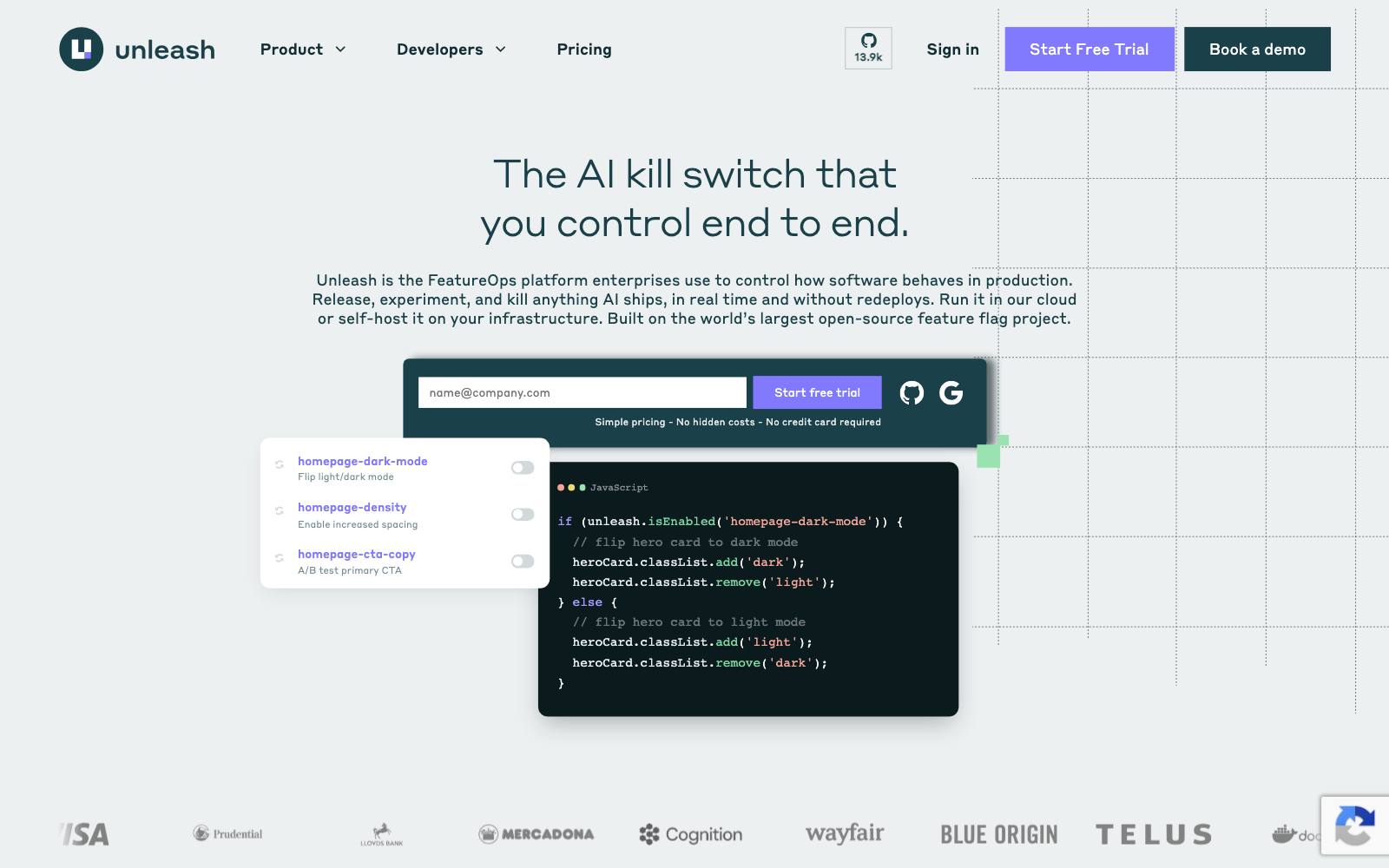
Best for: engineering teams that want self-hosted, open-source feature flags with A/B variants.
What it does: Unleash is an open-source feature flag platform under the AGPL-3.0 license (GitHub).
Flag variants let you split users for A/B/n tests on every plan.
You analyze the results in your own analytics tool.
Key features:
- A/B/n testing with flag variants on the free edition
- 1 project, 2 environments and 5,000 flags per instance, with no seat limit
- Backend SDKs evaluate flags locally
Pros:
- Fully self-hostable with no seat cap
- A good fit if you already have analytics and only need assignment
Cons:
- No built-in stats engine for experiment results, so you need someone who can analyze them
- The free edition lacks SSO, role-based access, change approvals and a support SLA
- Not for marketers
Pricing: as of November 2026, Unleash's pricing page lists the free open-source edition and Pay-As-You-Go at $75 per seat per month, with a 14-day trial.
Compare flag tools in our feature flag tools list.
Which one is right for you
Shopify store
Start with Shopify Rollouts if you're on Grow or higher.
If you need profit metrics or more than two versions, use Mida's free plan or move to a paid app.
WordPress or WooCommerce site
Nelio for a first look, but plan on Basic once tests need real traffic.
Mida is the free option with more room.
SaaS with developers
GrowthBook if you have a warehouse and want no traffic cap.
PostHog if you want analytics and replay in the same free tier.
Lead-gen or marketing site, no developer
Mida. It has a visual editor and a free plan, while GrowthBook's visual editor is paid.
Check that the features you need are on Mida's free Sandbox plan before you build on it.
Mobile app
Firebase A/B Testing for in-app changes, plus Google Play and Apple's own tests for the store page.
What to look for in a free A/B testing tool
- The real limit: check whether the cap is on visitors, events, page views, live tests or seats, and which one you'll hit first.
- Who builds the variant: a visual editor lets marketers work alone; flag-based tools need a developer for every test.
- Revenue metrics: for ecommerce, a tool that only reports clicks or conversion rate can hide a loss in order value.
- Which stats features are paid: sequential testing, CUPED and power calculators are often on the paid tier.
- Flicker and speed: client-side scripts can show the original page first; server-side and native tools avoid it.
- Data ownership: open-source, self-hosted tools keep raw data in your stack, at the cost of running servers.
- A path to paid: know what the next tier costs before you build your process around a free one.
Real test results
A free tool can run all of these tests.
What decides the outcome is the idea and enough traffic, and not every test wins: Stardust's yearly-only paywall lost on both conversion and proceeds per user.
 @oliverkenyon
 Mida
Watch out for
- Too little traffic: a free plan doesn't fix a small sample. Nelio's 500 tested page views a month won't settle a small lift. See A/B testing with low traffic.
- Uneven splits: check that your traffic actually splits as planned before trusting a result; our guide to sample ratio mismatch explains how.
- Script stacking: adding a free testing script on top of analytics, replay and review apps slows pages, and speed changes can swing results on their own.
- Self-hosting costs: open source is free to download, not free to run. Servers, upgrades and fixes are your job.
- Free tiers change: VWO's free plan disappeared and Statsig's brand and customers moved to Amplitude. Keep your test history somewhere you control.
When you outgrow a free plan, paid tools with free trials are the next step:
Moving off the old Google tool? Our Google Optimize alternatives page compares free and paid replacements.