



To A/B test a WordPress site, you either install a plugin that runs the test inside WordPress, or add a testing tool's script to your pages.
For most small and mid-size sites, Nelio A/B Testing is the best place to start: it is free up to 500 tested page views a month, it was updated in late October 2026, and it can test WooCommerce products.
Once you have more traffic or a dedicated testing team, a script-based tool like  Convert or
 VWO gives you stronger targeting and reporting.
How we picked: we have not used these tools ourselves.
This list is based on vendor pricing pages and docs, WordPress.org listings (checked for recent updates), and the real tests in our archive.
Convert and VWO links may be affiliate links, so we may earn a commission if you buy; see our disclosure.
| Tool | Best for | Starting price (as of November 2026) | Free plan or trial | Rating (source) |
|---|---|---|---|---|
| Nelio A/B Testing | Most WordPress and WooCommerce sites | $39/month (Basic) | Free plan, 500 tested page views/month | 4.8/5, 99 ratings (WordPress.org) |
| AB Split Test | Page builder users who want unlimited sites | $49/month or $399/year | Free Lite version, 7-day Teams trial | Not verified |
| Split Hero | Simple page tests on many sites at one flat price | $29/month | 14-day trial, no card | Not verified |
| Thrive Optimize | Thrive Architect users | Thrive Suite $299 first year, then $599/year | 30-day money-back guarantee | Not verified |
| Convert | Higher-traffic sites with strict privacy needs | $299/month billed yearly | 15-day trial, no card | Not verified |
| VWO (Wingify) | Teams that want testing and research in one tool | Contact sales | 30-day free trial, no card | 3/5, 6 ratings (WordPress.org plugin) |
 GrowthBook | Developers and teams on a tight budget | Free (open source or cloud Starter) | Free plan up to 3 users | Not verified |
 Optimizely | Large companies running WordPress at scale | Contact sales | Not stated | Not verified |
The 8 best WordPress A/B testing plugins and tools
The first four run inside WordPress. The last four are script-based tools that work on any site, WordPress included.
If you also need a page builder, see our list of WordPress landing page builders.
1. Nelio A/B Testing
Best for: most WordPress sites, from blogs and lead-gen sites to WooCommerce shops, that want to test without leaving the dashboard.
What it does: Nelio is a native WordPress plugin.
You create a test from the dashboard, pick an alternative version of a page, post, headline, theme or product, and set a conversion goal.
Results show conversion rates and confidence levels in WordPress.
Key features:
- Tests pages, posts, headlines, themes, menus and CSS
- WooCommerce product tests on titles, descriptions, images and prices
- Heatmaps alongside tests
- Segmentation by device, referrer, location or behavior
- Multisite support
Pros:
- Free plan to learn on, with paid plans when you need more traffic
- Actively maintained: version 8.5.7 was released October 26, 2026, and it is tested up to WordPress 7.1.4 per its WordPress.org listing
- Works with Gutenberg, Elementor and other editors, so you build variants in the editor you already use
- Its listing says it is built to work with WordPress caching setups, a common problem for in-WordPress testing
Cons:
- The free 500 tested page views a month is shared across tests, so in practice it covers one small test
- Pricing is based on tested page views, which gets expensive on high-traffic sites
- For subscriptions or complex pricing extensions, the plugin's own FAQ tells you to check compatibility before testing prices
Pricing: as of November 2026, Nelio's pricing page lists Basic at $39/month (5,000 tested page views, 1 site) and Professional at $149/month (50,000 tested page views, 5 sites). Enterprise is custom. Yearly billing saves 20%.
Rating: 4.8 out of 5 from 99 ratings on WordPress.org, with 4,000+ active installs.
Not for: sites with very high traffic, where per-page-view pricing climbs fast.
2. AB Split Test
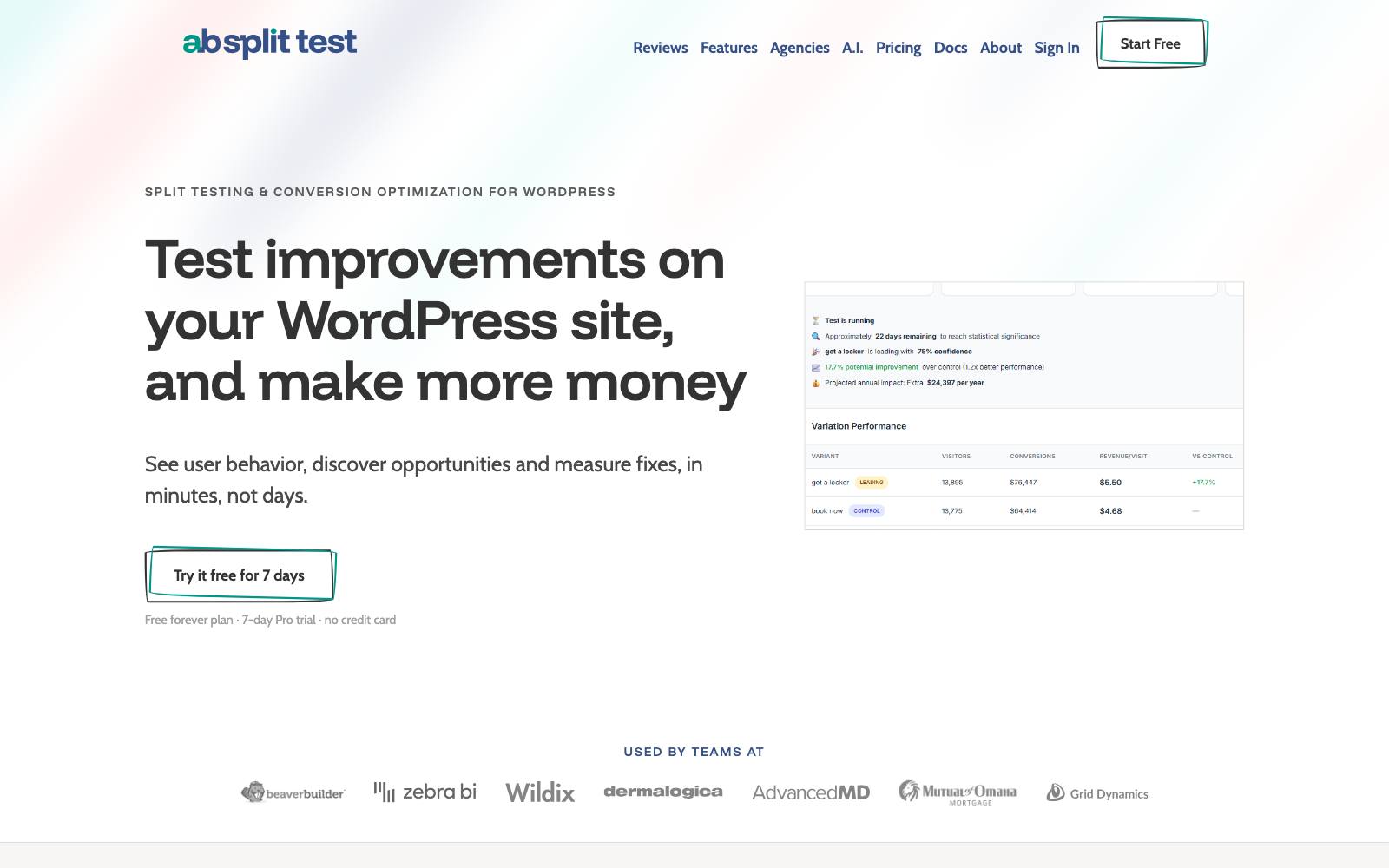
Best for: freelancers and agencies who build in Elementor, Bricks, Beaver Builder or the block editor and run tests on many client sites.
What it does: AB Split Test runs tests inside WordPress, with point-and-click tests on the page you are viewing and full-page split tests.
It is sold from its own site rather than the WordPress.org directory.
Key features:
- Works with Elementor, Beaver Builder, Blocks, Bricks, WPBakery, Breakdance and Oxygen
- WooCommerce and Easy Digital Downloads support on paid plans
- Heatmaps and session replays
- An AI assistant (60 requests a month on yearly and monthly plans)
Pros:
- Unlimited sites on one license, and no traffic-based pricing
- A lifetime license is available
- Free Lite version for one test
Cons:
- Lite is very limited: 1 active test, 1 variation and 1 goal type, with no analytics integrations or ecommerce features
- Not in the WordPress.org directory, so there are no public install counts or reviews there to check
- Prices on the page during our check were November sale prices, so the regular price may differ when you look
Pricing: as of November 2026, AB Split Test's pricing page lists Teams at $49/month or $399/year (shown at $299 during a November sale), and a lifetime license at $999 (shown at $799 during the sale).
Not for: anyone who wants the reassurance of a public WordPress.org review history.
3. Split Hero
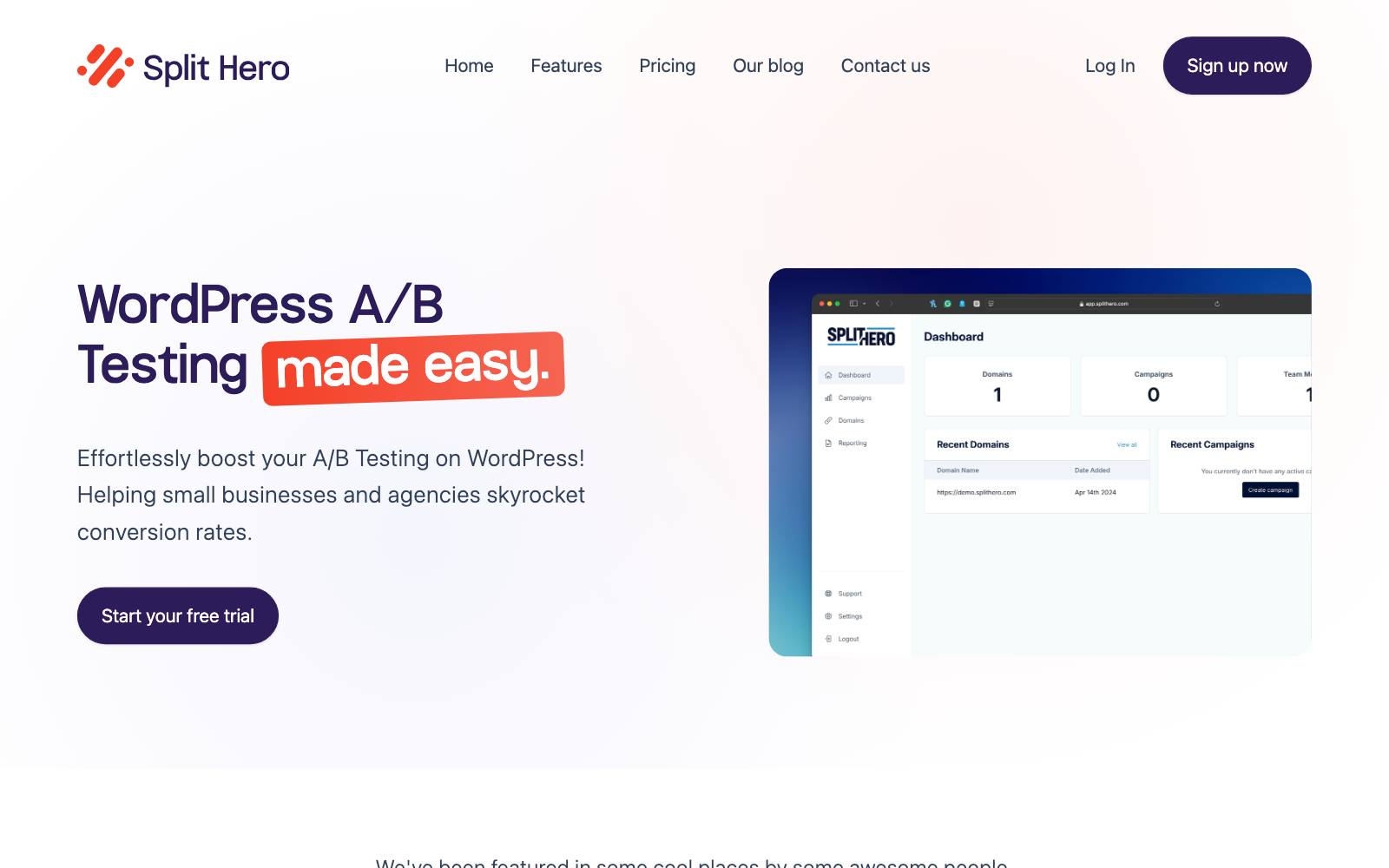
Best for: marketers who run a few simple page tests at a time across several WordPress sites.
What it does: Split Hero is a hosted testing service for WordPress only.
A plugin connects your site to the Split Hero platform, where you set up campaigns that split visitors between page versions.
Key features:
- Unlimited sites, page views and visitors on every plan
- Campaign reports, with white-label reports on the top plan
- Plans are priced by the number of active campaigns
Pros:
- Flat monthly price that doesn't grow with your traffic
- 14-day trial with no card required
Cons:
- The Starter plan allows just 1 active campaign
- Refunds are case by case and only if the platform malfunctions, per the pricing page
- WordPress only, so it won't follow you if you move platforms
Pricing: as of November 2026, Split Hero's pricing page lists Starter at $29/month (1 active campaign), Basic at $49/month (3) and Premium at $99/month (10).
Not for: teams that want to run many tests at once or need advanced targeting.
4. Thrive Optimize
Best for: solo marketers and course creators who already build pages in Thrive Architect.
What it does: Thrive Optimize adds A/B testing to landing pages built with Thrive Architect.
You duplicate a page, change the variant in the same editor and send traffic to both. It comes as part of Thrive Suite.
Key features:
- Landing page A/B tests from inside Thrive Architect
- Bundled with Thrive's other plugins, including Thrive Leads, Thrive Quiz Builder and Thrive Apprentice
- Built for people who don't write code
Pros:
- Building and testing in one bundle, with one bill
- 30-day money-back guarantee
Cons:
- Tied to Thrive Architect pages, so it isn't for Elementor or block editor sites
- Renewal doubles: the first year is introductory pricing
- Focused on landing pages, not WooCommerce product tests
Pricing: as of November 2026, Thrive Suite is $299 for the first year, renewing at $599/year, or $149 a quarter.
In our archive: landing page variants are where tools like this help most.
AGConsult built separate landing pages per audience with benefit-led copy for the Yoast SEO plugin and reported +118% revenue.
Several changes shipped together, so it is a bundled result.
Not for: anyone not already using, or planning to use, Thrive Architect.
5. Convert
Best for: growing ecommerce, SaaS and lead-gen sites that want a serious testing tool and care about privacy.
What it does: Convert is a script-based testing platform for A/B, split URL and multivariate tests, with a visual editor.
On WordPress you add its tracking script to every page, either with Convert's plugin or a header-script plugin. More in our Convert review.
Key features:
- A/B, split URL and multivariate tests
- The WordPress plugin passes page type, categories and tags to Convert for targeting
- Monthly tested-user limits with overage you can switch off
Pros:
- Works on WordPress and any other platform you move to
- 15-day trial, and nothing bills automatically when it ends
- Many real tests in our archive ran on it
Cons:
- A big step up in price from the plugins above
- Its WordPress plugin was last updated August 3, 2025 and is listed as tested up to WordPress 6.8, per WordPress.org. Pasting the script with a header plugin avoids depending on it
- Client-side scripts can cause flicker if set up badly (see flicker effect)
Pricing: as of November 2026, Convert's pricing page lists Growth at $299/month billed yearly or $399 monthly, and Pro at $420/month yearly or $599 monthly, each with 100K tested users a month. Enterprise is price on request.
In our archive: Sculpt Digital ran a checkout test for a UK WooCommerce store on Convert.
Making express delivery easier to spot and making  Stripe the preferred payment raised revenue per user by +16.01%. Both changes shipped together.
Not for: small sites with a few thousand visitors a month; the plugins above cost far less.
6. VWO (Wingify)
Best for: teams that want A/B testing plus heatmaps, recordings and surveys in one place.
What it does: VWO, now sold under the Wingify name, is a script-based testing and research platform.
Its WordPress plugin adds the code and tracks WooCommerce events (product views, add to cart and purchases) automatically. See our VWO review.
Key features:
- Visual and code editor, with unlimited experiments, variations and metrics
- Multi-armed bandit and rollout campaigns
- Sample ratio mismatch detection and guardrail metrics on Pro
- Async or sync code, plus optional server-side tracking in the plugin
Pros:
- The plugin is maintained (updated in the last few weeks, per WordPress.org)
- Research and testing in one tool
- The most common testing tool in our archive
Cons:
- No public prices; the pricing page sends you to a demo
- The WordPress plugin has a mixed 3/5 rating from only 6 reviews
- More than a small site needs
Pricing: contact sales, as of November 2026. Plans are Growth, Pro and Enterprise.
Rating: 3 out of 5 from 6 ratings for the plugin on WordPress.org, with 4,000+ active installs.
In our archive: Artsy Editor, a paid WordPress editor plugin, used VWO to replace two homepage buttons with one "Try Demo for Free" button.
Clicks to pricing rose +47%. Sales weren't measured.
Not for: small budgets, or anyone who wants a price before talking to sales.
7. GrowthBook
Best for: developer-led SaaS and content sites that want free, open source testing.
What it does: GrowthBook is an open source feature flag and experimentation platform.
On WordPress you paste its HTML script tag before the closing head tag, which the docs say works on "any website or low-code platform." Read our GrowthBook review.
Key features:
- Unlimited experiments and traffic, even on the free plans
- Feature flags for product tests
- Results computed from your own data warehouse
- AI Visual Editor on Pro and Enterprise
Pros:
- Free to self-host with unlimited users
- Cloud Starter is free for up to 3 users
- Strong stats options for teams that care about method
Cons:
- The visual editor is not on the free plans, so free use means writing code
- Needs an analytics or warehouse setup to get the most out of it
- No WordPress-specific plugin features like WooCommerce goals
Pricing: as of November 2026, GrowthBook's pricing page lists open source (free, self-hosted), Starter (free, up to 3 users), Pro at $40 per seat per month (up to 30 users) and custom Enterprise.
Not for: non-technical site owners who want point-and-click tests for free.
8. Optimizely

Best for: large companies running big WordPress sites, often with a dedicated testing team.
What it does: Optimizely is an enterprise experimentation platform.
Its web product runs through a script on your pages, so it works on WordPress like any other site. See our Optimizely review.
Key features:
- Web experimentation through a page script
- Quote-based plans tailored to your business
Pros:
- Built for high traffic and many teams testing at once
- Plenty of real tests in our archive ran on it
Cons:
- No public prices and no stated free trial
- Far more than most WordPress sites need
- Setup usually needs developer time
Pricing: contact sales. Optimizely's pricing page offers a personalized quote only, as of November 2026.
In our archive: Optimizely ran a test adding recommendations to zero-result search pages for a retailer, and it won +2.74% revenue.
Not every test won: a homepage carousel of full outfits for an apparel brand lost, at -6.07% add to cart.
Not for: small and mid-size businesses.
Which one is right for you
Small blogs, lead-gen and service sites
Start with Nelio's free plan. If you build with a page builder and run tests on several client sites, AB Split Test's unlimited-site license is the better deal.
WooCommerce shops
Nelio for product title, image and price tests inside WordPress.
Once traffic grows, Convert or VWO; VWO's plugin tracks WooCommerce events for you.
SaaS marketing sites
GrowthBook if you have developers and want to test product features too.
Convert if marketing owns testing and needs a visual editor.
Thrive Architect users
Thrive Optimize, since it is already in the suite you pay for.
Large sites and enterprise teams
Optimizely or VWO, depending on whether you also want built-in research tools.
What to look for in a WordPress A/B testing plugin
- Recent updates: check the "last updated" and "tested up to" lines on WordPress.org; plugins that stop being updated can break or open security holes.
- Caching compatibility: page caching and CDNs can serve every visitor the same version, so check the plugin's docs on caching before you launch.
- Pricing that fits your traffic: per-page-view pricing suits small sites, while flat pricing suits busy ones.
- Goals you actually care about: form submissions, WooCommerce orders or revenue, not just clicks.
- Clear stats: the tool should show confidence and sample size, and you should plan your test length with a sample size calculator.
- Page speed: extra scripts and heatmaps add weight; see themes and page speed.
- SEO safety: split URL tests should use temporary redirects and canonical tags (see A/B testing and SEO).
Real test results from WordPress-style sites
These tests come from WordPress businesses, WooCommerce stores and the kinds of pages WordPress sites test most.
 @oliverkenyonStripe at checkout
 AGConsult
 Venture Harbour
A few stand out. Venture Harbour replaced a single-page WordPress contact form with a multi-step enquiry form, and conversion went from 0.96% to 8.1%.
That was a before-and-after comparison, not a split test, so treat it as a lead worth testing.
Penn Foster's dedicated landing page for brand search ads lifted click-to-lead by +202% in a VWO test.
Watch out for
- Abandoned plugins. Simple Page Tester was once a common pick, but WordPress.org shows it was closed on January 18, 2021 at the author's request. Older "best plugin" lists still recommend dead tools.
- Plugin stacking and page speed. A testing plugin, a heatmap plugin and a page builder all add code. Oliver Kenyon tested a landing page rebuilt natively against the same page in a page builder, and the native version won by +20.9% revenue per visitor. That was on Shopify, but the lesson carries over.
- Flicker. Script-based tools can show the original page for a moment before the variant. Load the script early and read up on the flicker effect.
- Calling a test too early. Low-traffic WordPress sites often stop tests after a few days. Decide the sample size up front and run full weeks.
- Testing on small samples of WooCommerce prices. Price tests can upset customers who see two prices. Test small differences and make sure checkout charges match what each visitor saw.
For tools that work beyond WordPress, see our full list of CRO tools and the free A/B testing tools roundup.