




The best feature flag tools in 2026 are LaunchDarkly for large engineering teams that need mature release controls,  Statsig and
 GrowthBook for teams that want flags and A/B tests in one place on a small budget, and
 PostHog if you also want product analytics and session replay in the same tool.
For self-hosting, Unleash and Flagsmith are the open-source picks, and mobile teams on Firebase can start free with Remote Config.
How we picked: we read each vendor's public docs and pricing pages in November 2026 and matched them to the server-side and feature tests in our archive.
We have not used these tools ourselves. G2 and Capterra blocked our checks, so we left star ratings out instead of guessing.
New to the idea? Our guide to feature flags for A/B testing covers how flags work, and server-side vs client-side testing explains when you need one.
For the wider tool landscape, see all our tool guides.
Feature flag tools compared
| Tool | Best for | Starting price (as of November 2026) | Free plan or trial | Rating (source) |
|---|---|---|---|---|
| LaunchDarkly | Large engineering orgs, release safety | $10 per service connection + $8.33 per 1K client-side MAU a month | Free Developer plan; 14-day trial of Foundation | Not verified |
| Statsig | Flags, tests and analytics on a budget | Pro $150/month | Free plan, 2M events/month | Not verified |
| GrowthBook | Data teams with a warehouse | Pro $40 per seat/month | Free cloud (3 users) and free self-hosted | Not verified |
| PostHog | Startups wanting analytics + flags | Usage-based after free tier | Free, 1M flag requests/month | Not verified |
| Unleash | Self-hosting, regulated industries | $75 per seat/month | Free open source; 14-day trial | Not verified |
| Flagsmith | Open-source flags with a cheap cloud plan | Start-Up $45/month ($40 annual) | Free plan, 50,000 requests/month | Not verified |
| ConfigCat | Simple flags with unlimited seats | Pro $110/month | Forever Free plan, 10 flags | Not verified |
 Optimizely Feature Experimentation | Enterprises already on Optimizely | Contact sales | Free Rollouts plan, one A/B test | Not verified |
 VWO Feature Management | Teams already testing on VWO | Contact sales | 30-day free trial | Not verified |
| Firebase Remote Config | Mobile apps on Firebase | Free up to 100,000 fetches/day per project | Free tier | Not verified |
The 10 best feature flag tools
1. LaunchDarkly
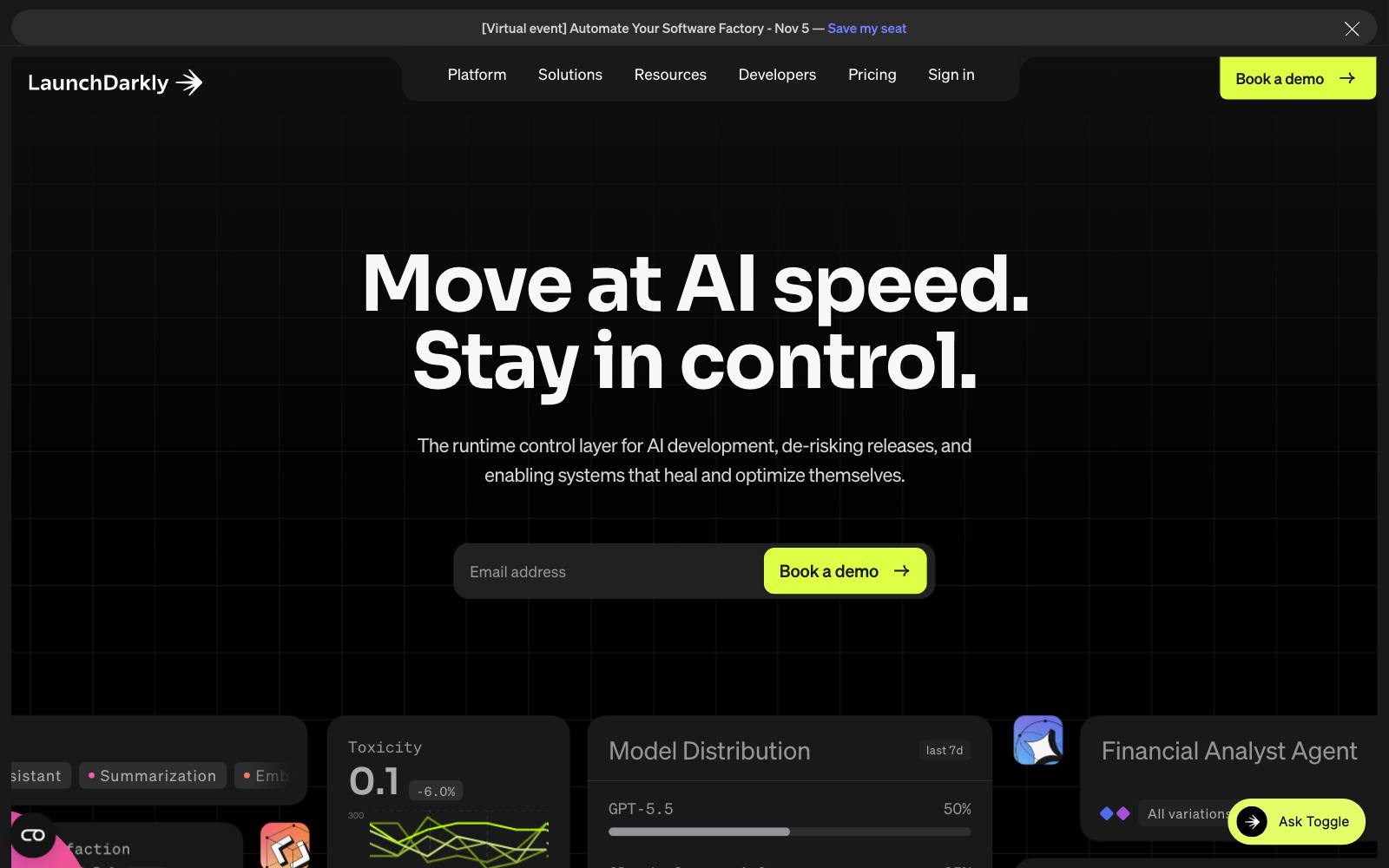
Best for: engineering teams at mid-size and large companies that ship often and need tight control over who sees what.
What it does: LaunchDarkly is the best-known feature management platform.
It handles flags, targeting, progressive rollouts and kill switches across server and client SDKs, and it has experimentation built in. Pricing is based on usage, not seats.
Key features:
- Flags with targeting rules across many environments
- Full-stack experimentation, with mutual exclusion and layered experiments listed on the pricing page
- Guardian, a paid add-on for guardrail metrics and automatic rollback
- Unlimited seats on every plan
Pros:
- Mature release tooling with a long track record
- No per-seat fees, so the whole team can log in
- Free Developer plan includes 100K experimentation MAU a month
Cons:
- Client-side MAU pricing can climb fast on consumer sites and apps
- Automatic rollback sits in a separately priced add-on
- More than a small team with a handful of flags needs
Pricing: as of November 2026, LaunchDarkly's pricing page lists a $0 Developer plan with 5 service connections and 1K client-side MAU a month.
Foundation is pay as you go after a 14-day trial: $10 per service connection a month beyond the 5 included, plus $8.33 per 1K client-side MAU. Enterprise is custom.
Not for: small teams on a tight budget, or marketers who want a visual editor for landing pages.
2. Statsig
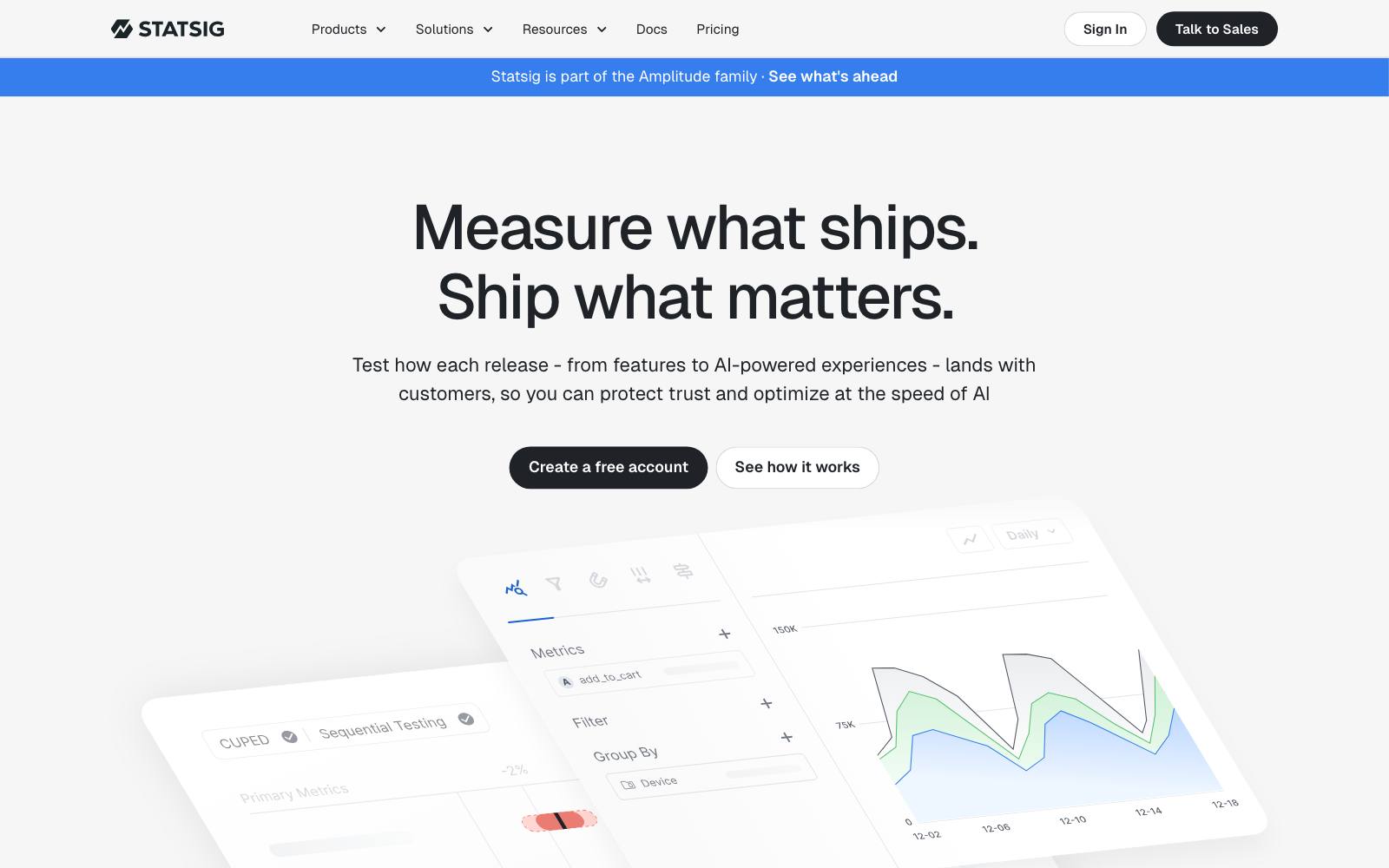
Best for: product teams that want flags, experiments, analytics and session replay in one tool without a big bill.
What it does: Statsig bundles feature gates, dynamic configs, experiments, product analytics and session replay.
OpenAI bought Statsig in 2025, and on May 5, 2026, Amplitude took over the Statsig brand and customers, so the product is now Amplitude-run.
Key features:
- Unlimited flag and config checks on every plan
- Flag impact analysis and a flag dashboard with health checks
- Product analytics and session replay included
- Unlimited seats
Pros:
- Generous free plan for most early-stage products
- Plain 0% and 100% rollouts are not billed by default
- One tool replaces separate flag, test and analytics vendors
Cons:
- Billing by metered events is harder to forecast than seats
- The change of ownership in 2026 adds roadmap uncertainty
- Warehouse-native deployment is on Enterprise only, per our experimentation platforms guide
Pricing: as of November 2026, Statsig's pricing page shows a free plan with 2M events a month, unlimited flag checks and 50,000 session replays, and Pro at $150 a month with 5M events included, then $0.05 per 1K events. Enterprise is custom.
3. GrowthBook
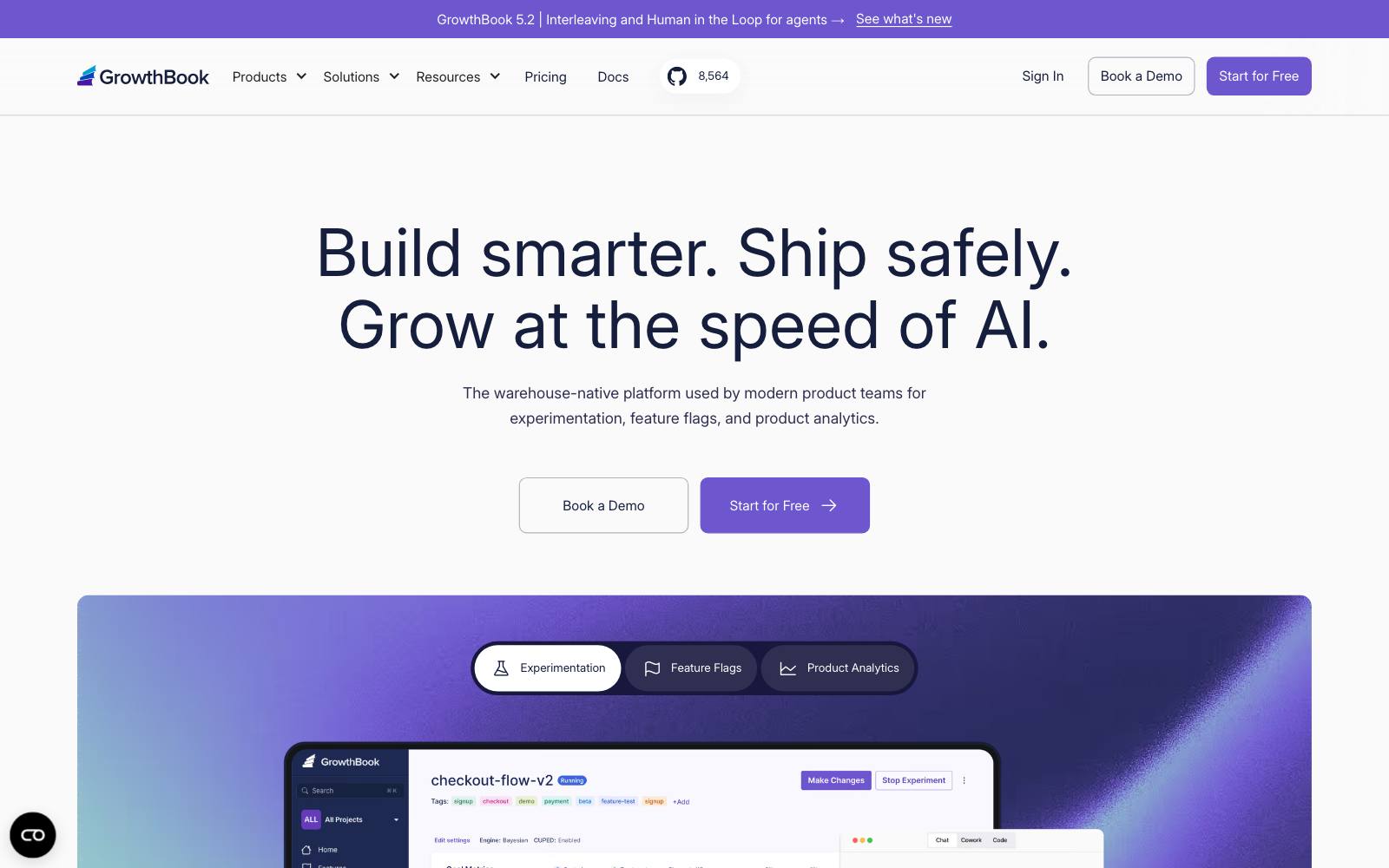
Best for: engineering-led teams that keep their data in a warehouse and want to own their stats.
What it does: GrowthBook is an open-core feature flag and experimentation platform.
It reads metrics straight from Snowflake, BigQuery, Redshift, Databricks and others, and it runs in GrowthBook's cloud or on your own servers. Our GrowthBook review goes deeper.
Key features:
- Unlimited flags, experiments and traffic on every plan
- Warehouse-native analysis, plus a managed warehouse option
- Sequential testing, CUPED and sticky bucketing on Pro
- Stale flag management and audit logs
Pros:
- Seat pricing doesn't rise with your traffic
- Free self-hosted version with unlimited users
- Your data team can see how results are calculated
Cons:
- Seat costs add up if many PMs and analysts need access
- Approval workflows and SSO sit on Enterprise
- Needs SQL skills to get the most from it
Pricing: as of November 2026, GrowthBook's pricing page lists a free cloud Starter plan for up to 3 users, Pro at $40 per seat per month for up to 30 users, and custom Enterprise. The self-hosted open-source version is free.
4. PostHog
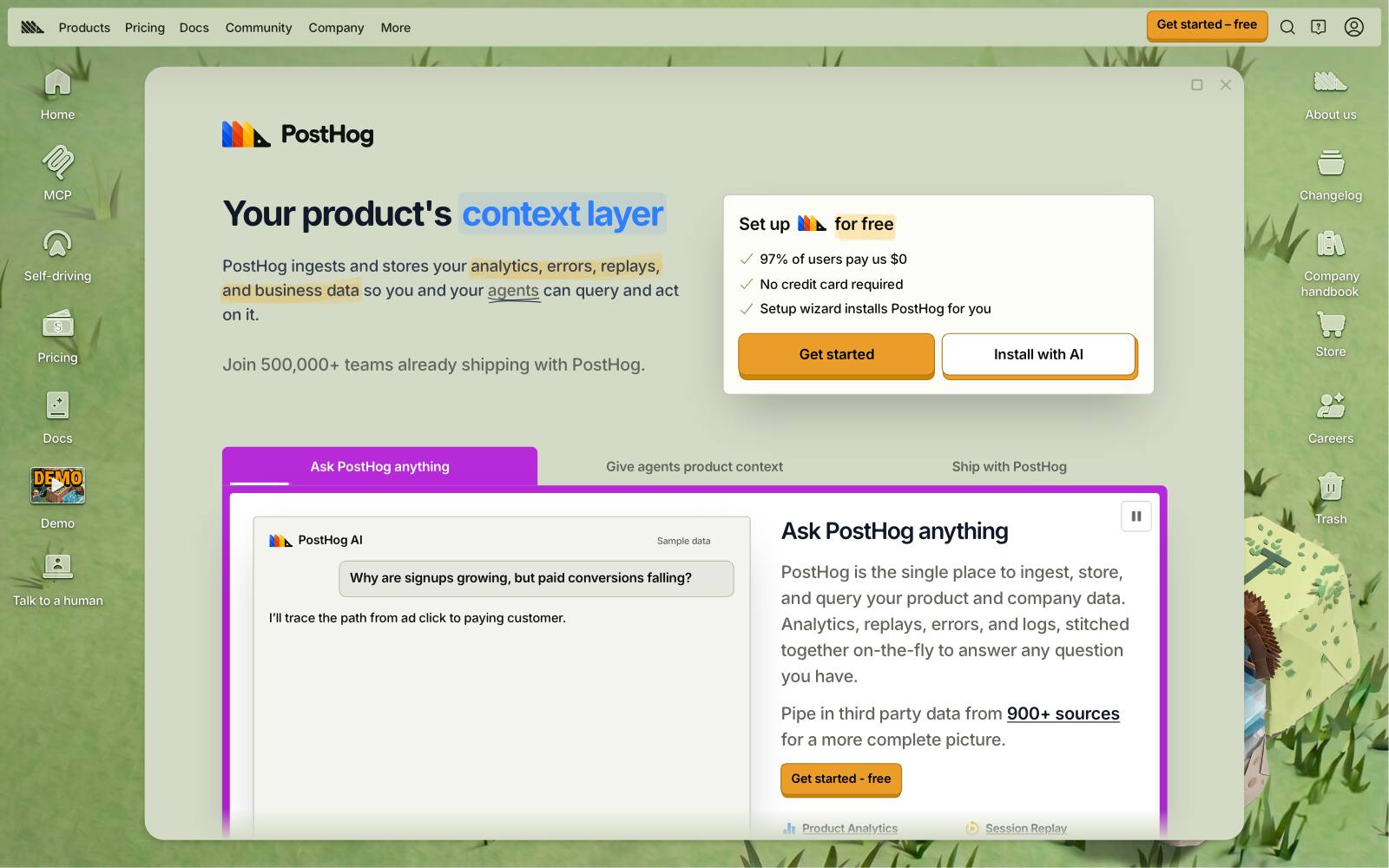
Best for: startups and product teams that want analytics, replay, flags and experiments from one vendor.
What it does: PostHog is an open-source product analytics suite with feature flags and experiments built in.
Each product has its own free monthly allowance and usage-based pricing above it.
Key features:
- Feature flags with targeting and percentage rollouts
- Experiments measured on the same events you already track
- Session replay, surveys and error tracking in the same account
- Billing limits so you can't be charged by surprise
Pros:
- 1M free flag requests every month, no card needed
- No annual contract or minimum spend
- Flags and analytics share one data model
Cons:
- Flag governance is lighter than LaunchDarkly or Unleash
- Many products and meters can make a bill hard to predict
- Free-plan data retention is 1 year and recordings 1 month
Pricing: as of November 2026, PostHog's pricing page gives every account 1M analytics events and 1M feature flag requests a month free, with per-product usage pricing above that.
In our archive: Prismfly tested a rotating 3D product GIF in a landing page hero for Mood with PostHog, because the page lived outside the brand's Shopify store. It won: +16% conversion rate.
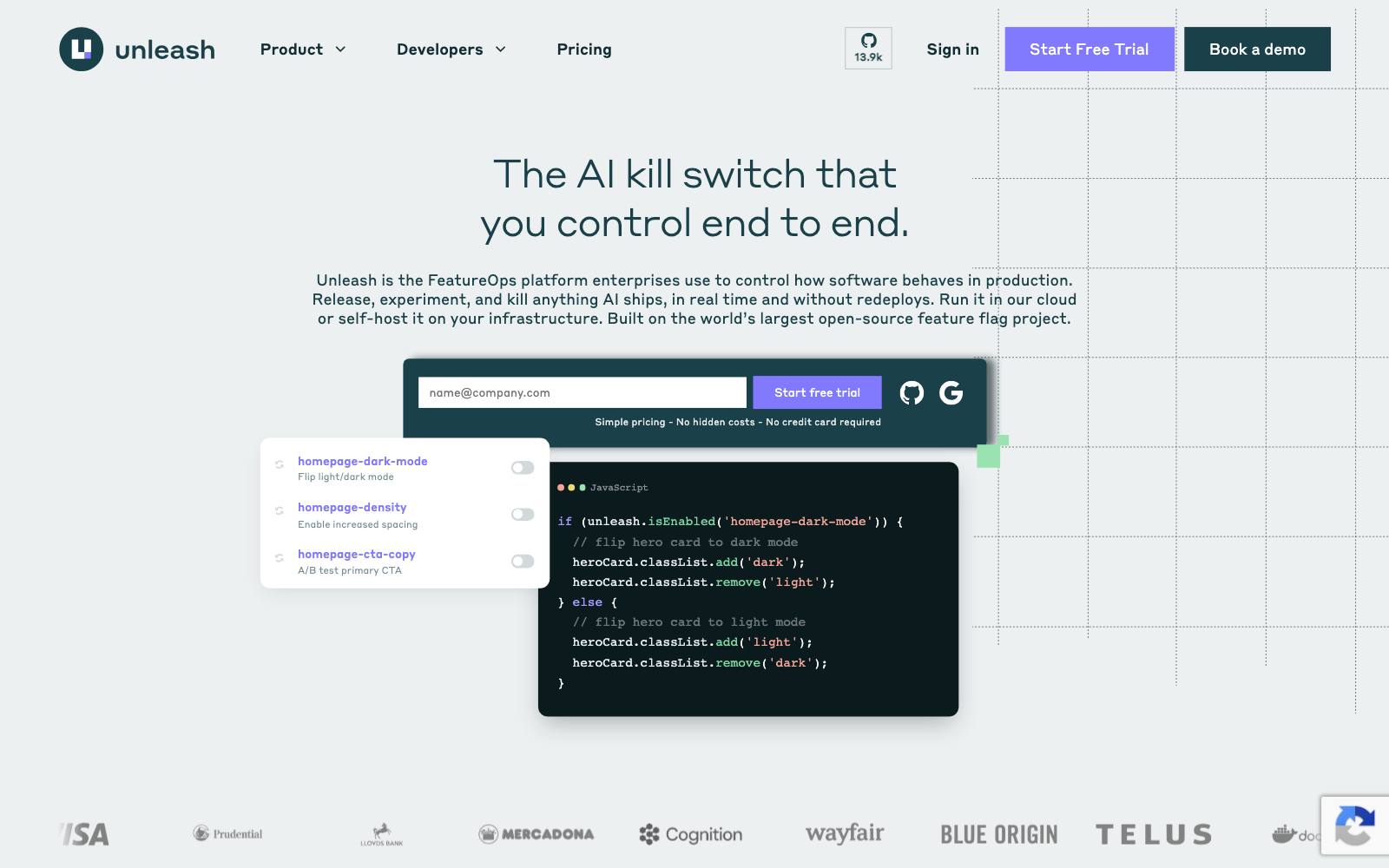
5. Unleash
Best for: teams that want to self-host flags, including banks and other regulated businesses.
What it does: Unleash is an open-source feature management platform.
Its backend SDKs cache flag configuration and evaluate locally, so the docs say no end-user data leaves your servers with server-side SDKs.
Key features:
- Open source under AGPL-3.0, per its GitHub repo
- Change request workflows and role-based access on paid plans
- Stale flag dashboard and flag lifecycle tracking
- Unlimited client-side MAU on paid plans
Pros:
- Free self-hosted version with no seat limit
- Seat pricing doesn't punish you for using many flags
- Cloud, self-hosted or hybrid deployment
Cons:
- Open source is limited to 1 project, 2 environments and 5,000 flags
- $75 per seat is steep for a large team
- Experiment analysis needs your own analytics tool
Pricing: as of November 2026, Unleash's pricing page lists Pay-As-You-Go at $75 per seat per month with a 14-day trial and 53M API requests a month on cloud, then $5 per million.
Self-hosted PAYG has a 5-seat minimum. Enterprise contracts are custom.
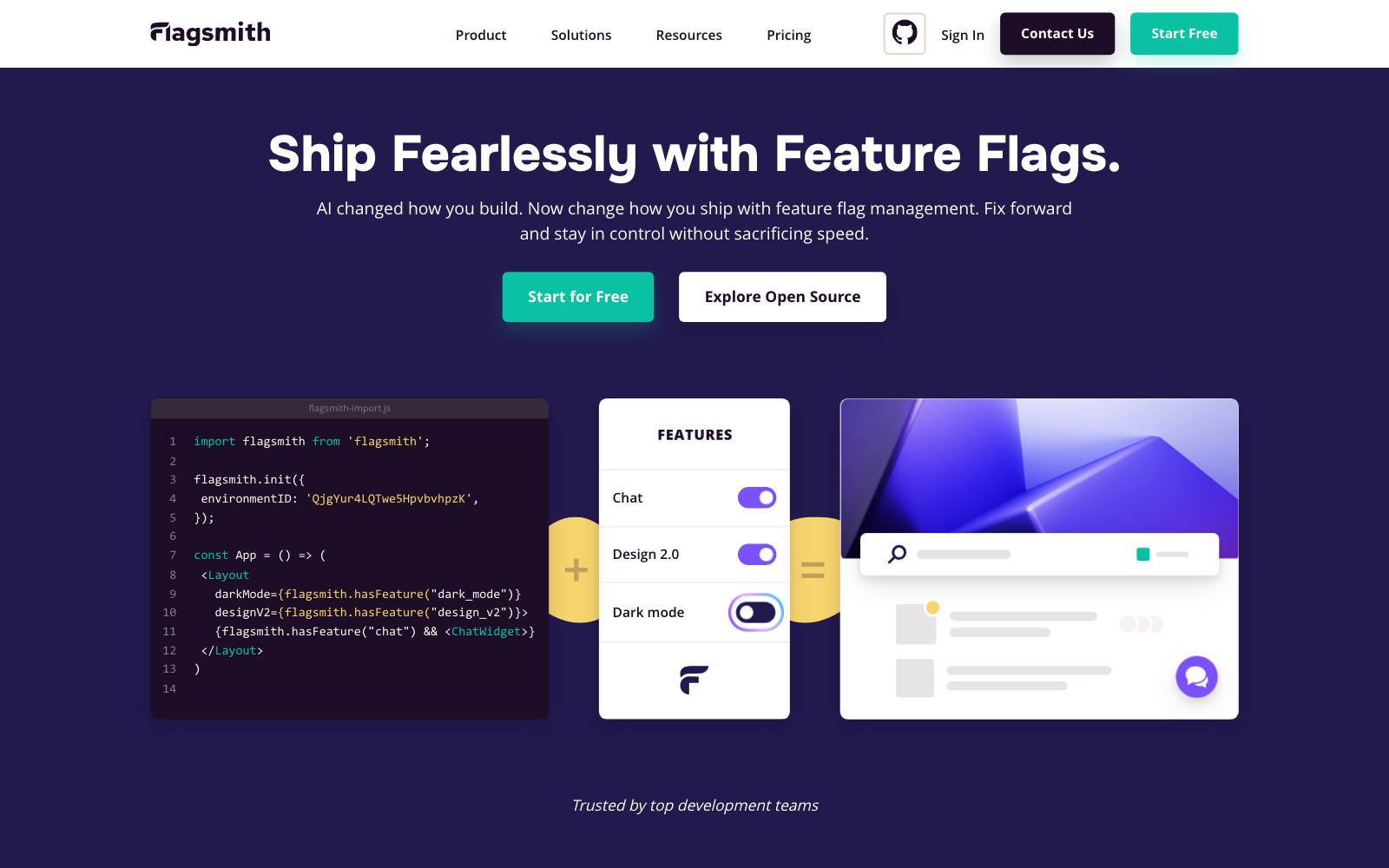
6. Flagsmith
Best for: small teams that want open-source flags and a cheap hosted plan.
What it does: Flagsmith offers feature flags and remote config as open source (BSD-3-Clause on GitHub) or as a hosted service. Paid plans add A/B and multivariate testing.
Key features:
- Unlimited flags, environments, identities and segments on all plans
- A/B and MVT testing on paid plans
- Scheduled flags and change requests
- Optional on-premises install
Pros:
- Low entry price for a hosted plan
- Permissive license if you self-host
- Grace period before overage charges kick in
Cons:
- Free plan is 1 team member and 50,000 requests a month
- No A/B testing on the free plan
- SAML and LDAP sit on Enterprise
Pricing: as of November 2026, Flagsmith's pricing page lists Free, Start-Up at $45 a month ($40 billed annually) with 1M requests and 3 team members, Scale-Up at $300 a month ($250 annually), and custom Enterprise. Paid plans have a 14-day trial.
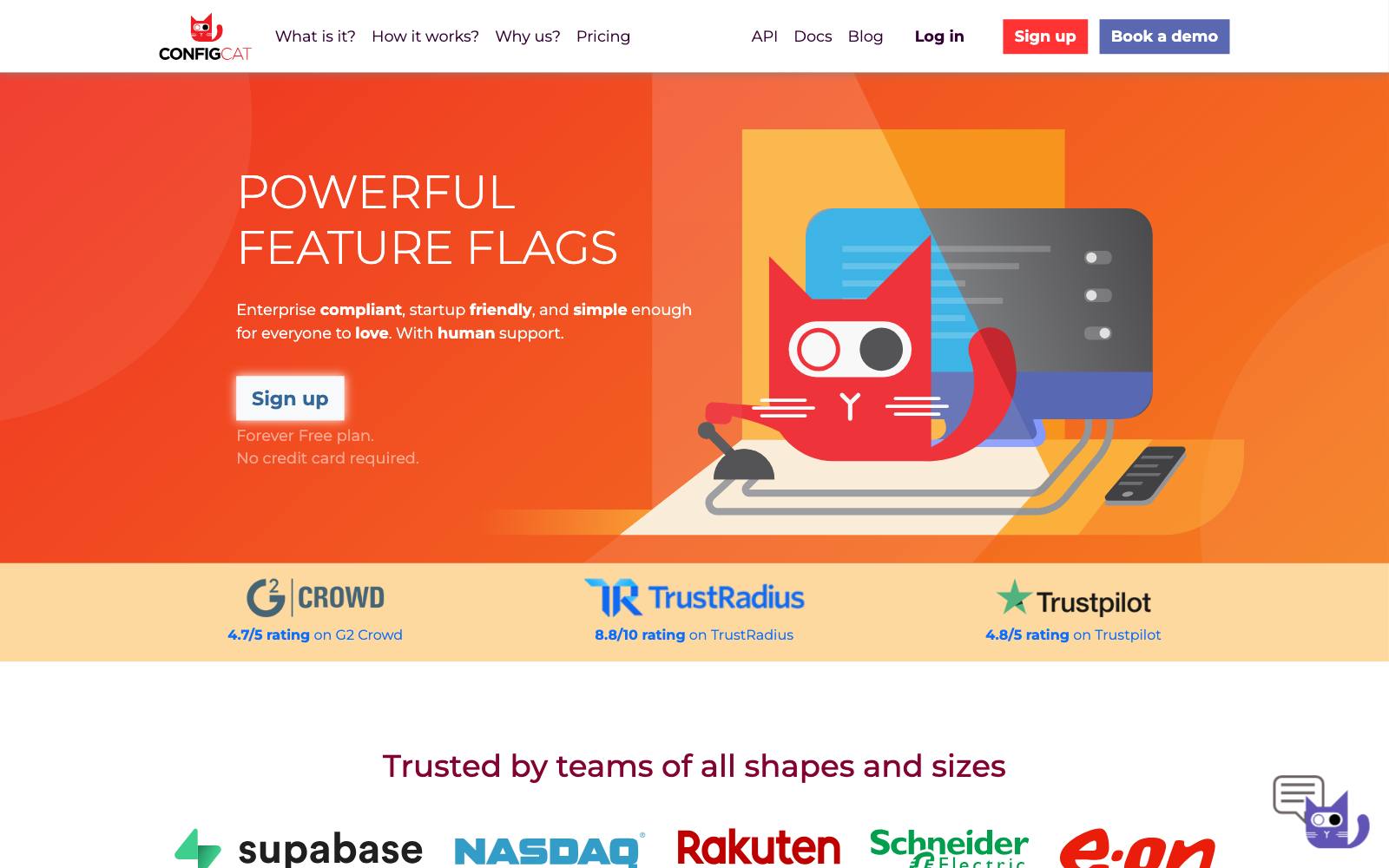
7. ConfigCat
Best for: teams that want plain feature flags and remote config at a flat price, with no per-seat or per-MAU fees.
What it does: ConfigCat is a hosted flag and config service with flat monthly plans.
Every plan includes unlimited seats, MAU and flag reads, and you pay by config downloads and traffic.
Key features:
- Targeting rules and percentage options per flag
- Unlimited seats and service connections on all plans
- On-premise and dedicated options
- Plan calculator on the pricing page
Pros:
- Predictable flat pricing
- No surprise bill from traffic spikes in users
- Forever Free plan with no card
Cons:
- Free plan caps you at 10 flags and 2 environments
- No built-in experiment stats, so you need separate analytics
- Higher SLAs cost a lot more
Pricing: as of November 2026, ConfigCat's pricing page lists Forever Free, Pro at $110 a month (100 flags), Smart at $325, Enterprise at $900 and Dedicated at $4,500.
8. Optimizely Feature Experimentation

Best for: enterprises that already use Optimizely Web or its CMS and want server-side tests in the same account.
What it does: Optimizely's docs call it "a feature flagging and experimentation platform" for websites, apps, APIs and more.
SDKs bucket users in memory, so flag checks don't make blocking network calls.
Key features:
- Feature flags with remote configuration
- Optimizely's Stats Engine for results
- Targeted rollouts by audience and environment
- Warehouse-native analytics, per the plans page
Pros:
- One vendor for web, feature and server-side tests
- Strong stats engine and enterprise support
- Free Rollouts plan to try the SDKs
Cons:
- No public prices; every plan is quoted
- Free plan allows just one A/B test
- Expensive for small teams
Pricing: contact sales. The plans page says every plan is "individually packaged."
The free Rollouts plan includes flags and the ability to run one A/B test.
In our archive: Optimizely published a test that framed a free trial as part of the plan, not an add-on: +37% enrollment.
It shows the kind of offer change product teams often run behind a flag. We also have more tests from Optimizely.
9. VWO Feature Management
Best for: teams already running web tests on VWO that want flags and server-side tests in the same place.
What it does: Wingify's feature management product (the old VWO FME page now redirects there) adds flags, progressive rollouts and server-side tests to VWO's web testing.
It lists rollbacks with an auto kill switch and holdout cohorts in reports.
Key features:
- Flags across development, staging and production
- Progressive rollouts (1% to 5% to 100%) with instant rollback
- Server-side tests on pricing, recommendations and search ranking
- SDKs for Node, Java, PHP, Python, Go, Ruby, iOS, Android and more
Pros:
- One vendor for web and feature tests
- 30-day free trial, no card required
- Growth plan includes 10 flags and 3 environments
Cons:
- No public prices for this product
- Priced as a separate product from VWO web testing plans
- Most useful if you already pay for VWO
Pricing: contact sales. The Wingify pricing page lists Growth, Pro and Enterprise tiers for feature experimentation without prices.
Wingify runs an affiliate program, so we may earn a commission if you buy through our links.
In our archive: AURUM ran a backend change as a feature-flag rollout, making real data available on day one of a trial: +16 points in engagement.
EnergySage's server-side test of a named team member in a verification email won +3.98% approved properties. Both are listed as run on VWO.
10. Firebase Remote Config
Best for: mobile app teams already on Firebase.
What it does: Remote Config lets you change app behavior and look without shipping an app update.
It ties into Firebase A/B Testing, rollouts and personalization.
See our app A/B testing tools for other mobile options.
Key features:
- Change app settings and content without an app update
- A/B Testing, Rollouts and Personalization included
- Published quotas and limits per project
Pros:
- Free for most apps
- No extra vendor if you already use Firebase
- A/B Testing is listed as no-cost
Cons:
- Not built for backend flags or release governance
- Stats and analysis are basic next to Statsig or GrowthBook
- Usage pricing above the free quota started September 1, 2026
Pricing: as of November 2026, Firebase's pricing page shows Remote Config free up to 100,000 fetch requests a day per project.
On the paid plan, usage above that costs $0.06 per 10K requests up to 10 million a day, then $0.01 per 10K.
In our archive: app tests show why you want a kill switch.
RevenueCat reported that Dipsea's web-only paywall lost: initial conversion went from 27.0% → 18.1%.
Which one is right for you
Startup or small product team
Start on PostHog or Statsig. Both are free at low volume and give you analytics next to each flag.
Data team with a warehouse
Pick GrowthBook. If you already pay for Datadog, also look at  Eppo, now Datadog Experiments, in our Eppo review.
Large engineering org
LaunchDarkly is the default for release control at scale. Unleash fits if you must self-host.
Ecommerce or marketing team already running web tests
Add flags from the tool you already use: VWO Feature Management or Optimizely Feature Experimentation.
For visual tests, see our A/B testing tools list.
Mobile app
Firebase Remote Config if you're on Firebase; Statsig or LaunchDarkly if you need more control.
Tight budget, simple needs
Flagsmith or ConfigCat give you hosted flags at a low flat price.
Our free A/B testing tools list covers more free tiers.
What to look for in a feature flag tool
- Pricing model: seats, MAU, events or flat fee; pick the one that won't spike with your traffic.
- SDK coverage: check every language and platform you ship on, including mobile.
- Local evaluation: SDKs that cache rules and evaluate in memory add almost no latency.
- Experiment stats: look for sequential testing, CUPED and sample ratio mismatch checks if you'll run tests, not only rollouts.
- Guardrails and rollback: automatic rollback on guardrail metrics turns a canary release into a safety net.
- Flag hygiene: stale flag reports and audit logs keep old flags from piling up in your code.
- Self-hosting and data location: needed for some regulated industries.
- Access controls: approvals, SSO and roles, which are often Enterprise-only.
Real results from server-side and feature tests
These tests from our archive ran server-side, behind a flag or outside a standard visual editor.
Plymouth Rock Assurance's server-side test of explaining its app at checkout in 3 steps gave +10% progression, though several changes were bundled.
Whitepages' server-side pricing page layout test gave +23% pricing page conversion, also bundled.
 Prismfly
 RevenueCat
If you'd rather have someone set up server-side testing and read the results with you, a hands-on practitioner can help.
Watch out for
- Flag debt: every flag you don't remove is a code path someone must maintain. Set an owner and an end date for each one.
- Rollouts aren't experiments: ramping a feature from 10% to 100% tells you it didn't break, not that it helped. Use a real control group or holdout when you need to know the lift.
- Usage bills: client-side MAU and event pricing can jump after a traffic spike. Set billing limits where the tool allows it.
- Client-side flags and page speed: flags fetched in the browser can delay rendering or cause flicker. Server-side evaluation avoids this.
- Overlapping tests: two flags testing the same page can interact. Use mutual exclusion or layers if the tool offers them.