



The best WooCommerce A/B testing tool for most stores is Nelio A/B Testing, a WordPress plugin that can test product titles, descriptions, images and prices inside your dashboard.
If you want unlimited traffic for a flat yearly fee, look at AB Split Test, and if you need a full visual editor with revenue goals across your whole site,  Convert or
 VWO (now Wingify) are the standard picks.
How we picked: we read each vendor's public docs, pricing pages and WordPress.org listings in November 2026, looked at public reviews, and tied each tool to tests in our archive. We have not used these tools ourselves.
A note on links: Convert and VWO run affiliate programs, so we may earn a commission if you sign up through some links on this page.
It doesn't change the order, and none of the other tools pay us.
WooCommerce A/B testing tools compared
| Tool | Best for | Starting price (as of November 2026) | Free plan or trial | Rating (source) |
|---|---|---|---|---|
| Nelio A/B Testing | Product and price tests inside WordPress | $39/month (5,000 tested page views) | Free plan, 500 tested page views/month | 4.8/5, 99 ratings (WordPress.org) |
| abtestkit | Testing product prices without duplicate products | Free version available | Free version (account required) | Not verified |
| AB Split Test | Flat fee, unlimited sites and traffic | $299/year (Cyber November price; normally $399) | Free plugin plus 7-day demo of all features | Not verified |
| ImproveAB | A free, no-cookie starting point | Free | Free, no traffic limits | No reviews yet (WordPress.org) |
| Convert | Revenue-based tests on any site | $299/month billed annually ($399 monthly) | 15-day free trial | Not verified |
| VWO (Wingify) | Testing plus heatmaps and recordings | Contact sales | 30-day free trial, no card | Not verified |
 PostHog | Developer-led tests with analytics | Free tier, then usage-based | 1M feature flag requests/month free | Not verified |
 GrowthBook | Open-source, warehouse-based testing | Free for up to 3 users; Pro $40/seat/month | Free Starter plan | Not verified |
 Kameleoon | Mid-market teams that want a published entry price | $495/month (50,000 visitors) | Free trial with limited credits | Not verified |
 Optimizely | Large stores with a dedicated team | Custom quote | No public free plan | Not verified |
Before you pick, check whether you have enough traffic to test at all.
Put your numbers into our sample size calculator; if a test would need months, read our guide to testing with low traffic first.
The 10 best WooCommerce A/B testing tools
1. Nelio A/B Testing
Best for: WooCommerce stores that want to test product details and prices without leaving WordPress.
What it does: Nelio is a WordPress plugin that runs A/B tests and heatmaps from your dashboard.
Its WordPress.org listing says it supports WooCommerce product experiments with alternative titles, descriptions, images and prices, plus tests on pages, menus, themes and CSS.
Key features:
- WooCommerce product tests, including price
- Heatmaps, clickmaps and scrollmaps
- Multigoal tests and visitor segmentation
- Page builder support
- Session recordings as an add-on
Pros:
- One of the few tools that can test the actual WooCommerce price, not just the text on the page
- Quota counts only tested page views, not all site traffic
- Active development: version 8.5.7 was updated a week before we checked
Cons:
- The free plan's 500 tested page views a month is too small for a real test; a reviewer on the listing says so
- Nelio itself warns that subscriptions and other complex pricing extensions need a compatibility check before you test recurring charges
- Paid plans get expensive as traffic grows
Pricing: as of November 2026, Nelio's pricing page lists Basic at $39/month (5,000 tested page views, 1 site), Professional at $149/month (50,000 views, 5 sites) and Enterprise at $399/month (from 200,000 views, unlimited sites).
Yearly billing saves 20%, and there's a 30-day refund window.
Rating: 4.8 out of 5 from 99 ratings on WordPress.org.
In our archive: price tests are where a tool like this earns its keep.
Convertibles tested five price pairs for two $99 products and found that moving them to $125 and $90 lifted profit per visitor 54.7%.
That ran on a Shopify store, but it's the kind of test Nelio's price experiments are built for.
2. abtestkit
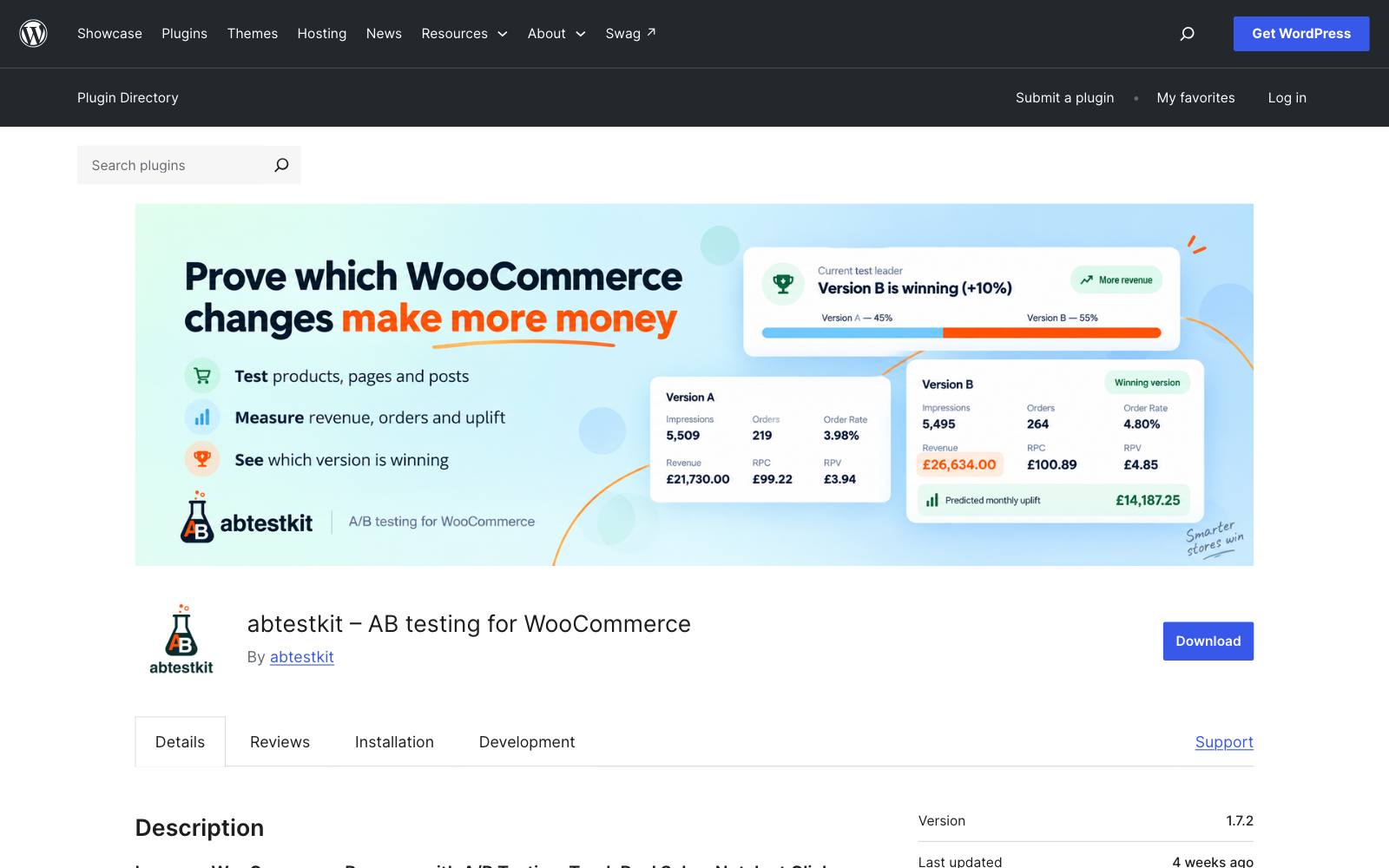
Best for: stores that want to test product prices and content without messing up SKUs or stock.
What it does: abtestkit is a WooCommerce-focused plugin that tests product pages, pricing, images, descriptions and layouts, then reports orders and revenue per version.
Per its WordPress.org listing, product tests use a hidden "shadow product" for Version B, so SKU, stock and ordering stay tied to the live product.
Key features:
- Product tests on price, images, galleries and descriptions, including variable products
- Sticky assignment through listings, cart, checkout and order tracking
- Bayesian winner calls, with one-click apply
- CSS, JavaScript and HTML tests on products, pages and posts
Pros:
- Built around WooCommerce orders and revenue, not clicks
- The shadow-product setup avoids duplicate products showing in your catalog
- Free version covers the core testing features
Cons:
- A free abtestkit.io account is now required to run tests; one reviewer on the listing objects to store revenue and results being sent to an external server
- The plugin says heavily customized themes and AJAX carts may need extra testing or cache exclusions
- Small user base so far, so fewer public reviews to judge it by
Pricing: free version available per the plugin listing; we couldn't find published paid tiers, so check abtestkit's site before you commit.
In our archive: a price cut can win on orders and still lose money.
In an Elevate A/B Testing case study, Biddlebee cut a bottle from $29.95 to $24.95 and conversion rose, but profit per visitor fell from $0.28 to $0.23.
Pick a tool that reports revenue, like this one, so you see that.
3. AB Split Test
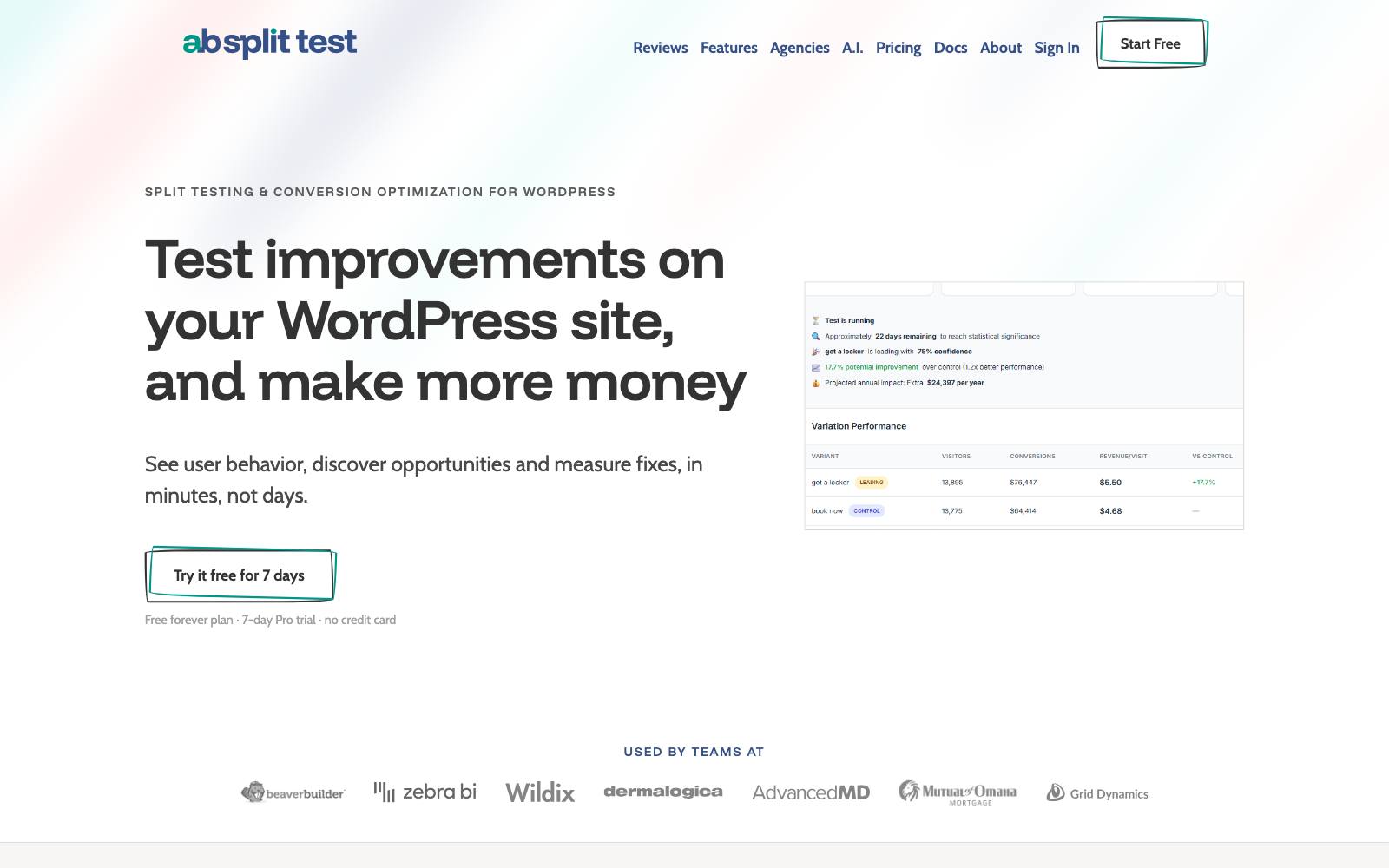
Best for: agencies and store owners with several sites who want a flat fee and no traffic caps.
What it does: AB Split Test is a self-hosted WordPress testing plugin with on-page, full-page, point-and-click and code tests.
Its pricing page lists WooCommerce, Easy Digital Downloads and SureCart integrations and lets you pick winners by revenue per visitor.
Key features:
- Revenue-per-visitor goals for WooCommerce orders
- Server-side rendering for full-page tests, which the vendor says avoids flicker
- Multi-armed bandit mode that shifts traffic to the leader
- Heatmaps, session replays and AI test suggestions
- REST API and WP-CLI
Pros:
- Self-hosted traffic is unlimited, so cost doesn't rise with visitors
- Unlimited sites on one license
- Lifetime license option
Cons:
- Self-hosting means test tracking runs on your own server, which matters on cheap hosting
- Lots of AI and automation features you may not need on a small store
- The current prices are a time-limited sale, so the normal price is higher
Pricing: as of November 2026, AB Split Test's pricing page shows Teams Yearly at $299/year (normally $399) and Teams Lifetime at $799 once (normally $999) during a Cyber November sale.
There's a free plugin, a 7-day demo of every feature and a 14-day money-back period on paid plans.
In our archive: revenue goals catch offers that look generous but lose.
Milos changed a $240 2-pack to "Buy 2 Get 1 Free" at the same price and revenue per visitor fell 52.38%.
4. ImproveAB
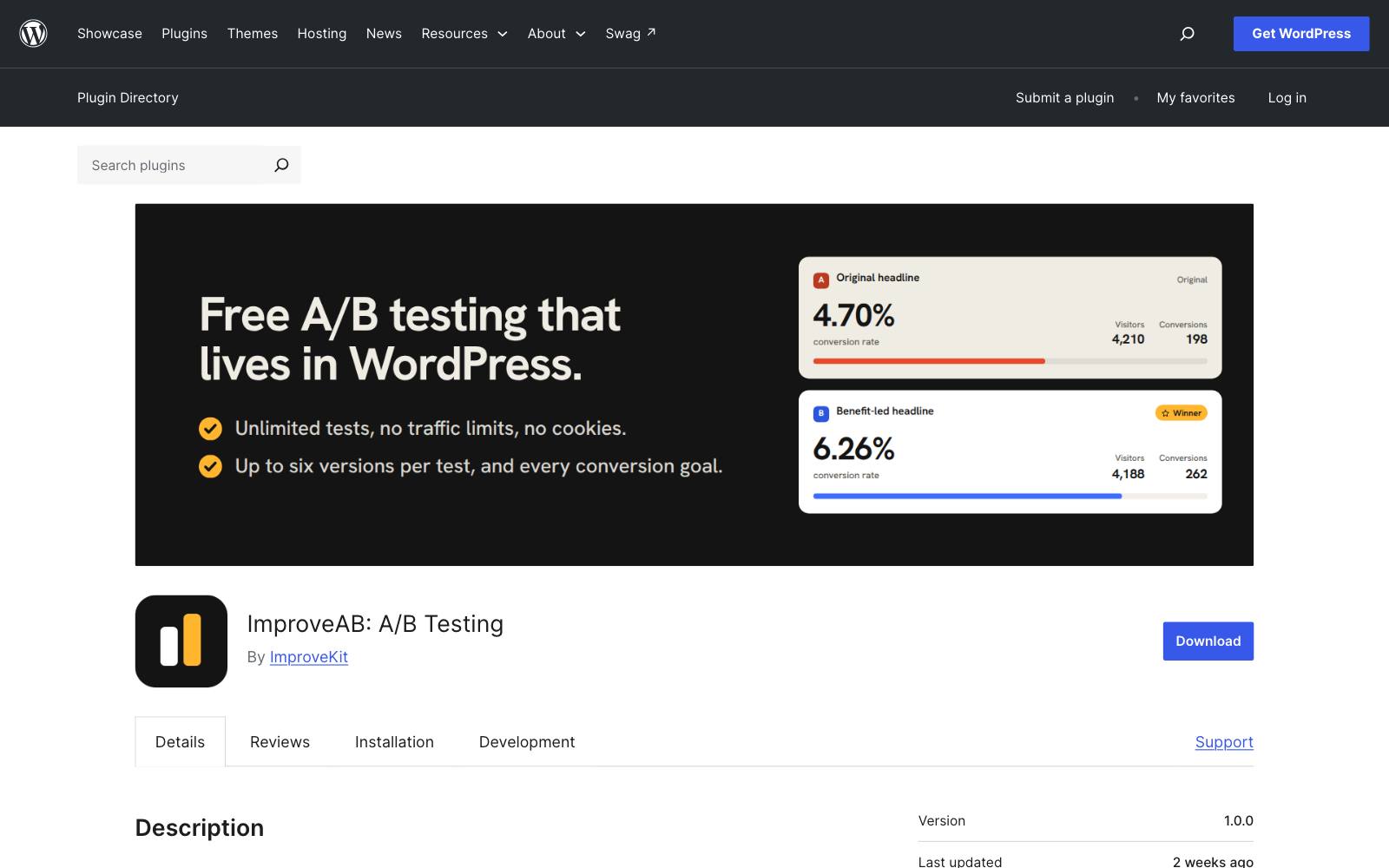
Best for: small stores that want to try A/B testing for free with data kept on their own site.
What it does: ImproveAB is a free WordPress plugin for element, point-and-click and full-page URL tests.
Per its WordPress.org listing, it has WooCommerce add-to-cart and purchase goals, shows revenue per version, and counts only paid orders.
Key features:
- Unlimited tests and visitors, up to six versions per test
- WooCommerce purchase goals with revenue per visitor
- No cookies, no third parties; data stays in your WordPress database
- Built-in sample size and duration calculator
Pros:
- Free with nothing locked
- Privacy-friendly by design
- Works behind page caches and CDNs, per the vendor
Cons:
- The free plugin shows conversion rates and a leader, but statistical significance and probability to beat are planned for a Pro version that isn't out yet
- Version 1.0.0 with no reviews yet, so it's unproven
- No direct price testing; you'd test how prices are shown, not what's charged
Pricing: free, per the plugin listing.
In our archive: without a significance check, a gap can fool you.
Clean Commit saw +8.7% conversion rate that was not significant from smaller sale prices on product cards.
Wait for a significance check before calling a winner on raw rates.
5. Convert
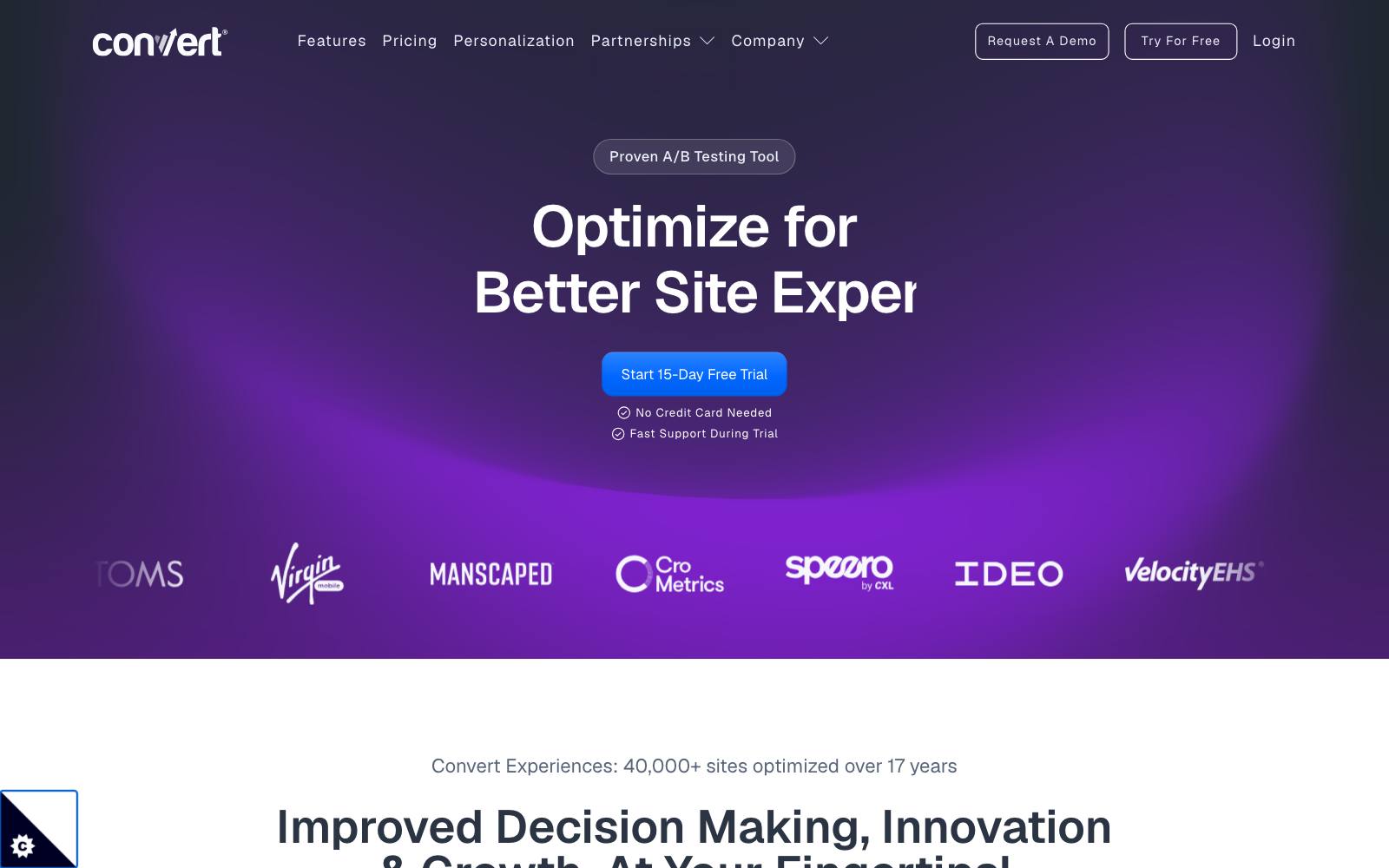
Best for: stores and agencies that want a full visual editor and revenue goals on WooCommerce and other sites.
What it does: Convert Experiences is a script-based testing tool that runs on any site.
Its WooCommerce integration guide shows how to push revenue and product counts from the order-received page, so you can judge tests on revenue per visitor, not just clicks.
Key features:
- Visual and code editors
- WooCommerce revenue tracking on the thank-you page
- Multipage and multivariate tests on Pro
- Overuse can be turned off so you don't get a surprise bill
Pros:
- Works the same if you later move off WooCommerce or add a SaaS or lead-gen site
- Published pricing with a free trial
- Strong at the product page and checkout tests most stores run
Cons:
- $299/month and up is a lot for a small store
- No native WooCommerce price test; changing what's charged needs your own code
- Revenue tracking takes setup on the order-received page
Pricing: as of November 2026, Convert's pricing page lists Growth at $399/month or $299/month billed annually (100K tested users a month) and Pro at $599/month or $420/month billed annually.
Enterprise is on request, and there's a 15-day free trial. Full details in our Convert review.
In our archive: Oliver Kenyon tested a cleaner gallery and clearer benefit copy for cold Meta traffic and saw +8.93% sales, run on Convert.
And Dash of CX's engraved case option at checkout lost, at -3.04% conversion rate.
6. VWO (Wingify)
Best for: teams that want testing, heatmaps, recordings and surveys in one tool.
What it does: VWO is now sold as Wingify after merging with  AB Tasty.
The Wingify WordPress plugin adds the SmartCode and automatically tracks WooCommerce product views, add-to-carts, cart removals and purchases, with optional server-side tracking.
Key features:
- Visual editor for A/B, split URL and multivariate tests
- WooCommerce event tracking with order value, tax, shipping and discount data
- Heatmaps, session recordings and on-page surveys
- Asynchronous SmartCode option to reduce page blocking
Pros:
- The official plugin makes WooCommerce revenue tracking easier than hand-coding it
- Research and testing in one place
- Huge public record of tests; it's the most common tool in our archive
Cons:
- No public prices
- The product may shift as VWO and AB Tasty combine
- Like Convert, it changes what's shown, not the price WooCommerce charges
Pricing: contact sales; Wingify's pricing page lists Growth, Pro and Enterprise plans but no prices, and wingify.com offers a 30-day free trial with no credit card. See our VWO review.
In our archive: Foliekniven.dk moved a short bulk-pricing note above its price calculator and saw +79% sales, published as a VWO case study.
7. PostHog
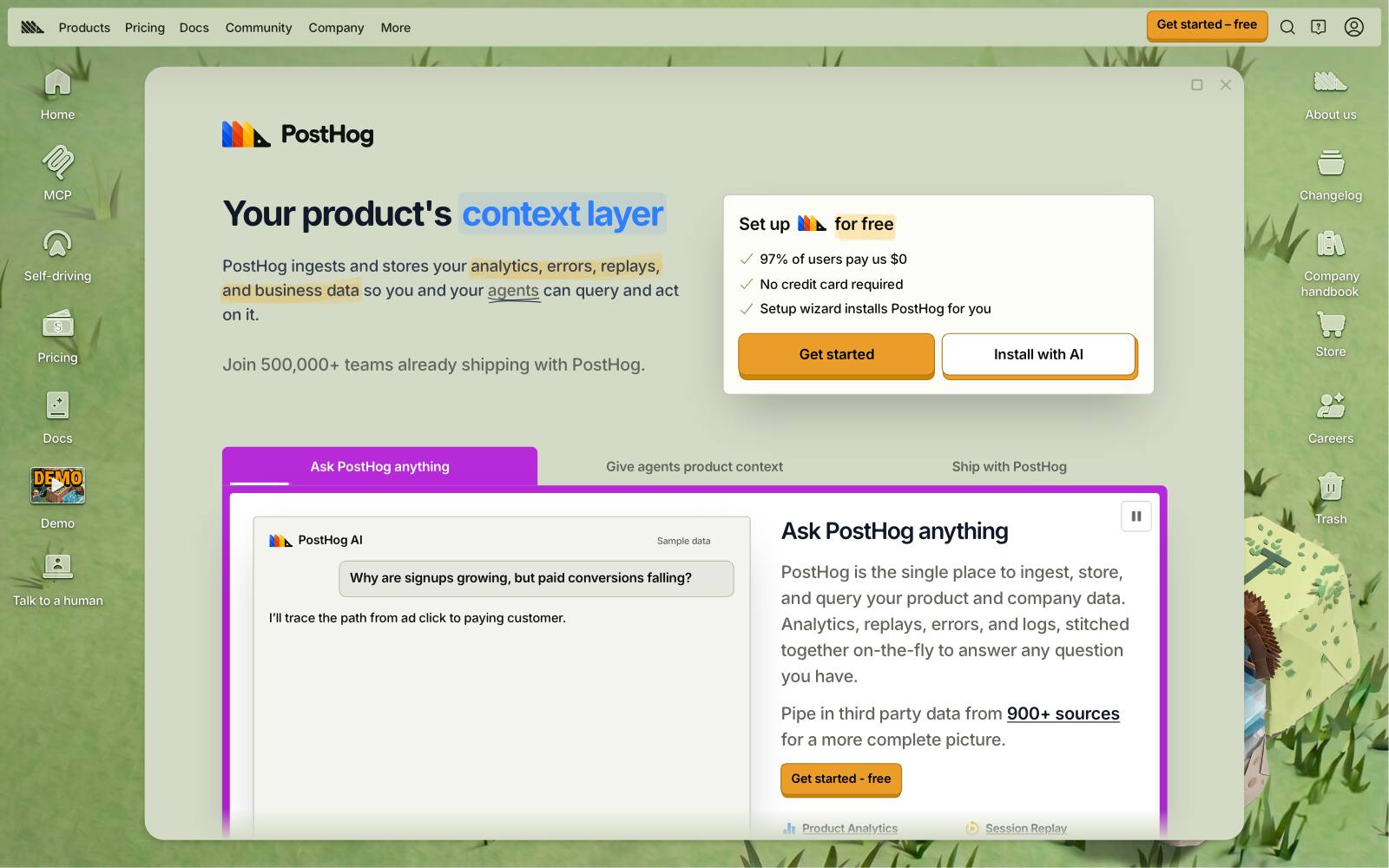
Best for: stores with a developer who want experiments, product analytics and session replay together.
What it does: PostHog is an analytics platform with feature flags and experiments.
You add its snippet or SDK to your WordPress theme and define tests in code or with flags, then measure them against the same events you already track.
Key features:
- Experiments built on feature flags
- Product analytics and session replay in the same tool
- Surveys and error tracking
- Billing limits you can set to $0
Pros:
- A large free tier that resets every month
- Good for testing server-side logic such as shipping rules or checkout steps
- One tool for analytics and testing
Cons:
- No WooCommerce-specific setup; purchase events are up to you
- Not a point-and-click tool for marketers
- Usage-based billing takes some forecasting
Pricing: as of November 2026, PostHog's pricing page includes 1M analytics events, 5K recordings and 1M feature flag requests free each month; experiments are billed with feature flags.
8. GrowthBook
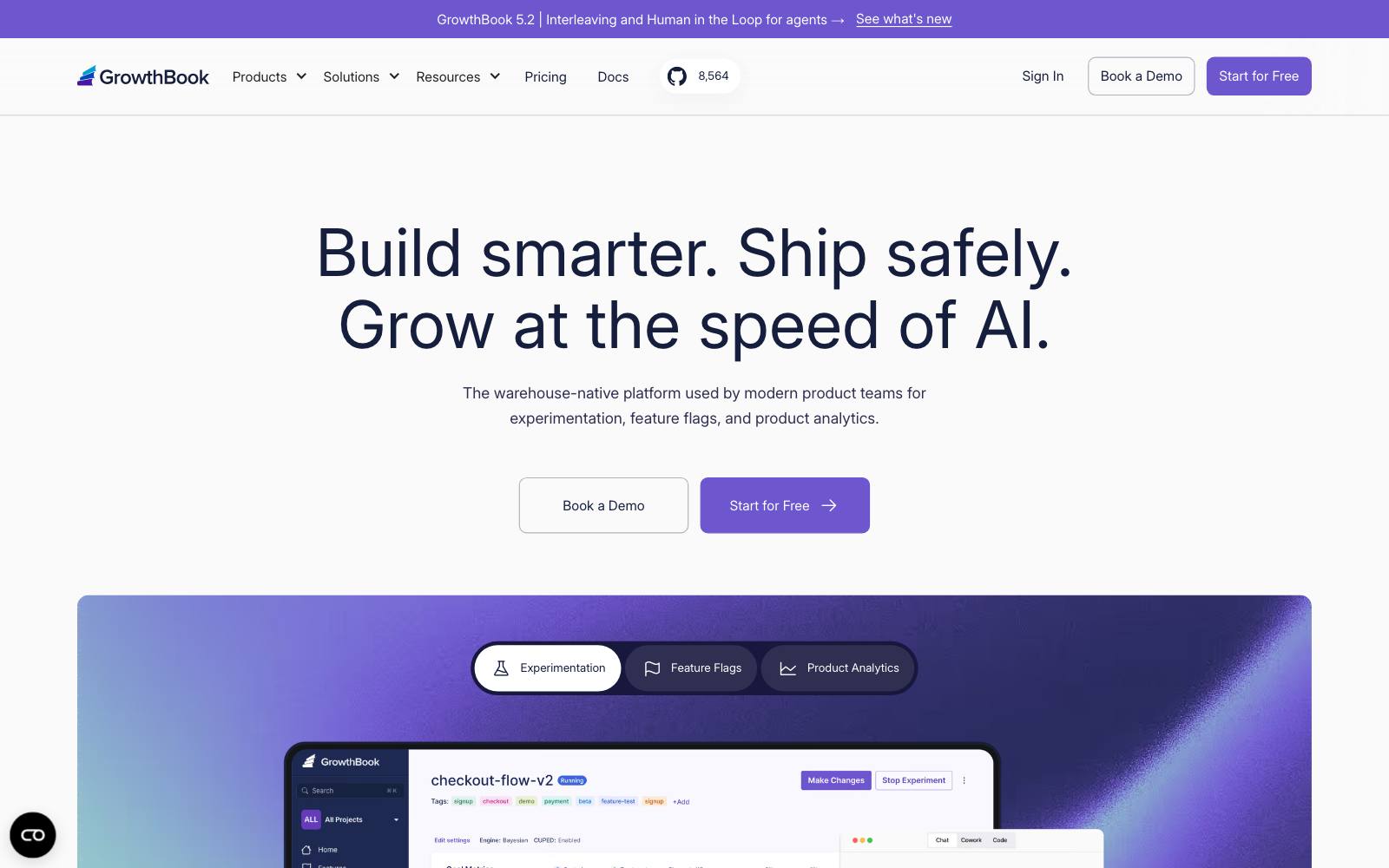
Best for: technical teams that want open-source testing and their own data warehouse.
What it does: GrowthBook is an open-source feature flag and experimentation platform, on its cloud or self-hosted.
It reads results from your warehouse, which suits stores that already pipe WooCommerce orders into one.
Key features:
- Unlimited experiments, flags and traffic on every plan
- Cloud or self-hosted
- Warehouse-native analysis
- Seat-based pricing, not per visitor
Pros:
- Free for up to three users
- Cost doesn't grow with traffic
- Open source, so no lock-in
Cons:
- Needs a developer to wire up WordPress and WooCommerce
- Most value comes if you already have a data warehouse
- Overkill for a store testing one product page at a time
Pricing: as of November 2026, GrowthBook's pricing page lists a free Starter plan and Pro at $40 per seat per month, plus Enterprise.
9. Kameleoon
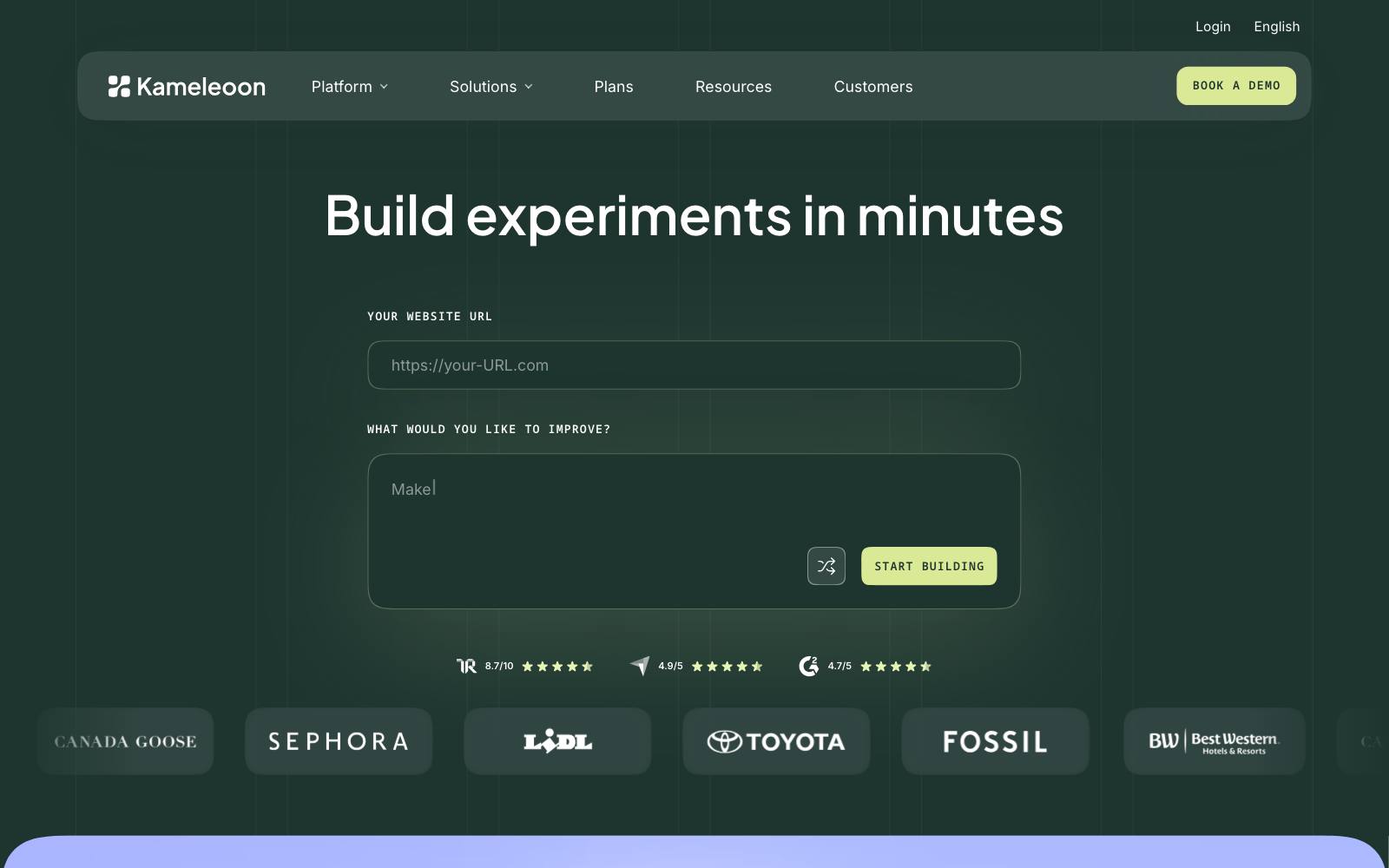
Best for: mid-size and large stores that want an enterprise-grade tool with a published entry price.
What it does: Kameleoon covers web experiments, feature flags and personalization.
It's script-based, so it works on WooCommerce like any other site, with revenue goals set up through your tracking.
Key features:
- Web and feature experiments
- Personalization
- AI prompt-based test building, with credits
- Usage alerts at 90% of quota
Pros:
- Clearer entry price than most enterprise tools
- Built for teams that run many tests
Cons:
- $495/month is steep for most WooCommerce stores
- On Starter, experiments stop when you hit 100% of your quota
- No WooCommerce-specific plugin that we found
Pricing: as of November 2026, Kameleoon's plans page lists Starter at $495/month for up to 10 experiments and 50,000 tested visitors a month, and a custom Enterprise plan.
10. Optimizely

Best for: high-traffic retailers with a testing team and developer time.
What it does: Optimizely is an enterprise experimentation and content platform.
It runs on WooCommerce through its script, and its feature experimentation product suits server-side tests on checkout logic.
Key features:
- Web and feature experimentation
- Personalization and content tools in the wider suite
Pros:
- Handles large programs with many tests at once
- Strong for checkout and cart tests at scale
Cons:
- Quote-only pricing and annual contracts
- Far more than most WooCommerce stores need
- No WooCommerce plugin, so revenue tracking is custom
Pricing: contact sales. Optimizely's pricing page offers a personalized quote. See our Optimizely review.
In our archive: showing card logos at checkout moved 5% of orders off high-fee payment methods in a test Optimizely ran for a retailer.
Which one is right for you
Small store, under about 50,000 visitors a month
Start with Nelio A/B Testing Basic if you want to test prices, or ImproveAB to try testing for free.
Test big changes only; small tweaks won't reach a result at this traffic.
You mainly want to test prices
Nelio and abtestkit both change the price WooCommerce charges.
Script tools like Convert and VWO only change what's displayed unless a developer builds the rest. Our price testing guide covers the method.
Agency or several sites
AB Split Test for flat pricing across unlimited sites, or Convert if clients also run non-WordPress sites.
Growing store with a CRO budget
Convert or VWO. Both track WooCommerce revenue and come with a visual editor, so marketers can launch tests without a developer for each one.
Developer-led team
PostHog if you also want analytics and replay, GrowthBook if you have a data warehouse.
What to look for in a WooCommerce A/B testing tool
- Revenue goals: it should read WooCommerce order value so you can judge tests by revenue per visitor, not clicks.
- Real price testing: if you plan price tests, check that the variant price carries through cart and checkout, not just the product page.
- Cache handling: most WooCommerce sites use page caching, which can show the wrong version unless the tool is built for it.
- Flicker: client-side tools can flash the original page first; read our guide to the flicker effect.
- Statistics you can trust: significance or probability to beat, not just a "leader" label.
- Pricing that fits your traffic: per-view quotas get costly fast; flat or seat-based pricing may suit busy stores.
- Extension compatibility: subscriptions, bundles and page builders can break tests, so check before you rely on results.
Real results from product page, price and checkout tests
None of these ran on WooCommerce, but they're the kinds of tests these tools exist to run.
Browse more in our best product page tests.
 @oliverkenyon
 ConvertiblesOptimizely
 Elevate_ab
Watch out for
Plugin stacking and page speed. A testing plugin plus heatmaps, reviews and upsell plugins can slow product pages.
Use one tool for testing and research where you can, and load scripts asynchronously.
Caching that splits traffic badly. If your host caches full pages, a test can show everyone the same version.
Check the tool's caching docs and look for an even split once the test starts.
Price tests that break trust. Shoppers who see two prices for the same product may complain.
Keep price tests short, honor the lower price if someone asks, and check your local consumer rules.
Judging by orders alone. A lower price or bigger discount often lifts orders and cuts profit, as the Biddlebee test above shows.
Test upsell and bundle offers on revenue too.
For more options beyond WooCommerce, see our full list of CRO tools and the WordPress A/B testing plugins roundup.