




The simplest way to A/B test a Framer site is Framer's own A/B testing.
It comes with the  Convert add-on on the Pro plan, costs $50 per 500,000 events, runs without cookies and doesn't flicker.
If you need element-level tests, conversions tracked across days, or you're not on Pro, add a script-based tool through Framer's custom code.
Mida and Stellar are the easiest picks with free plans, and  GrowthBook has an official Framer plugin.
How we picked: we read each vendor's public docs and pricing pages in November 2026 and matched each tool to tests in our archive.
We have not used these tools ourselves. We list a rating only where we could check it on the review site, and none of these could be checked, so the rating column says so.
We may earn a commission if you sign up for Convert or  VWO through our links. It doesn't change the order.
| Tool | Best for | Starting price (as of November 2026) | Free plan or trial | Rating (source) |
|---|---|---|---|---|
| Framer A/B testing (Convert add-on) | Whole-page tests without leaving the canvas | Pro plan $30/mo (yearly) + $50 per 500,000 events | No (Pro or Enterprise only) | Not verified |
| Mida | Marketing sites that want a free visual editor | Free; Growth $224/mo (annual) | Free Sandbox; 15-day Growth trial | Not verified |
| Stellar | Small sites that care most about page speed | Free; Pro $99/mo (annual) | Free Sandbox (5k MTU); 14-day trial | Not verified |
| GrowthBook | Teams that want a native Framer plugin | Free; Pro $40/seat/mo | Free Cloud Starter | Not verified |
 PostHog | SaaS teams already using PostHog analytics | Free, then usage-based | Free tier, no card | Not verified |
| Humblytics | Framer sites that want analytics, heatmaps and tests in one | Business $65/mo (yearly) | 14-day trial, card required | Not verified |
| VWO (Wingify) | Teams that also want heatmaps and recordings | Contact sales | 30-day free trial, no card | Not verified |
| Convert | Agencies and privacy-minded teams testing several sites | $299/mo (annual), $399/mo monthly | Free trial | Not verified |
 Optimizely | Large companies with a full experimentation program | Contact sales | None listed | Not verified |
Framer's add-on is called "Convert," but it has nothing to do with Convert.com, the testing tool listed at number 8. We spell out which one we mean each time.
The 9 best Framer A/B testing tools
1. Framer A/B testing (built in)
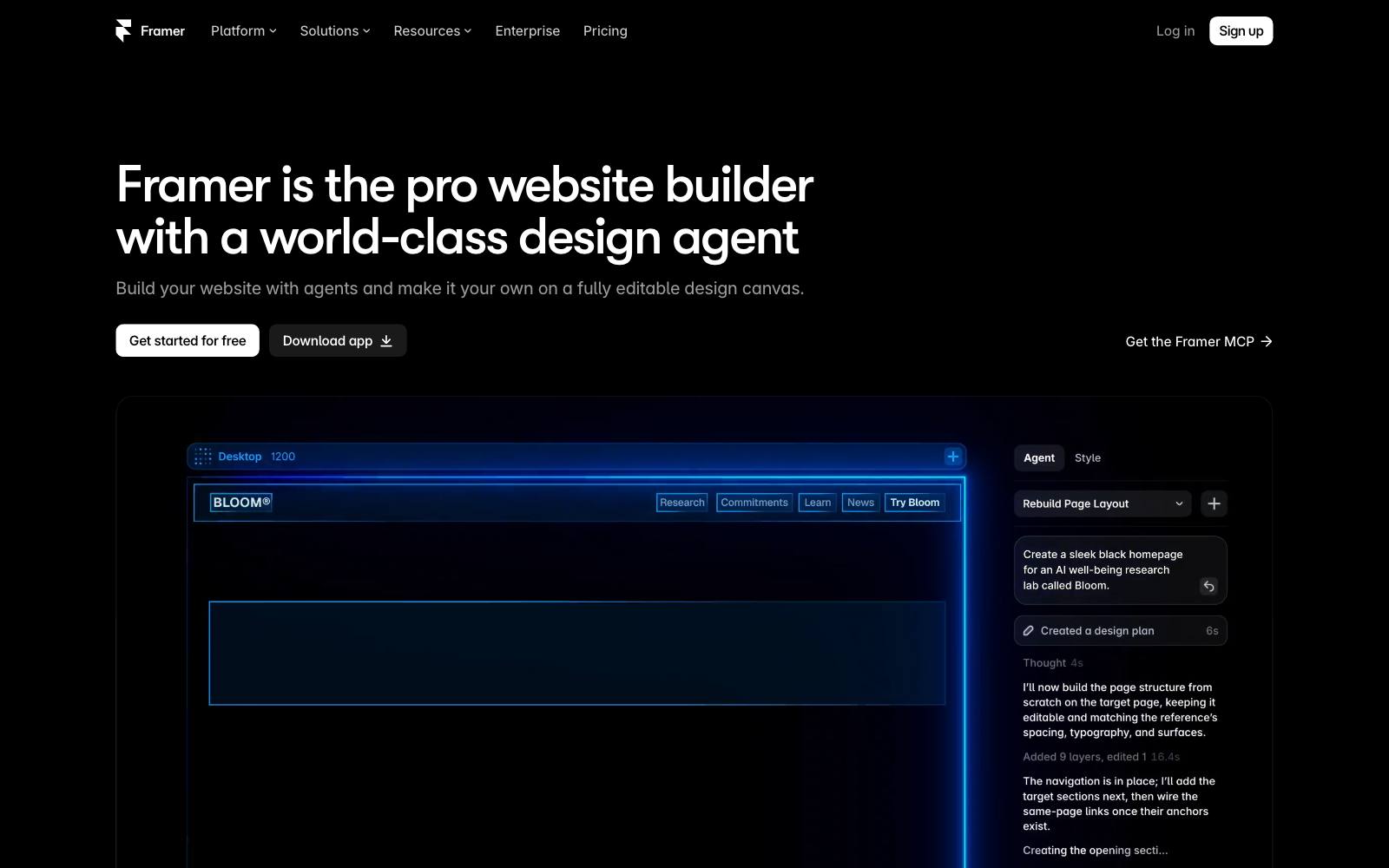
Best for: Framer teams on the Pro plan who want to test page designs without adding any outside code.
What it does: You right-click a page, choose New A/B Test, and Framer makes a copy you can redesign freely.
You pick a conversion event (a tracked link click, a tracked form submit or a later page view), press Start and publish.
Framer splits traffic evenly and reports conversion rate, lift and "Probability of Being Best," per its A/B testing help article.
Key features:
- Up to five variants per page, built on the canvas
- Cookieless visitor assignment, so you may not need a cookie banner (depending on your local laws)
- Bayesian results: Framer can declare a winner once a variant passes 90% probability of being best and enough data is in
- Funnels and Triggers come in the same Convert add-on
- Tests can run across multiple locales
Pros:
- No script, so there's no flicker or layout shift
- Designers can launch a test in minutes
- Stopping a test lets you promote the winning variant to the control
Cons:
- The anonymous ID resets daily, so Framer can only count conversions on the same day. Framer says a cookie-based option is planned
- Each variant is a full page copy, so testing one button means duplicating the whole page
- Not on the Free or Basic plans, and the add-on allows up to 5 A/B tests
- Goals are limited to links, forms and page views. You can't measure revenue that happens off Framer
Pricing: as of November 2026, Framer's pricing page lists Pro at $30/month billed yearly.
A/B testing needs the Convert add-on at $50 per 500,000 events a month.
An event is a page view, a tracked link click or a tracked form submit. Enterprise pricing is custom.
In our archive: Framer's link-click goal fits CTA copy tests.
Greenlane Search Marketing changed a homepage CTA from "Get a Demo" to "Free Demo" for Corcentric and got +99.42% clicks.
2. Mida
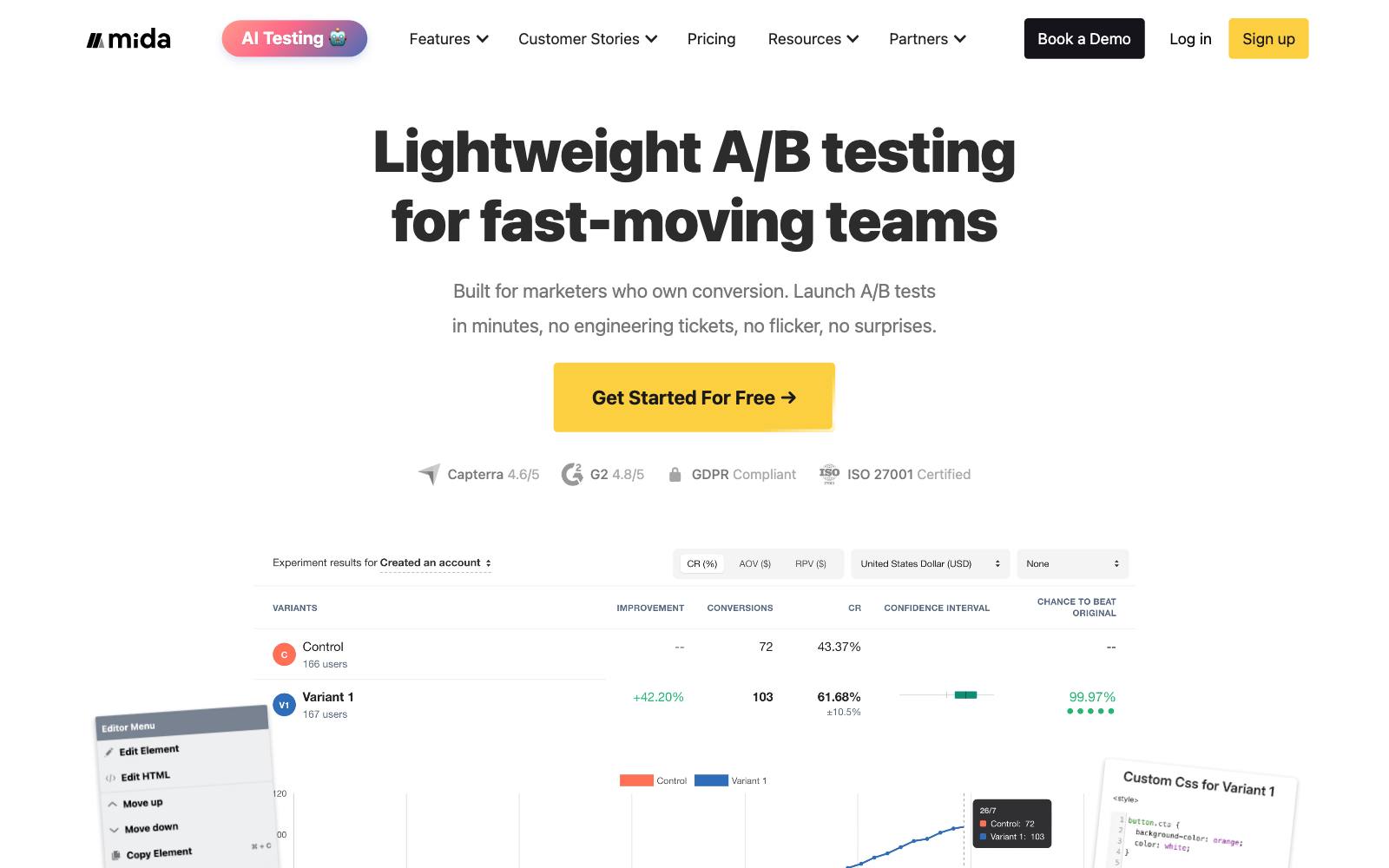
Best for: marketing, SaaS and lead-gen sites on Framer that want a visual editor and a usable free plan.
What it does: Mida is a client-side testing tool with a visual editor.
You paste one script into Framer's custom code settings and build variants on the live page.
Its free Sandbox plan counts only visitors who enter a test.
Key features:
- Free Sandbox: 100,000 monthly tested users, 3 live tests, 1 project
- Visual editor for copy, layout and style changes
- A Framer install guide (head script in Site Settings)
Pros:
- Tests single elements instead of whole pages
- The free tier covers most small sites
Cons:
- Mida's guide says custom code needs a paid Framer plan
- Client-side scripts can flicker if they load late
- The jump from free to Growth is large
Pricing: as of November 2026, Mida's pricing page lists Sandbox free, Growth at $224/month billed annually with a 15-day free trial, and Enterprise.
In our archive: Mida tested its own site.
Adding testimonials to the sign-up page raised sign-up completion by +56.94%.
3. Stellar
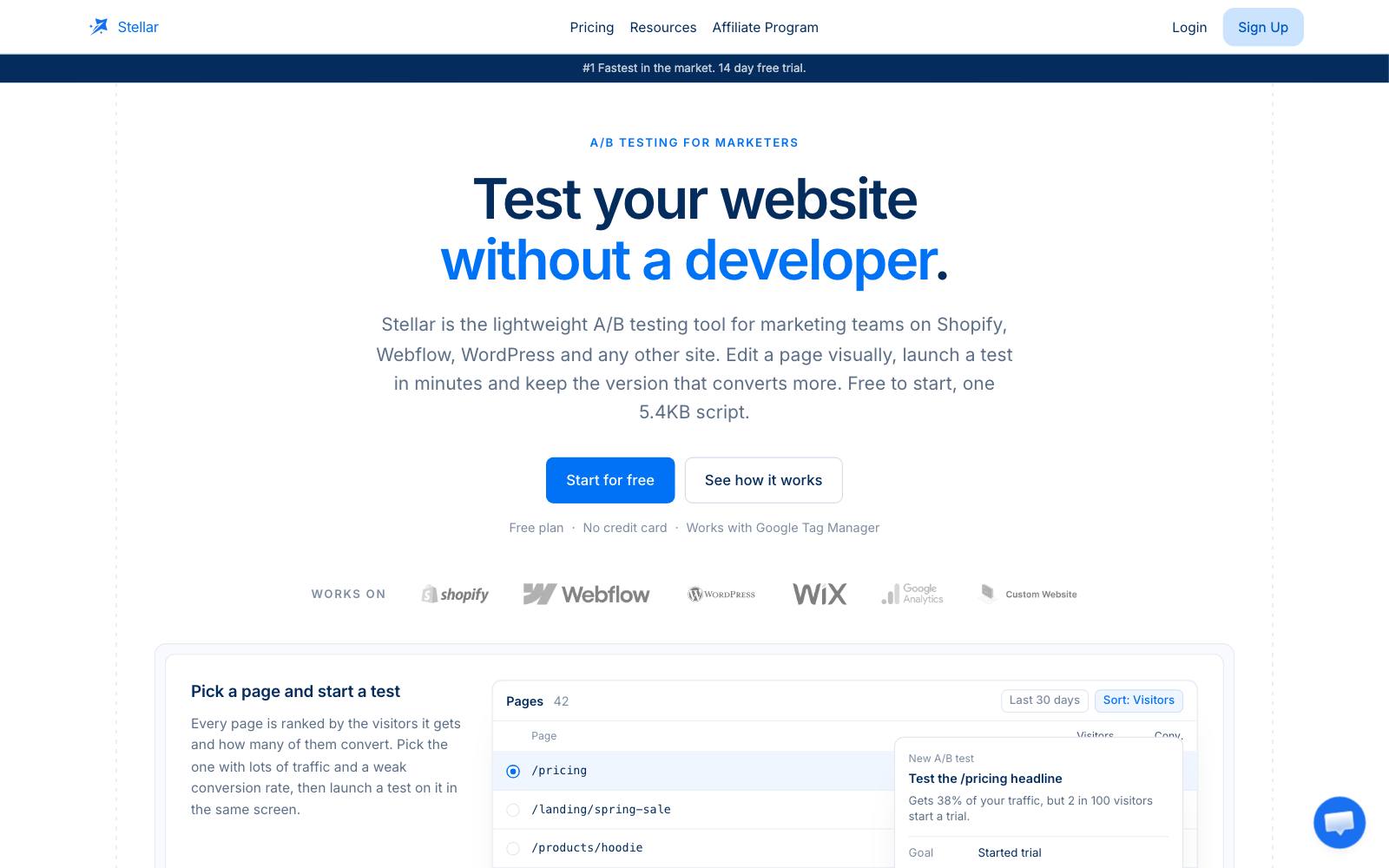
Best for: small Framer sites that want element-level tests and care most about page speed.
What it does: Stellar is a lightweight visual testing tool.
Its Framer page says the snippet is 5.4KB and goes in Site Settings, General, Custom Code, Head, and that it's cookieless by default.
Key features:
- No-code visual editor plus a custom CSS and JS editor
- Conversion goals for CTA clicks, form submits and page visits
- Sends conversion events to GA4
- Framer-specific checks for client-side routing and embedded forms
Pros:
- Clear, usage-based pricing
- The setup guide covers Framer's quirks, like testing on the published URL rather than the canvas preview
Cons:
- The free plan is small: 5k monthly tested users, 2 experiments at once, 3 variants each
- A young product with a short track record next to VWO or Optimizely
- Embedded Calendly or
 Typeform forms sit in iframes, so you may have to track the outer click instead
Pricing: as of November 2026, the pricing table on Stellar's Framer page lists Sandbox at $0 (5k MTU), Pro at $99/month billed annually (50k MTU, unlimited experiments), and custom Enterprise.
In our archive: Stellar suggests hero copy as a first Framer test.
CityCliq's "Create a webpage for your business" tagline brought +90% clicks to pricing.
4. GrowthBook
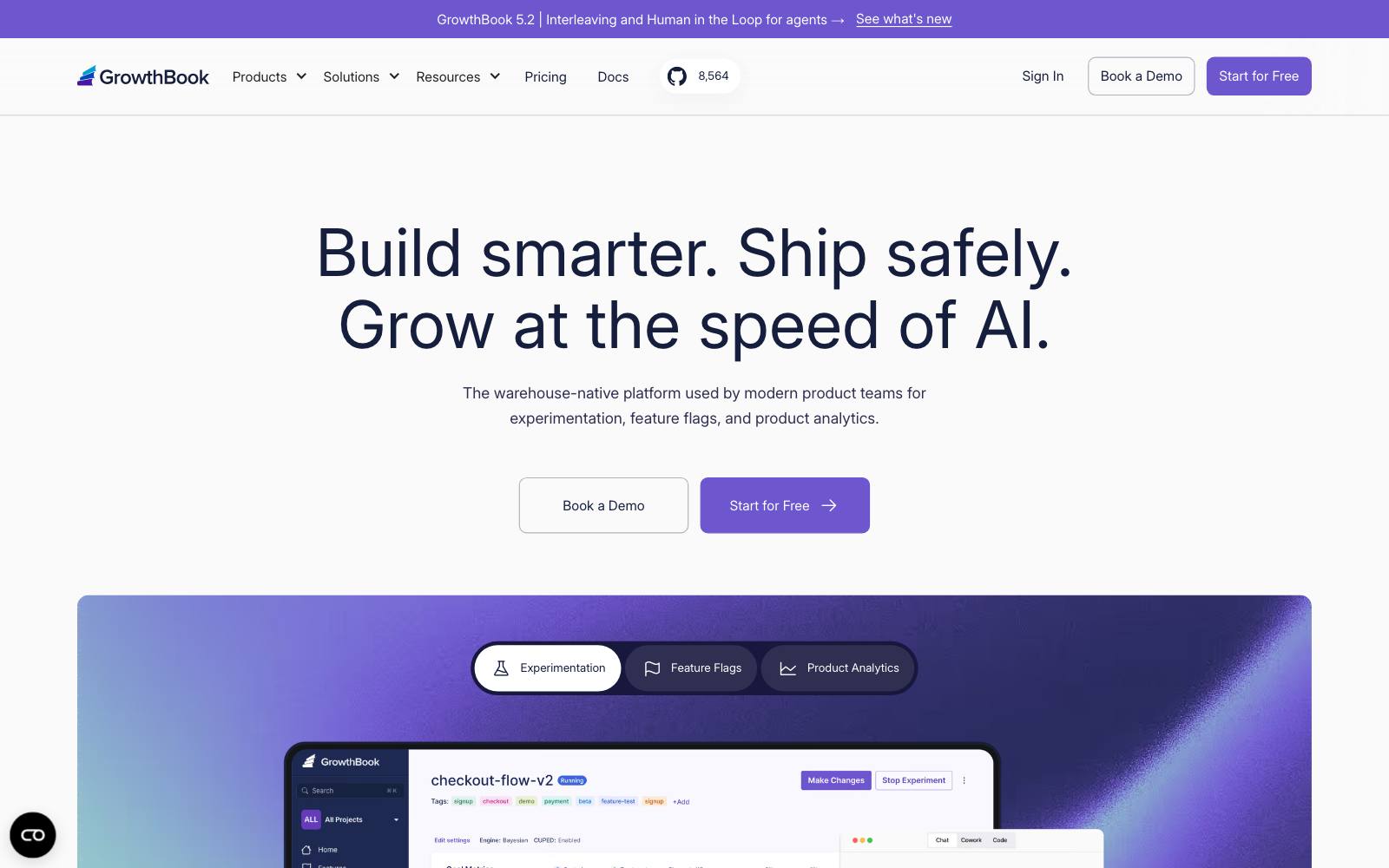
Best for: teams that want an open-source testing platform with an official Framer plugin.
What it does: The GrowthBook plugin on the Framer Marketplace connects to your GrowthBook account with a client key.
You assign components to variants (0 is control, 1 is the first variant, and so on), and the plugin sends exposure events to GA4, Google Tag Manager or Segment, per GrowthBook's Framer docs.
Key features:
- Component-level variants inside Framer
- Feature flags and audience targeting
- Statistics run on your own analytics or warehouse data
Pros:
- Built for Framer, so there's no page copying
- Free cloud plan, and most of the code is open source
Cons:
- Results depend on your analytics setup, which takes more work than Framer's built-in stats
- The visual editor for non-Framer pages is a paid feature
- More to learn than the simpler tools here
Pricing: as of November 2026, GrowthBook's pricing page lists Cloud Starter free (3 users, 1 project), Pro at $40 per seat per month, and custom Enterprise. See our GrowthBook review.
In our archive: swapping one component for another is exactly what the plugin does.
Device Magic replaced a homepage video with an image slider and got +31% sign-ups.
5. PostHog
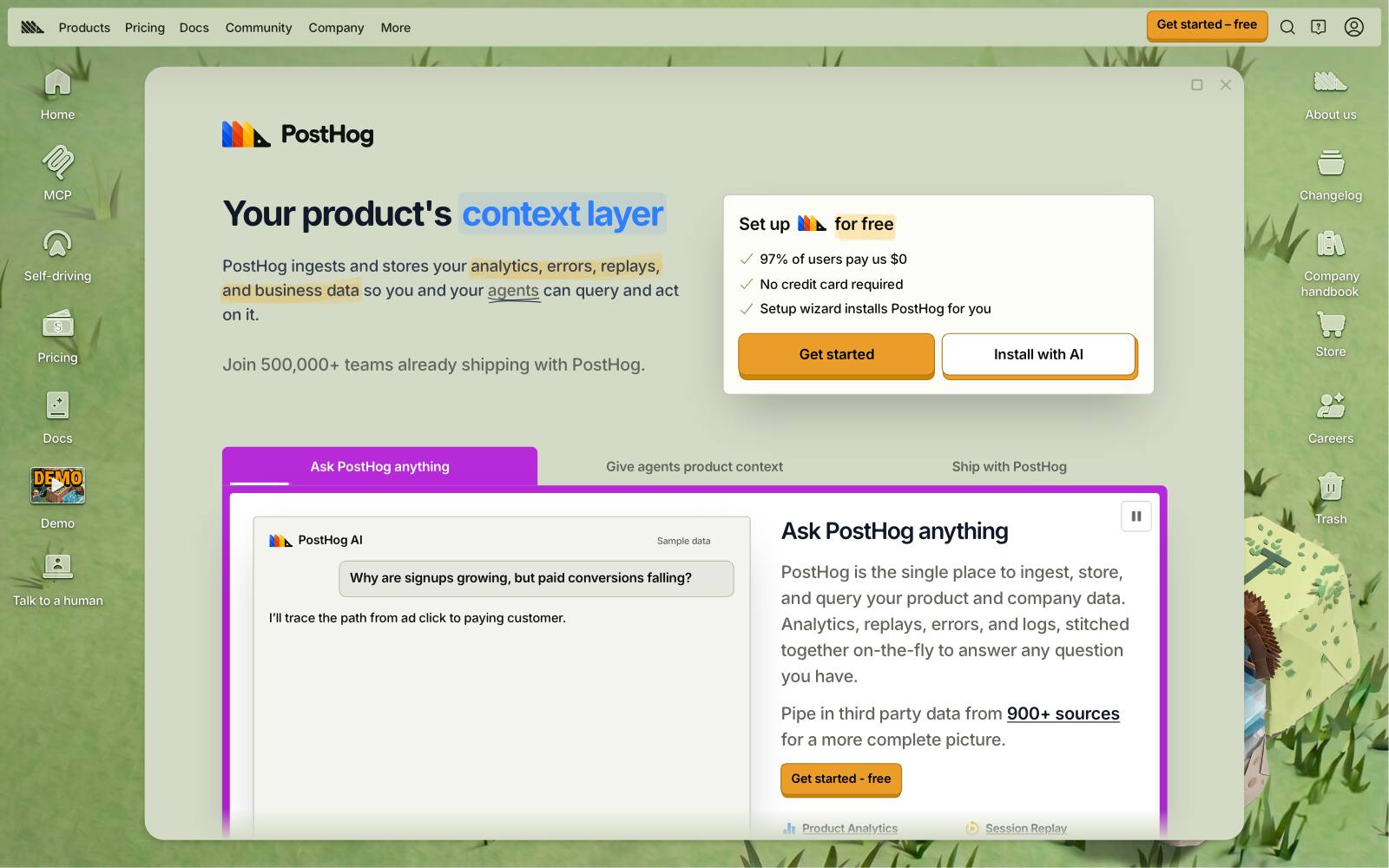
Best for: SaaS startups whose marketing site is on Framer and whose product analytics is already in PostHog.
What it does: PostHog runs experiments on top of its feature flags.
Its Framer tutorial pastes the PostHog snippet into Framer's custom code, creates the experiment in PostHog, and switches button text with a small code component.
Key features:
- 1M analytics events, 5,000 session replays and 1M feature flag requests free each month
- No-code web experiments through the PostHog toolbar
- One user ID from the marketing site through to the product
Pros:
- You can measure a homepage test on activation or paid conversion, not just clicks
- Free with no time limit, and usage stops at the free limits
Cons:
- The Framer tutorial uses code components, so someone needs to write a little JavaScript
- PostHog's docs say no-code experiments don't suit single-page apps, where re-renders can overwrite changes
- Too much tool if you only want to test a headline
Pricing: as of November 2026, PostHog's pricing page shows the free allowance above, then pay-as-you-go rates per product.
In our archive: Kommunicate tested removing the email field from a "Try for Free" CTA and got +25.53% clicks.
With PostHog you could follow those clicks into trial activation.
6. Humblytics
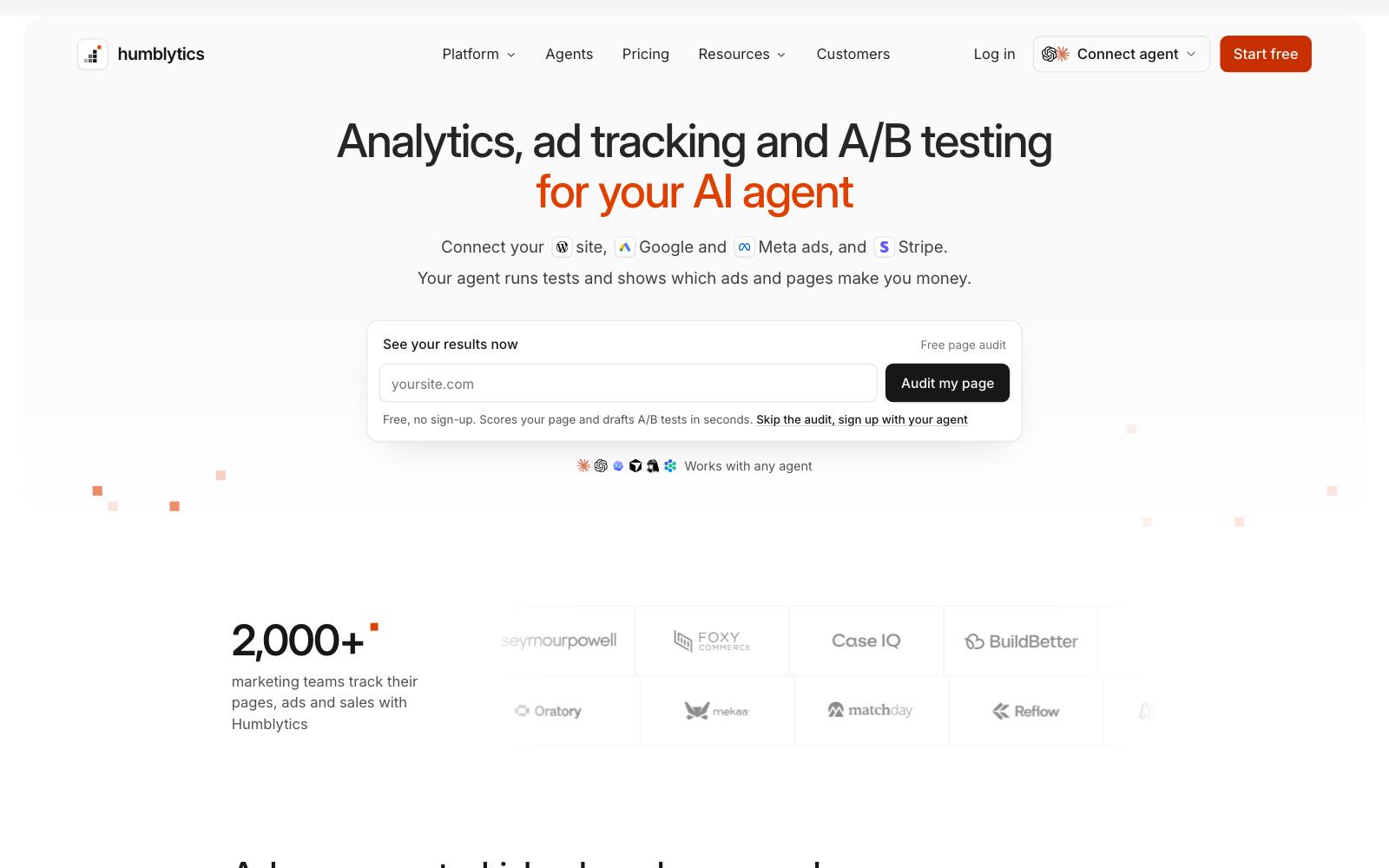
Best for: Framer sites that want analytics, heatmaps, funnels and A/B tests in one script, on any Framer plan.
What it does: Humblytics runs as a script and tests single elements like a headline or CTA.
Its Framer comparison page says it tracks conversions across days and devices and can score tests on  Stripe revenue.
The same page admits Framer's native tests are better for whole-page design changes and need nothing extra.
Key features:
- Visual A/B editor
- Heatmaps per variant
- Funnels and revenue attribution
Pros:
- Multi-day attribution fixes the biggest gap in Framer's native tests
- One tool replaces a separate analytics and heatmap app
Cons:
- The trial needs a card
- Business allows 5 active A/B tests and 5 heatmaps
- It's a vendor comparison page, so check the claims on your own site
Pricing: as of November 2026, Humblytics' pricing page lists Business at $65/month billed yearly (500K events), Scale at $239/month billed yearly (1M events), and Enterprise, with a 14-day trial on both paid plans.
In our archive: lead-gen pages with one key button are a good fit.
Digital NRG added an above-the-fold contact CTA for Enhance Insurance and saw +133.38% CTA clicks.
7. VWO (Wingify)
Best for: teams that want testing, heatmaps and session recordings from one established vendor.
What it does: VWO works on Framer the way it works on any site: you add its SmartCode in Framer's custom code settings and build tests in its visual editor.
VWO is now sold under Wingify, which its owner combined with  AB Tasty in January 2026.
Key features:
- Visual editor, split URL and multivariate tests
- Heatmaps, recordings and form analytics
- Growth, Pro and Enterprise plans
Pros:
- The tool behind more tests in our archive than any other
- Strong targeting and reporting
Cons:
- No public prices and no free plan, though Wingify offers a 30-day free trial with no card
- A heavier script than Mida or Stellar, so watch for flicker
- Far more than a small Framer site needs
Pricing: as of November 2026, Wingify's pricing page shows Growth, Pro and Enterprise plans with no prices.
You book a demo for a quote. See our VWO review.
In our archive: Artsy Editor ran a test in VWO that cut the homepage to one "Try Demo for Free" button and got +47% clicks to pricing.
8. Convert
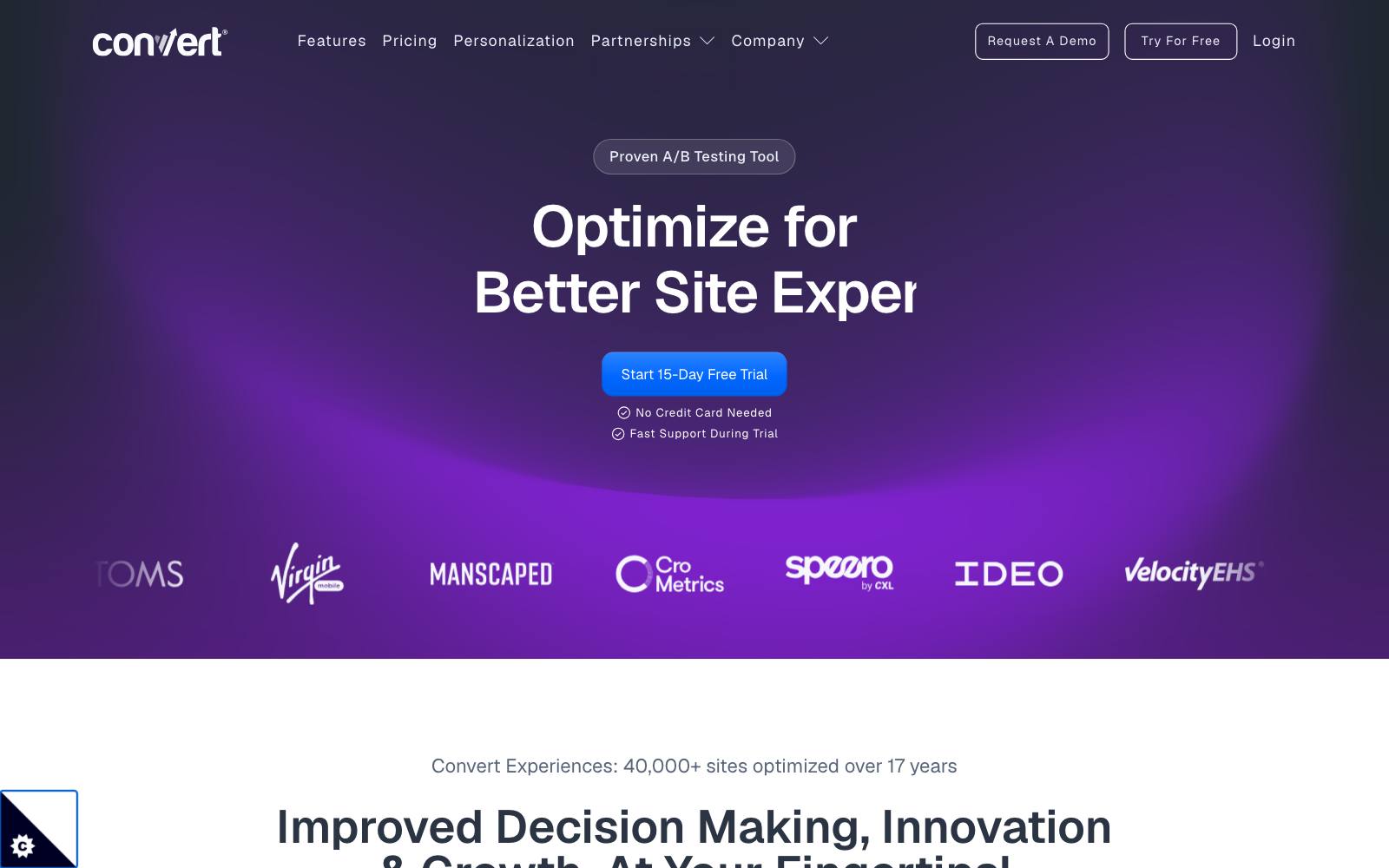
Best for: agencies and privacy-minded teams testing Framer sites alongside sites on other platforms.
What it does: Convert.com (not Framer's add-on) is a client-side testing tool you install with one script in Framer's custom code.
It has a visual editor, a code editor and split URL tests, and its plans are priced by tested users.
Key features:
- A/B, split URL and multivariate tests (included on Pro, a paid add-on on Growth)
- Privacy and compliance controls
- Integrations with GA4 and most analytics tools
Pros:
- Public pricing
- One account covers Framer,
 Webflow, Shopify and anything else you run
Cons:
- $299/month is a lot for a single marketing site
- Multivariate tests are included only on Pro (a paid add-on on Growth), and multipage tests start on Pro
- Client-side, so set up anti-flicker carefully
Pricing: as of November 2026, Convert's pricing page starts at $299/month paid annually or $399/month paid monthly for 100K tested users a month.
Pro is $420/month paid annually ($599 monthly). A free trial is offered.
In our archive: Journey Further used Convert to test a dedicated PPC landing page against a product page for High Street TV and got +32.62% purchases.
That's the kind of landing page many teams build in Framer.
9. Optimizely
Best for: large companies that run a testing program across many sites and apps, with Framer as one of them.
What it does: Optimizely Web Experimentation installs as a head script in Framer like the other client-side tools.
Its main strengths are stats, governance and feature experimentation across a big organization.
Key features:
- Visual editor and personalization
- Sequential statistics
- Feature flags and server-side testing in separate products
Pros:
- Built for many teams testing at once
- Strong support and partner network
Cons:
- Sales-led pricing aimed at enterprise budgets
- Overkill for a startup marketing site
Pricing: contact sales; Optimizely's pricing page lists no prices.
In our archive: Optimizely ran personalized homepage recommendations for a retailer and got +136% clicks to product pages.
Which one is right for you
You're on Framer Pro and want to start today
Use Framer's built-in A/B testing. It's the cleanest setup, and whole-page tests on hero sections or pricing pages suit it well.
You're on a paid plan below Pro, or you want a free tool
Try Mida or Stellar. Both have free plans and install with one head script.
SaaS with product analytics
Use PostHog if it's already your analytics tool, or GrowthBook if you want the Framer plugin and your own data.
Both let you judge a homepage test on sign-ups that happen later in the product.
Lead gen with conversions after day one
If leads often come back and convert days later, Framer's same-day window will undercount them. Humblytics or Convert can track across days.
Agency or enterprise
Convert for agencies running many client sites. VWO or Optimizely if testing already runs across the company.
What to look for
- Install method: a native feature or plugin avoids flicker, while a head script works on any page but has to load fast.
- Framer plan needed: native tests need Pro, and script tools need a plan that lets you add custom code.
- Conversion window: check whether the tool counts conversions that happen days after the first visit.
- Test scope: decide whether you'll mostly test whole pages or single elements, since it changes which tool fits.
- Goals you can track: link clicks and forms are standard, while revenue, trials and activation need an analytics link.
- Stats you understand: Framer reports a Bayesian "probability of being best," while others report p-values; read Bayesian vs frequentist first.
- Price at your traffic: event and tested-user pricing climbs fast, so price it at next year's traffic.
Real results from tests like the ones you'd run on Framer
Framer sites are mostly SaaS, startup and lead-gen marketing pages.
These tests from our archive are the kind of homepage, CTA and sign-up changes you can build in any tool above, including one that lost.
 Mida
The last one is worth a look. AssessmentDay found that removing the FAQ alone gave +62% sales, and removing the screenshots alone gave +56%.
Removing both together gave -3% sales and lost.
Test one change at a time when you can.
Watch out for
- Low traffic: most Framer sites get modest traffic, and a test that needs months won't finish. Run the numbers in our sample size calculator and read A/B testing with low traffic.
- Flicker from script tools: install the snippet in the head, not the body, and test on the published domain. See the flicker effect.
- Client-side routing: Framer moves between pages without full reloads, so check that goals fire on internal navigation, not only on first page load.
- Stacked scripts: running Framer's native test and an outside tool on the same page doubles the scripts and can muddle results. Pick one per page.
- Editing a live test: Framer's docs advise stopping a test before you change a variant, then starting a new one.
- Calling it early: a 90% probability on a few dozen conversions can still flip. Wait until the tool says the data is enough.
If you'd rather have someone plan and run the tests for you, an agency can help. See our list of A/B testing agencies.
Using another builder? See Webflow A/B testing and Wix A/B testing, or browse all CRO tools and free A/B testing tools.