



Yes, you can A/B test a Wix site, but Wix itself only gives you a basic tool.
Its built-in Test Sites feature shows one alternate version of your site to a share of visitors, with no targeting and no results report.
For real tests, paste a third-party tool into Wix's Custom Code panel.
 Convert and
 VWO are the strongest picks with Wix install guides.
Stellar and  Crazy Egg are the low-cost options, and you need a paid Wix plan with a connected domain for any of them.
How we picked: we read each vendor's Wix install docs and pricing page, Wix's own help center, public app-store reviews and the tests in our archive.
We have not used these tools ourselves. Some links to Convert, VWO and  Unbounce may earn us a commission.
That doesn't change what we say about them.
Wix A/B testing tools compared
| Tool | Best for | Starting price (as of November 2026) | Free plan or trial | Rating (source) |
|---|---|---|---|---|
| Wix Test Sites | Checking a big change on part of your traffic | Included in Wix | No extra cost | Not applicable |
| Convert | Serious testing on a growing site | $299/mo billed annually | 15-day free trial | Not verified |
| VWO (Wingify) | Testing plus heatmaps and recordings | Contact sales | 30-day free trial | Not verified |
| Stellar | Small sites that want a cheap visual editor | $29/mo billed yearly | Free Sandbox plan | Not verified |
| Crazy Egg | Heatmaps first, simple A/B tests second | $99/mo for A/B testing (Plus) | 30-day free trial; free plan without tests | Not verified |
| Personizely | Testing popups and offers from the Wix App Market | $47/mo for A/B testing (Premium 10K) | 14-day free trial | 5.0/5, 346 reviews (Wix App Market) |
| Unbounce | Ad landing pages tested off-Wix | $112/mo billed annually (Experiment) | 14-day free trial | Not verified |
 Kameleoon | Large sites with a testing team | Contact sales | Not stated | Not verified |
Before any of these: Wix only shows the Custom Code panel on sites that are published and have a connected domain.
A free wixsite.com address can't load a testing script.
Shopify-only apps such as  Intelligems,
 Shoplift and
 ABConvert don't work on Wix at all, and Google Optimize shut down in 2023.
The 8 best Wix A/B testing tools
1. Wix Test Sites (built in)
Best for: Wix owners who want to check that a redesign doesn't break anything before every visitor sees it.
What it does: In Wix's Release Manager you build a copy of your site, then choose the percentage of traffic (0-100) that sees it.
Publishing the test site sets it to 100% and replaces your live site.
Wix presents it as a gradual rollout tool, not a full A/B testing product.
Key features:
- No code and no extra app
- Traffic split from 0% to 100%
- One-click publish of the winning version
Pros:
- Free and built into the editor you already use
- Good for checking a whole new design before full release
Cons:
- You can only have one test site at a time, so you get one variation
- No targeting by country or language; Wix lists both as feature requests collecting votes
- Wix's help pages describe no results report or significance check, so you have to compare the two versions in your own analytics
- Features that hold data, such as database collections, may not work on test sites
Pricing: No extra cost beyond your Wix plan.
Not for: Anyone who wants to test a headline or button and get a clear answer. Use a real testing tool for that.
2. Convert
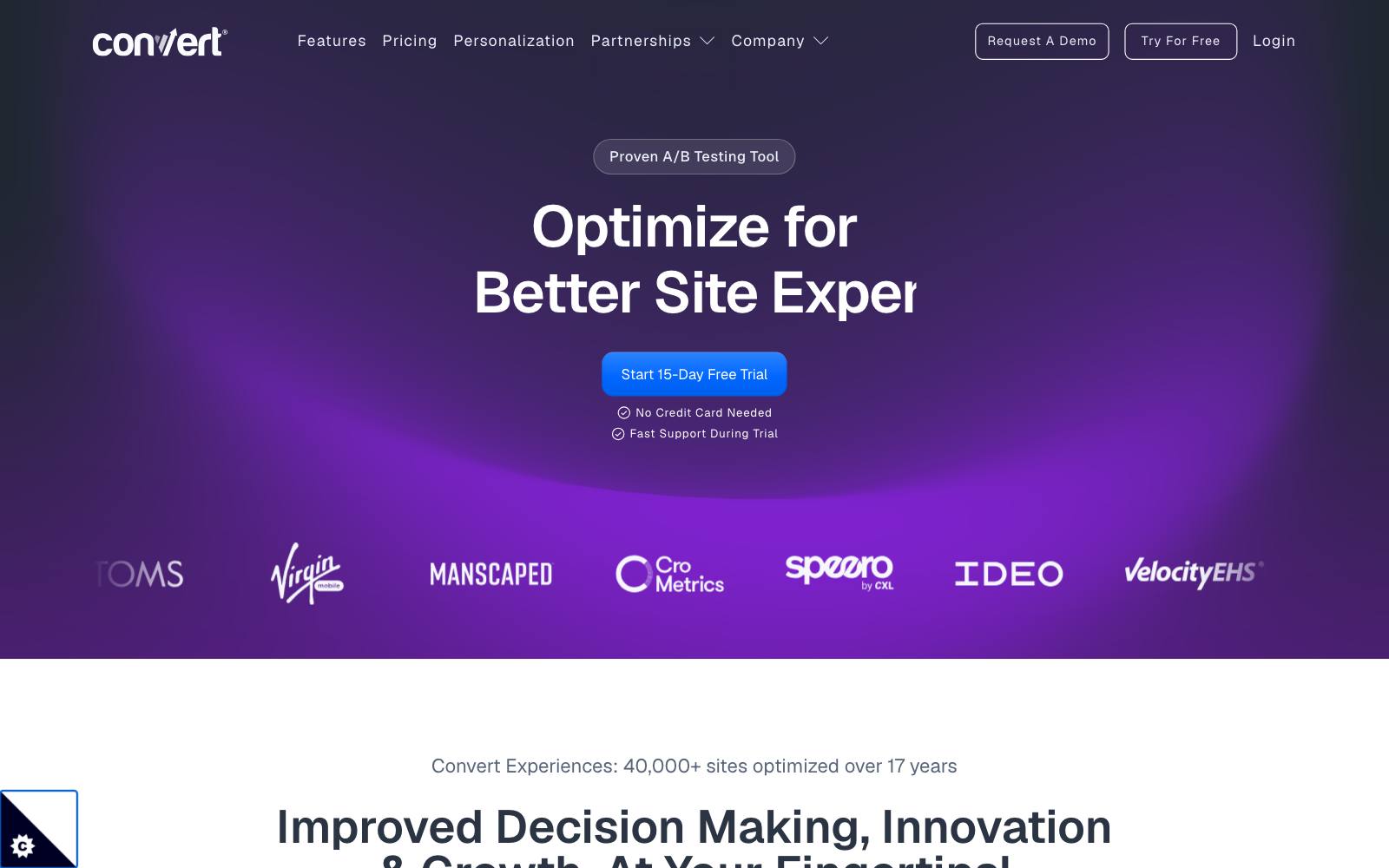
Best for: Growing businesses and agencies that want a full testing tool with clear stats and a documented Wix setup.
What it does: Convert runs client-side A/B, split URL and multivariate tests on any site that can load its script.
Its Wix guide has you add the code under Settings, set to load on all pages in the head.
Convert notes the feature needs a Wix Premium plan and a connected domain.
Key features:
- Visual editor plus code editor for variants
- Split URL tests, useful when you build version B as a second Wix page
- Multipage and multivariate tests on Pro
- Audience targeting by device, source and more
Pros:
- Published prices and a free trial
- Works the same on Wix as on any other platform, so it moves with you if you change builders
Cons:
- $299 a month is a lot for a small Wix site
- Price scales with tested users, so traffic growth raises the bill
- Its Wix guide says nothing about flicker or Wix-specific limits, so you'll need to QA those yourself
Pricing: Growth starts at $299/mo billed annually or $399 monthly, for 100K tested users a month.
Pro is $420/mo annually. There's a 15-day free trial (Convert pricing).
In our archive: Journey Further used Convert to test a dedicated PPC landing page against a product page for High Street TV: +32.62% purchases. More in our Convert review.
3. VWO (Wingify)
Best for: Teams that want testing, heatmaps and session recordings in one tool.
What it does: VWO, now sold under the Wingify name, runs visual A/B, split URL and multivariate tests.
Its Wix guide has you paste its SmartCode into Wix's Custom Code panel, placed in the head.
Key features:
- Visual editor for no-code changes
- Heatmaps, recordings and form reports alongside tests
- Split URL and multivariate testing
- Unlimited concurrent campaigns on every plan
Pros:
- Our archive has hundreds of tests run on VWO, including many small lead-gen sites
- One script covers research and testing
Cons:
- No public prices on the pricing page; you have to book a demo
- VWO's Wix guide says server-side testing isn't supported on Wix
- Data retention for behavior analytics is short on lower plans (1 month on Growth)
Pricing: Contact sales. There's a 30-day free trial.
In our archive: Spectrum Inc swapped a stock image for a real student photo on 160 Driving Academy's homepage and got +161% form completions, using VWO.
That's the kind of small-business site many people build on Wix. See our VWO review.
4. Stellar
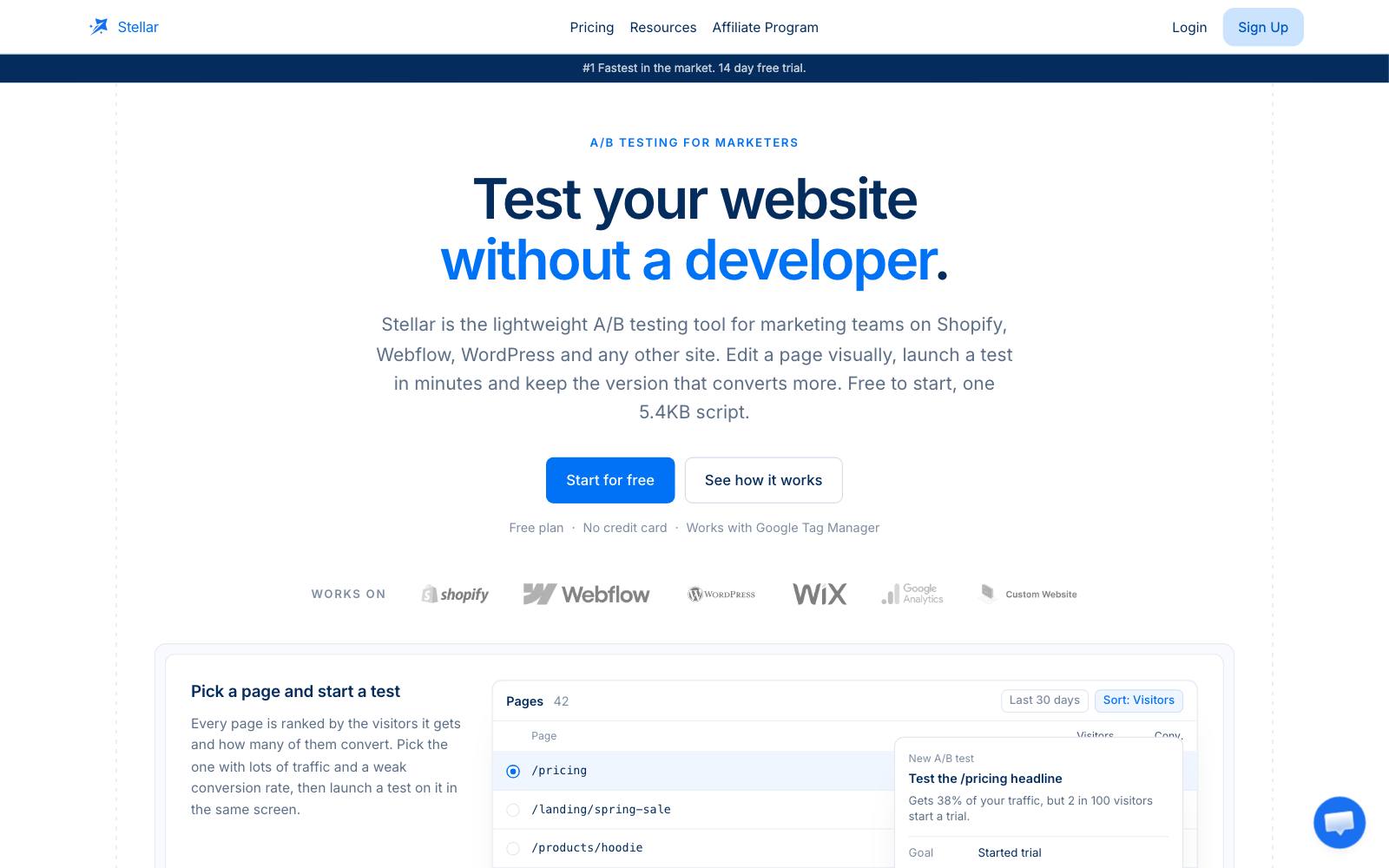
Best for: Small Wix sites that want a visual editor without enterprise pricing.
What it does: Stellar is a lightweight A/B testing tool that loads one 5.4KB script and lists Wix among the platforms it supports.
You edit headlines, buttons and layouts visually, then send results to GA4 if you want.
Key features:
- Visual editor for copy and layout changes
- Small script, which matters for page speed
- Install by direct snippet or Google Tag Manager
- GA4, Mixpanel and Segment integrations
Pros:
- Free Sandbox plan to try it on a live site
- Paid plans start at $29 a month
Cons:
- Younger and less proven than Convert or VWO
- No tests in our archive ran on it yet, so there's less public proof
- We found no public review counts we could verify
Pricing: Sandbox is $0 for up to 5K monthly tested users.
Plus is $29/mo billed $348 yearly for 25K.
Pro is $99/mo billed $1,188 yearly for 50K (Stellar pricing).
In our archive: No tests ran on Stellar yet.
It's built for simple copy tests like CityCliq's 'Create a webpage for your business' tagline, which got +90% clicks to pricing (run on VWO).
5. Crazy Egg
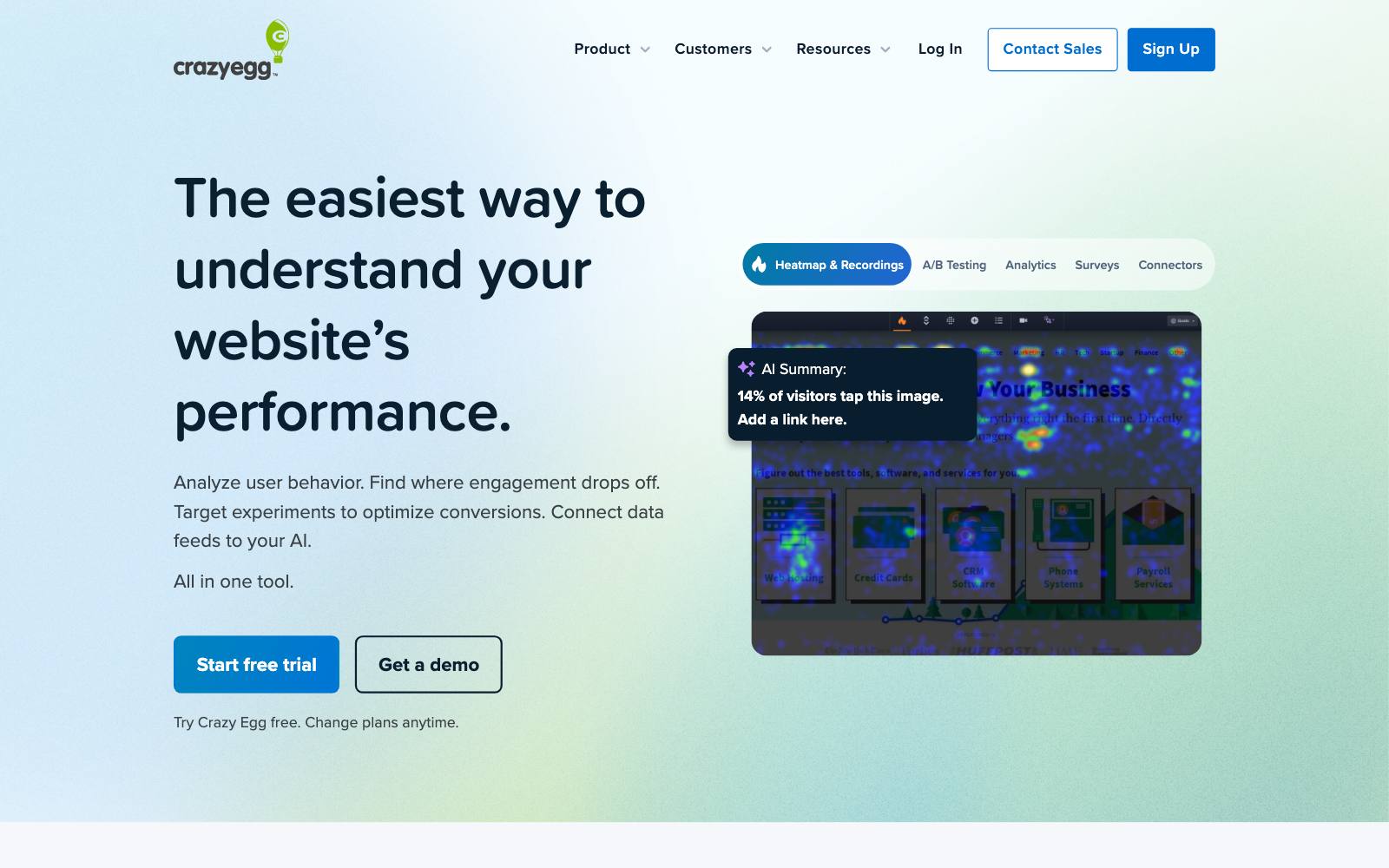
Best for: Wix owners who want heatmaps and recordings first, with simple A/B tests added.
What it does: Crazy Egg is a heatmap and recording tool that also runs A/B tests on paid plans.
Wix has its own help article for connecting Crazy Egg, using the same Custom Code panel and a connected domain.
Key features:
- Heatmaps, scroll maps and session recordings
- Unlimited A/B tests on Plus and above
- Surveys and conversion tracking
- Target tests by device on Plus; more segments on higher plans
Pros:
- Shows you what to test and lets you test it in one tool
- No overage charges; tracking pauses when you hit the limit
Cons:
- The $29 Starter plan doesn't include A/B testing
- Pageview caps (150,000 a month on Plus) can run out on busy sites
- Testing is simpler than in dedicated tools
Pricing: Plus with A/B testing is $99/mo. Starter is $29/mo without tests.
All plans have a 30-day free trial, and a free plan covers analytics and heatmaps only (Crazy Egg pricing).
In our archive: Crazy Egg's heatmaps can show you where a form gets ignored.
VenueSphere's 'Stop right now!' subheadline above an enquiry form got +69% leads (run on VWO).
6. Personizely
Best for: Wix sites that want to test popups, offers and content from an app inside the Wix App Market.
What it does: Personizely's A/B Testing, Popups & Upsell app lets you "run A/B tests on content, URLs, popups, and offers" and build targeted popups.
It installs from the Wix App Market, so there's no code to paste.
Key features:
- A/B tests on content, URLs, popups and offers
- Exit-intent and behavior-based popups
- Email capture forms
- Basic personalization by visitor behavior
Pros:
- The only pick here that installs as a Wix app
- Paid plans from $31.20 a month, with A/B testing from $47
Cons:
- Built around popups, so it's weaker for full-page tests
- Requires a Premium Wix site
- Popup-heavy sites can annoy visitors and hurt mobile experience
Pricing: Essential 10K is $31.20/mo without A/B testing.
A/B testing starts on Premium 10K at $47/mo, then Premium 50K at $119/mo (yearly billing), with a 14-day free trial (listed on the Wix App Market page).
Rating: 5.0/5 from 346 reviews on the Wix App Market.
In our archive: CleanChoice Energy tested a timed email pop-in against a footer button and got +204% email sign-ups (run on  AB Tasty).
7. Unbounce
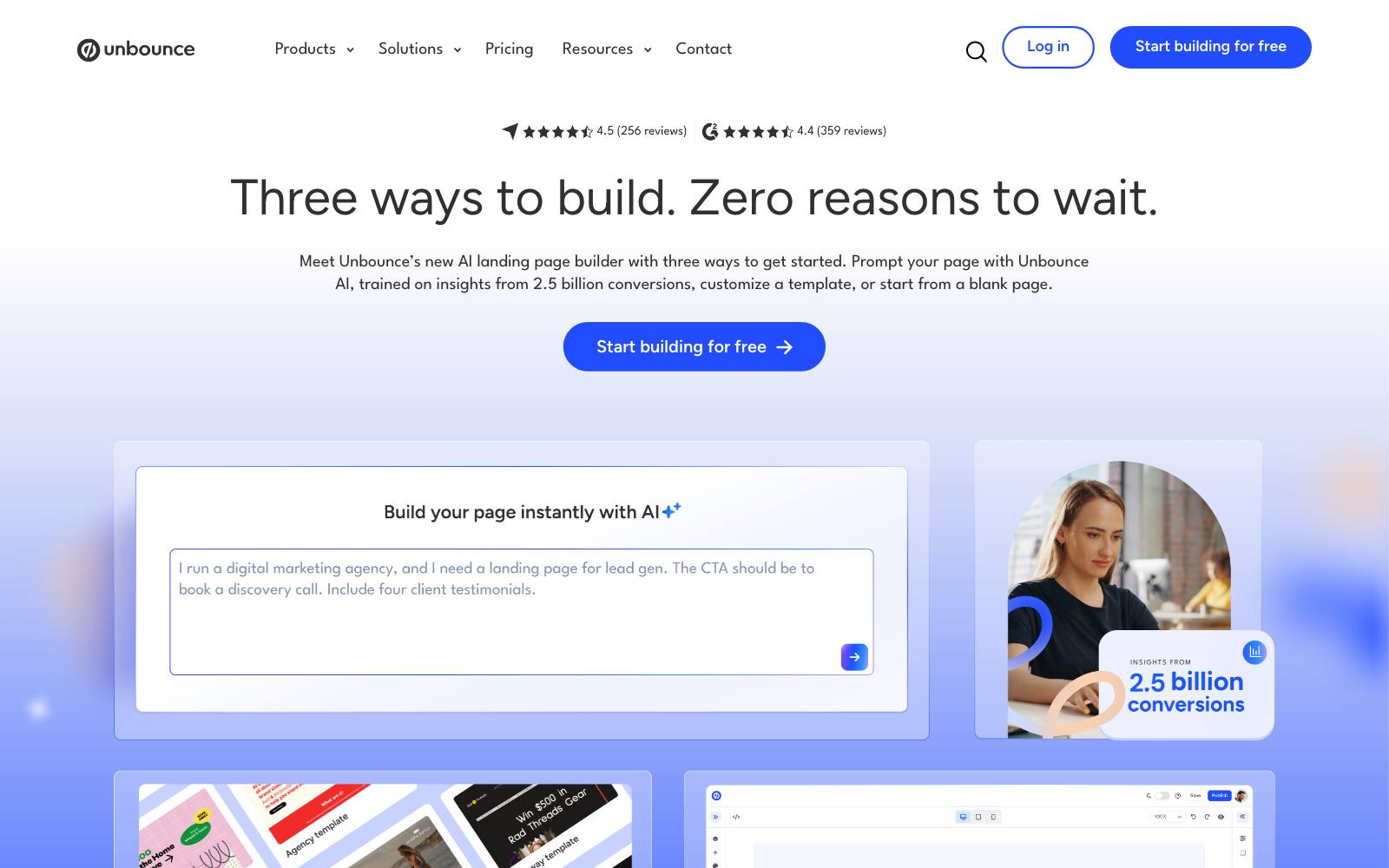
Best for: Businesses that run paid ads and can send that traffic to landing pages built outside Wix.
What it does: Unbounce doesn't test your Wix pages.
It hosts separate landing pages on a subdomain such as get.yoursite.com and A/B tests them there.
That avoids Wix's limits completely for ad traffic.
Key features:
- Drag-and-drop landing page builder
- Unlimited A/B testing on Experiment and up
- Unlimited conversions on all plans
- Custom domains and subdomains
Pros:
- Testing is built into the page builder, with no script stacked on Wix
- Our archive has several lead-gen tests that ran on Unbounce pages
Cons:
- A/B testing starts at the Experiment plan, not the cheaper ones
- Your pages live in two places, which means two designs to maintain
- Doesn't help with your Wix homepage, product or booking pages
Pricing: Experiment is $112/mo billed annually or $149 monthly, for up to 30,000 visitors.
Starter ($22) and Build ($74) don't include A/B tests. There's a 14-day free trial (Unbounce pricing).
In our archive: Apexure tested a shorter landing page before a claim form on Unbounce and moved conversion from 1.02% to 1.77%. See our Unbounce review.
8. Kameleoon
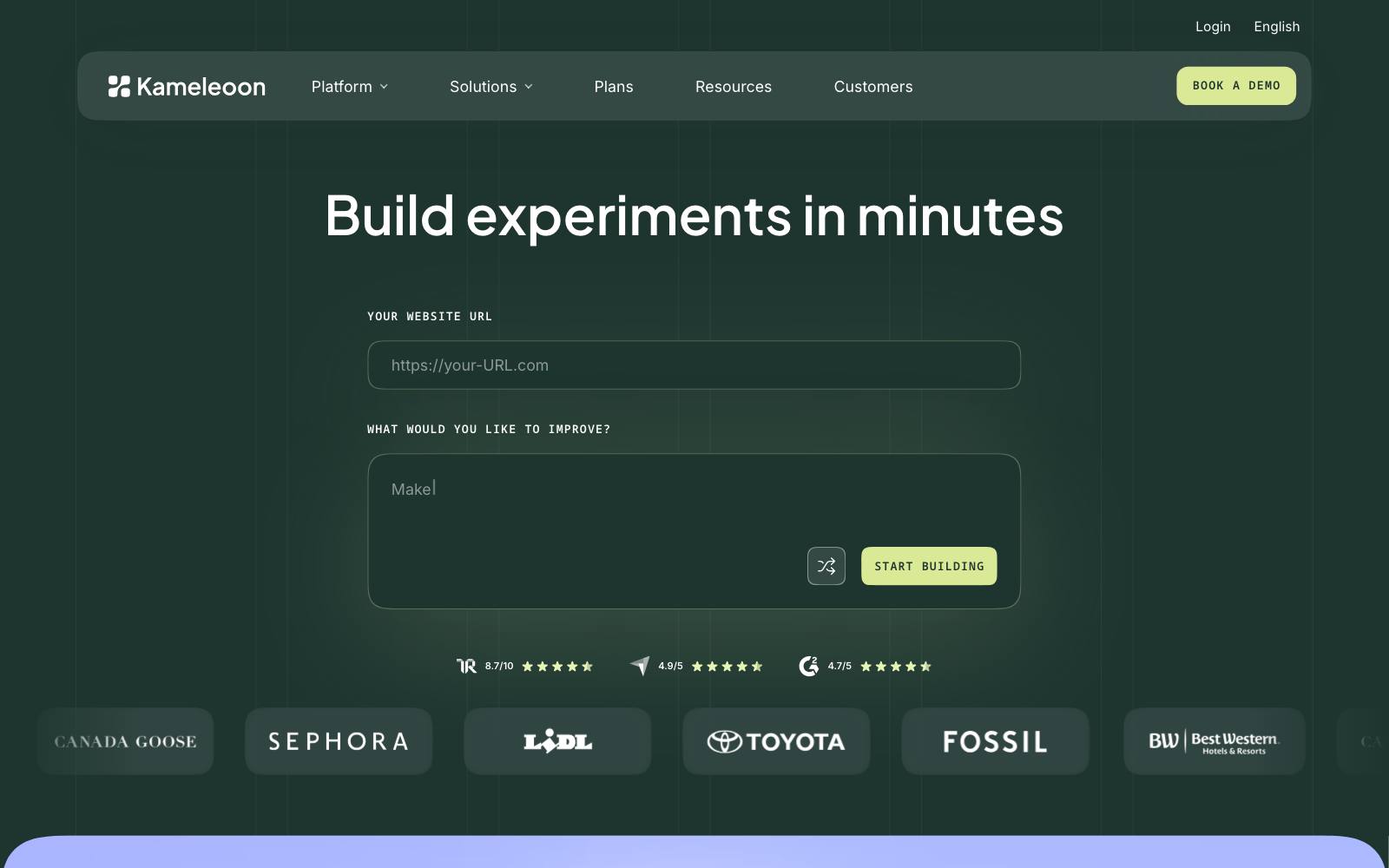
Best for: High-traffic Wix sites with a team that tests every month.
What it does: Kameleoon is an enterprise testing and personalization platform.
On Wix you install its script in the head tag, which unlocks multi-variation and multi-page tests with audience targeting.
Key features:
- A/B and multivariate tests with several variations
- Targeting by location, device and language
- Personalization campaigns
Pros:
- Covers everything Wix Test Sites can't
- Strong for teams outgrowing mid-market tools
Cons:
- Quote-based pricing; its pricing page returned a 404 when we checked
- Far more tool than a typical Wix site needs
Pricing: Contact sales.
Which one is right for you
Small business or local service site
Start with Stellar on its free plan, or Crazy Egg if you also want heatmaps.
If you get only a few hundred visitors a week, read our guide to testing with low traffic first.
Wix online store or bookings site with steady traffic
Convert or VWO. Both have Wix install guides, real stats and split URL tests.
You run paid ads to lead-gen pages
Unbounce for landing pages off Wix, so you don't have to fight Wix's limits.
You mainly want to test popups and offers
Personizely from the Wix App Market.
Large brand with a testing team
Kameleoon or VWO Enterprise.
What to look for in a Wix A/B testing tool
- A Wix install guide: a vendor that documents Wix setup has at least checked that its script loads there.
- Head placement: the script should go in the head through Wix's Custom Code panel, not in an embed box lower on the page.
- Flicker control: ask how the tool hides the original page before the variant loads (see flicker effect).
- Split URL tests: on Wix it's often easier to build version B as a second page and split traffic by URL (see split URL testing).
- Pricing by tested users, not total traffic: you pay only for visitors who enter a test.
- Clear stats: a results report with confidence or probability, not just raw clicks.
- Consent settings: Wix lets you mark custom code as essential, functional or analytics, so check how that interacts with your cookie banner.
Real test results from sites like yours
We have no tests in our archive that ran on Wix itself.
These are lead-gen and small-business tests that you could run on a Wix site with any of the tools above, including one that came out flat.
 Apexure
Bloom's 'Get a Free Quote' instead of 'Book a Free Survey' test for ADT got +60% leads.
Devesh Khanal's sidebar opt-in redesigns all landed at 0.3-0.6% and were inconclusive.
Most tests look like that second one, so plan for it.
Browse who ran them in our practitioner directory.
Watch out for
Free Wix plans: without a connected domain there's no Custom Code panel, so no third-party testing script will load.
Treating Test Sites as an A/B test: Wix splits the traffic but doesn't tell you which version won.
Set up goals in GA4 or another analytics tool before you start, and decide your sample size up front.
Script stacking: a testing tool, a heatmap tool and a popup app each add a script.
Run one testing tool at a time and remove what you don't use, because every script costs page speed.
Republishing mid-test: editing and republishing a page in Wix can change what the testing tool's visual editor targets.
After every publish, preview each running variant again.
Popup overload: popups can win on sign-ups and still annoy visitors.
Watch bounce rate and sales, not only the popup's own conversion.
Ending tests early: small sites hit "significance" on noise.
Decide the test length before you start and stick to it.
Using a different builder? See our guides to Squarespace,  Webflow and WordPress testing, or the full list of A/B testing tools.
All our tool guides are at LiftArchive tools.