




The easiest way to A/B test a  Webflow site is Webflow Optimize, Webflow's own testing and personalization add-on.
You build variations right on the Webflow canvas, and it starts at $299/month.
If that is more than you want to pay, Optibase is a Webflow-native app with a free plan and paid plans from $79/month.
For teams that also test other sites or want stronger stats,  Convert or
 VWO run on Webflow through one script in your site's head code.
How we picked: we read each vendor's public docs and pricing pages (checked November 2026) and matched each tool to real tests in our archive.
We have not used these tools ourselves. Convert and VWO have affiliate programs, so we may earn a commission if you buy through our links. See our disclosure page.
| Tool | Best for | Starting price (as of November 2026) | Free plan or trial | Rating (source) |
|---|---|---|---|---|
| Webflow Optimize | Webflow teams that want testing inside the Designer | $299/mo (page-view based) | No free plan listed; demo on request | Not verified |
| Optibase | Small Webflow sites and agencies on a budget | $79/mo, or $790/yr | Free: 10k tested users, 1 active test | Not verified |
| Convert | Teams testing Webflow plus other sites | $299/mo billed yearly; $399 monthly | 15-day free trial | Not verified |
| VWO (Wingify) | Testing plus heatmaps and recordings in one tool | Quote only | 30-day free trial, no card | Not verified |
| Mida | Low-traffic sites that want a light script | Growth from $224/mo billed yearly | Free: 100,000 tracked users, 3 live tests | Not verified |
 PostHog | SaaS teams that already use product analytics | Usage-based | Free: 1M feature flag requests/mo | Not verified |
 GrowthBook | Data teams with a warehouse | Pro $40/seat/mo | Free Starter: up to 3 users | Not verified |
 Optimizely | Enterprise programs across many sites | Quote only | No | Not verified |
We could not check review-site ratings on the G2 or Capterra pages themselves, so we left ratings out instead of repeating vendor claims.
The 8 best Webflow A/B testing tools
1. Webflow Optimize
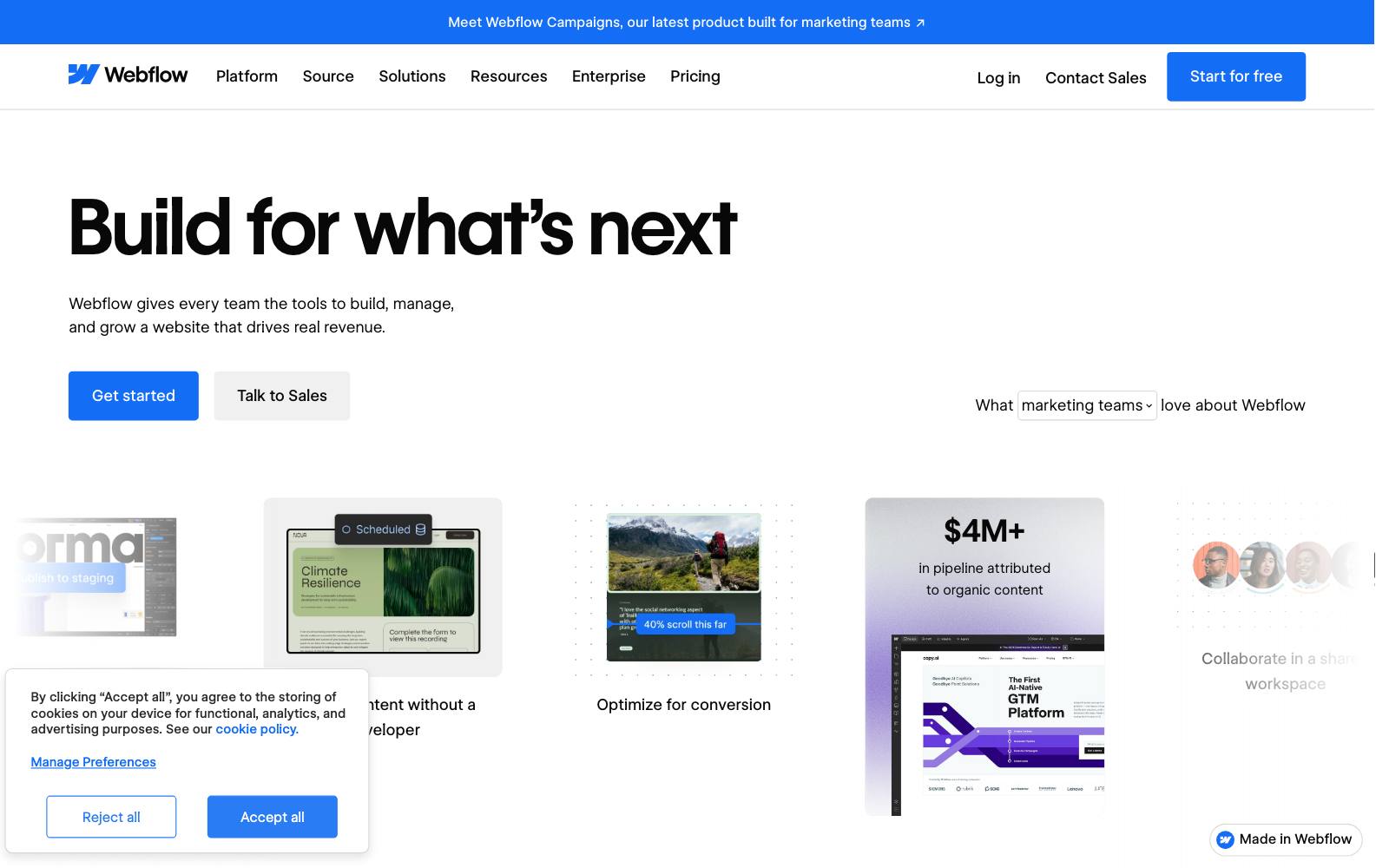
Best for: marketing teams whose whole site lives in Webflow and who want testing without a second editor.
What it does: Optimize is Webflow's built-in A/B testing and personalization product.
You build variations on the Webflow canvas, set goals and audiences, and read results in the Insights tab.
It also offers an AI mode that sends more traffic to the variations that convert best for each visitor.
Key features:
- Manual A/B tests, redirect tests for whole-page redesigns, and AI-optimized tests (Webflow's Optimize checklist)
- Rules-based personalization by device, location, traffic source, UTM and returning visits
- Click, form and page-view goals, plus HubSpot and Marketo goal tracking
- Enterprise integrations with Salesforce, 6sense and Demandbase for account-based targeting (Optimize page)
Pros:
- No extra script to install or editor to learn on a Webflow site
- Variations are built like any other page edit, so designers can own tests
- Personalization and testing in one place
Cons:
- The entry plan allows up to 5 concurrent optimizations
- $299/month is steep for a small site that runs one test a quarter
- Goals outside the built-in types or HubSpot/Marketo need Webflow support or a customer success manager, per Webflow's checklist
Pricing: As of November 2026, Webflow's pricing page lists Optimize as an add-on from $299/month, priced by page views (up to 500k a month), with up to 5 concurrent optimizations.
Optimize Enterprise is "contact us" and removes the concurrency limit.
Non-Webflow sites can also use Optimize through a JavaScript snippet; pricing for that is through sales.
In our archive: personalization is a big part of what Optimize sells.
Humana's digital team showed the same banner couple in front of a local landmark matched to the visitor's location and got +31% clickthrough. Sample size wasn't shared.
2. Optibase
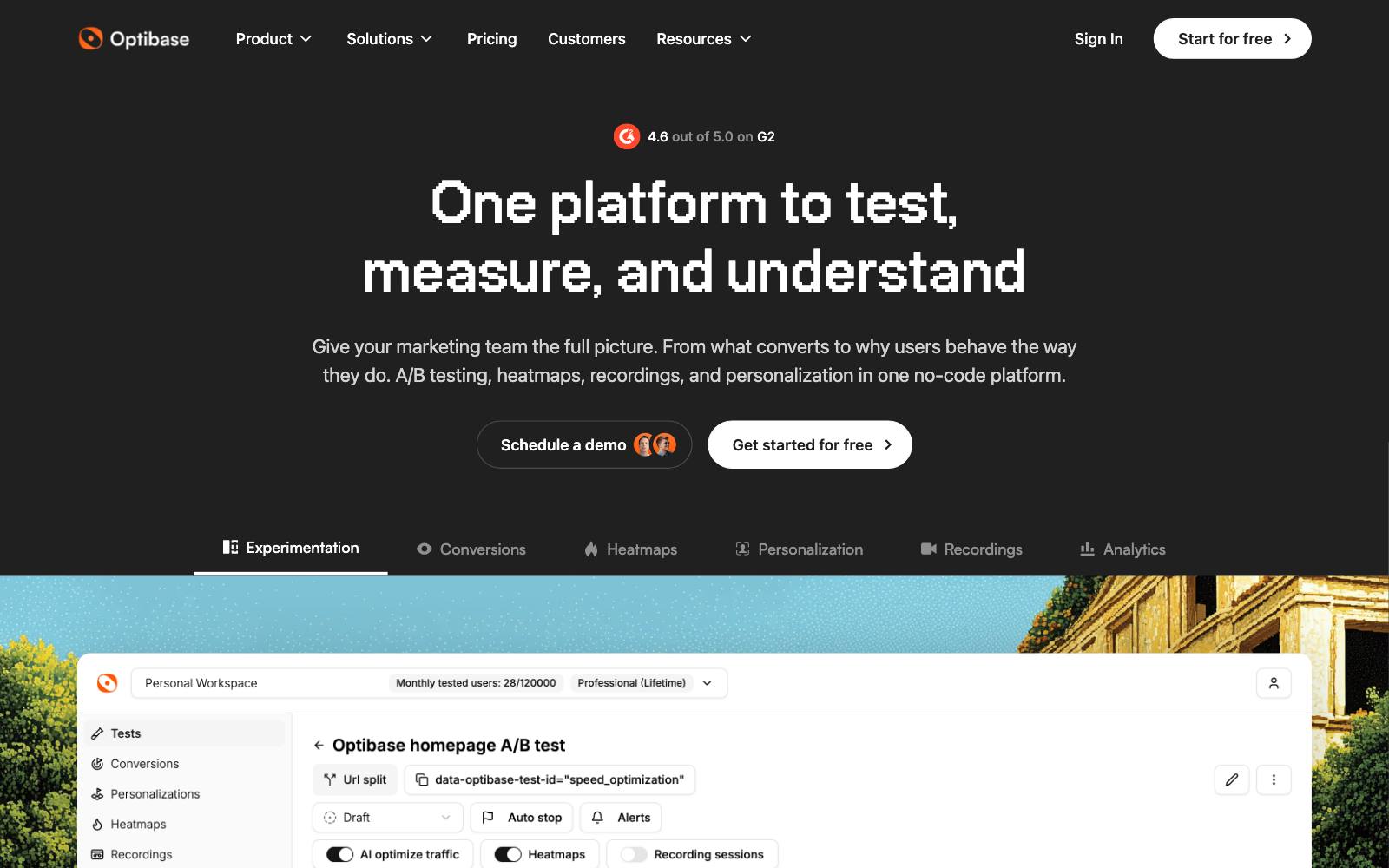
Best for: small Webflow sites, startups and Webflow agencies that want native testing for much less than Optimize.
What it does: Optibase is an A/B testing app listed in the Webflow Apps marketplace.
You set up tests from inside the Webflow Designer, and the app also includes heatmaps and session recordings.
It works on WordPress and other builders too.
Key features:
- A/B, split URL and multivariate tests
- Personalization by location, device, browser, UTM source and new vs. returning visitors
- Heatmaps and session recordings on every plan
- GA4, Mixpanel and HubSpot integrations
Pros:
- Real free plan, so you can try a test before paying
- Built for Webflow, so setup is quick
- Research tools included at no extra cost
Cons:
- The free plan allows only one active test at a time
- Pricing is capped by tested users, so a traffic spike can push you up a tier
- Smaller company and stats engine than Convert, VWO or Optimizely
Pricing: As of November 2026, Optibase's pricing page lists Free (10k tested users), Basic $79/month (20k), Business $159/month (50k) and Professional $319/month (120k).
Yearly billing is $790, $1,590 and $3,190. Enterprise is through sales.
In our archive: button copy is a typical first test on a Webflow SaaS homepage.
Going changed its homepage button from 'Sign up for free' to 'Trial for free' and trial starts rose +104% month over month.
The button also pointed to a different offer, so it isn't a pure copy test.
3. Convert
Best for: teams and agencies that test Webflow alongside Shopify, WordPress or custom sites and want one tool for all of them.
What it does: Convert is a script-based testing tool with a visual editor, strong targeting and a privacy focus.
On Webflow, you paste the Convert script into Site settings, Custom code, Head code, and publish, as Convert's Webflow guide explains.
Convert notes that custom code needs a paid Webflow account.
Key features:
- A/B, split URL and multivariate tests
- Visual and code editors
- Audience targeting and integrations with analytics tools
- Plans priced by tested users, not seats
Pros:
- Works the same way on every platform you run
- Published pricing with a free trial
- Many agencies in our archive use it, so finding help is easy
Cons:
- Starts at $299/month, the same as Optimize, without native Webflow editing
- Variations are built in Convert's editor, not on the Webflow canvas
- Script-based tools can cause flicker if they load late
Pricing: As of November 2026, Convert's pricing page starts the Growth plan at $299/month billed yearly ($3,588/year) or $399/month billed monthly, for 100K tested users a month.
A 15-day free trial is offered. Convert has an affiliate program, so we may earn from this link.
In our archive: Oliver Kenyon ran a clearer gallery and benefit copy test for cold Meta traffic on Convert, and sales rose +8.93%.
That one was on a product page, but message match for paid traffic matters just as much on a Webflow landing page.
4. VWO (Wingify)
Best for: teams that want testing, heatmaps, session recordings and surveys in one tool.
What it does: VWO is a long-running testing platform with a visual editor.
VWO and  AB Tasty have come together under the Wingify name, and vwo.com/pricing now redirects to Wingify's pricing page.
On Webflow you add the VWO SmartCode to the head of every page; VWO's docs say to paste it between the head tags and not to install it through Google Tag Manager.
Key features:
- Visual and code editors with unlimited experiments on Growth
- Multi-armed bandit and rollout campaigns
- Sample ratio mismatch detection and guardrail metrics on Pro
- Heatmaps and recordings in the wider platform
Pros:
- Research and testing in one place
- Huge set of public case studies; 361 tests in our archive ran on VWO
- Single-page application support for sites with custom code
Cons:
- No public prices; every plan says "Schedule a Demo"
- Product lineup is in flux after the AB Tasty merger
- More tool than a small Webflow site needs
Pricing: As of November 2026, the Wingify pricing page lists Growth, Pro and Enterprise plans for Web Experimentation with no prices shown, so contact sales.
Wingify also offers a 30-day free trial with no credit card.
VWO has an affiliate program, so we may earn from this link.
In our archive: VWO Services gave ArchiveSocial's SaaS homepage form a contrasting color and moved it above the fold, and form clicks rose +101.68%.
Color and position changed together, and the metric was clicks, not leads.
On the AB Tasty side, AB Tasty moved FAQs above an insurer's quote area for +140.33% application submissions.
5. Mida
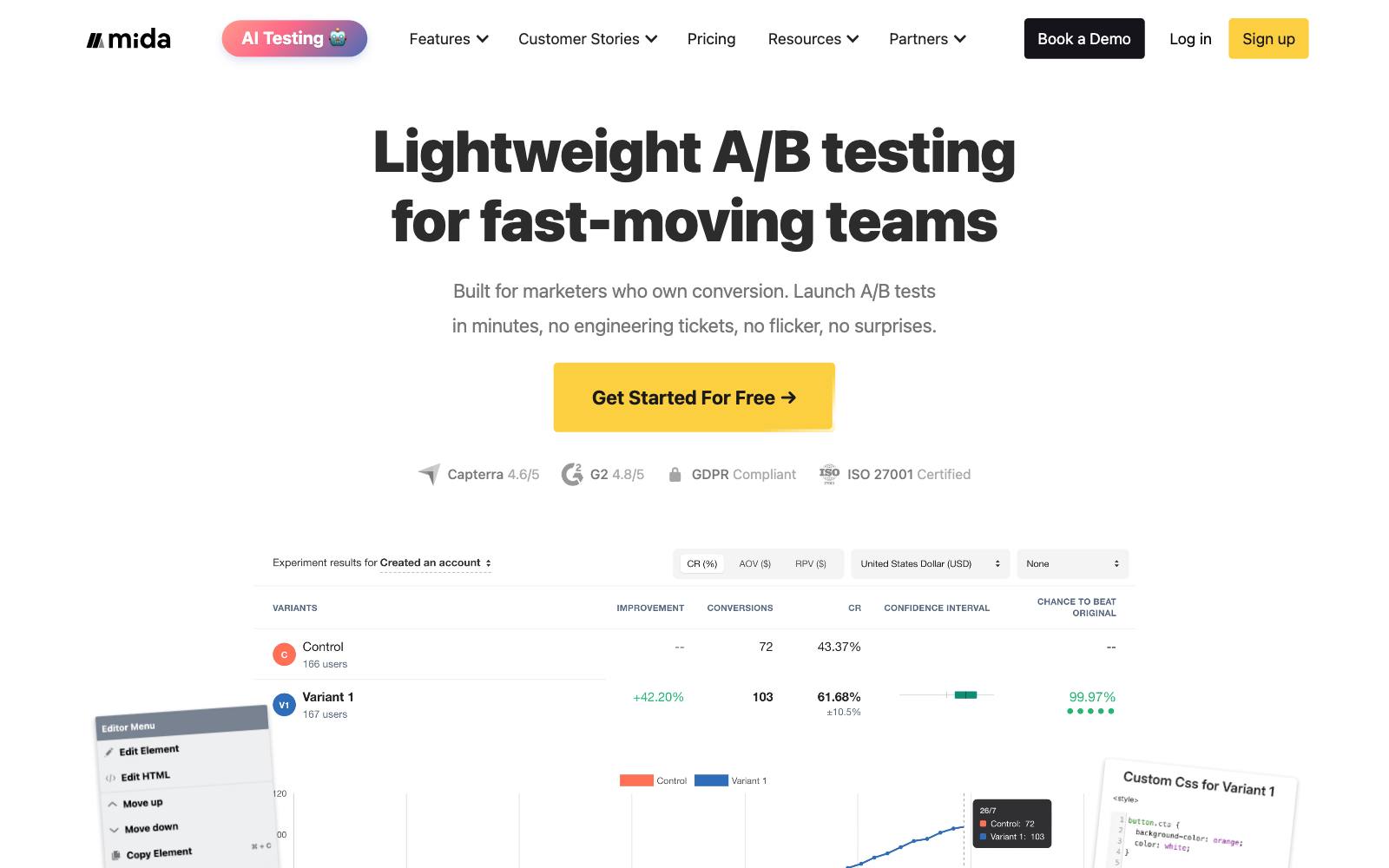
Best for: low-traffic marketing sites that want a free tester with a small script.
What it does: Mida is a lightweight A/B testing tool.
Its Webflow guide has you add the script under Project Settings, Custom Code, then edit elements in Mida's visual editor without republishing in Webflow.
Its pricing page says the script is 15KB compressed.
Key features:
- Visual editor for headlines, buttons and images
- Free plan with up to 100,000 monthly tracked users
- AI credits for generating test ideas and variations
- Post-segmentation filters and third-party integrations on Growth
Pros:
- Generous free plan for small sites
- Small script, which helps page speed
- Counts visitors, not tests, on paid plans
Cons:
- The free Sandbox plan runs only 3 live tests per project and keeps data 60 days
- The jump from free to $224/month is big
- Fewer agencies and case studies than the bigger tools
Pricing: As of November 2026, Mida's pricing page lists Sandbox free, Growth from $224/month billed yearly (priced by traffic, with a 15-day free trial) and Enterprise on request.
In our archive: lead-gen landing pages are where small tools shine.
Apexure ran a shorter landing page before a claim form and conversion went from 1.02% to 1.77%.
6. PostHog
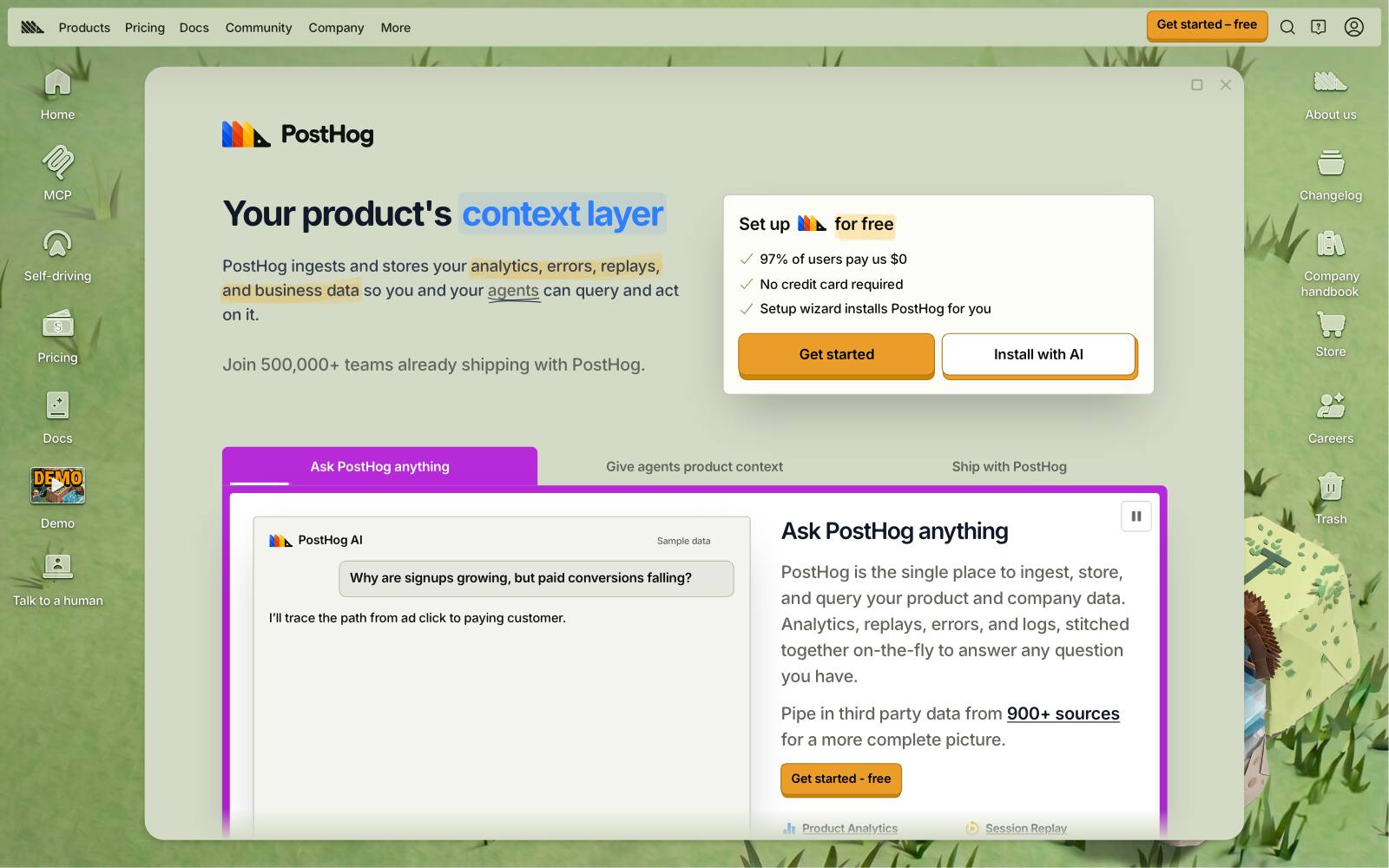
Best for: SaaS teams that already use PostHog for product analytics and want to test the Webflow marketing site against signups.
What it does: PostHog is a product analytics suite with feature flags and experiments.
Its Webflow tutorial has you paste the PostHog snippet into Custom Code, give the element an ID, and add a small script that swaps the content for the test group.
Key features:
- Experiments built on feature flags
- Product analytics, session replay and surveys in the same tool
- Track a test from the Webflow page all the way to in-app activation
Pros:
- Large free tier that resets every month
- One user ID from marketing site to product
- Pay only for what you use
Cons:
- No visual editor in the Webflow setup; someone has to write a bit of JavaScript
- Built for product teams, so marketers may find it technical
- Usage-based bills are harder to predict
Pricing: As of November 2026, PostHog's pricing page includes 1M feature flag requests free each month, and experiments are billed with feature flags. Past that it is pay-as-you-go.
In our archive: the biggest SaaS wins tend to be offer tests, not color tests.
Acuity Scheduling sent its sign-up button to a 14-day Pro trial instead of a free-forever plan and paid sign-ups rose +268%.
That kind of result needs tracking past the marketing site, which is PostHog's strength.
7. GrowthBook
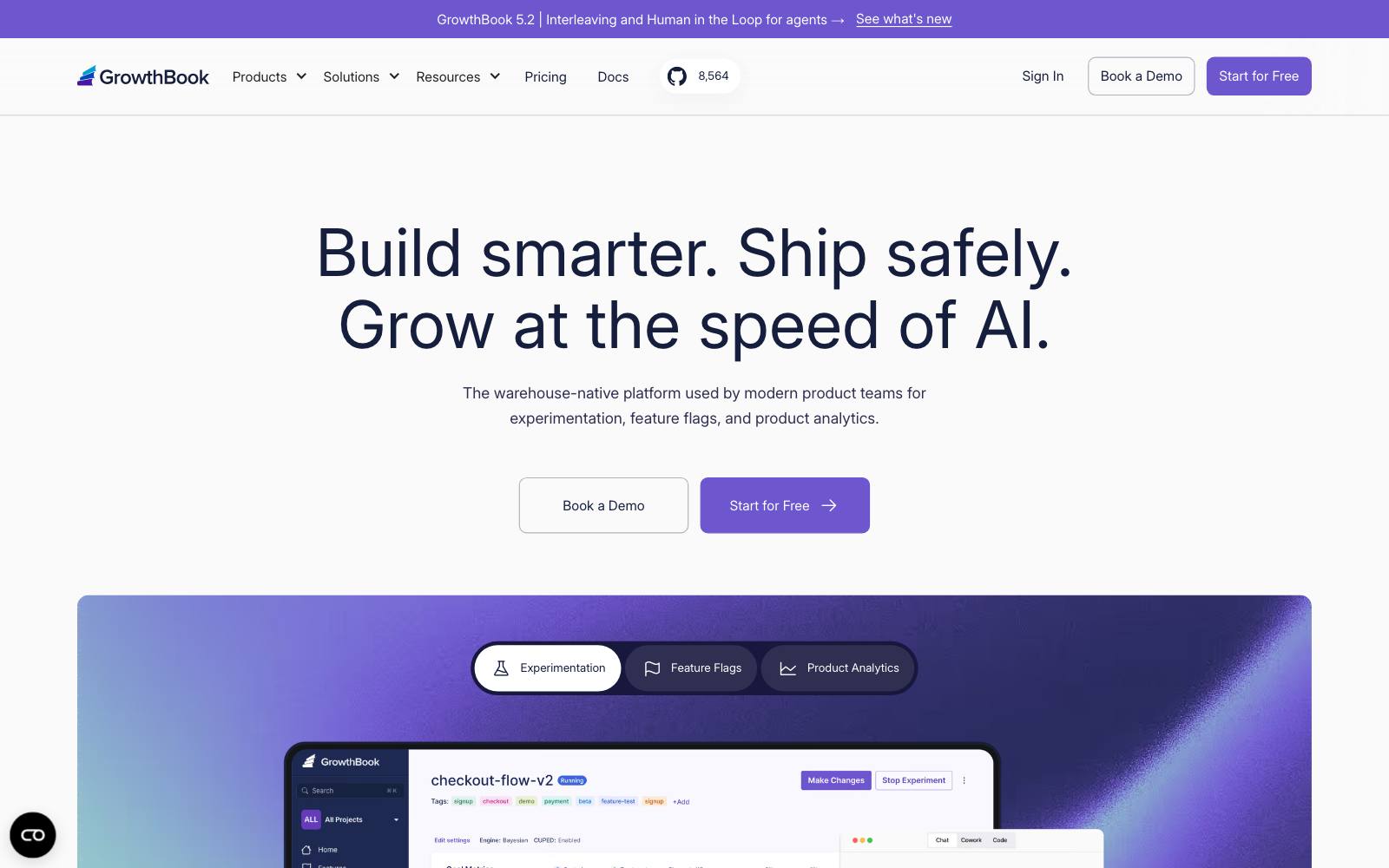
Best for: data teams that want open-source testing and results calculated from their own warehouse.
What it does: GrowthBook is an open-source feature flag and experimentation platform.
Its Webflow integration runs AI Visual Editor tests by adding a GrowthBook SDK snippet to your custom code.
Key features:
- Bayesian and frequentist stats, with sample ratio mismatch checks
- Warehouse-native metrics, or a managed warehouse
- AI Visual Editor and split URL tests on Pro
- Self-hosting option
Pros:
- Free plan with unlimited experiments and traffic
- Strong statistics for teams that care about rigor
- No per-visitor pricing
Cons:
- The visual editor needed for no-code Webflow tests is a Pro feature, not on the free plan
- Needs someone comfortable with data setup
- Seat pricing adds up for large teams
Pricing: As of November 2026, GrowthBook's pricing page lists Starter free (up to 3 users, 1 project), Pro at $40 per seat per month (up to 30 users) and Enterprise on request.
In our archive: good stats matter because results don't always add up.
AssessmentDay removed both the FAQ and screenshots from a landing page and sales fell -3%, even though removing either one alone won. Test combined changes before you ship them.
8. Optimizely
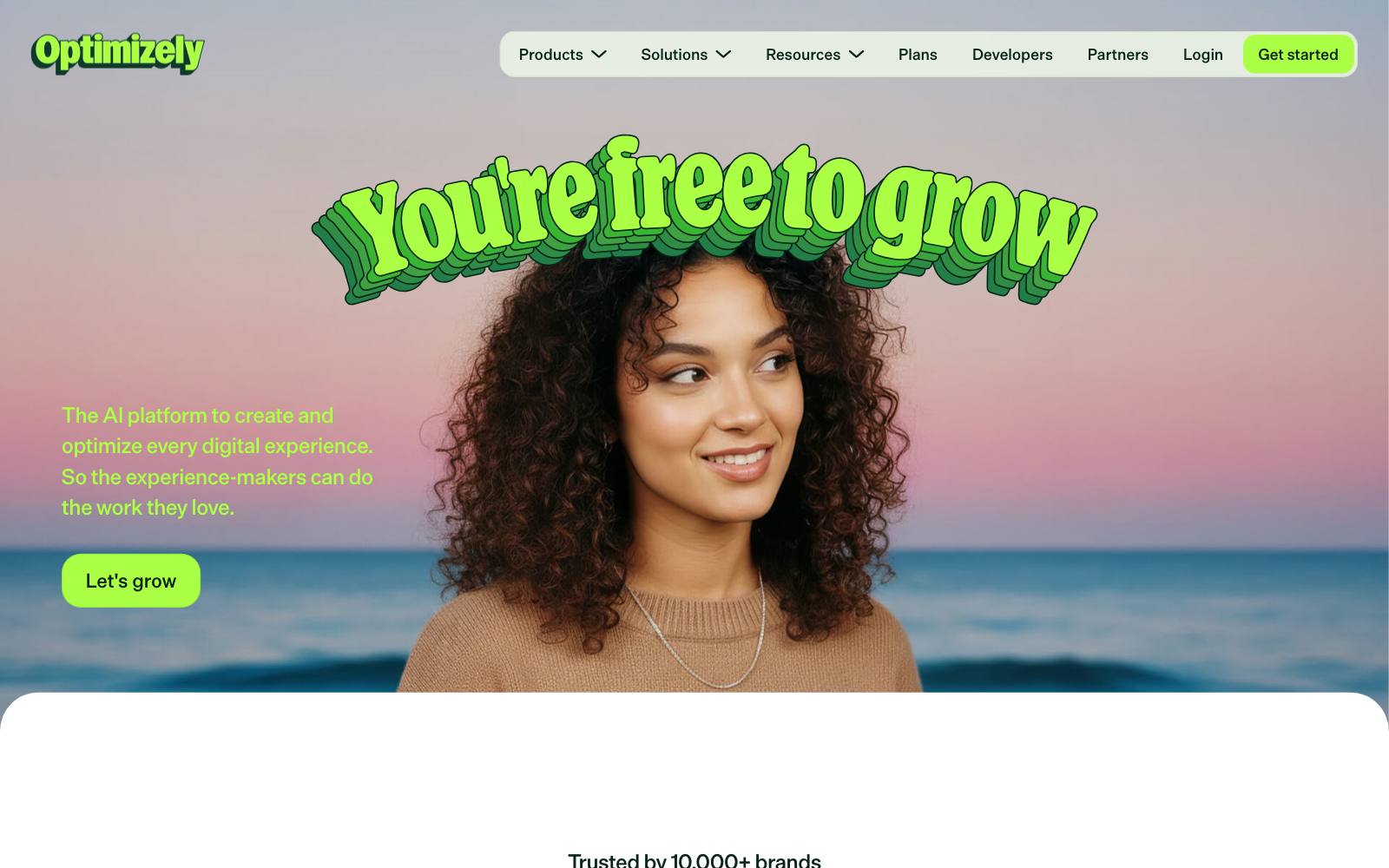
Best for: large companies running a testing program across Webflow and other properties, with a dedicated team.
What it does: Optimizely Web Experimentation is an enterprise testing platform with a visual editor, advanced targeting and AI features.
On Webflow it installs as a snippet in the site's head code, like Convert and VWO.
Key features:
- Visual editor plus custom code variations
- Stats engine built for teams that check results often
- Personalization and feature management products
- Warehouse-native analytics
Pros:
- Built for large programs with many tests running
- Strong governance and permissions
- Large partner network for help
Cons:
- Quote-only pricing aimed at enterprise budgets
- Far more than a typical Webflow marketing site needs
- Variations are built outside Webflow
Pricing: As of November 2026, Optimizely's plans page shows only a custom quote form, so contact sales.
In our archive: Optimizely tested personalized homepage recommendations for a retailer and got +136% clicks to product pages.
Which one is right for you
A small Webflow site or startup
Start with Optibase's free plan or Mida's Sandbox.
Both cost nothing until you need more than one or three live tests.
A Webflow marketing team at a growing company
Webflow Optimize keeps everything inside the Designer and adds personalization.
If you also test other sites, Convert costs about the same and covers all of them.
A SaaS company testing the site against signups
PostHog or GrowthBook, so the test follows visitors from the Webflow page into your product.
Keep the tests tied to trial starts, not just clicks.
Lead-gen sites
Convert or VWO for form and landing page tests, with heatmaps from VWO to find where visitors stall.
Our lead-gen landing page guide covers what to test first.
Enterprise
Optimizely or Optimize Enterprise if you need CRM and account-based targeting.
What to look for
- Where you build variations: on the Webflow canvas (Optimize, Optibase) or in a separate editor (Convert, VWO, Mida).
- Pricing model: page views, tested users or seats; check what happens in a traffic spike.
- Free plan limits: how many live tests and how long data is kept.
- Script weight and flicker: a small, synchronous script in the head beats a heavy one loaded late.
- Goal tracking: form submissions and clicks on Webflow forms should be easy to track.
- Split URL tests: needed when you redesign a whole page; read our split URL testing guide.
- Stats you can trust: sample ratio mismatch checks and clear significance rules.
- Other platforms: if you also run Shopify or WordPress, one tool for all saves money.
Real test results
None of the tests in our archive name Webflow as the platform, but these landing page and homepage tests show the kind of changes Webflow sites usually test.
VWO Apexure
Watch out for
Flicker: script-based tools can show the original page for a split second before swapping in the variation, which can bias results.
Put the script high in the head and read our guide to the flicker effect.
Script weight: extra code costs conversions. Oliver Kenyon rebuilt a landing page natively instead of in a page builder and revenue per visitor rose +20.9%.
That was on Shopify, but the lesson holds: don't stack two testing tools on one Webflow site.
Custom code access: Webflow's custom code docs say custom code needs a paid Workspace or an active Site plan, and each head or footer section holds up to 50,000 characters.
Low traffic: many Webflow marketing sites get a few thousand visits a month.
Check our sample size calculator before you start, or test bigger changes so you can see a result.
AI traffic routing: tools that move traffic to the current leader (Optimize's AI mode, Optibase's AI traffic split) are good for earning more, but they give you a weaker answer about which version is better.
Use a plain 50/50 test when you need to learn.
For more options, see our full list of A/B testing tools, the free A/B testing tools, AI A/B testing tools, or our Framer A/B testing guide.
All our tool guides are on the tools page.