


The best WooCommerce upsell plugin for most businesses is FunnelKit Funnel Builder.
It covers checkout order bumps and one-click post-purchase offers, and as of November 2026 it has a 5-star rating from 1,028 reviews on WordPress.org.
CartFlows is the main alternative if you also want full sales funnels.
UpsellWP has the strongest free version, and the official WooCommerce Product Recommendations extension is the pick for automated "frequently bought together" blocks.
How we picked: we read each plugin's public docs, its vendor pricing page and its WordPress.org listing (rating, review count and last update date), then matched each upsell placement to real A/B tests in our archive.
We have not used these plugins ourselves. Every plugin below was updated within the last three months when we checked in November 2026.
| Plugin | Best for | Starting price (as of November 2026) | Free plan or trial | Rating (source) |
|---|---|---|---|---|
| FunnelKit Funnel Builder | Order bumps and one-click post-purchase upsells | Plus, $149.50/year (upsells and bumps start here) | Free Lite version (no bumps or upsells) | 5/5, 1,028 reviews (WordPress.org) |
| CartFlows | Full sales funnels with upsells and downsells | Pro, $199/year first year (renews at $299) | Free version; 14-day refund | 4.8/5, 518 reviews (WordPress.org) |
| UpsellWP | Free order bumps, cart cross-sells and bought-together blocks | Starter, $52 for the first year (1 site) | Free Lite version | 4.9/5, 150 reviews (WordPress.org) |
| Upsell Funnel Builder (WP Swings) | Budget order bumps and one-click offers | Pro, $89/year | Free version | 4.7/5, 116 reviews (WordPress.org) |
| WooCommerce Product Recommendations | Automated, rule-based recommendations | $99/year | No free version | Not on WordPress.org |
| WooCommerce Product Bundles | Bundles and "build your own" packs | $79/year | No free version | Not on WordPress.org |
| WPC Frequently Bought Together | Cheap Amazon-style bought-together blocks | $29 one-time (1 site) | Free version | 4.5/5, 84 reviews (WordPress.org) |
| YITH Frequently Bought Together | Sites already on other YITH plugins | Premium price shown at checkout | Free version | 3.1/5, 12 reviews (WordPress.org) |
| Side Cart WooCommerce (XootiX) | Cross-sells inside a slide-out cart | $29/year (1 site) | Free version (no cart recommendations) | 4.9/5, 453 reviews (WordPress.org) |
| WooCommerce built-in upsells and cross-sells | Starting with zero cost | Free | Free (part of WooCommerce) | Core plugin: 4.5/5, 4,833 reviews (WordPress.org) |
None of these plugin makers pay us. The tool box near the end lists A/B testing tools, and we may earn a commission if you sign up for  Convert or
 VWO through it.
The 10 best WooCommerce upsell plugins
1. FunnelKit Funnel Builder
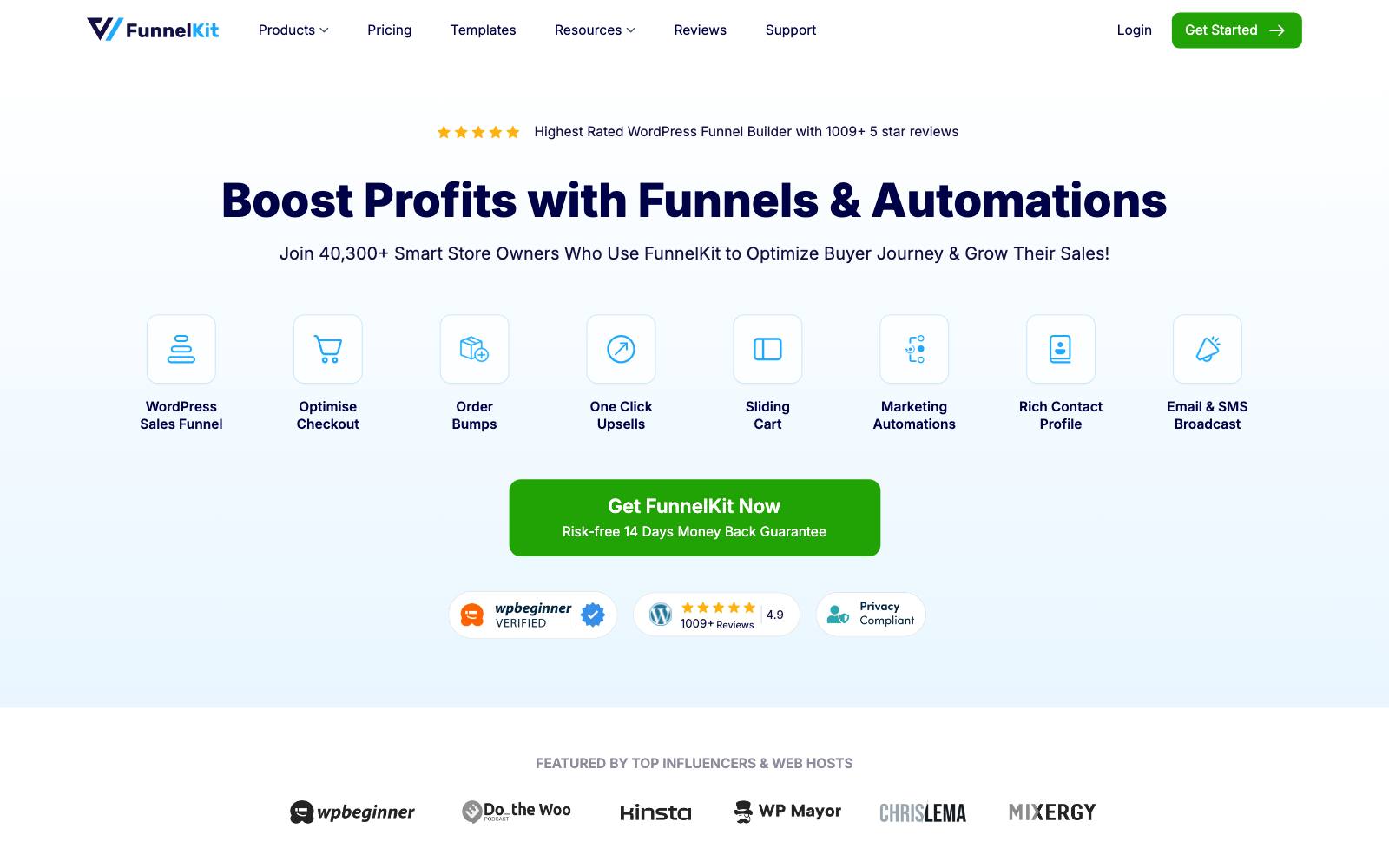
Best for: businesses that want order bumps at checkout and one-click offers after payment from one well-supported plugin.
What it does: FunnelKit (formerly WooFunnels) replaces the default WooCommerce checkout with its own templates and adds order bumps, one-click post-purchase upsells and a slide cart with in-cart upsells.
Its WordPress.org page says order bumps, one-click upsells, A/B testing and detailed analytics are Pro features.
The free Lite version only covers checkout and funnel pages.
Key features:
- Multiple and conditional order bumps on the checkout page
- Rule-based one-click upsells with "upgrade main order" and multi-product offers
- Built-in A/B testing of funnel steps
- Slide cart with in-cart upsells, free shipping bar and tiered rewards (Plus and up)
- Revenue reporting for bumps, upsells and cart offers
Pros:
- Covers the checkout and post-purchase spots, where our archive shows clear take rates
- Very active development: the plugin was updated a day before we checked
- Works with WooCommerce Subscriptions products in bumps and upsells
Cons:
- The free version has no upsell features at all
- It takes over your checkout, which is a bigger change than adding a widget
- Pricing is annual, and the sale prices shown may not be the renewal price
Pricing: as of November 2026, the FunnelKit pricing page lists Basic at $99.50/year, Plus at $149.50/year, Professional at $199.50/year and Elite at $299.50/year, each shown as discounted from a higher normal price.
One-click upsells and order bumps start on Plus.
Rating: 5 out of 5 from 1,028 reviews on WordPress.org, with 30,000+ active installs.
In our archive: an order bump is the core FunnelKit feature.
Kasper Dolk added a custom AOV order bump at checkout and reported a take rate of 15-20%.
Not for: a site that only wants a "you may also like" row on product pages.
2. CartFlows
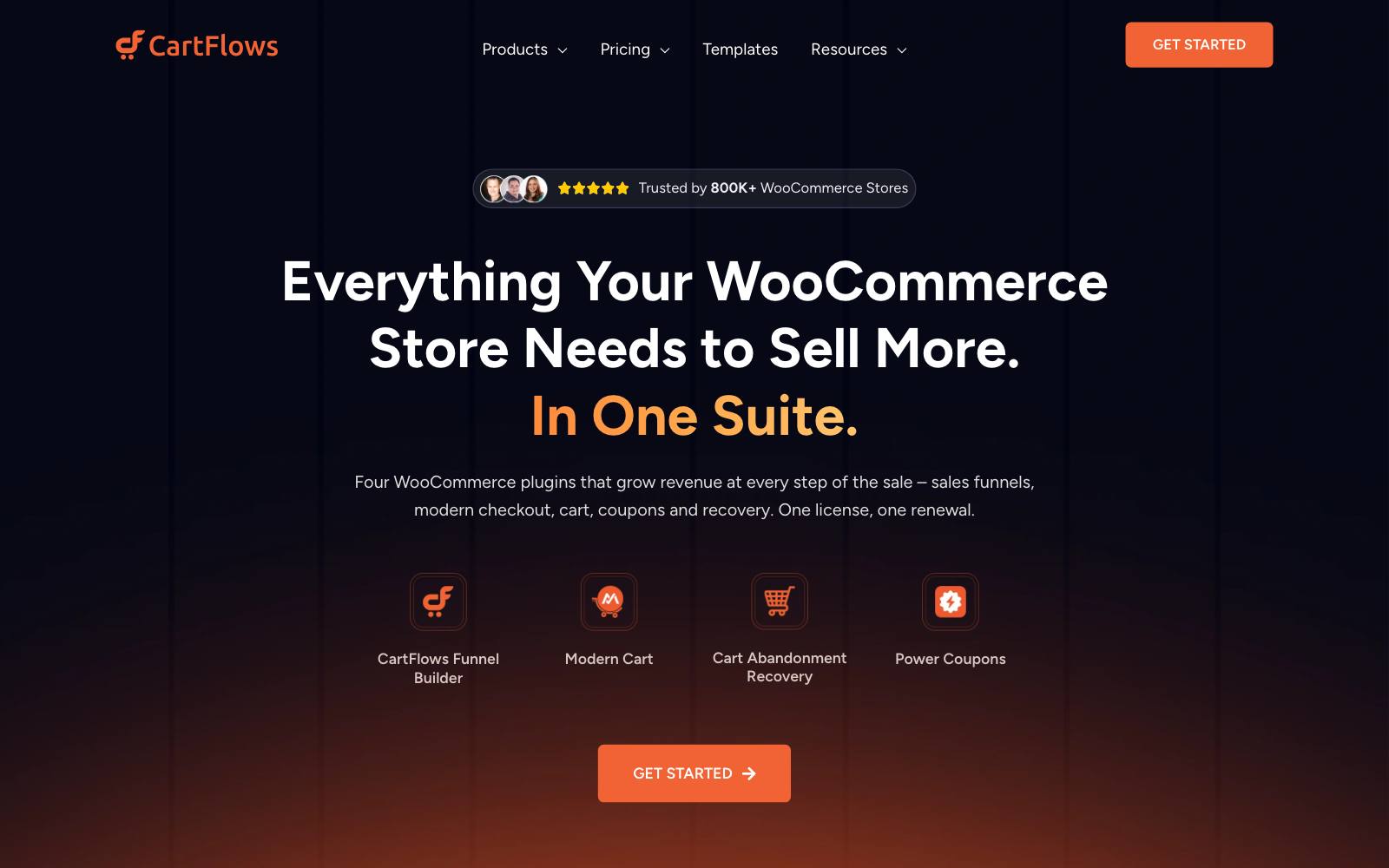
Best for: sites that sell through landing-page funnels and want upsells, downsells and order bumps in each funnel.
What it does: CartFlows is a funnel builder for WooCommerce with custom checkouts, order bumps, one-click upsells and downsells, and thank-you pages.
It has the largest install base on this list, at 200,000+ active installs on WordPress.org.
Its FAQ says one-click upsells, dynamic order bumps and A/B testing need CartFlows Pro.
Key features:
- Dynamic order bumps based on cart contents or customer data
- One-click upsells and downsells after checkout
- A/B split testing of funnel steps
- Product options (size, color, add-ons) on the checkout page
Pros:
- Large user base and frequent updates (updated two days before we checked)
- One-time lifetime license available if you dislike renewals
- One-click upsells work with
 Stripe, PayPal, Square, Mollie, Authorize.Net and WooCommerce Payments, per its pricing FAQ
Cons:
- The cheapest paid plan, Starter, does not include order bumps or one-click upsells
- Funnel-first design suits single-offer sites better than large catalogs
- First-year prices go up on renewal
Pricing: as of November 2026, the CartFlows pricing page lists Starter at $99/year (renews at $149), Pro at $199/year (renews at $299, or $699 one time) and Suite at $299/year.
Pro is the first plan with order bumps and one-click upsells.
Rating: 4.8 out of 5 from 518 reviews on WordPress.org.
In our archive: Dave Diederen added a one-click complementary post-purchase upsell and reported a 16.64% offer acceptance rate.
That is the kind of offer CartFlows Pro shows after payment.
Not for: a site with hundreds of products that needs automatic recommendations.
3. UpsellWP
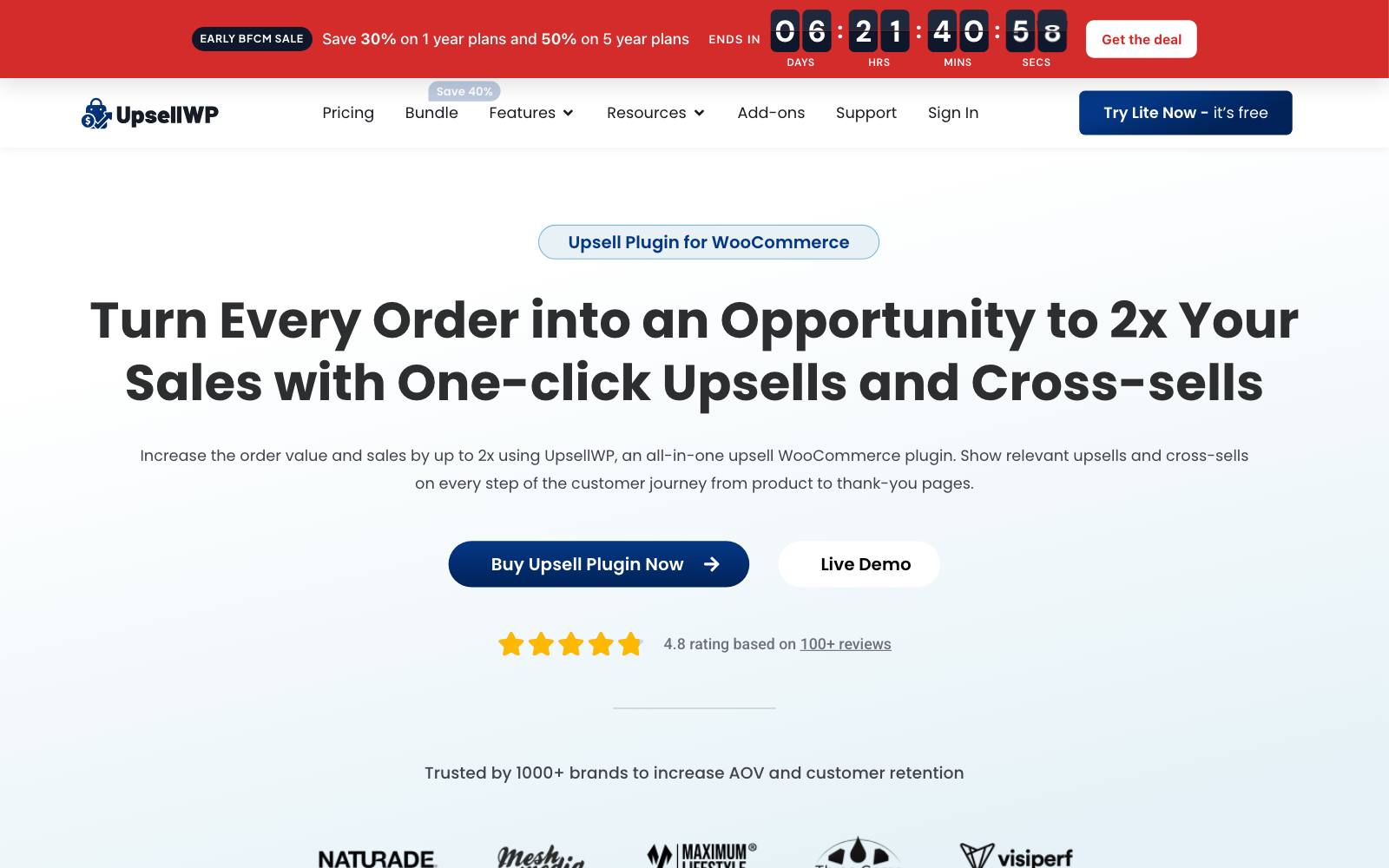
Best for: small sites that want order bumps and cart cross-sells for free.
What it does: UpsellWP adds offers across the buying path.
Its WordPress.org page lists checkout order bumps, cart page cross-sells and frequently-bought-together blocks in the free Lite version.
Post-purchase and thank-you page upsells, popups, A/B testing and automated recommendations need Pro.
Key features:
- Checkout order bumps and cart cross-sells in the free version
- Post-purchase and thank-you page upsells (Pro)
- Upsell popups and "double the order" offers (Pro)
- Support for the newer WooCommerce block checkout
Pros:
- The most useful free tier on this list
- Low first-year price for one site
- Many placements in one plugin, so fewer plugins to stack
Cons:
- Smaller install base (5,000+) than FunnelKit or CartFlows
- Its listing claims revenue gains we can't check; treat them as marketing
- The listed price is a first-year discount
Pricing: as of November 2026, the UpsellWP pricing page lists Starter (1 site) at $52 for the first year, down from $75, Professional (5 sites) at $94 and Agency (25 sites) at $206.
Rating: 4.9 out of 5 from 150 reviews on WordPress.org.
In our archive: Vasta ran a post-purchase upsell offer that brought in $5,282 of extra revenue in week one. That placement needs UpsellWP Pro.
Not for: sites that want a full custom checkout builder.
4. Upsell Funnel Builder for WooCommerce (WP Swings)
Best for: low-budget sites that want order bumps and one-click offers without a full funnel builder.
What it does: WP Swings merged its One-Click Upsell and Order Bump plugins into this one, according to its WordPress.org page.
It creates offers on product, checkout and thank-you pages.
Some payment gateways, including Stripe, PayPal and Square, are marked as Pro-only for upsells.
Key features:
- Order bumps on the checkout page
- One-click post-purchase upsell funnels
- Shortcodes to build offer pages
- Works with WooCommerce Product Bundles and currency switchers
Pros:
- Lowest annual Pro price among the funnel-style plugins here
- Free version includes order bumps
- Updated five days before we checked
Cons:
- Small install base (2,000+)
- Gateway support for one-click upsells is mostly in Pro
Pricing: Pro is $89/year on the WP Swings product page as of November 2026.
Rating: 4.7 out of 5 from 116 reviews on WordPress.org.
In our archive: Kasper Dolk tested a checkbox upsell in a custom checkout and reported an increase in AOV and take rate for all clients.
A checkbox order bump is what this plugin's free version adds.
Not for: high-volume sites that need detailed reporting.
5. WooCommerce Product Recommendations
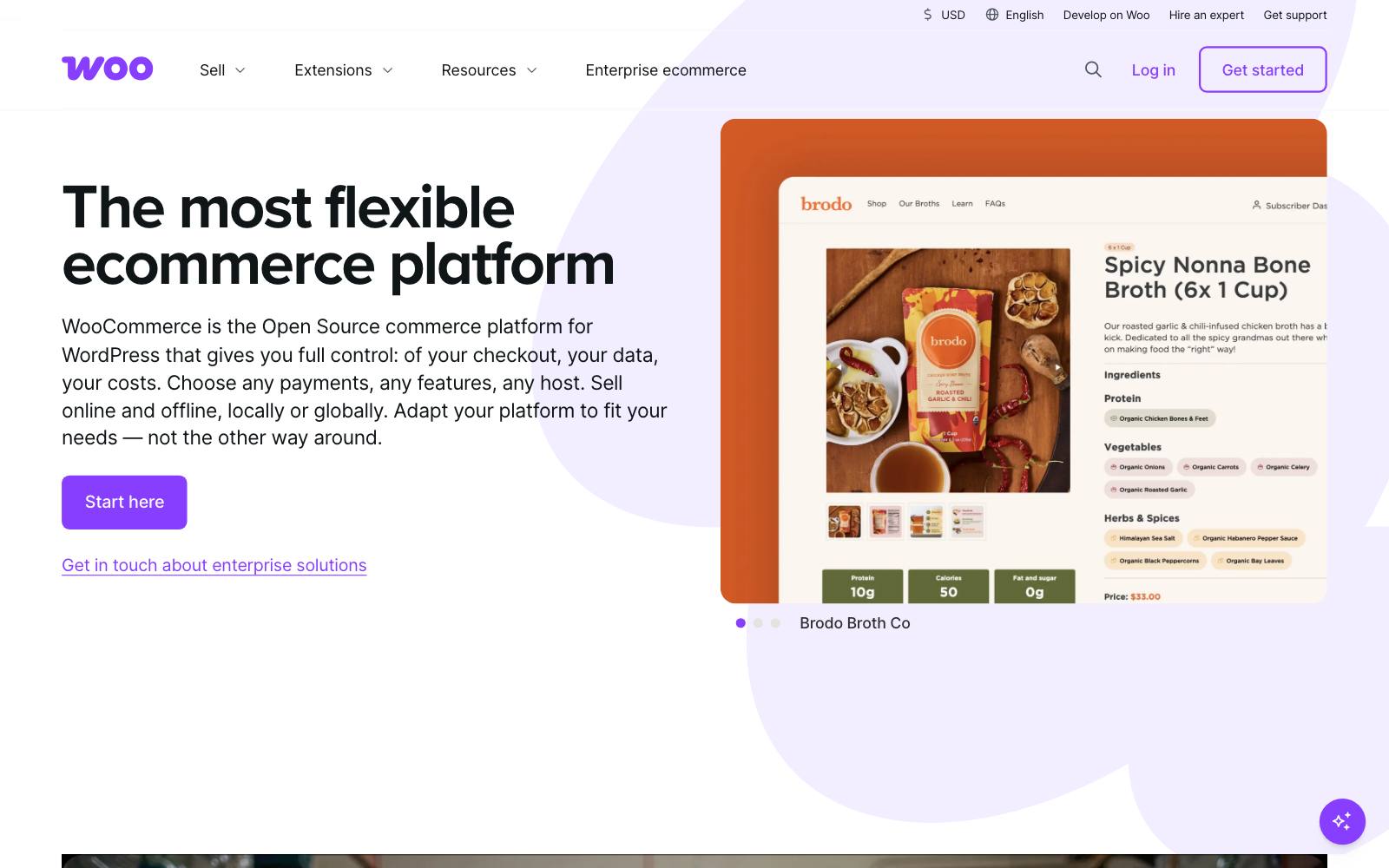
Best for: sites with large catalogs that want recommendations set by rules instead of by hand.
What it does: this official extension, sold on the WooCommerce Marketplace, builds "frequently bought together" and other recommendation blocks from rules and order data.
It can place them on product, cart and checkout pages and reports their impact.
Key features:
- Rule-based and order-history-based recommendations
- Placement on product, cart and checkout pages
- Built-in analytics on recommendation clicks and revenue
Pros:
- Made by the WooCommerce team, so updates track WooCommerce releases
- Saves hand-picking upsells product by product
- Pairs well with the official Product Bundles extension
Cons:
- No free version
- No order bumps or post-purchase offers
- Rules take time to set up well on a big catalog
Pricing: $99 for a 1-year plan as of November 2026, per the Marketplace listing.
In our archive: Blend Commerce added product recommendations on a cart page and reported +43% revenue.
Fewer can be better: Conversion Fanatics cut recommendations to five in a carousel and saw +64% sales conversions.
Not for: a site with ten products, where manual picks are enough.
6. WooCommerce Product Bundles
Best for: sites that sell kits, multi-packs or "build your own box" offers.
What it does: the official Product Bundles extension creates bundles, bulk discount packages and assembled products.
Bundles are an upsell in disguise: the shopper buys more units in one decision.
Key features:
- Fixed and customizable bundles with optional items
- Bundle-level discounts and quantity limits
- Per-item stock tracking inside a bundle
Pros:
- Official extension with wide compatibility, including several upsell plugins on this list
- Bundles are among the most tested AOV levers in our archive
Cons:
- No free version
- Bundle pages need design work to look as clean as a custom bundle selector
- Not a cart or checkout upsell tool
Pricing: $79 for a 1-year plan as of November 2026, per the Marketplace listing.
In our archive: Dave Diederen added a bundle builder and reported +14.11% revenue per visitor.
Oliver Kenyon added bundle options directly on the product page for +$182k monthly revenue.
Not every bundle works: Clean Commit's buy-three message by add to cart was flat, at -7.9% AOV and inconclusive. See our bundles guide for layouts.
Not for: sites whose products aren't bought in multiples or sets.
7. WPC Frequently Bought Together
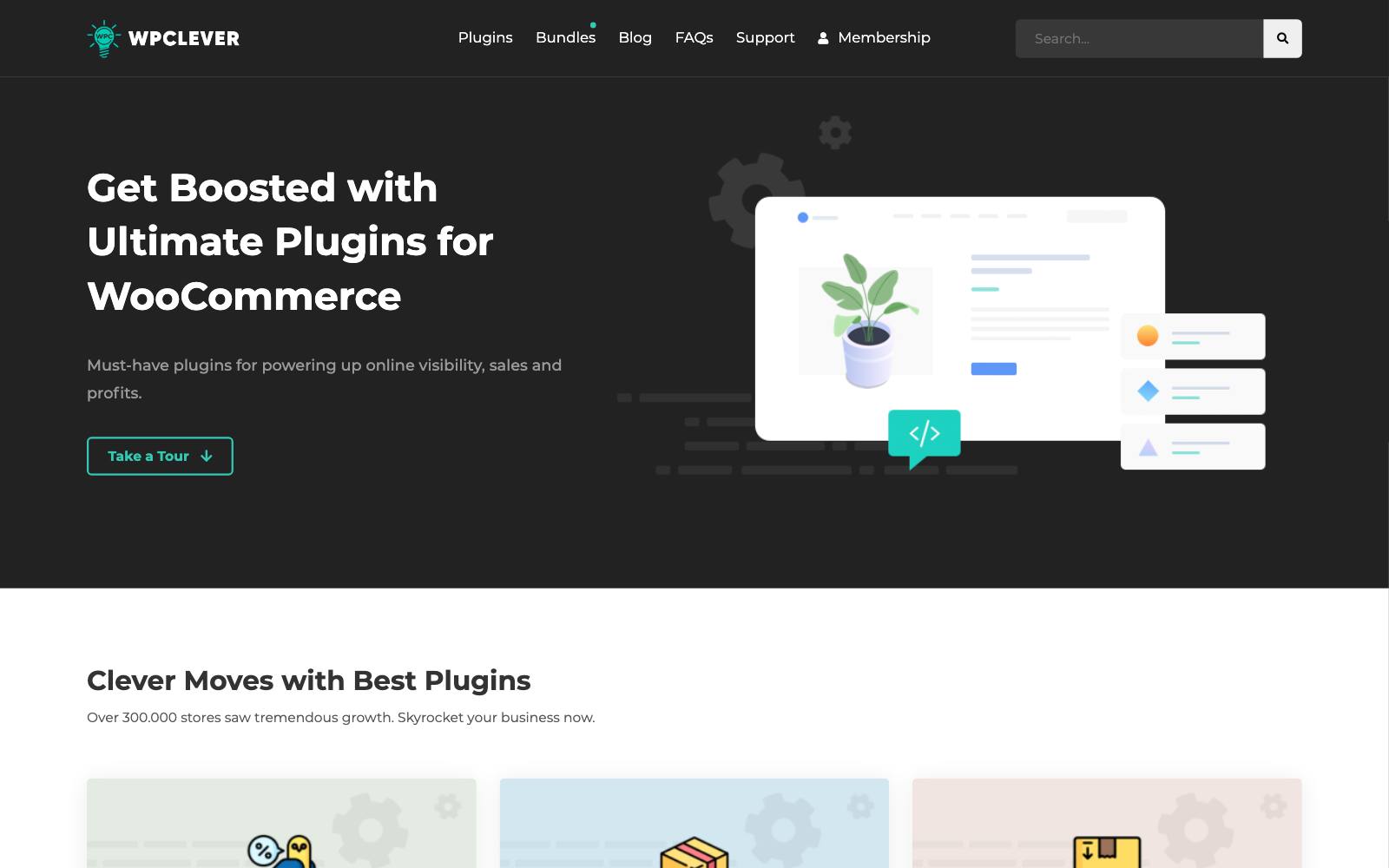
Best for: sites that want an Amazon-style "bought together" box near the add-to-cart button for little money.
What it does: WPClever's plugin shows a checklist of related items with a combined price under the main product, and shoppers add them in one click.
The free version covers simple products. Premium adds variable products and "smart rules" to assign items in bulk, per the WPClever product page.
Key features:
- One-click add of the main product plus selected extras
- Optional discount on the bought-together items
- Bulk rules for assigning items (Premium)
Pros:
- One-time price with lifetime updates
- Free version is usable on its own
- Updated about a week before we checked
Cons:
- Product page only
- Premium support lasts one year
- Manual setup per product unless you buy Premium rules
Pricing: $29 for one site, $59 for up to 5 sites and $99 for unlimited sites, as a one-time purchase, per the WPClever page as of November 2026.
Rating: 4.5 out of 5 from 84 reviews on WordPress.org.
In our archive: Alex Stoykov added a one-click "Frequently Bought Together" bundle of grip tape and solvent near add to cart for WedgeGuys and reported +10.87% revenue per visitor.
Not for: sites that need cart or checkout offers.
8. YITH Frequently Bought Together
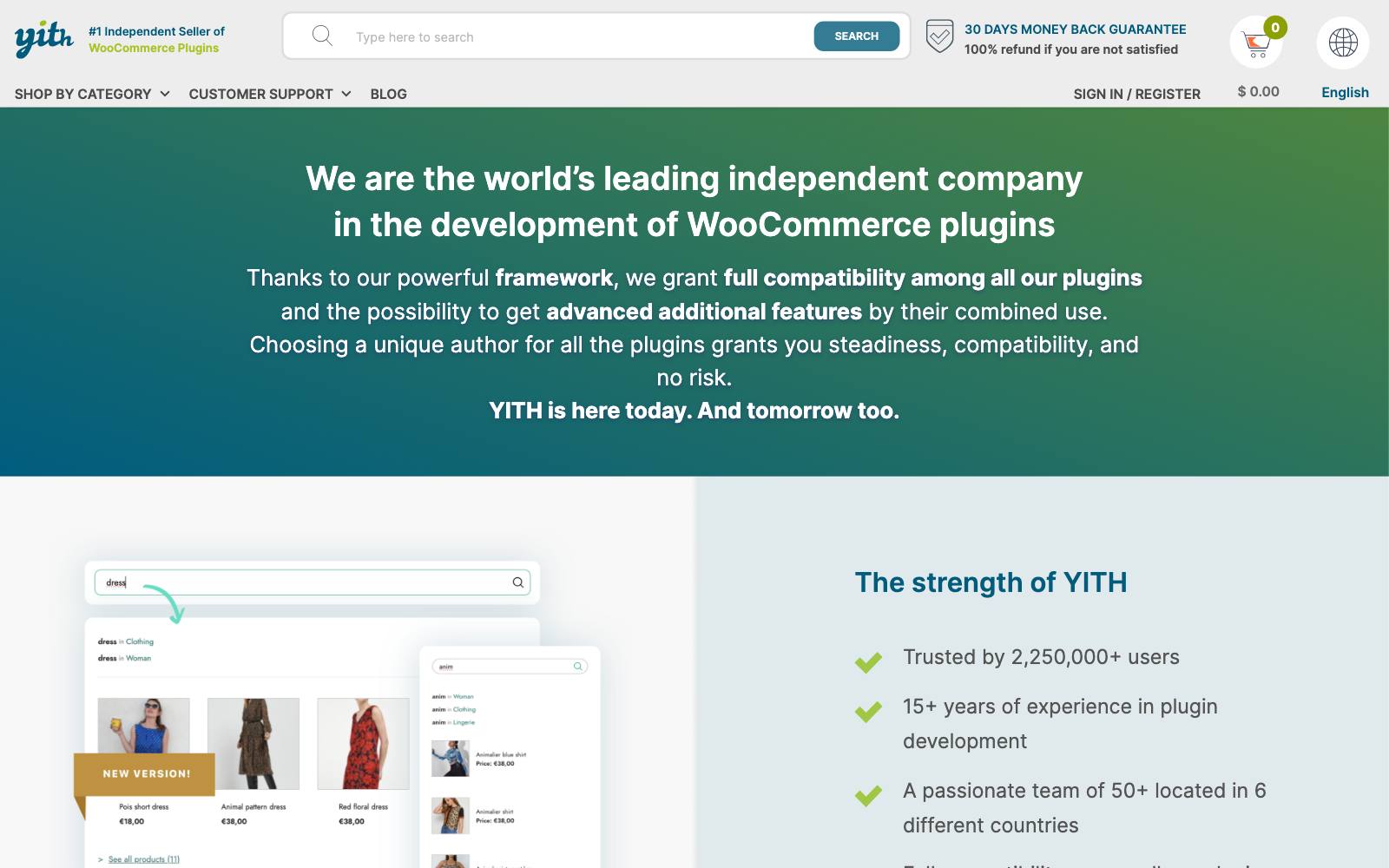
Best for: sites already running other YITH plugins, such as YITH Wishlist.
What it does: it shows a "frequently bought together" box on product pages, below the add-to-cart button, below the tabs or at the bottom of the page, per the YITH product page.
With YITH Wishlist it can also suggest related items under the wishlist table.
Key features:
- Choice of box position on the product page, or a shortcode
- Custom labels and colors for the section and button
- Wishlist integration
Pros:
- Fits sites built on the YITH plugin family
- Actively updated (a day before we checked)
Cons:
- The lowest rating here: 3.1 out of 5 from only 12 WordPress.org reviews
- Premium price isn't shown on the product page; you see it at checkout
- Product page only
Pricing: free version on WordPress.org; the premium license includes one year of updates and support, and the price appears when you add it to the cart on yithemes.com.
Rating: 3.1 out of 5 from 12 reviews on WordPress.org.
Not for: anyone not already on YITH. WPC Frequently Bought Together does the same job with better reviews.
9. Side Cart WooCommerce (XootiX)
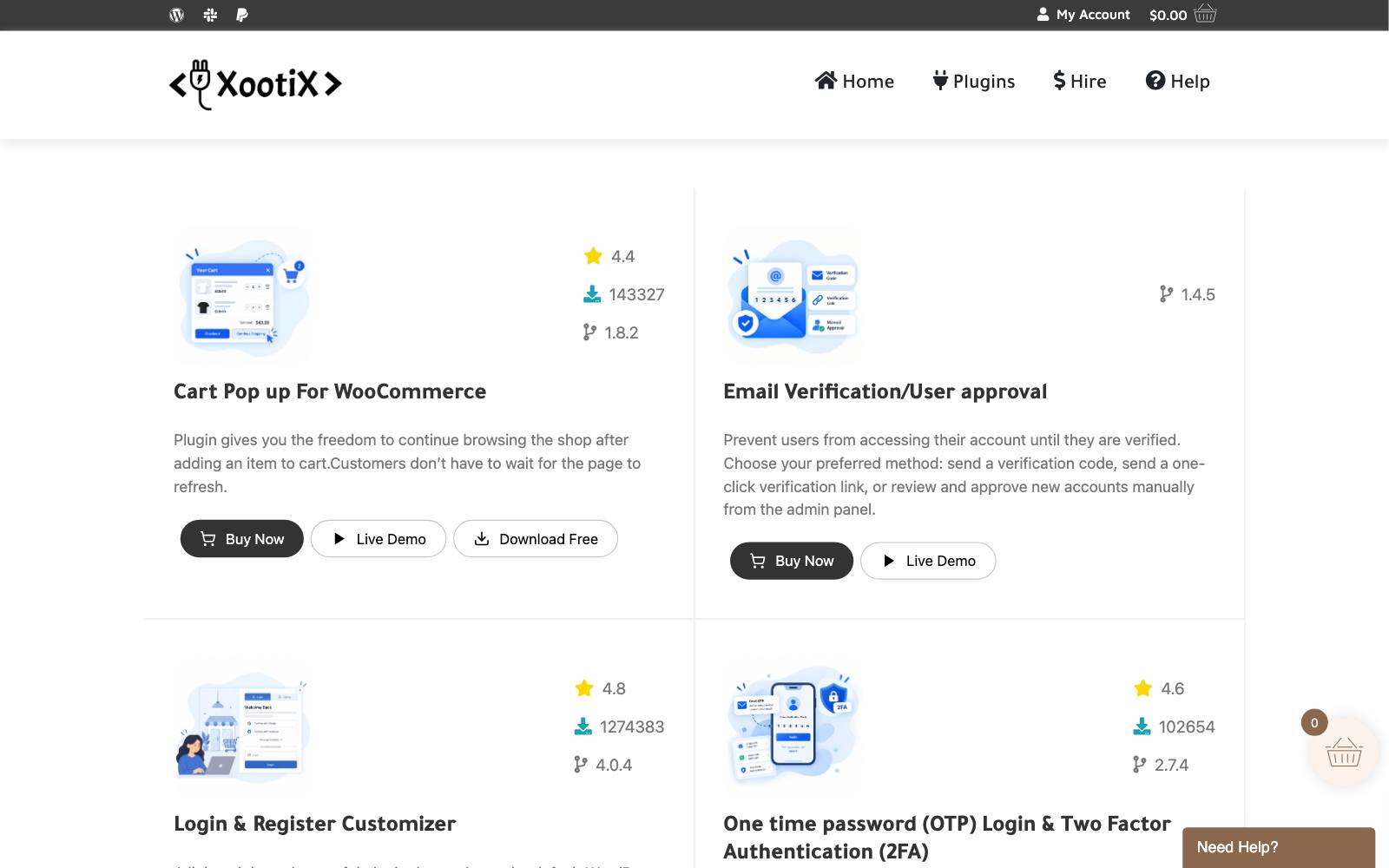
Best for: sites that want cross-sells inside a slide-out cart, a placement with many wins in our cart tests.
What it does: it replaces the cart page step with a slide-out cart that has a rewards progress bar, coupons and save-for-later.
Product recommendations (cross-sells, upsells and related products) are Premium-only, per the XootiX plugin page.
Key features:
- Add to cart without a page reload
- Progress bar toward free shipping, gifts or discounts
- In-cart recommendations (Premium)
- Express checkout buttons for Google Pay, Apple Pay, PayPal and Amazon Pay (Premium)
Pros:
- 70,000+ active installs and strong reviews
- Low price for one site
Cons:
- The free version has no upsells
- Can clash with themes that ship their own mini cart
- License covers one year of updates
Pricing: $29 for one site, $89 for up to 5 sites and $139 for unlimited sites, with one year of updates, per the XootiX page as of November 2026.
Rating: 4.9 out of 5 from 453 reviews on WordPress.org.
In our archive: Convertibles added "People also bought" upsells to a cart drawer and reported +$33,072/month.
The product matters: a separate Convertibles test with matching straps in the cart drawer lost, at -10% to -12% revenue.
Not for: sites that send shoppers straight to checkout and skip the cart.
10. WooCommerce built-in upsells and cross-sells
Best for: new sites that want to test whether upsells help before paying for anything.
What it does: WooCommerce lets you set "upsells" and "cross-sells" for each product under Linked Products.
Per the WooCommerce docs, upsells are higher-priced alternatives shown on the product page, and cross-sells are complementary items shown on the cart page if your cart layout includes a cross-sells section.
Key features:
- Manual upsells per product
- Cart cross-sells through the Cart block or classic cart template
- Related products generated from shared categories and tags
Pros:
- Free and adds no extra plugin weight
- Good enough for small catalogs
Cons:
- No order bumps, discounts or post-purchase offers
- Display depends on your theme, and some themes hide the sections
- Manual setup for every product
Pricing: free with WooCommerce.
In our archive: Kasper Dolk tested upsells vs no upsells: revenue per visitor went from $1.46 to $1.49 (+1.86%).
Clean Commit's same-category recommendations on product pages were flat overall, at -9.9% conversion rate and +19.7% AOV. Upsells can trade orders for order size.
Not for: sites that already know upsells work and want more control.
Which one is right for you
Single-product or funnel-driven sites
Pick FunnelKit or CartFlows. Most of your extra revenue will come from the checkout bump and the post-purchase offer, and both plugins handle those.
Large catalogs
Use WooCommerce Product Recommendations for automatic blocks, plus Product Bundles if you sell sets or multi-packs.
Tight budget
Start with the free versions of UpsellWP or WP Swings for order bumps, and add WPC Frequently Bought Together on product pages. Or begin with WooCommerce's built-in cross-sells.
Sites that want cart upsells
Side Cart WooCommerce Premium is the cheapest route.
FunnelKit Plus includes a slide cart if you want one plugin for cart, checkout and post-purchase.
Subscription sellers
FunnelKit says it works with WooCommerce Subscriptions in bumps and upsells. CartFlows also lists Subscriptions support.
What to look for
- Placement: pick the plugin for where you want offers (product page, cart, checkout or after payment), not for its feature count.
- Free vs paid line: check exactly which upsell features the free version includes, since several have none.
- Payment gateway support: one-click post-purchase offers only work with the gateways the plugin supports.
- Block checkout support: make sure the plugin works with the WooCommerce Cart and Checkout blocks if your site uses them.
- Maintenance: check the "Last updated" date and "Tested up to" version on WordPress.org before you install.
- Reporting: you need take rate and revenue per offer, or you can't tell which offers to keep.
- Renewal price: many prices shown are first-year discounts, so budget for the renewal.
Real results from our archive
These tests come from many platforms, not only WooCommerce.
They show what upsell placements did when someone measured them.
Browse more in checkout upsell tests and cart upsell tests.
 @oliverkenyon
 @CROguy_
 @DaveDiederen
 @kasper_dolk
 Blend Commerce
 Convertibles
To find out whether your upsells are paying off, test them.
Our WooCommerce A/B testing guide covers the options.
Watch out for
Plugin stacking. Running a funnel builder, a side cart and a bought-together plugin at once adds scripts and can cause conflicts.
Pick one plugin per placement and check page speed after each install.
Upsells that hurt conversion. An offer can raise order value while costing you orders.
Clean Commit's recommendations test raised AOV 19.7% but cut conversion rate 9.9%.
Oliver Kenyon removed a $25 pre-checkout upsell as part of a slide cart redesign that added +$31,000 per month.
Judge offers on revenue per visitor, not AOV alone.
Wrong offers. Milos found that a leather strap vs a mystery box as the cart upsell made a +15.26% difference in revenue per visitor.
Test what you offer before you test how it looks.
Pre-ticked boxes. Pre-checked add-ons annoy shoppers and can break consumer rules in some markets. Let people opt in.
For more on choosing offers, read our upselling guide and upsell vs cross-sell, or browse all CRO tools.