



Squarespace has no built-in A/B testing, so you add a testing tool's script through Code Injection.
That needs the Core plan or higher; Basic doesn't include it.
For most Squarespace sites, Mida is the best place to start, with a free plan covering 100,000 monthly tracked users.
When you need stronger targeting and support,  Convert or
 VWO are the paid picks.
How we picked: we have not used these tools ourselves.
This list is based on Squarespace's help docs, vendor pricing pages and docs, and the real tests in our archive.
Convert, VWO,  Unbounce and
 Crazy Egg links may be affiliate links, so we may earn a commission if you buy; see our disclosure.
What Squarespace allows (read this first)
Every tool below except Unbounce runs from a snippet in your site's header.
Squarespace's code injection guide says the feature is "available in the Core, Plus, Advanced, and some legacy billing plans."
On the pricing page as of November 2026, Basic ($19/month billed yearly) has no code injection.
Core costs $29/month billed yearly or $39 billed monthly.
Three more limits from that same guide matter for testing:
- "Checkout pages don't support code," so you can't test the Squarespace checkout. You can test product, cart-entry, landing and service pages, and track the order confirmation page as a goal.
- You can inject sitewide (Header) or on one page (Page Header Code Injection in the page's Advanced settings).
- Squarespace support "can't help you add custom code to your site or troubleshoot issues that arise from using it." Problems go to the testing tool's support team.
| Tool | Best for | Starting price (as of November 2026) | Free plan or trial | Rating (source) |
|---|---|---|---|---|
| Mida | Most small and mid-size Squarespace sites | Free; Growth $224/month billed yearly | Free plan, 100,000 tracked users/month; 15-day Growth trial | Not verified |
| Convert | Higher-traffic sites that want a full paid tool | $299/month billed yearly ($399 monthly) | 15-day trial | Not verified |
| VWO (Wingify) | Teams that want testing plus heatmaps and recordings | Contact sales | 30-day trial, no card | Not verified |
| Zoho PageSense | Budget all-in-one analytics and testing | US$29.42/month billed yearly (Enterprise, smallest tier) | Free analytics plan; 15-day trial, no card | Not verified |
| Crazy Egg | Heatmaps first, simple tests second | $99/month (Plus, first plan with A/B testing), billed yearly | 30-day trial | Not verified |
 PostHog | SaaS and product teams on a tight budget | Free tier, then usage-based | Free tier every month, no card | Not verified |
| Unbounce | Testing ad landing pages outside Squarespace | $112/month billed yearly (Experiment) | 14-day trial, no card | Not verified |
 Optimizely | Large companies with a testing team | Custom quote | Not listed | Not verified |
The 8 best Squarespace A/B testing tools
The first six run on your Squarespace pages through Code Injection.
Unbounce hosts separate landing pages, and Optimizely is for big teams.
For tools that work on any platform, see our full list of A/B testing tools.
1. Mida
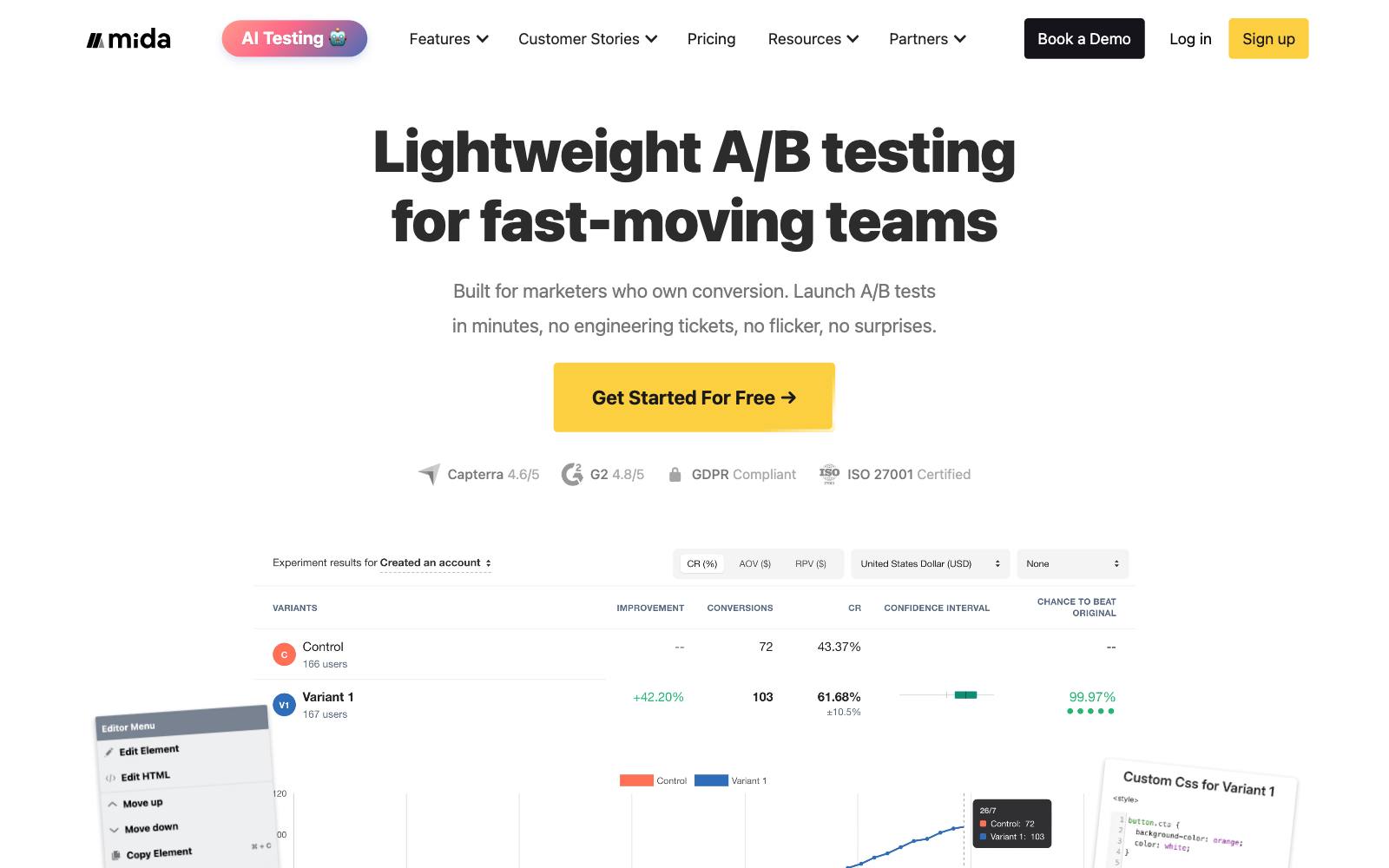
Best for: small businesses, service sites and small shops on Squarespace that want real tests without a monthly bill.
What it does: Mida is a script-based A/B testing tool.
You paste its snippet into Squarespace's header, build a variant on your live page and set a goal such as a form submission or a visit to the order confirmation page.
Key features:
- Free Sandbox plan with 100,000 monthly tracked users and 50,000 tracked events a day
- Only visitors who enter a test count toward the limit, per Mida's pricing FAQ
- AI test builder (MidaGX), with 30 credits a month on the free plan
- Unlimited goals, plus server-side SDKs if you add a developer later
Pros:
- The free plan is large enough for most Squarespace traffic levels
- Counting tested visitors, not page views, keeps costs predictable
- No card needed to start
Cons:
- The free plan allows 3 live tests, 1 project and 60 days of data retention
- Free plan targeting is "basic targeting rules" only
- The jump from free to Growth ($224/month billed yearly) is steep
Pricing: as of November 2026, Mida's pricing page lists the free Sandbox plan and Growth at $224/month billed yearly, with a 15-day free trial. Enterprise is custom.
In our archive: Mida tested its own sign-up page.
Adding customer testimonials took completion from 37% to almost 60%, a +56.94% lift, though on only about 200 sign-ups.
2. Convert
Best for: Squarespace sites with steady traffic that want a full testing tool with strong support and privacy controls.
What it does: Convert Experiences is a paid A/B testing tool that works on any site.
Convert's install guide says the tracking code belongs in the head of the page, before other resources.
On Squarespace, that means the sitewide Header injection box. Read our Convert review for more.
Key features:
- A/B and split URL testing with a visual editor
- Growth plan covers 100,000 tested users a month
- Multipage and multivariate tests on Pro and up (multivariate is also a paid add-on on Growth)
- Free migration from VWO, and "bring your own ID" for visitor randomization
Pros:
- Clear, published pricing
- Privacy-first positioning, useful for sites with EU visitors
- Works the same if you later move off Squarespace
Cons:
- $299/month billed yearly is a lot for a small Squarespace site
- Multipage tests need Pro ($420/month billed yearly), and multivariate tests need Pro or a paid add-on on Growth
- Can't test the checkout, because Squarespace blocks code there
Pricing: as of November 2026, Convert's pricing page lists Growth at $299/month billed yearly ($3,588/year) or $399 monthly, and Pro at $420/month billed yearly or $599 monthly.
Enterprise is priced on request. Paid plans start with a 15-day free trial.
In our archive: Oliver Kenyon ran a Convert test on a wellness product page for cold Meta traffic.
A clearer gallery and benefit copy lifted sales +8.93%, though several changes were bundled.
Not every Convert test wins: Mintminds tried four ways to move product specs and all four lost.
3. VWO (Wingify)
Best for: teams that want testing, heatmaps and session recordings in one tool and have the budget for a sales-led plan.
What it does: VWO runs tests from one snippet, the SmartCode.
For Squarespace, VWO's guide says to paste the SmartCode into Code Injection, either in the sitewide Header or a page's Page Header Code Injection (the Squarespace steps are written for its Engage product, but they're the same steps).
VWO is now sold under the Wingify name. See our VWO review.
Key features:
- Visual editor for A/B and split URL tests
- Heatmaps, session recordings and form reports in the same account
- Synchronous or asynchronous SmartCode, so you choose between speed and flicker control
- Growth, Pro and Enterprise web plans
Pros:
- One script covers testing and research
- The tool behind more tests in our archive than any other
- Large help center and many published case studies
Cons:
- No public prices; every plan goes through "Schedule a Demo"
- No free plan, though Wingify offers a 30-day free trial with no credit card
- Probably more tool than a small Squarespace site needs
Pricing: contact sales. As of November 2026, Wingify's pricing page shows Growth, Pro and Enterprise without prices.
In our archive: Acuity Scheduling, which Squarespace bought in April 2019, ran a VWO test that sent its sign-up button to a 14-day Pro trial instead of a free-forever plan.
Paid sign-ups rose +268%. For service businesses, Haller Enterprises replaced a homepage form with booking buttons and lifted booking value per visitor +24.49%.
4. Zoho PageSense
Best for: small businesses that want analytics, heatmaps and A/B testing from one low-cost vendor, especially if they already use Zoho.
What it does: PageSense combines website analytics, heatmaps, session recordings and form analytics with testing.
A/B testing, split URL testing and personalization come with the Enterprise plan.
You add its snippet through Squarespace Code Injection.
Key features:
- A/B, split URL and full-stack testing on Enterprise
- Heatmaps, session recordings, funnels and form analytics
- Polls, pop-ups and push notifications on paid plans
- Included at no extra cost for Zoho One subscribers
Pros:
- Low entry price for a tool that includes testing
- 15-day trial with all features and no card
- Free Forever plan (5,000 tracked users) for analytics and heatmaps while you plan tests
Cons:
- The free plan and Professional plan don't include A/B testing
- Price rises quickly with traffic; the top listed Enterprise tier is US$779.42/month billed yearly
- Fewer published case studies than VWO or Convert
Pricing: as of November 2026, Zoho's pricing page lists Enterprise from US$29.42/month billed yearly at its smallest traffic tier. Above 1,000,000 visitors, you contact sales.
5. Crazy Egg
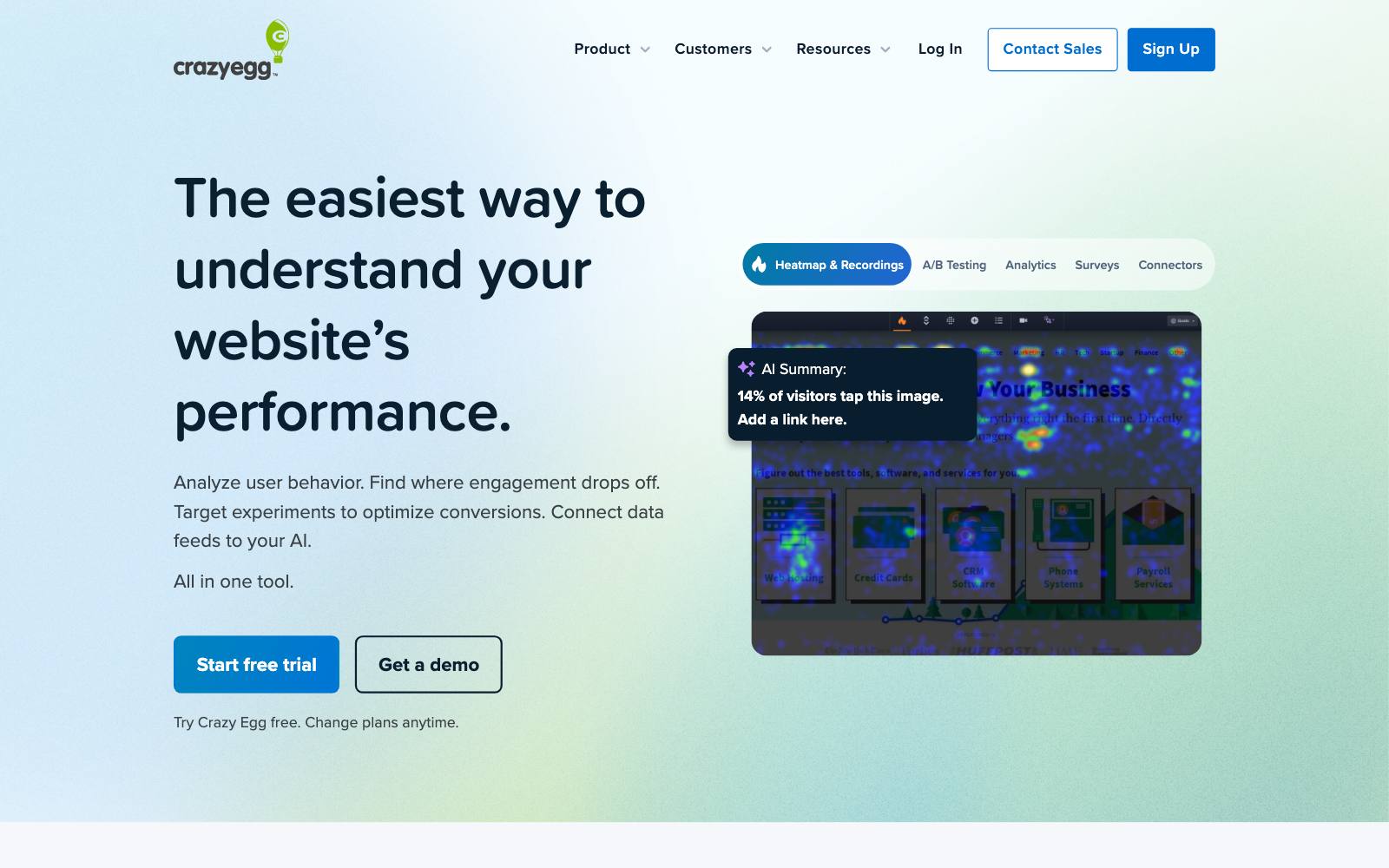
Best for: site owners who mainly want heatmaps and recordings to find problems, with simple A/B tests on the side.
What it does: Crazy Egg is a heatmap and recording tool with A/B testing built in.
One script covers both, so you can see where visitors click, then test a fix on the same page.
Key features:
- Heatmaps, recordings, surveys and conversion tracking
- Unlimited A/B tests from the Plus plan up
- Device targeting on Plus; country, UTM and conversion targeting on Pro
- Unlimited domains and team members on every plan
Pros:
- Research and testing in one cheap-to-start tool
- 30-day free trial, longer than most
- "No overages, ever," per the pricing page
Cons:
- The $29 Starter plan has no A/B testing
- Limits are in tracked page views (150,000 on Plus), which run out faster than tested-user limits
- Testing is simpler than in dedicated tools like Convert or VWO
Pricing: as of November 2026, Crazy Egg's pricing page lists Starter $29/month, Plus $99/month, Pro $249/month and Enterprise $599/month. All plans are billed yearly.
6. PostHog
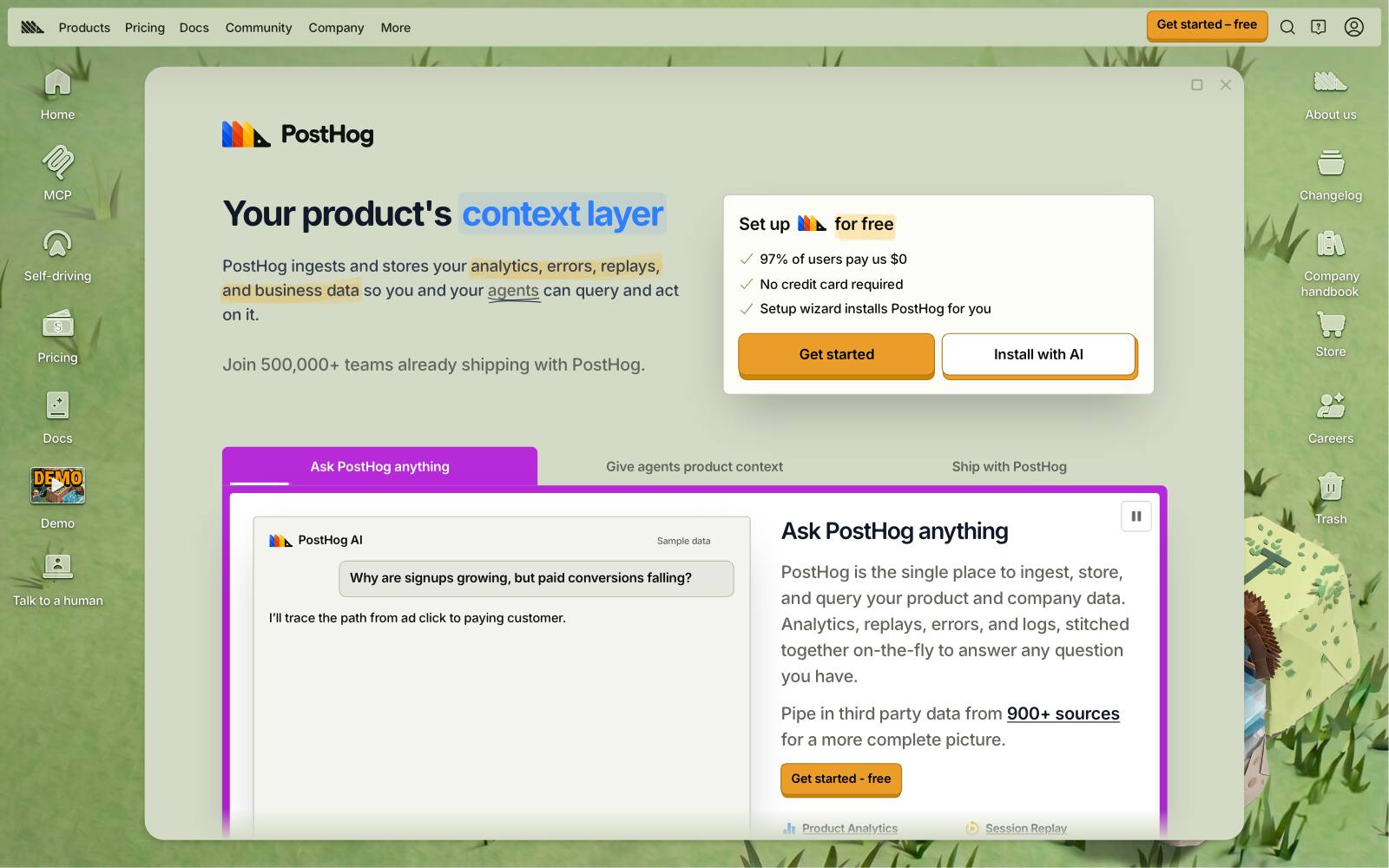
Best for: SaaS and app companies that use Squarespace for the marketing site and want one free tool for analytics, feature flags and experiments.
What it does: PostHog is a product analytics suite with experiments.
Its no-code web experiments let you change text, CSS or HTML from a toolbar on your live site, once you add disable_web_experiments: false to the snippet. See our PostHog review.
Key features:
- A/B and multivariate tests, built in the toolbar or in code
- Free every month: 1M analytics events and 1M feature flag requests, with experiments billed with feature flags
- Session replay, surveys and funnels in the same account
- Usage stops at the free limits unless you add a card
Pros:
- Generous free tier with no time limit
- Same tool for the Squarespace marketing site and your product
- No surprise bills on the free plan
Cons:
- Built for product teams; the interface asks more of a non-technical owner
- PostHog's own docs say no-code experiments suit simple text and styling changes, and complex changes "can introduce more risk"
- Pages that re-render content with JavaScript may overwrite no-code changes
Pricing: as of November 2026, PostHog's pricing page lists a free tier that renews monthly, then pay-as-you-go pricing per product.
7. Unbounce
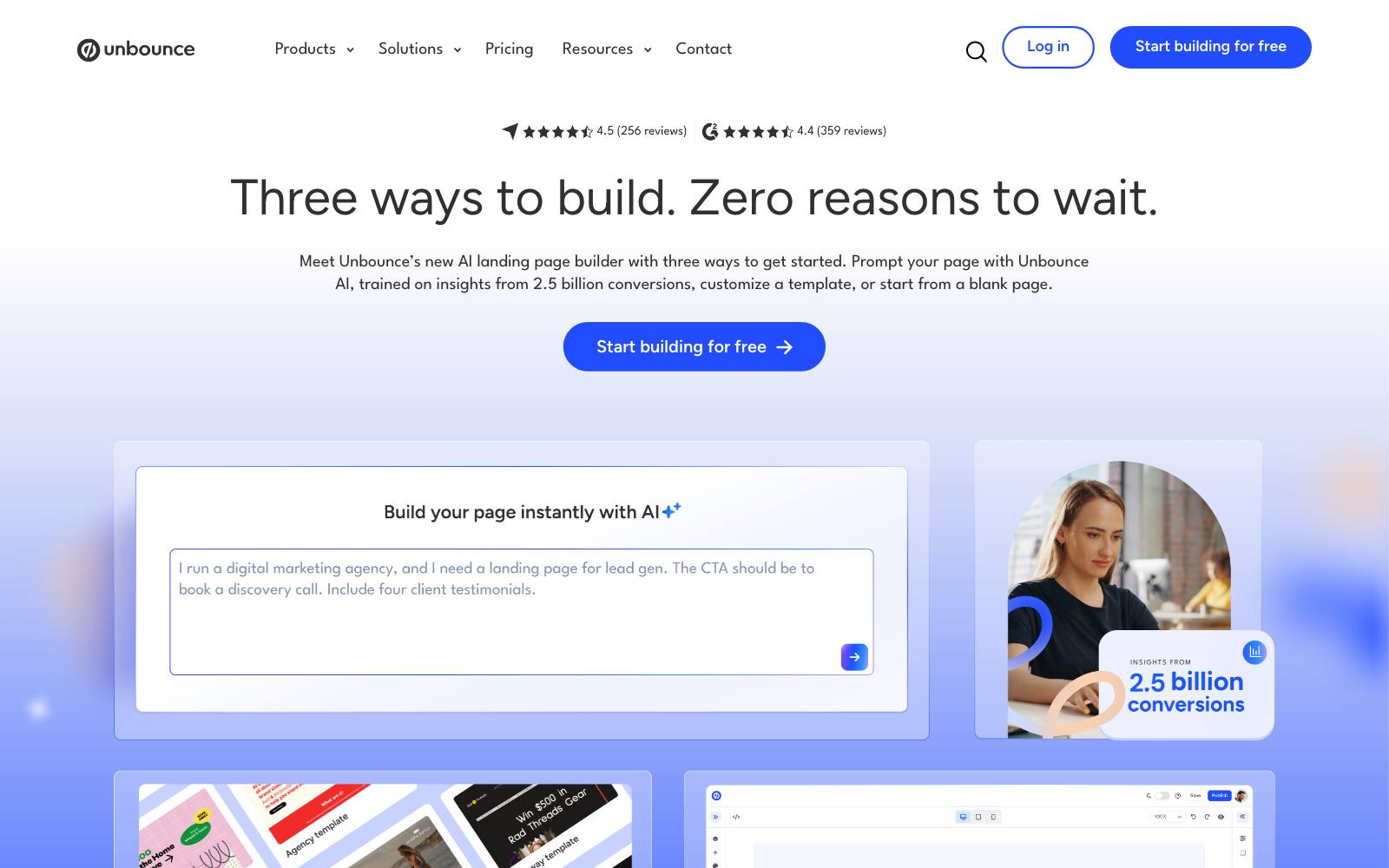
Best for: businesses that run paid ads and want to test landing pages without touching the Squarespace site at all.
What it does: Unbounce is a landing page builder with built-in split testing.
You build and test pages in Unbounce and publish them to a subdomain such as go.yoursite.com, so it works on any Squarespace plan, Basic included. See our Unbounce review.
Key features:
- Drag-and-drop landing page builder
- A/B testing from the Experiment plan up
- Unlimited custom subdomains on all plans
- Hosting included
Pros:
- No Squarespace code injection needed
- Traffic split and reporting are built into the page builder
- 14-day trial with no card
Cons:
- Only tests pages built in Unbounce, not your Squarespace pages
- Starter and Build plans don't include A/B testing
- You maintain a second set of pages and branding
Pricing: as of November 2026, Unbounce's pricing page lists Experiment at $112/month billed yearly ($149 monthly) and Optimize at $187/month billed yearly ($249 monthly).
Starter ($22) and Build ($74) billed yearly don't include A/B testing.
In our archive: Going changed its CTA from "Sign up for free" to "Trial for free" in Unbounce and got +104% trial starts.
Apexure moved testimonials higher on an MBA landing page for +63% MBA brochure leads.
8. Optimizely
Best for: large companies whose marketing site happens to run on Squarespace and who already have a testing team.
What it does: Optimizely Web Experimentation runs client-side tests from a snippet, with redirect experiments for split URL tests.
On Squarespace it goes in the sitewide Header.
Key features:
- Visual editor, A/B, multivariate and redirect tests
- Stats engine built for teams running many tests at once
- Personalization and broader digital experience products
Pros:
- Built for high-volume, multi-team testing programs
- Large partner network for setup help
Cons:
- No public pricing and no trial listed
- Far more than most Squarespace sites need
- Can't reach the Squarespace checkout, same as every other tool here
Pricing: contact sales. Optimizely's plans page offers a personalized quote only.
In our archive: Optimizely's own case study shows a subscription brand framing a free trial as part of the plan, not an add-on, for +37% enrollment.
Which one is right for you
Small service business or portfolio site
Start with Mida on the free plan. If you also want heatmaps to find what to test, Crazy Egg Plus covers both.
Squarespace shop
Mida to start, Convert once traffic and revenue justify $299/month.
Test product pages and the path to checkout, and use the order confirmation page as your goal.
SaaS marketing site on Squarespace
PostHog if your product team already uses it; VWO if marketing owns testing and wants research tools too.
Paid ads to dedicated landing pages
Unbounce. It also works if you're on the Basic plan and don't want to upgrade.
On a tight budget with Zoho tools
Zoho PageSense, which is included with Zoho One.
If you'd rather have someone plan and run the tests for you, Oliver Kenyon works with businesses on exactly this.
What to look for
- Snippet-based setup: the tool must work from a header script, because Squarespace has no app store for testing tools.
- Your plan: confirm you're on Core or higher before paying for a script-based tool.
- Visual editor: you can't edit Squarespace's code, so you'll build most variants in the tool's editor.
- Pricing unit: tested users (Mida, Convert, PageSense) are usually cheaper than tracked page views (Crazy Egg) at the same traffic.
- Goal tracking: make sure you can count form submissions and order confirmation page visits, since checkout is off limits.
- Flicker control: check whether the tool offers a synchronous snippet or anti-flicker option (see flicker effect).
- Support: Squarespace won't troubleshoot custom code, so the vendor's support has to.
Real test results
These tests come from the kinds of sites that often run on Squarespace: booking and service businesses, schools, SaaS sign-up pages and small shops.
 @oliverkenyon
 Mida
One more worth copying: 160 Driving Academy swapped a stock photo for a real student and got +161% form completions (Spectrum Inc, on VWO).
Watch out for
- Paying for a tool you can't install. On Basic, none of the script-based tools can be added. Upgrade first or use Unbounce.
- Expecting checkout tests. Squarespace blocks code on checkout pages. Test what happens before checkout.
- Stacking scripts. Each tool you add to the header is more code to load. Run one testing tool and one research tool, not four.
- Flicker. Asynchronous snippets can show the original page for a moment before the variant. Test on mobile before launching.
- Old 7.0 templates. Squarespace warns that Ajax loading on version 7.0 "may prevent CSS added to code injection from loading correctly." Check that your variants show up when visitors move between pages.
- Too little traffic. Many Squarespace sites get a few hundred visits a week. Test bigger changes and read our guide to testing with low traffic.
Building on another platform? See our guides to Wix A/B testing and  Webflow A/B testing, our free A/B testing tools list, or browse all tools.