



For most Shopify stores, the best trust badge app is a free one: Essential Trust Badges & Icons (5.0 stars from 1,165 reviews) or Conversion Bear's Ultimate Trust Badges (4.9 stars from 380 reviews).
If you want a seal backed by real security scans and business checks, look at TrustedSite or Trust Guard, which also work outside Shopify.
Whether badges help at all depends on the store.
In our archive, some trust badge tests won, several came out flat, and a few lost, so test the badge before you keep it.
How we picked: we read each app's Shopify App Store listing and pricing, the vendors' own pricing pages and public reviews, then matched each pick to tests in our archive. We have not used these apps ourselves.
| Tool | Best for | Starting price (as of November 2026) | Free plan or trial | Rating (source) |
|---|---|---|---|---|
| Essential Trust Badges & Icons | Most Shopify stores | Free; paid from $6.99/mo | Free plan (5,000 views/mo), 7-day trial | 5.0, 1,165 reviews (Shopify App Store) |
| Ultimate Trust Badges (Conversion Bear) | A light, free payment badge row | Free | Free | 4.9, 380 reviews (Shopify App Store) |
| Hoppy Trust Badges & Icons | Badges in cart, footer and checkout | Free | Free | 4.9, 881 reviews (Shopify App Store) |
| SEOWILL Trust Badges & Icon | Quick payment and shipping badges | Free | Free | 4.9, 687 reviews (Shopify App Store) |
| XB: Trust Badges & Trust Icons | Badges by visitor country | Free | Free | 5.0, 53 reviews (Shopify App Store) |
| GA: Ultimate Trust Badges+Icons | Feature and guarantee icon blocks | $9.99/mo | 7-day trial | 5.0, 39 reviews (Shopify App Store) |
| TrustedSite | Earned, verified security seals | Free; Pro from $39/mo | Free plan (500 visits/mo) | 4.6, 281 reviews (Shopify App Store) |
| Trust Guard | Seals plus PCI and malware scans, any platform | $97/mo | Free one-time scan | Not verified |
| Vitals | Stores that want badges inside a 40-tool suite | $29.99/mo | 7-day trial | 4.9, 2,973 reviews (Shopify App Store) |
Do trust badges help? What the tests say
Before you pick an app, look at the results.
Trust badges are one of the most-tested elements in our archive, and they do not always win.
You can browse every result on the trust badges element page.
Where they won: Conversion Fanatics put Trust Guard and McAfee seals next to the order total on a store with a complex order process, and desktop orders rose 19.2%.
MarketingExperiments added a Hacker Safe logo to Britannica's free trial page and trial take-up rose 13.2%, though that test dates from 2008.
Where they did nothing: Clean Commit added three trust icons to a Shopify checkout and saw +0.9% across 213,715 visitors in 40 days.
That was a well-powered test, and it found no clear effect.
Blend Commerce's value props below Add to Cart for a travel brand left conversion flat at 3.30%.
Where they lost: Bag Servant tested a VeriSign seal on its search results page, and it did worse than the original on all three goals.
Convertibles added a trust bar under the buttons on premium handbag pages and revenue per visitor fell 10.2%.
Dave Diederen went the other way and hid a USP badge bar above the fold, which raised revenue per visitor by 8.75% (at an 87.4% probability, below the usual 95% bar).
The pattern: badges help most when they answer a real worry at the moment it comes up, like payment safety next to the order total.
Generic badge rows in places where nobody is worried yet tend to do nothing, or get in the way.
The 9 best trust badge apps
1. Essential Trust Badges & Icons
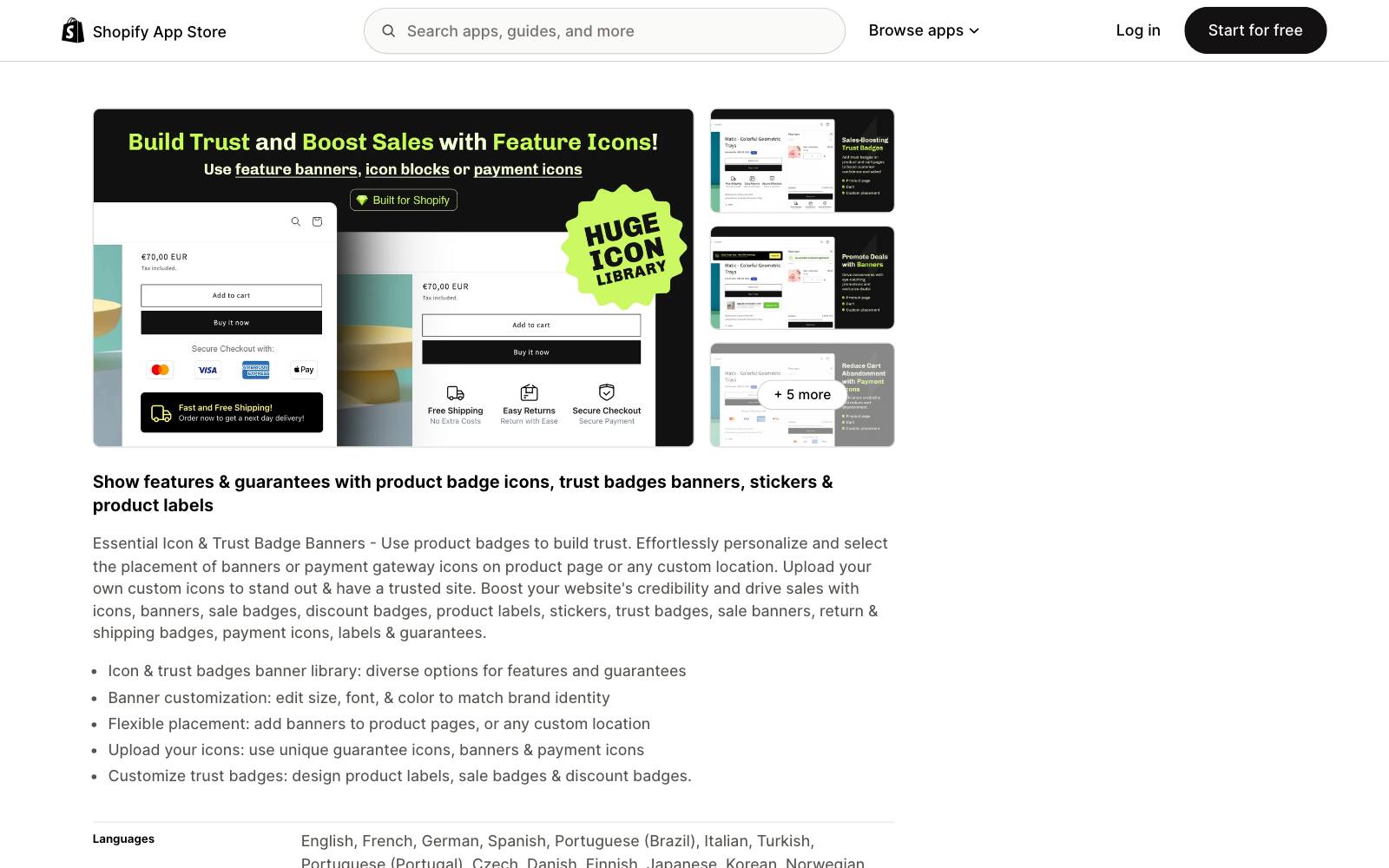
Best for: most Shopify stores that want payment icons and guarantee badges under the Add to Cart button.
What it does: Essential Apps' badge app adds payment icons, guarantee and shipping badges, and icon banners to product pages or any custom spot on your theme.
You can upload your own icons and match size, font and color to your brand.
Key features:
- Large icon library covering payment, security, shipping, warranty and guarantee badges
- Upload your own icons (paid plans)
- Cart page blocks and blocks targeted by product tag (Essential plan)
- Geolocation targeting and translations (Essential plan)
Pros:
- The most-reviewed dedicated badge app we checked, with a 5.0 rating
- Usable free plan with unlimited product page payment icons
- Cheap upgrade path
Cons:
- Free plan caps you at 5,000 monthly views and one product page banner or a 3-icon block
- Pricing is based on views, so a traffic spike can push you up a tier
- Shopify only
Pricing: Free plan, then Starter $6.99/mo (20,000 views), Essential $9.99/mo (50,000 views) and Professional $29.99/mo (unlimited), each with a 7-day trial, as of November 2026 on the Shopify App Store listing.
Rating: 5.0 from 1,165 reviews on the Shopify App Store.
In our archive: Blend Commerce put payment icons directly under Add to Cart for Stone Creek Coffee and conversion rose 6%.
The same icons placed lower, below the selling points, lost.
Placement is the setting that matters most in an app like this.
2. Ultimate Trust Badges (Conversion Bear)
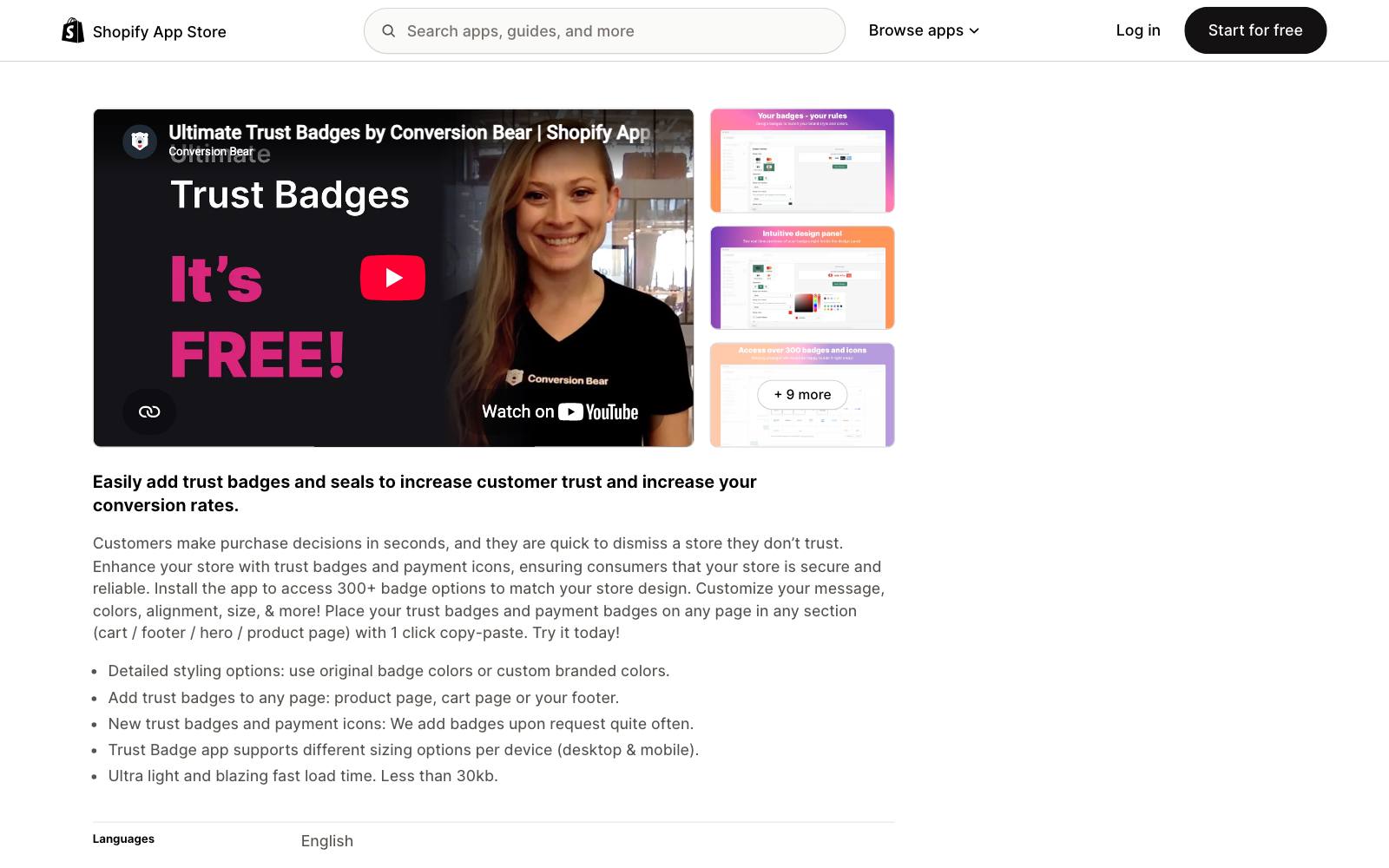
Best for: stores that want a free, light row of payment badges without paying for extra features.
What it does: Conversion Bear's app gives you 300+ trust and payment badges that you can place on the product page, cart, footer or hero.
You can keep the original badge colors or switch to your brand's colors.
Key features:
- 300+ badge options, with new ones added on request
- Placement on product, cart, footer and hero sections
- Separate sizing for desktop and mobile
- Listed as under 30kb
Pros:
- Completely free
- Small footprint, which matters for page speed
- On the App Store since July 2019
Cons:
- Fewer layout options than Essential, such as no feature icon blocks
- No geolocation or tag targeting listed
- Shopify only
Pricing: Free, as of November 2026, on the Shopify App Store listing.
Rating: 4.9 from 380 reviews on the Shopify App Store.
In our archive: Blend Commerce added express pay options and a guarantee below the cart checkout button for a plant brand, and conversion rose 6%.
3. Hoppy Trust Badges & Icons
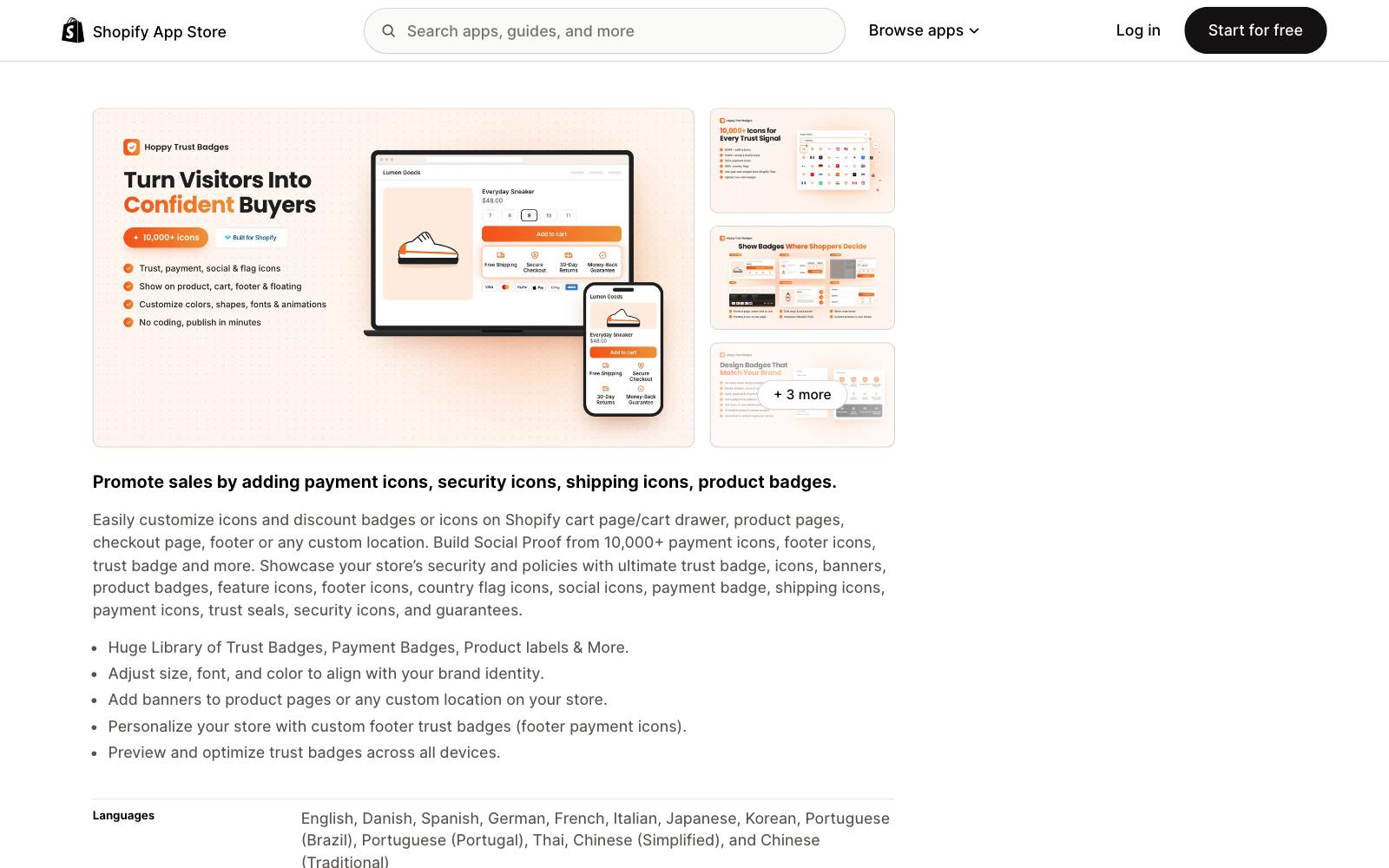
Best for: stores that want badges in the cart drawer, footer and checkout from one free app.
What it does: Hoppy Apps offers 10,000+ payment, security, shipping and footer icons, plus product badges and country flags.
You can place them on the cart page or drawer, product pages, checkout, footer or a custom location.
Key features:
- 10,000+ icons, including footer payment icons and country flags
- Listed as working with Shopify Checkout
- Device previews before you publish
- Many admin languages
Pros:
- Free
- Covers the checkout, which many badge apps do not
- Big review count for a young app
Cons:
- Launched in October 2024, so it has a shorter track record than Essential or Conversion Bear
- A huge icon library makes it easy to overdo the badges
- Shopify only
Pricing: Free, as of November 2026, on the Shopify App Store listing.
Rating: 4.9 from 881 reviews on the Shopify App Store.
In our archive: checkout badges are where we have the strongest flat result.
Clean Commit's three checkout trust icons moved conversion +0.9% across 213,715 visitors, with no clear effect.
By the time a shopper is at checkout, a badge may be too late to matter.
4. SEOWILL Trust Badges & Icon
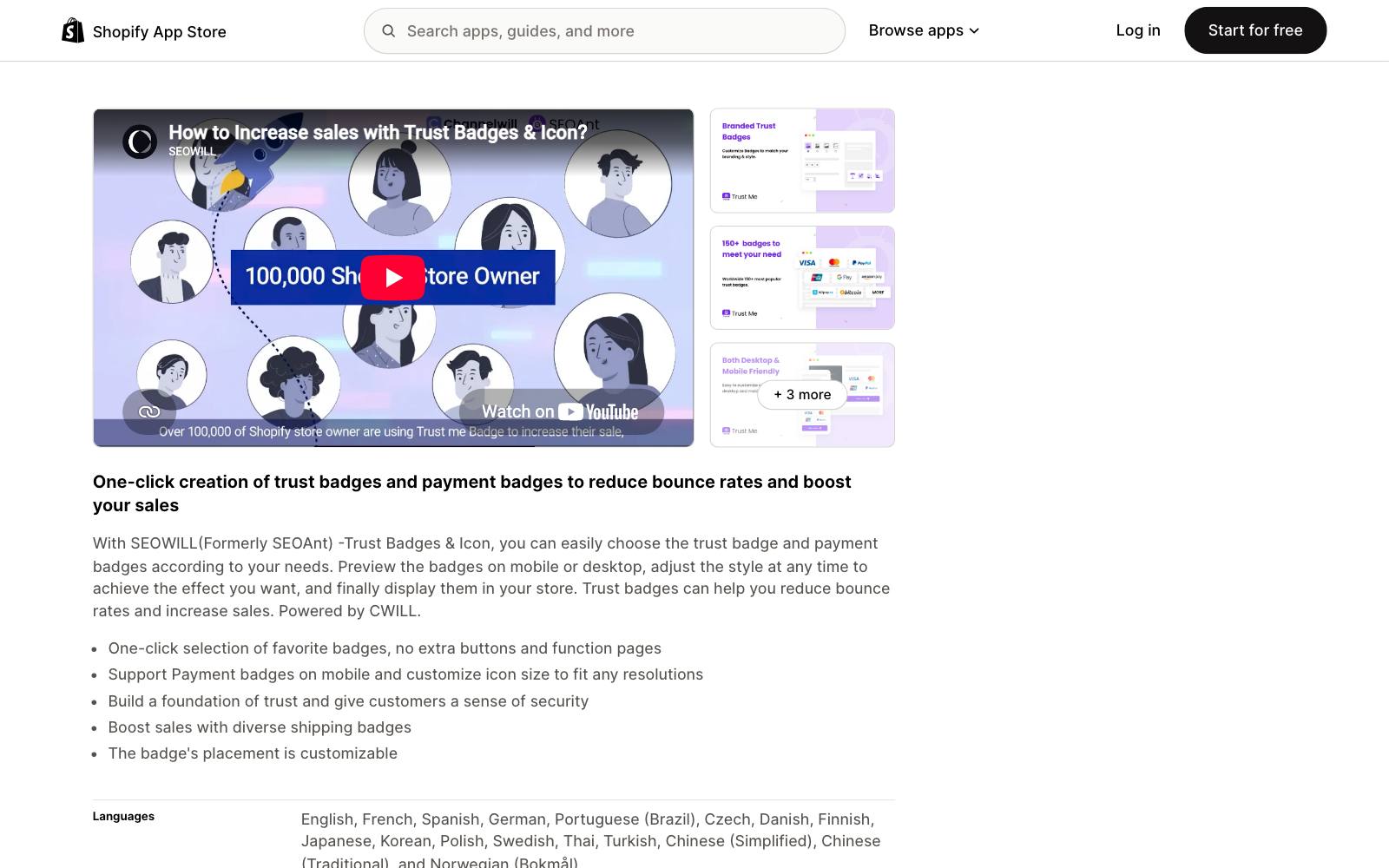
Best for: new stores that want payment and shipping badges live in a few minutes.
What it does: This free app from CWILL (formerly sold under the SEOAnt name) lets you pick payment and trust badges in one click, preview them on mobile and desktop, then place them where you like.
Key features:
- One-click badge selection
- Payment badges that resize for mobile
- Shipping badges
- Listed as working with
 Loox,
 PageFly and Spocket
Pros:
- Free
- Simple, with few settings to learn
- On the App Store since November 2019
Cons:
- Fewer design controls than paid apps
- Not built for feature icon blocks or guarantee banners with longer copy
- Shopify only
Pricing: Free, as of November 2026, on the Shopify App Store listing.
Rating: 4.9 from 687 reviews on the Shopify App Store.
In our archive: what the badge says matters more than the badge itself.
Blend Commerce placed a money-back guarantee badge below add to cart for a health brand and desktop sales rose 30.33%.
Mobile did worse, so the brand kept the badge on desktop only.
5. XB: Trust Badges & Trust Icons
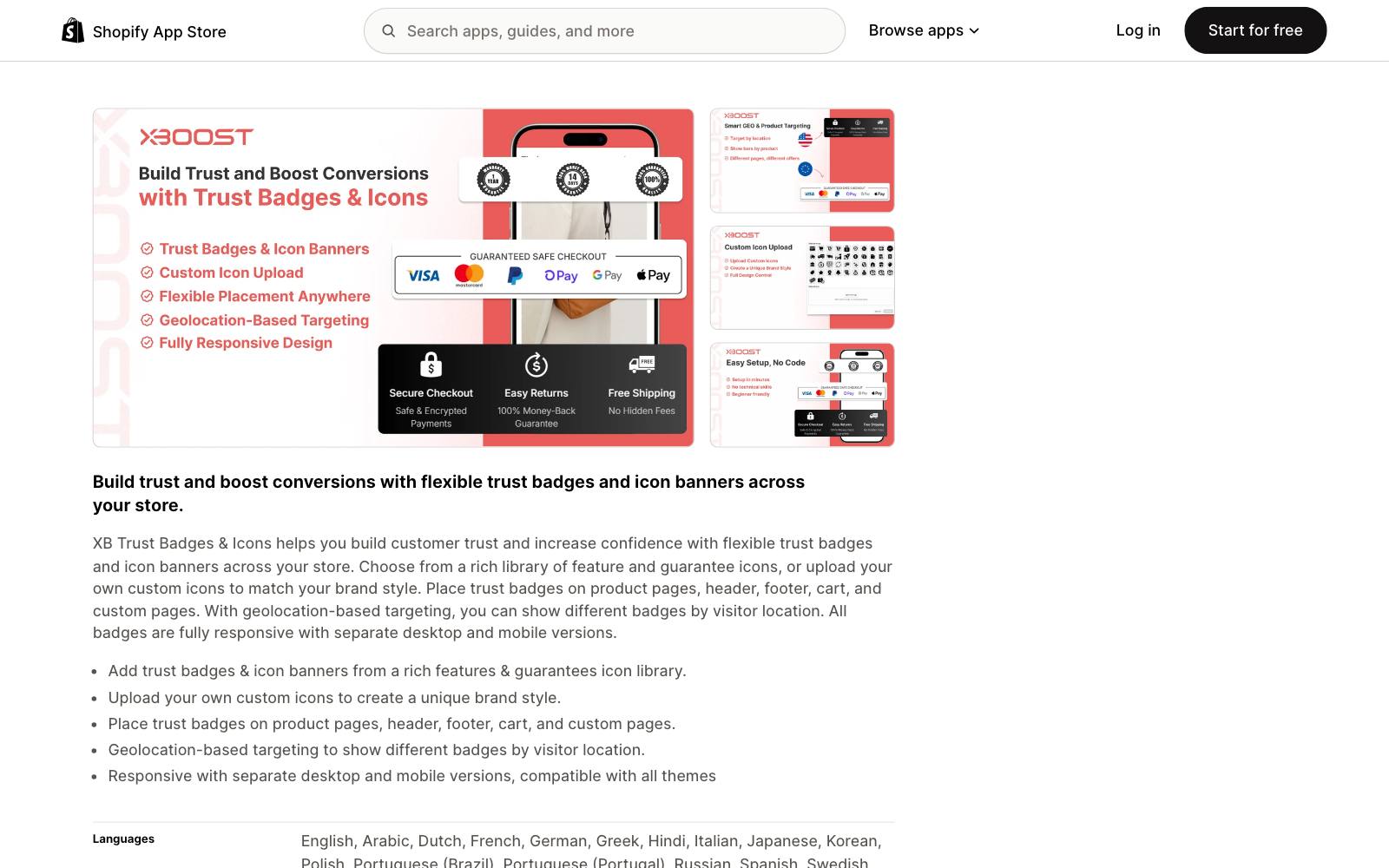
Best for: stores selling to several countries that want different badges by location.
What it does: Xboost's app adds trust badges and icon banners to product pages, header, footer, cart and custom pages.
Geolocation targeting lets you show different badges to visitors from different countries, with separate desktop and mobile versions.
Key features:
- Geolocation-based badges
- Custom icon uploads
- Placement in header, footer, product, cart and custom pages
- Separate desktop and mobile layouts
Pros:
- Free, including geolocation (a paid feature in Essential)
- Good fit for local shipping and payment messages
Cons:
- New: launched December 2025, with only 53 reviews
- Smaller developer, so check support response before you rely on it
- Shopify only
Pricing: Free, as of November 2026, on the Shopify App Store listing.
Rating: 5.0 from 53 reviews on the Shopify App Store.
In our archive: Dave Diederen changed a generic "Free Shipping" badge to "Free Shipping To DE" and conversion rate rose 10.42%.
Local badges are what geolocation targeting is for.
6. GA: Ultimate Trust Badges+Icons
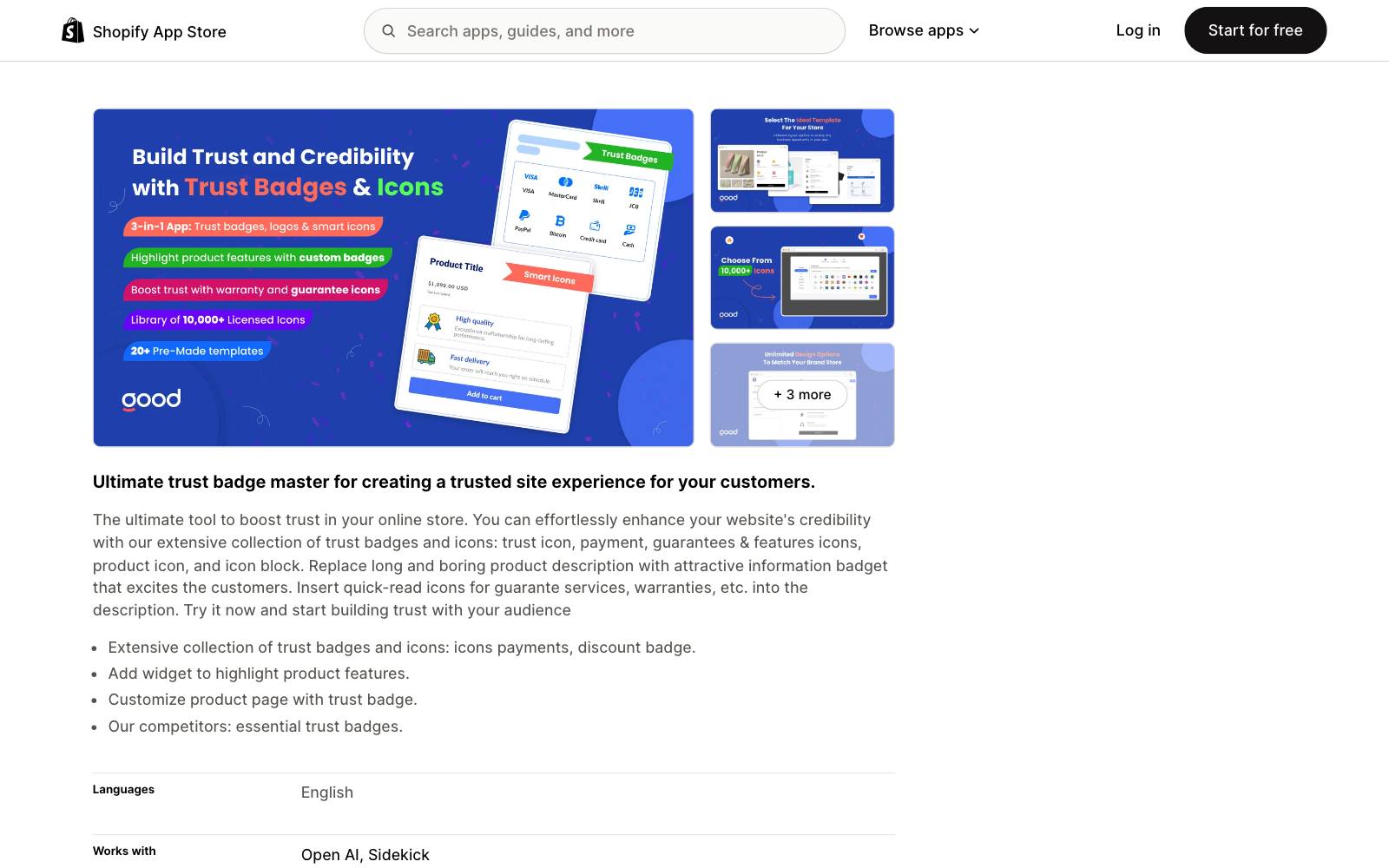
Best for: stores that want feature, warranty and guarantee icon blocks inside the product description.
What it does: GoodApps' app focuses on icon blocks that turn long product copy into quick-read icons for guarantees, warranties and product features.
It also covers payment icons and discount badges.
Key features:
- Unlimited icons and icon blocks
- Upload your own icons
- Multiple layouts
- Unlimited monthly icon pageviews
Pros:
- One flat price with no view limits
- Built for feature and guarantee icons, not only payment logos
Cons:
- No free plan, only a 7-day trial
- Small review base (39 reviews)
- Shopify only
Pricing: $9.99/mo or $79.92/year, with a 7-day trial, as of November 2026 on the Shopify App Store listing.
Rating: 5.0 from 39 reviews on the Shopify App Store.
In our archive: Conversion Fanatics added icons for a 30-day return policy and a 90-day warranty and sales conversions rose 26%.
The same agency warns that too many icons can hurt.
7. TrustedSite
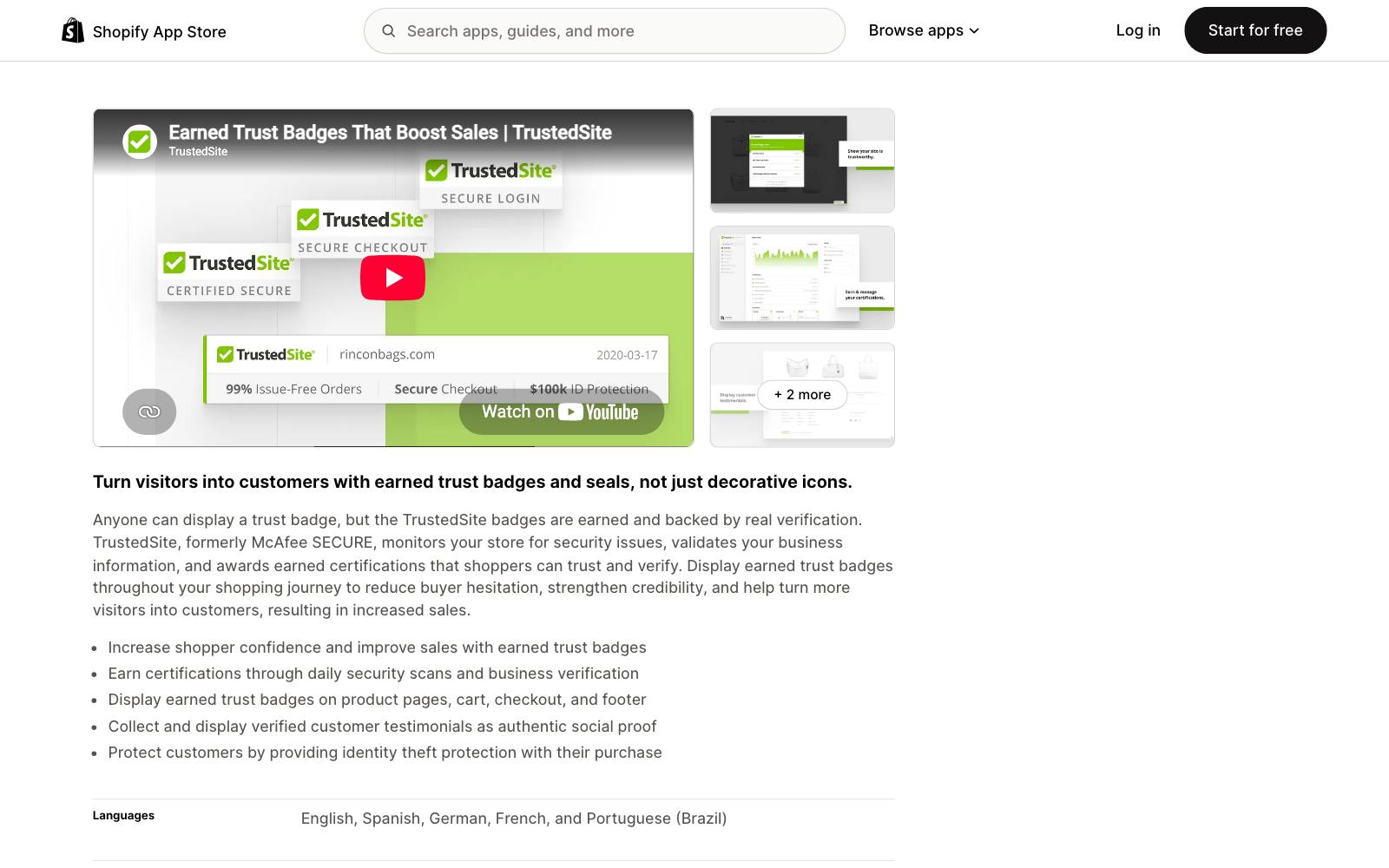
Best for: stores and sites that want a seal shoppers can click to verify, on Shopify or elsewhere.
What it does: TrustedSite, formerly McAfee SECURE, runs daily security scans and checks your business details, then awards certifications you can show as badges.
Anyone can paste a payment logo, but these badges are earned.
Key features:
- Daily security scans and business verification
- Badges on product pages, cart, checkout and footer
- Pro plans include 8 certifications and 11 trust badges
- Shopper Identity Protection on Pro plans
Pros:
- A real check behind the badge, not just an image
- Works on non-Shopify sites as well, with plans on its own pricing page
- On the Shopify App Store since 2014
Cons:
- The free plan covers only 500 visits a month, and the floating badge disappears once you pass the limit
- Paid plans scale with traffic and get expensive fast
- Lower rating (4.6) than the free badge apps
Pricing: Free up to 500 visits/mo; Pro 2,000 is $39/mo, Pro 5,000 is $75/mo and Pro 10,000 is $125/mo, with per-1,000-visit overage fees, as of November 2026 on the Shopify App Store listing.
Rating: 4.6 from 281 reviews on the Shopify App Store.
In our archive: Conversion Fanatics added security trust elements including a McAfee Secured badge and sales conversions rose 6%.
In SaaS, Uptowork put a McAfee SECURE badge on its resume builder's cart for about +1.25% conversions, though a wider cart redesign may have run at the same time.
8. Trust Guard
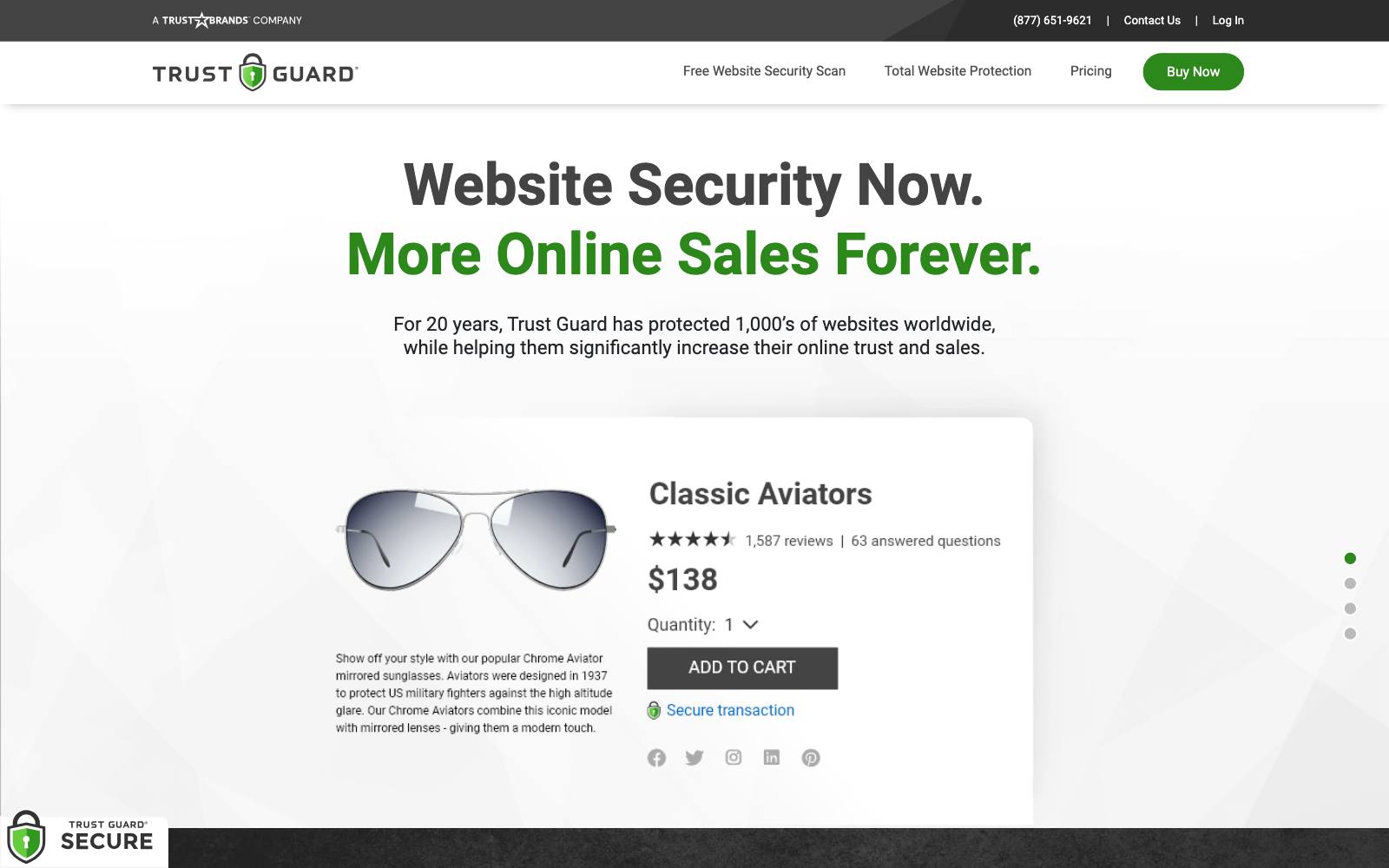
Best for: businesses on any platform that also need PCI scanning, not just a badge.
What it does: Trust Guard sells a monthly package of external PCI scans, internal malware scans, SSL checks and two seals: a standard seal and a checkout seal.
It is a security service first and a badge second.
Key features:
- Daily external PCI scanning, including a PCI SAQ generator
- Daily internal malware scanning
- Weekly SSL validation
- Standard and checkout seals
Pros:
- Works on any site, including ecommerce, SaaS checkouts and lead-gen forms
- Useful if you need PCI scans anyway
- Free one-time scan before you buy
Cons:
- $97/mo is a lot for a badge if you don't need the scans
- Its claim that seals lift sales "up to 15-20%" is the vendor's own number, not an independent result
- No Shopify App Store listing to compare reviews
Pricing: $97/mo, with a free one-time scan, as of November 2026 on the Trust Guard pricing page.
In our archive: this is the seal in the strongest win we have.
Conversion Fanatics put Trust Guard and McAfee seals next to the order total and desktop orders rose 19.2%.
The test had about 2,000 unique visitors and no confidence level was shared.
9. Vitals
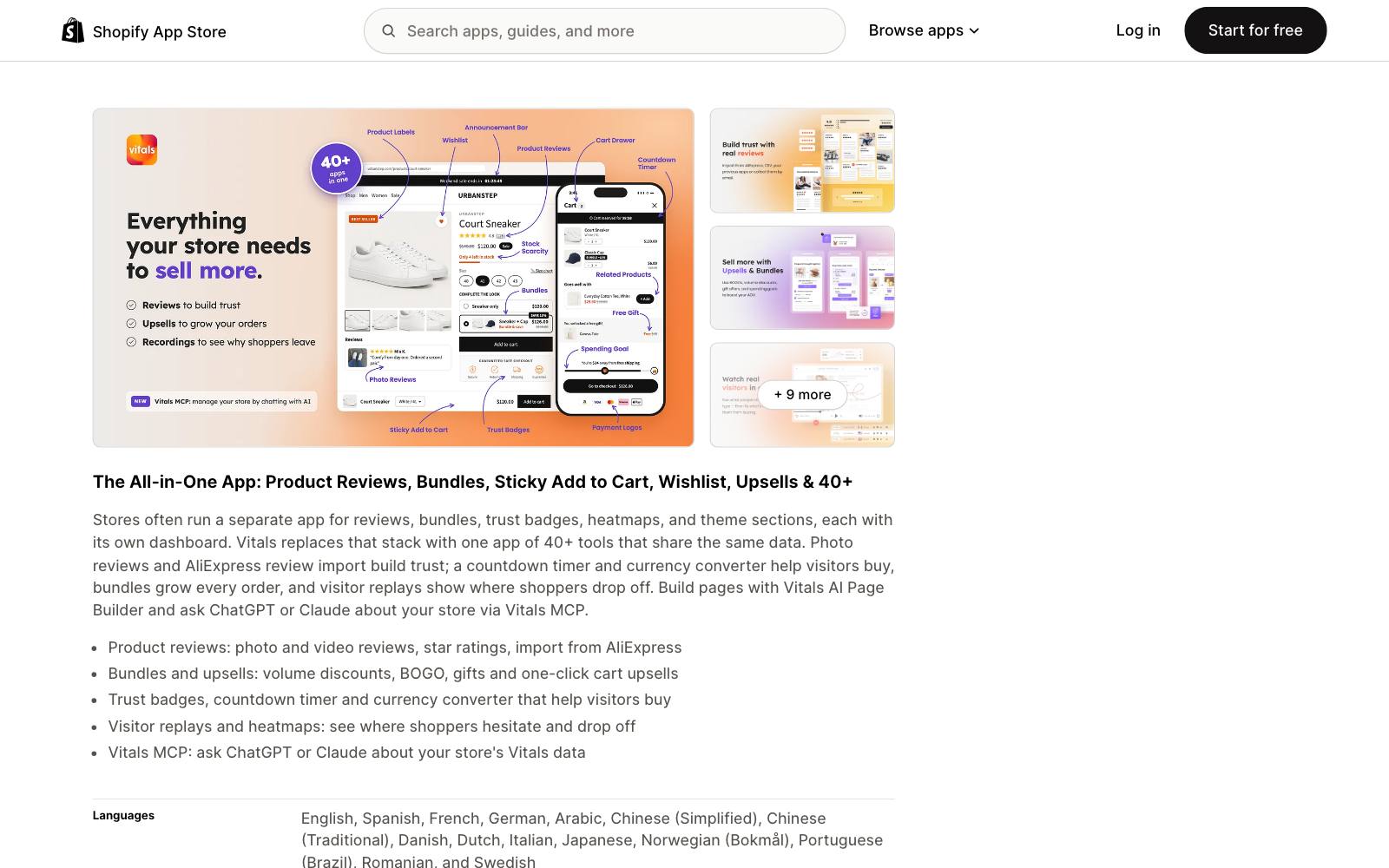
Best for: stores that would otherwise install several apps for reviews, bundles, timers and badges.
What it does: Vitals is an all-in-one app with 40+ tools, including trust badges, product reviews, bundles, upsells, a countdown timer and visitor replays.
You get badges as one part of a larger suite.
Key features:
- Trust badges alongside reviews, bundles and upsells
- Visitor recordings and heatmaps
- Email marketing, pop-ups and back-in-stock
- Pricing by orders, not views
Pros:
- Can replace several apps with one
- Highest review count of any app here (2,973)
- Replays help you see whether shoppers even look at your badges
Cons:
- $29.99/mo is a lot if you only want badges
- Moving off it later means replacing many features at once
- Not for stores that already have dedicated review and upsell apps
Pricing: Starter $29.99/mo (up to 200 orders), Growth $79/mo, Pro $179/mo, each with a 7-day trial, as of November 2026 on the Shopify App Store listing.
Rating: 4.9 from 2,973 reviews on the Shopify App Store.
Which one is right for you
A new or small Shopify store on a budget
Start with Ultimate Trust Badges or SEOWILL. Both are free and take minutes to set up.
Move to Essential's free plan if you want guarantee banners as well.
A growing Shopify store that wants control
Essential Trust Badges & Icons on the Starter or Essential plan gives you custom icons, cart blocks and tag targeting for under $10 a month.
Stores selling to several countries
XB has free geolocation targeting. Essential has it on the $9.99 plan with a longer track record.
High-ticket stores, or SaaS and lead-gen sites off Shopify
TrustedSite or Trust Guard, because their seals are backed by real scans and can be verified.
They also work on non-Shopify checkouts and forms.
For B2B SaaS, customer logos often matter more than security seals; see trust logos.
Stores that want one app for everything
Vitals, as long as you would actually use the reviews, bundles and replays.
What to look for
- Placement control: you need badges right under Add to Cart or next to the order total, not only in the footer.
- Separate mobile settings: a badge row that fits on desktop can push the buy button down on a phone.
- Custom icons and copy: a specific guarantee ("60-day money back") beats a generic "100% secure" image.
- Page weight: check the app's script size and your speed score after you install it.
- Pricing basis: view- or visit-based limits can push you up a tier during a sale.
- Verification: if you show a security seal, prefer one a shopper can click and check.
- Clean removal: make sure badges disappear when you uninstall, so you can test with and without.
Real test results
A mix of wins, flat results and losses with trust badges and seals.
Every result is credited to whoever ran it.
 @DaveDiederen
 Blend Commerce
 Conversion Fanatics
 Clean Commit
 Convertibles
Want more? See payment icons and express checkout and money-back guarantees.
Watch out for
- Fake seals: don't show a "Secured by" or "Verified" seal from a company that never checked your site. Shoppers can't tell the difference at first, and it misleads them.
- Badge clutter: a long row of logos pushes the product and the buy button down. Dave Diederen's test where the badge bar was hidden above the fold raised revenue per visitor, and their advice was to move the shipping and guarantee info near the add-to-cart button, not drop it.
- App stacking: each badge app adds scripts. If you already run review, upsell and timer apps, check your speed before you add another.
- Testing on mobile and desktop together: the health brand guarantee badge won on desktop and lost on mobile. Look at each device on its own.
- Not testing at all: run the badge as an A/B test with one of the Shopify A/B testing apps before you call it a win.
Reviews and social proof often do more for trust than badges.
Browse all CRO tools for apps in those categories.