



Crazy Egg is a heatmap and session-recording tool with a basic A/B tester built in, aimed at small businesses, marketers and agencies who want to see what visitors do on a page without a developer.
It's a reasonable fit for a small site that will pay for simple, visual reports.
If you're on a tight budget, free tools cover the same research, and if you run a serious testing program you'll want a dedicated A/B testing platform.
We haven't used Crazy Egg ourselves. This review is based on Crazy Egg's own product pages and docs, checked in November 2026, plus tests from our database that show the kind of heatmap-led work the tool is built for.
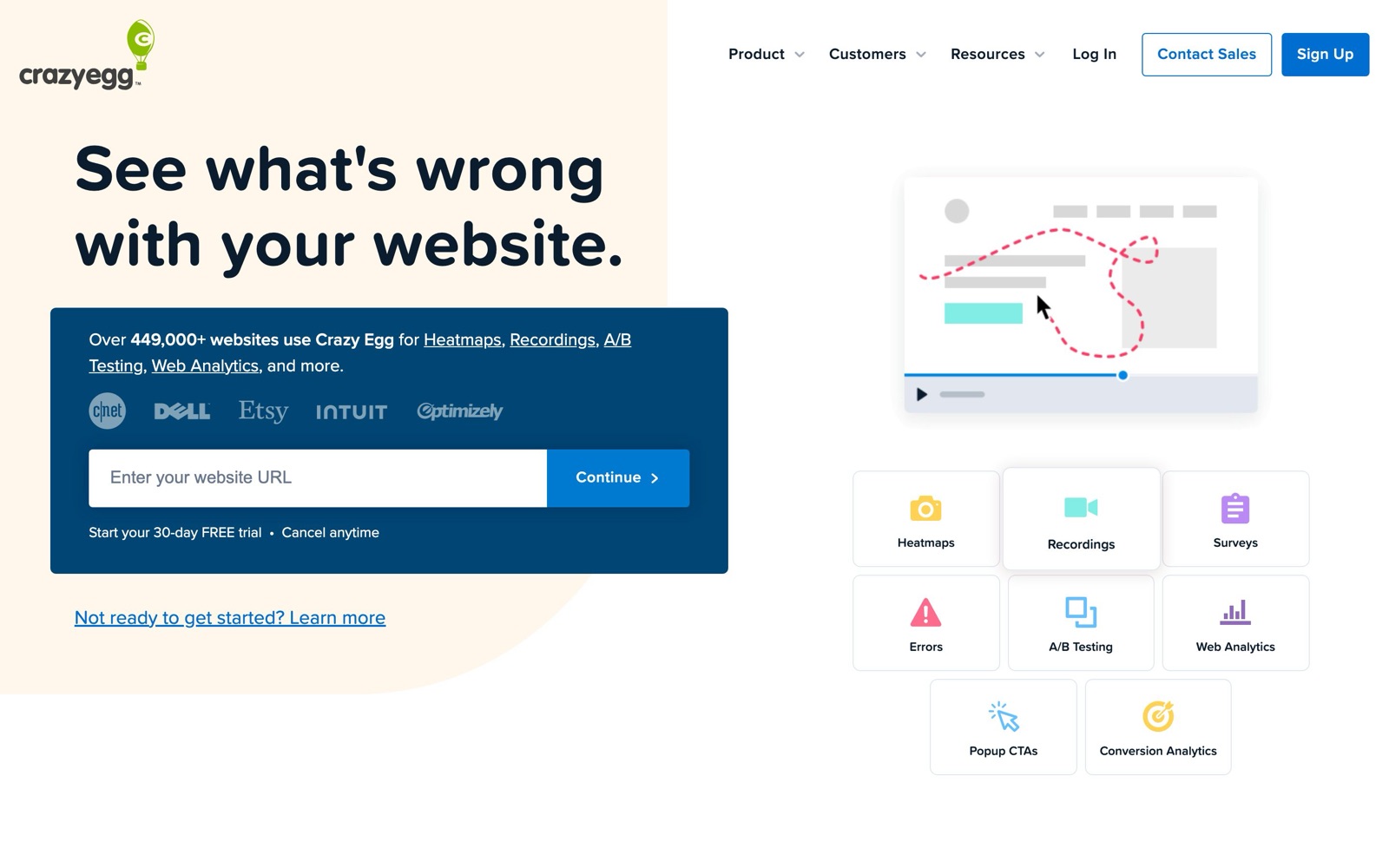
What Crazy Egg does: heatmaps, recordings and simple A/B tests
You install Crazy Egg by pasting one script into your site's head, or through integrations like WordPress, Shopify, Wix, Squarespace and Google Tag Manager, according to its pricing FAQ.
From there it collects three main kinds of data.
Heatmaps
One Crazy Egg heatmap report gives you five views of the same page, per its heatmaps page:
- Click maps: the classic heatmap, where the most-clicked areas show up brightest.
- Scroll maps: how far down visitors get, and which content they never see.
- Confetti maps: individual clicks as colored dots, which you can segment by traffic source, operating system, UTM parameters and other fields.
- Overlay maps: click counts shown on each page element.
- List reports: a plain table of clicks per element that you can export.
Heatmaps split by desktop, tablet and mobile automatically, and Crazy Egg says they track 100% of pageviews on targeted pages unless you set a sample rate.
The confetti and list views are what set it apart from simpler heatmap tools.
Recordings, surveys and analytics
Session recordings show replays of individual visits, and the number you get each month depends on your plan.
All plans also include on-site surveys, web analytics, conversion and funnel tracking, and AI summaries of heatmaps and recordings, per the pricing page.
Where this fits in CRO
Heatmaps and recordings are research tools. They don't tell you what will win, but they show where attention goes and where people get stuck, and that gives you better ideas to test.
The usual order is research, then a hypothesis, then an A/B test.
Our customer research guide covers the whole process.
Several results in our database came from exactly this workflow.
Dave Diederen found where heatmaps showed shoppers focusing on a collection page, then added a countdown timer there for +20.65% revenue per visitor.
A similar test that turned the attention-grabbing collection banner into a clickable countdown timer came out at +$161K revenue.
And moving above-the-fold USPs to the points heatmaps showed buyers engaging with lifted revenue per visitor by +7.28%.
Scroll maps matter too. Peter Christensen rearranged homepage sections based on scroll maps to put the strongest content higher, and conversion rate rose +12.64%.
 @DaveDiederen@DaveDiederen
 KlientBoost@DaveDiederen
 @peterac_
The heatmap only produced the idea in each case.
The number came from an A/B test. Our test records don't say which heatmap tool was used, so read them as examples of the method, not as Crazy Egg results.
Crazy Egg pricing
As of November 2026, Crazy Egg has four plans, all billed annually, and each comes with a 30-day free trial, per its pricing page. It doesn't list a free plan.
| Plan | Price (billed annually) | Tracked pageviews/mo | Heatmap reports | Recordings/mo | A/B testing |
|---|---|---|---|---|---|
| Starter | $29/mo | 5,000 | 5 | 50 | Not included |
| Plus | $99/mo | 150,000 | 75 | 1,000 | Unlimited, device targeting |
| Pro | $249/mo | 500,000 | 100 | 5,000 | Unlimited, targeting by device, country, UTMs and more |
| Enterprise | $599/mo | 1,000,000 | 200 | 10,000 | Unlimited, all audience segments, plus SAML SSO |
Every plan includes unlimited domains and team members, which helps agencies.
Crazy Egg doesn't charge overages. When you hit your monthly limit, data collection pauses until the 1st of the next month.
A few things to watch:
- Starter is small. 5,000 tracked pageviews and 50 recordings a month won't go far on a store with steady traffic, and Starter doesn't list A/B testing.
- Pausing cuts both ways. You never get a surprise bill, but a traffic spike can stop your heatmaps and A/B tests mid-month, per Crazy Egg's A/B testing page.
- Annual billing only. The pricing page says all plans are billed annually, so you pay for a year up front once the trial ends.
Crazy Egg's A/B testing vs a real testing tool
Crazy Egg's A/B tester covers the basics. Its A/B testing page lists a visual editor, URL redirect tests, and the option to edit HTML, CSS or JavaScript on any selected element.
You can split traffic manually or let a multi-armed bandit shift traffic toward the leading variant.
Goals can be clicks, page visits, form submissions, ad pixel events from Google, Meta or TikTok, or a custom event.
Crazy Egg says it uses a chi-squared test to judge significance, and it doesn't cap the number of tests or variants.
That's enough for a headline or button test on a landing page.
Dedicated testing platforms like Convert and VWO are built for more than that, with deeper reporting, revenue goals and more control over how tests run.
Crazy Egg's page doesn't describe features like those, so assume they aren't there until its docs or sales team say otherwise.
Two more things to keep in mind:
- Bandits optimize, they don't measure. Shifting traffic to the leader early can earn more during the test, but it gives a weaker read on the true lift. Use a manual 50/50 split when you want a clean answer.
- Small sites run out of traffic. Most small sites can't detect modest lifts in a reasonable time. Check the numbers with our sample size calculator before you start.
Our A/B testing tools roundup compares the dedicated platforms.
Who Crazy Egg fits (and who it doesn't)
Good fit:
- Small business owners and marketers who want visual reports they can read without an analyst.
- Agencies looking after many client sites, since domains and seats are unlimited on every plan.
- Sites that want heatmaps, recordings, surveys and occasional simple A/B tests from one vendor, and can afford the $99 Plus plan or higher.
Not a good fit:
- Anyone who only needs heatmaps and recordings on a budget. Microsoft Clarity is free, and Hotjar has a free plan.
- Teams running a steady A/B testing program, who will want a dedicated testing tool.
- Ecommerce brands that want heatmaps tied to revenue rather than clicks.
- Sites with spiky traffic that can't afford to have tracking pause partway through the month.
Crazy Egg alternatives
| Tool | Pricing model (as of November 2026) | Best for |
|---|---|---|
| Crazy Egg | From $29/mo billed annually, by tracked pageviews | Small teams and agencies wanting heatmaps plus simple A/B tests |
| Microsoft Clarity | Free, no traffic limits | Heatmaps and recordings on zero budget |
| Hotjar (Contentsquare) | Free plan up to 200k sessions a month; Growth from $39/mo billed annually | Heatmaps, replays and feedback with a free entry point |
| Lucky Orange | From $32/mo billed annually, by sessions | Recordings, live chat and surveys in one tool |
| Heatmap.com | From $199/mo, priced by store revenue | Ecommerce brands wanting revenue-per-element heatmaps |
| Convert or VWO | Paid A/B testing platforms | Teams that test regularly |
Microsoft Clarity is the obvious place to start on a small budget.
It's free with heatmaps and session recordings, though it has no A/B testing.
Hotjar is now sold under Contentsquare, and its free tier covers up to 200k monthly sessions.
We compare the two directly in Crazy Egg vs Hotjar.
Lucky Orange includes heatmaps, unlimited recordings, surveys and live chat on every plan, per its pricing page.
Its pricing page doesn't mention A/B testing, and extra websites cost $5 each.
Heatmap.com is built for ecommerce and attributes revenue to page elements.
It costs more and is priced by store revenue, with a 14-day trial.
For the full field, see our heatmap tools roundup and Hotjar alternatives.
Crazy Egg, Lucky Orange and Heatmap.com run affiliate programs, and we may earn a commission if you sign up through our links.
That doesn't change what we say about them.
Whichever tool you pick, test what the heatmaps suggest before you roll it out. Browse our test database for ideas.