



The best ad testing tools are the free experiment features already inside the ad platforms: Meta's A/B test for Facebook and Instagram, Google Ads experiments for search and video, and the matching tools in TikTok and LinkedIn.
Use those to pick winners with a clean audience split.
Then add a third-party tool like Motion (creative analytics) or Bïrch (rules and launching) once you have enough spend to need help spotting patterns across hundreds of ads.
How we picked: we read each platform's help docs and each vendor's pricing page in November 2026, and matched tools to the ad tests in our archive.
We have not used these tools ourselves. We could not load G2 or Capterra pages to check ratings, so we left ratings out rather than guess.
| Tool | Best for | Starting price (as of November 2026) | Free plan or trial | Rating (source) |
|---|---|---|---|---|
| Meta A/B test | Facebook and Instagram creative tests | Free (you pay for ad spend) | Built into Ads Manager | Not verified |
| Google Ads experiments | Search, Display and YouTube tests | Free (you pay for ad spend) | Built into Google Ads | Not verified |
| TikTok Split Test | TikTok video creative | Free (you pay for ad spend) | Built into TikTok Ads Manager | Not verified |
| LinkedIn A/B test | B2B and SaaS ads | Free (you pay for ad spend) | Built into Campaign Manager | Not verified |
| Motion | Creative analytics for brands running many ads | $999/month | Free trial signup | Not verified |
| Madgicx | Meta advertisers who want automation in one place | $45/month (billed monthly) | 7-day free trial | Not verified |
| Bïrch (formerly Revealbot) | Rules and bulk launching across Meta, Google, Snapchat, TikTok | $49/month (up to $10K ad spend) | 14-day free trial | Not verified |
| AdEspresso | Small Facebook and Instagram budgets | $49/month (up to $1,000 ad spend) | Not listed | Not verified |
| Foreplay | Saving ad ideas and writing briefs for new variants | $59/month ($49 billed annually) | 7-day free trial | Not verified |
| Smartly | Large brands running creative at scale | Contact sales | Demo only | Not verified |
None of these ten tools pays us a commission.
For more categories, see our full tools directory.
The 10 best ad creative testing tools
1. Meta A/B test (Ads Manager and Experiments)
Best for: Any business advertising on Facebook or Instagram. Start here before you pay for anything.
What it does: Meta's A/B test compares two versions of a campaign, ad set or ad that differ by one variable, such as image, text, audience or placement.
Meta says it shows each version to a separate part of your audience "and ensure[s] nobody sees both", then picks the version with the better cost per result.
Key features:
- Duplicate an existing ad and change one variable, or compare two campaigns you already run
- Run tests from Ads Manager or the separate Experiments tool
- Winner judged on cost per result or cost per conversion lift
- Test length from 1 to 30 days, with 7 days the recommended minimum
Pros:
- Free, and it uses Meta's own data, so no extra tracking setup
- Splits the audience properly, which turning ad sets on and off by hand does not
Cons:
- Two versions at a time is slow if you want to test ten hooks
- Capped at 30 days, which can be too short for small budgets
- Meta warns that sharing the test audience with other campaigns can spoil results
Pricing: Free. You pay only for the ad spend in the test.
In our archive: HomEquity Bank made its Facebook videos longer, with bigger text that worked without sound, for an audience aged 55 and over.
They did +30% vs best ads, though the source does not say which metric moved.
2. Google Ads experiments
Best for: Search and YouTube advertisers testing ad copy, landing pages or bidding.
What it does: A custom experiment copies a campaign and splits its traffic and budget between the original and a changed version.
Google's help page says it works for Search, Display, Video and Hotel campaigns, but not App or Shopping campaigns.
Key features:
- Cookie-based or search-based splits on Search campaigns
- Up to 100 campaigns in one experiment
- One experiment runs at a time, with up to 5 scheduled
- Uses your existing campaign budget, so no separate spend
Pros:
- Free and native, with clean traffic splits
- Good for testing a whole ad and landing page combination, not only the headline
Cons:
- No Shopping or App campaign support
- Edits to the original campaign do not carry over to a running experiment
- Ad review can delay the start
Pricing: Free. Experiments share the original campaign's budget.
In our archive: MarketingExperiments swapped a question headline in a search ad for a statement, and clickthrough fell from 2.71% to 1.99%.
The statement lost. Dashlane added review stars to its Google search ads and saw +93% clickthrough, but that was a before/after comparison, not a split test.
3. TikTok Split Test
Best for: Brands and apps where TikTok video is a main channel.
What it does: TikTok splits your audience into two groups that each see only one ad group.
You can test targeting, placement, bidding, budget strategy, creative assets, catalog, creative, custom combinations and Smart+ campaigns.
TikTok calls a winner at a 90% confidence rate.
Key features:
- Creative as a test variable, alongside targeting and bidding
- An "Estimated Testing Power" shown when you set the budget
- One click to keep running the winner when the test ends
Pros:
- Free, and it tells you up front if your budget is too small
- TikTok's best practices recommend at least 80% power, which is a sensible bar
Cons:
- 90% confidence is looser than the 95% many teams use, so expect more false winners
- Tests run 7 to 30 days, and TikTok says small differences between versions may not produce a winner at all
Pricing: Free. You pay for the ad spend.
4. LinkedIn A/B test (Campaign Manager)
Best for: SaaS and B2B lead gen, where a lead is worth enough to justify LinkedIn's costs.
What it does: Under Measure, then Test, you pick "Ad" as the variable and LinkedIn builds two ad sets that differ only in ad format or ad content.
LinkedIn's help page says a test must run for at least 2 weeks and at most 90 days.
Key features:
- Test two ad formats against each other, or two versions of copy and media
- Pick the test metric based on your campaign objective
- Both ad sets pause automatically when the test ends
Pros:
- Free and built for B2B objectives like lead forms
- The longer allowed run (up to 90 days) suits slow B2B traffic
Cons:
- LinkedIn says some members may appear in both groups
- Can't launch the same day you build it, and can't run alongside a Brand Lift test
- Two-week minimum on an expensive channel
Pricing: Free. You set a test budget in Campaign Manager.
In our archive: A clearer credit card banner from MarketingExperiments got 35% fewer clicks, more applications.
It's a useful reminder for lead gen: judge LinkedIn tests on leads, not clicks.
5. Motion
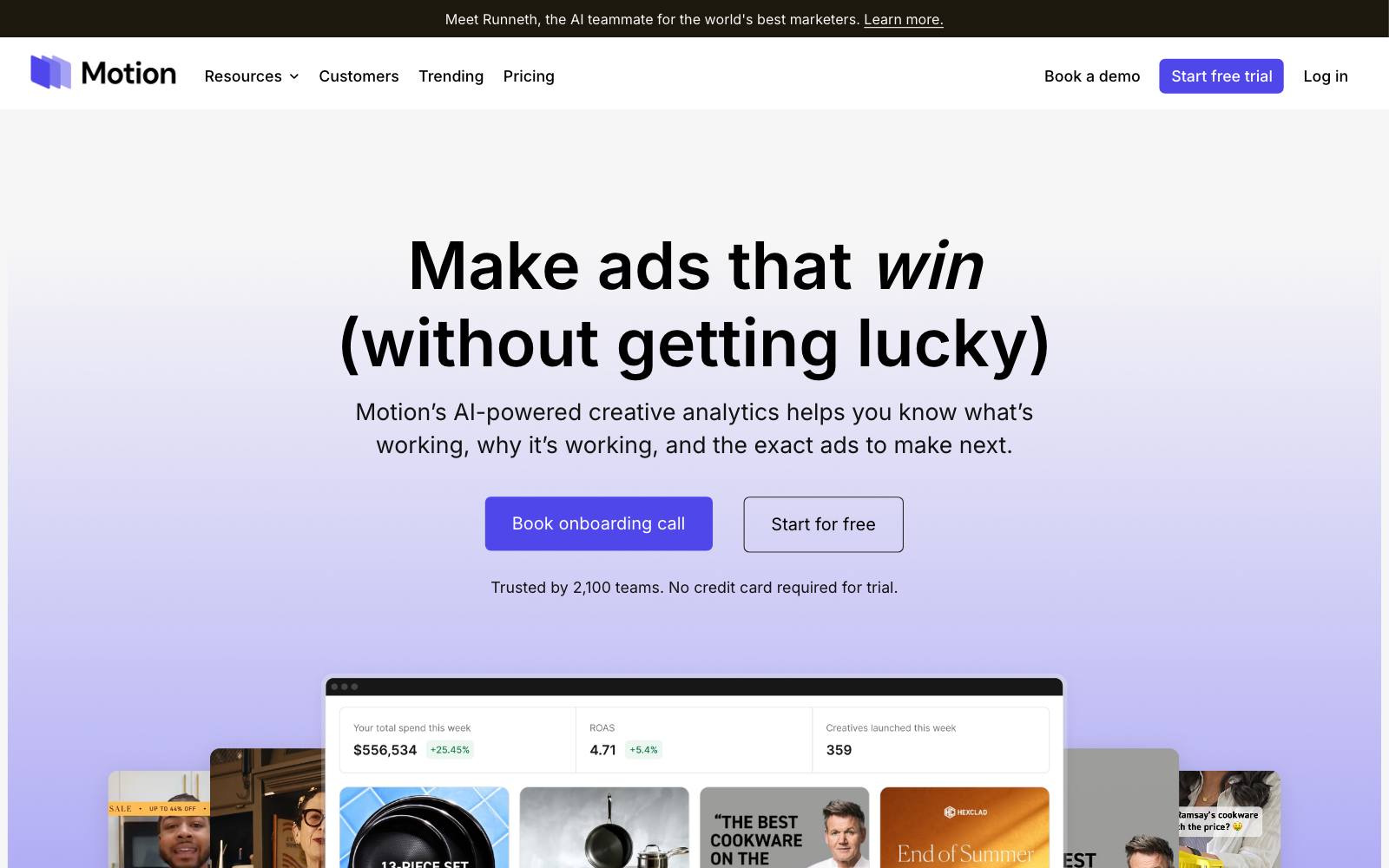
Best for: Ecommerce brands and agencies running many creatives.
The Starter plan covers up to $50k a month in ad spend.
What it does: Motion connects to your ad accounts and turns creative performance into visual reports, so you can see which hooks, formats and angles win across hundreds of ads.
Its 2026 plans add an AI analyst that tags every creative and writes briefs and reports.
Key features:
- Ad leaderboard and creative analytics with AI tagging
- Daily and weekly reports, iteration finders and alerts
- Unlimited seats and ad accounts on every plan
- Attribution integrations (Northbeam, Google Analytics) from the Pro plan
Pros:
- Built for creative strategists, not only media buyers
- Answers "what kind of ad wins" better than one-off A/B tests
Cons:
- It analyzes ads you've already run; it does not run controlled split tests
- $999/month is too much for most small businesses
- Higher tiers are quote only
Pricing: Starter is $999/month for up to $50k monthly ad spend.
Pro and Growth are "Let's chat" (pricing page).
In our archive: Oliver Kenyon added a founder story to a product page because the ads told that story and the site didn't, and cost per acquisition moved -15% CPA.
Spotting which ad angle wins is the job Motion is built for.
6. Madgicx
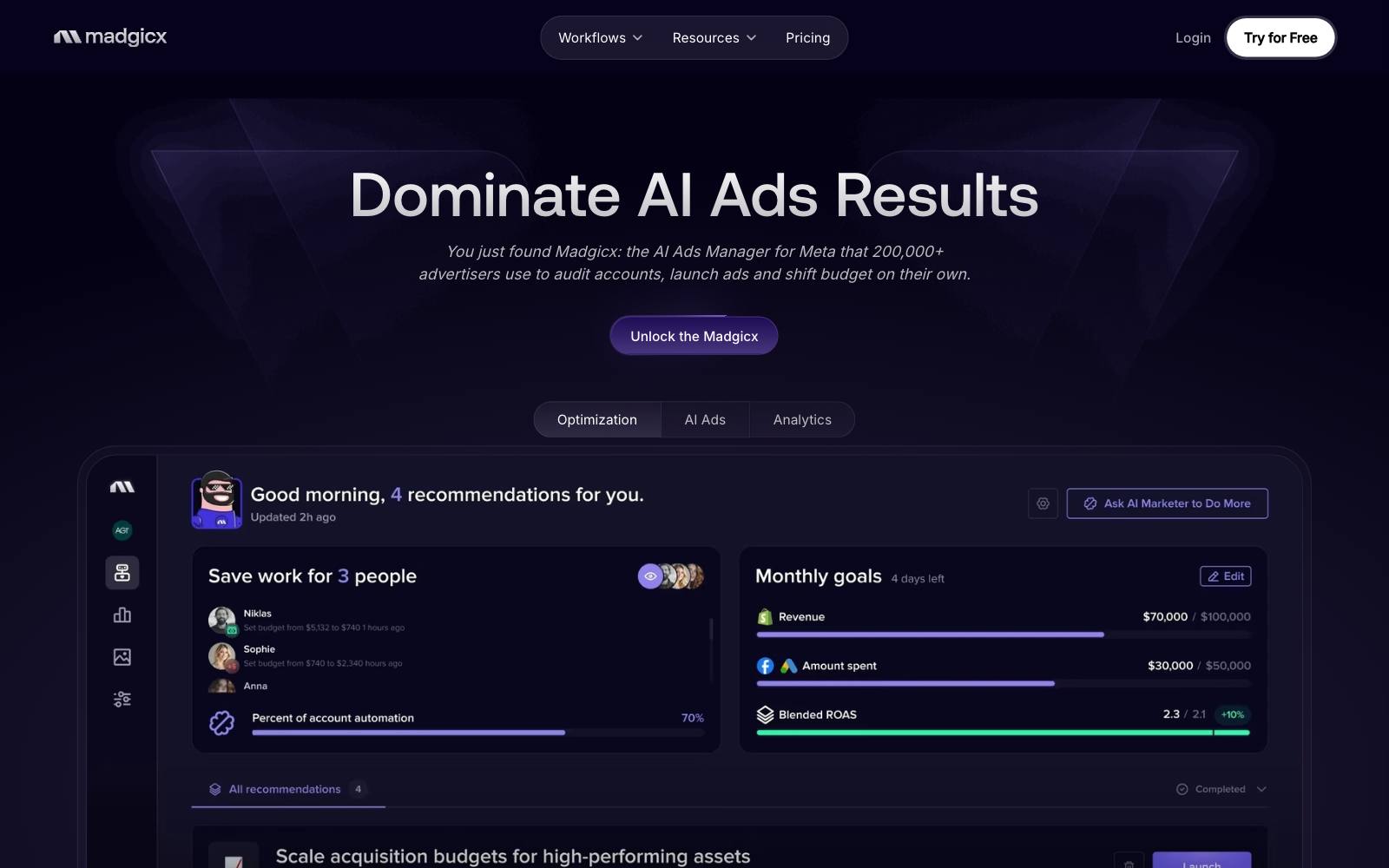
Best for: Ecommerce advertisers on Meta who want automation, AI ad generation and reporting in one tool.
What it does: Madgicx calls itself an "Ecom Ad Cloud".
It covers automation, targeting, analytics and ad management for Meta, with reports that also pull in Google Ads, GA4, Shopify,  Klaviyo and TikTok.
Key features:
- Ad launcher and AI ad generator
- Ad fatigue detection and ad rotation
- One-Click Report dashboards with shareable links
- Optional Tracking Pro add-on for server-side tracking ($49/month)
Pros:
- Low entry price compared with Motion or Smartly
- Full access during the 7-day trial
Cons:
- Meta-centered; less useful if Google or LinkedIn is your main channel
- The real price depends on ad spend and is shown inside the app, not on the page
- Many features overlap with what Meta now does natively
Pricing: The pricing page lists $45/month billed monthly, $38 quarterly or $32 annually, and says to "see price inside the app" for your spend level.
7. Bïrch (formerly Revealbot)
Best for: Media buyers who launch many ad variants and want rules to pause losers automatically.
What it does: Bïrch automates ad management across Meta, Google, Snapchat and TikTok.
You set rules (for example, pause an ad when cost per purchase passes a limit), bulk-launch creative and build reports.
Key features:
- Automated rules across four ad platforms
- Bulk creation of ads from many creatives
- Price scales with monthly ad spend; automated rules and the launcher are listed from the Pro plan
Pros:
- Saves time when you test a lot of creative every week
- 14-day free trial with full access
Cons:
- Rules that pause ads early are not the same as a split test; they can kill a slow starter
- The price goes up if your ad spend moves past your plan's band
Pricing: Essential is $49/month and Pro $99/month at up to $10K monthly ad spend, with one month free on annual billing (pricing page).
8. AdEspresso
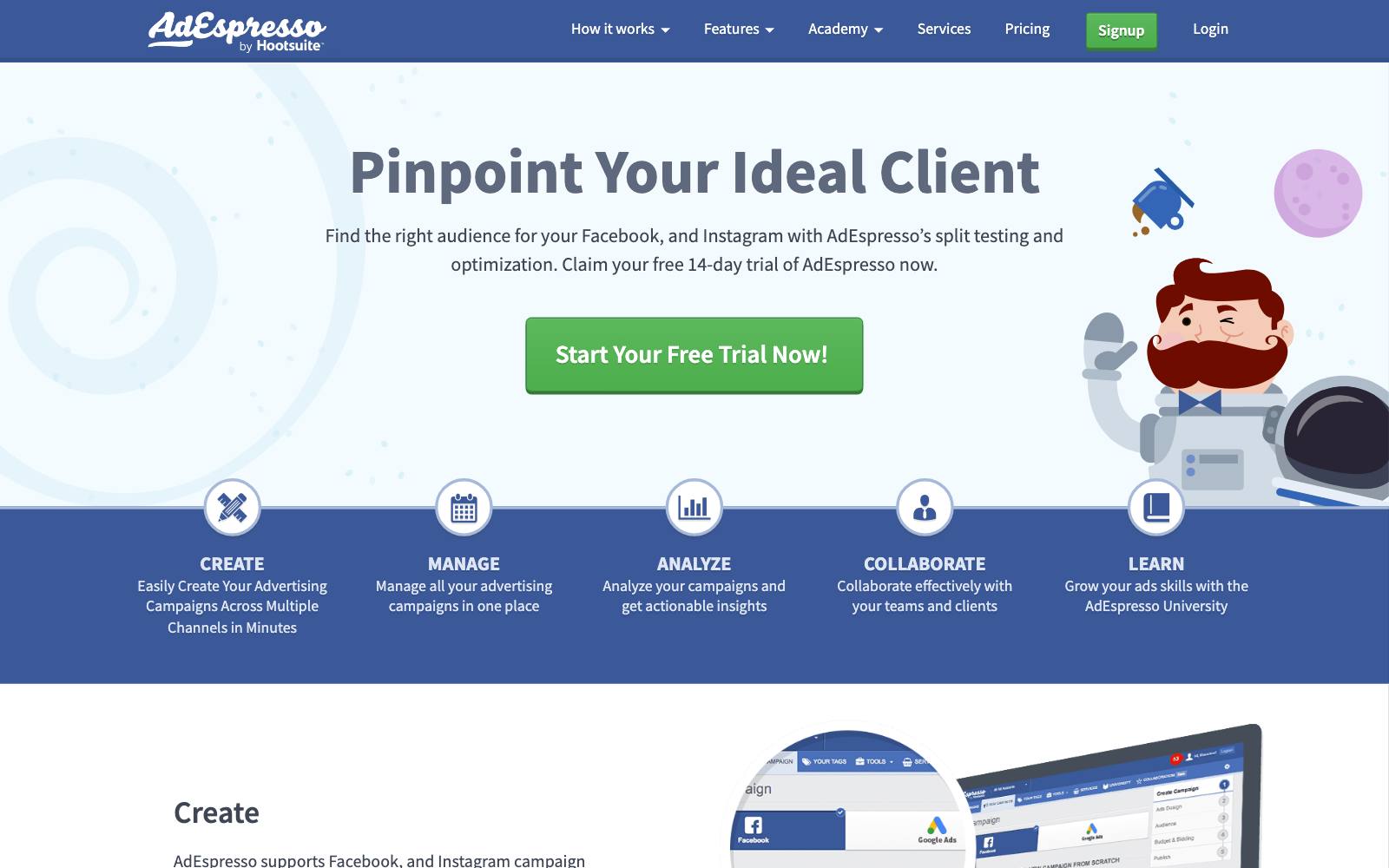
Best for: Small businesses and freelancers running Facebook and Instagram ads on modest budgets.
What it does: AdEspresso helps you create Facebook and Instagram campaigns with many variations at once, then breaks down results so you can see which image, headline or audience did best.
Key features:
- Split testing analysis and "Inspector" breakdowns on every plan
- Import of existing campaigns
- Custom performance triggers and automatic optimization
- Campaign approval and white-label reports on Plus
Pros:
- Simple enough for a first-time advertiser
- Cheapest paid option here for small spend
Cons:
- Facebook and Instagram only
- Starter caps ad spend at $1,000/month
Pricing: Starter $49/month, Plus $99/month, Enterprise from $259/month (pricing page).
We did not see a free trial on the pricing page.
9. Foreplay
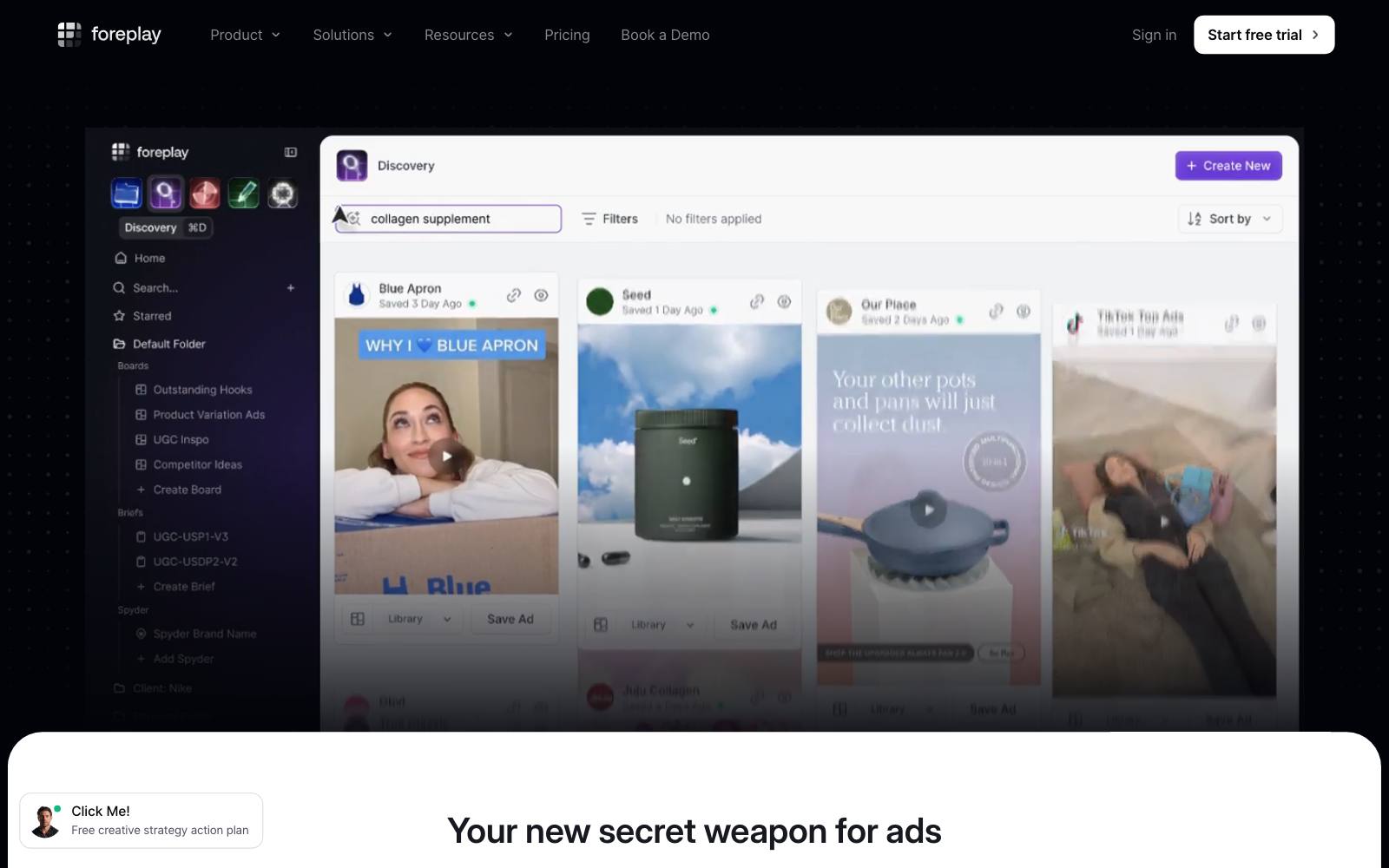
Best for: Creative teams that need a steady supply of new angles to test.
What it does: Foreplay saves ads you see into shared boards, lets you search a database of over 200 million ads, and turns ideas into briefs.
Higher plans add competitor ad tracking and reports on your own ads.
Key features:
- Swipe file boards and a searchable ads database
- Shareable creative briefs
- Competitor ad library tracking on upper plans
Pros:
- Helps you test real angles rather than tiny tweaks
- No ad spend limits
Cons:
- Not a testing tool; you still run the test in Meta, TikTok or Google
- Extra users cost $20 each
Pricing: $59, $175 or $459 per month billed monthly, or $49, $149 or $389 per month billed annually (pricing page).
In our archive: Oliver Kenyon tested a pain-relief angle against a longevity angle on dog supplement advertorials.
The winning angle got +28% CTR. Big angle swings like this are what an inspiration library should feed.
10. Smartly
Best for: Large brands and enterprise teams producing creative for many channels and markets.
What it does: Smartly is an AI advertising platform that joins creative production with cross-channel media buying, so variants can be produced, launched and compared in one place.
Key features:
- Creative production and media management in one hub
- Cross-channel campaign management
- AI features across production and optimization
Pros:
- Built for teams producing creative at very high volume
- One platform instead of separate design and buying tools
Cons:
- No public pricing; sales-led only
- Far more than a small or mid-size business needs
Pricing: Contact sales. We could not find a public pricing page.
Which one is right for you
Small budget (under $5k a month)
Use the native tools only: Meta's A/B test or TikTok Split Test.
Paid tools won't help much when you can only afford one or two tests a month.
AdEspresso is the cheapest add-on if you want easier variation building.
Ecommerce brands scaling paid social
Native tests plus Motion for creative analytics, or Madgicx if you want a cheaper all-in-one for Meta.
Foreplay keeps the pipeline of new angles full.
SaaS and B2B lead gen
LinkedIn A/B test and Google Ads experiments. Judge winners on qualified leads or trials, not clicks.
Read our guides to SaaS ad tests and lead-gen ad tests.
Mobile apps
TikTok Split Test and Meta's A/B test for install campaigns.
For the store page those ads point to, see custom product pages.
Agencies and media buyers
Bïrch for rules and bulk launching across four platforms.
Large in-house teams with big budgets may want Smartly.
What to look for
- A real audience split. The tool should keep each person in one version, like Meta and TikTok do, rather than letting the algorithm favor one ad.
- The right success metric. Pick cost per purchase, lead or trial, not CTR; a higher CTR can cost you more per customer.
- Power or sample size guidance. TikTok's power estimate is a good model; otherwise run a sample size check before you launch.
- Enough run time. At least a week, and longer for slow buying cycles (see how long to run a test).
- Channel coverage. Only pay for a cross-channel tool if you actually run ads on several channels.
- Pricing that fits your spend. Most third-party tools price by monthly ad spend, so check the band you'll land in.
- Creative tagging. At scale, tagging ads by hook, format and angle tells you more than any single test.
Real test results
These ad tests from our archive show what to test, and why the metric matters.
Note the two losers: a higher CTR doesn't always mean a better ad.
 @oliverkenyon
 MarketingExperiments
Patrick McKenzie's free word-list search ad raised CTR from 1.1% to 5.8%, but cost per trial rose, so it lost.
A rhyming-poem ad in the same account went from CTR 1.1% to 2.13%, same CPA, a cleaner win.
Test the page after the click, too
A winning ad still loses money if the landing page doesn't match it.
Dave Diederen matched the social proof line under the add-to-cart button to the ad angle a visitor came from and got +9.74% revenue per visitor.
Oliver Kenyon sent cold traffic to a listicle-style presell page instead of the product page for +47% CVR.
See ad message match, advertorials and listicles and our guide to A/B testing ads.
To test landing pages, use a landing page builder or an A/B testing tool.
We may earn a commission if you sign up for  Unbounce or
 Convert through our links.
If you'd rather have someone plan ad-to-page tests for you, Oliver Kenyon of Conversionwise ran several of the ad-angle tests above (see their tests).
Watch out for
- Testing by switching ads on and off. Meta warns this leads to overlapping audiences and unreliable results. Use the built-in A/B test instead.
- Calling winners on CTR. The free-lists ad above won on clicks and lost on cost per trial. Always check cost per result.
- Too many variants for your budget. Ten ads on $50 a day means none get enough results. Check statistical power first.
- Loose confidence levels. A 90% bar, like TikTok's, means that when two ads truly perform the same, about 1 test in 10 will still name a winner.
- Automated rules as a test. Pausing ads after two days rewards fast starters, not the best ads.
- Audience overlap. Running the test audience in other campaigns at the same time contaminates results on Meta and elsewhere.