



The landing page optimization tools you need cover four jobs: build the page, test it, watch how people use it, and ask them what's missing.
For most teams that means a builder like  Unbounce (or
 PageFly on Shopify), an A/B testing tool like
 VWO or
 Convert, free
 Microsoft Clarity for heatmaps and recordings, and a message testing tool like
 Lyssna or
 Wynter.
You don't need all four on day one.
Start with a builder that includes testing and the free behavior tool, then add the others as traffic grows.
How we picked: we read each vendor's public docs and pricing pages (checked November 2026), public app store reviews and the landing page tests in our archive.
We have not used these tools ourselves. Some links are affiliate links (Unbounce,  Instapage, PageFly, Convert, VWO and
 Lucky Orange), so we may earn a commission if you buy. That doesn't change what you pay.
| Tool | Job | Best for | Starting price (as of November 2026) | Free plan or trial | Rating (source) |
|---|---|---|---|---|---|
| Unbounce | Build + test | PPC and lead-gen teams | $29/mo; A/B testing from $149/mo | 14-day trial, no card | Not verified |
| Instapage | Build + test | Ad-heavy teams that want server-side testing built in | $99/mo; A/B testing from $199/mo | 14-day trial, card required | Not verified |
| PageFly | Build + test | Shopify stores on a budget | Free; A/B testing from $99/mo | Free plan (1 page) | 4.9/5, 5,924 reviews (Shopify App Store) |
| VWO (Wingify) | Test + watch | Any site that wants testing and heatmaps in one tool | Contact sales | 30-day trial, no card | Not verified |
| Convert | Test | Agencies and privacy-minded teams on any platform | $299/mo billed annually | 15-day trial, no card | Not verified |
 Shoplift | Test | Shopify landing pages, themes and templates | $99/mo ($888/yr) | 14-day trial | 4.9/5, 134 reviews (Shopify App Store) |
| Microsoft Clarity | Watch | Everyone, as a starting point | Free | Free, no traffic limits | Not verified |
 Hotjar (  Contentsquare) | Watch + ask | Teams that want replays, heatmaps and surveys together | $39/mo billed annually | Free plan (samples 5% of sessions) | Not verified |
| Lucky Orange | Watch + ask | Small Shopify stores wanting recordings and surveys | $19/mo (Shopify app) | Free plan, 100 sessions/mo | 4.6/5, 906 reviews (Shopify App Store) |
| Lyssna | Ask | Five-second and preference tests on headlines | Free; Growth $166/mo | Free plan, 15 responses | Not verified |
| Wynter | Ask | B2B SaaS message testing | Pay-as-you-go; plans from $20,000/yr | No free plan | Not verified |
If you only want page builders, our landing page builders comparison goes deeper.
For the method behind all this, read our guide to landing page optimization.
The 11 best landing page optimization tools
The list is grouped by job: build (1-3), test (4-6), watch (7-9) and ask (10-11).
1. Unbounce (build)
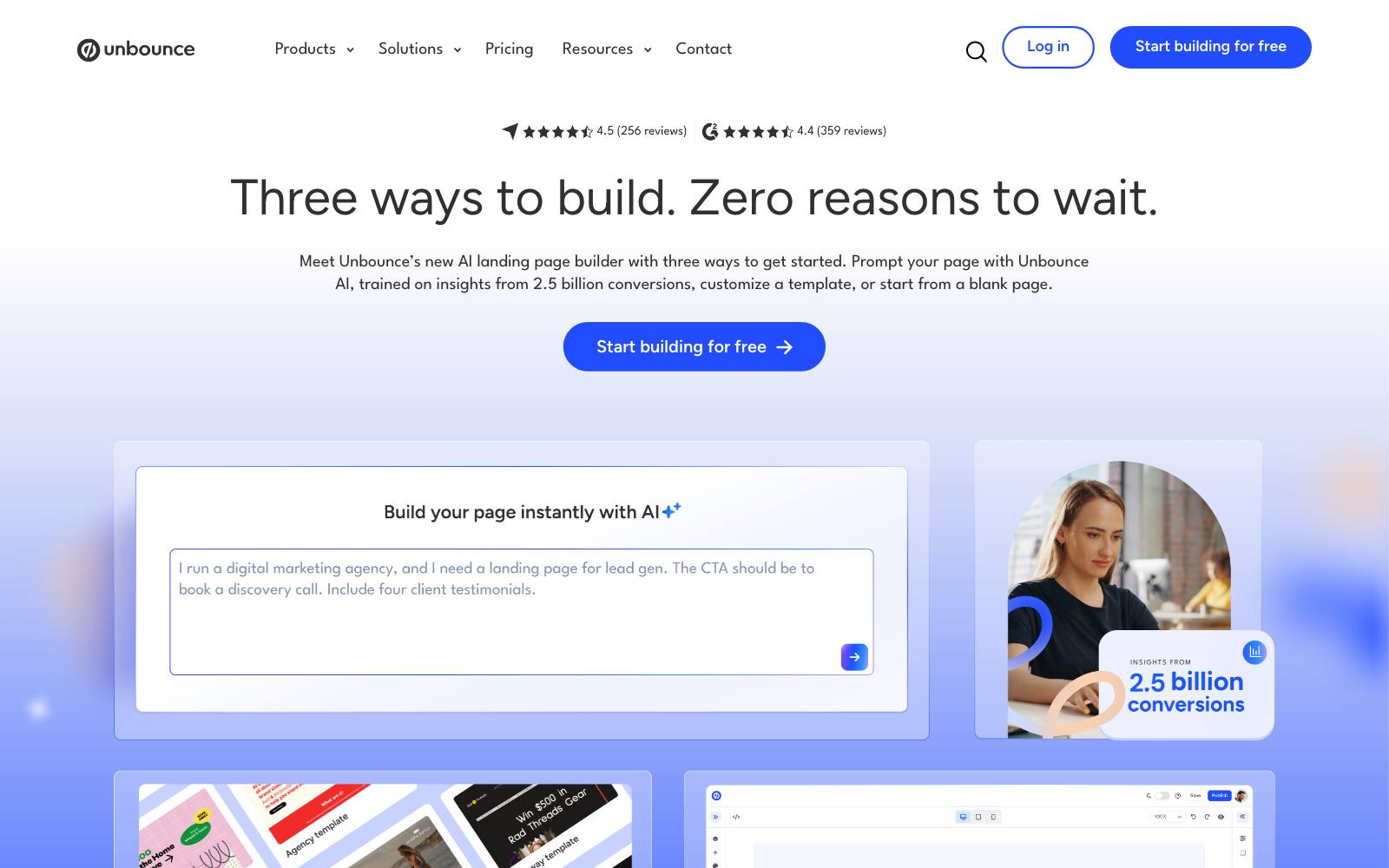
Best for: PPC, paid social and lead-gen teams that publish many campaign pages without a developer.
What it does: Unbounce is a hosted builder for standalone landing pages with A/B testing built in.
Its Smart Traffic mode sends each visitor to the variant it predicts will convert best for them.
Key features:
- Drag-and-drop editor with a separately editable mobile layout
- A/B testing on Experiment and higher plans
- Smart Traffic AI routing on Optimize and higher
- Dynamic Text Replacement to match search keywords
- Popups and sticky bars
Pros:
- Testing and building in one place, so no extra script on the page
- 14-day free trial with no credit card
- Strong fit for ad message match
Cons:
- No testing on the two cheapest plans
- Visitor caps (20,000 on Build, 30,000 on Experiment) push busy accounts up a tier
- Not for a full website or a Shopify store
Pricing: as of November 2026, Unbounce's pricing page lists Starter at $29/month (500 visitors), Build at $99, Experiment at $149 and Optimize at $249. Annual billing saves 25%.
In our archive: Apexure moved alumni video testimonials and the About section higher on an IMD MBA page, tested in Unbounce, and got +63% MBA brochure leads.
2. Instapage (build)
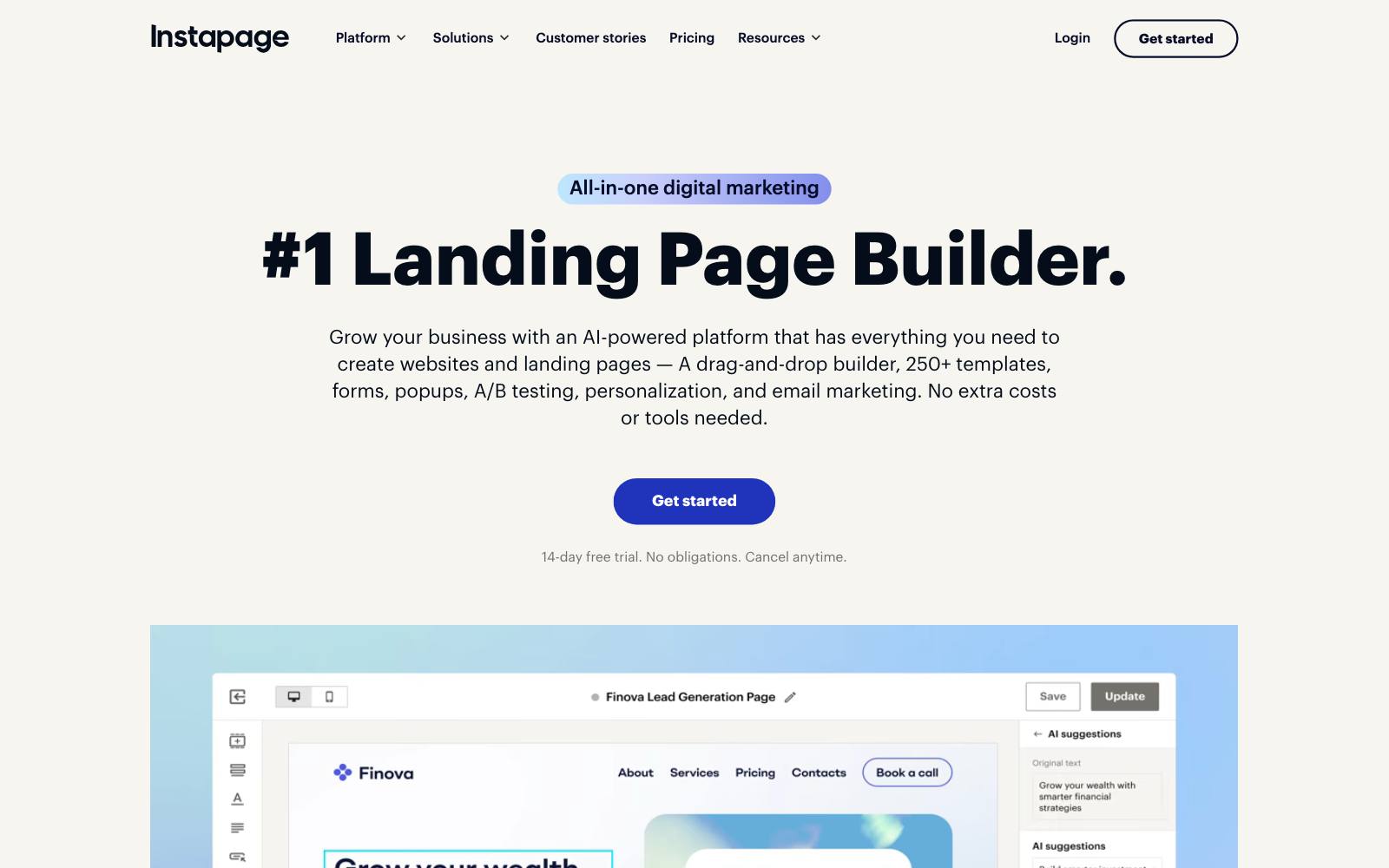
Best for: teams spending heavily on ads who want testing inside the builder.
What it does: Instapage builds landing pages focused on ad-to-page relevance.
Its Optimize plan adds server-side A/B testing, and the custom Convert plan adds heatmaps, so one tool can cover build, test and part of watch.
Key features:
- Server-side A/B testing on Optimize and up
- Built-in heatmaps on the custom Convert plan
- Unlimited pages and conversions on every plan
Pros:
- Server-side testing avoids the flicker of client-side scripts
- Heatmaps built in on the Convert plan, so no second tool needed there
Cons:
- Higher entry price than Unbounce
- The trial needs a credit card and caps traffic at 2,500 visitors
- Create ($99) has no A/B testing
Pricing: per Instapage's plans page (November 2026), Create is $99/month for 15,000 visitors, Optimize is $199/month for 30,000 visitors (expandable to 50,000), and Convert is custom.
In our archive: KlientBoost launched Instapage PPC landing pages for Broadly and reported +54% conversion rate.
This was a before-and-after result of a whole ad program, not a split test of the page.
3. PageFly (build)
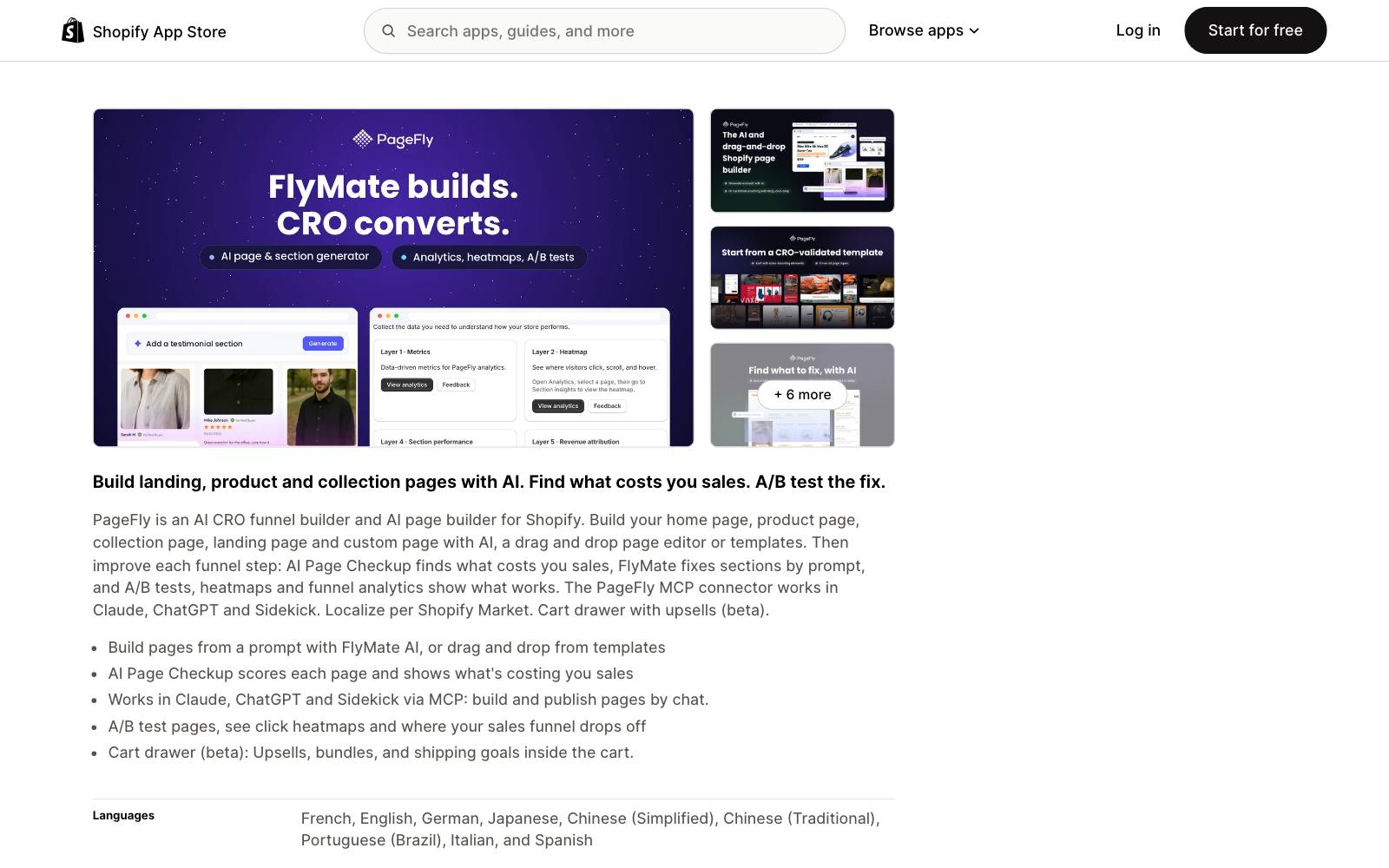
Best for: Shopify stores that want custom landing pages inside their theme.
What it does: PageFly is a drag-and-drop page builder for Shopify.
Pages live in your store, so cart, checkout and product data stay connected, and its upper plans add A/B testing.
Key features:
- Drag-and-drop editor for landing, product and collection pages
- A/B testing on Accelerate and higher
- AI credits for page and copy generation
Pros:
- Free plan to try it on one published page
- Highly rated, with thousands of reviews
Cons:
- Shopify only
- Testing starts at $99/month, not on the cheaper Builder plan
- Builder code can slow the page compared with a native theme build
Pricing: per its Shopify App Store listing (November 2026): Free, Builder $24/month, Accelerate $99/month and Enterprise $299/month.
Rating: 4.9 out of 5 from 5,924 reviews on the Shopify App Store.
In our archive: a warning worth knowing. Oliver Kenyon rebuilt a client's best landing page natively in Shopify and tested it against the same page in a page builder.
The native version won with +20.9% revenue per visitor.
The test didn't name the builder, but speed is the cost to watch.
Compare Shopify options in Shopify landing page builders.
4. VWO (test)
Best for: any site (ecommerce, SaaS or lead gen) that wants A/B testing and behavior analytics from one vendor.
What it does: VWO runs A/B, split URL and multivariate tests on pages you already have, wherever they're built.
Its behavior analytics add heatmaps and recordings. VWO and  AB Tasty now sit together under the Wingify name.
Key features:
- A/B/n, split and multivariate tests
- Web personalization by segment
- Behavior analytics (heatmaps, recordings) and journey analytics
- Guardrail metrics on Pro
Pros:
- Works on any builder or CMS
- 30-day free trial with no credit card
- The tool behind more landing page tests in our archive than any other
Cons:
- No public prices
- The merger with AB Tasty may change plans and the product roadmap
- More than a small site with one page needs
Pricing: Wingify's pricing page lists Growth, Pro and Enterprise plans with no prices as of November 2026. You have to book a demo.
In our archive: Penn Foster used VWO to send brand search visitors to a short landing page instead of the homepage: +202% click-to-lead.
VWO tests can lose too. Uncommon Knowledge's modern opt-in page redesign lost, and the original got 19.55% more sign-ups.
5. Convert (test)
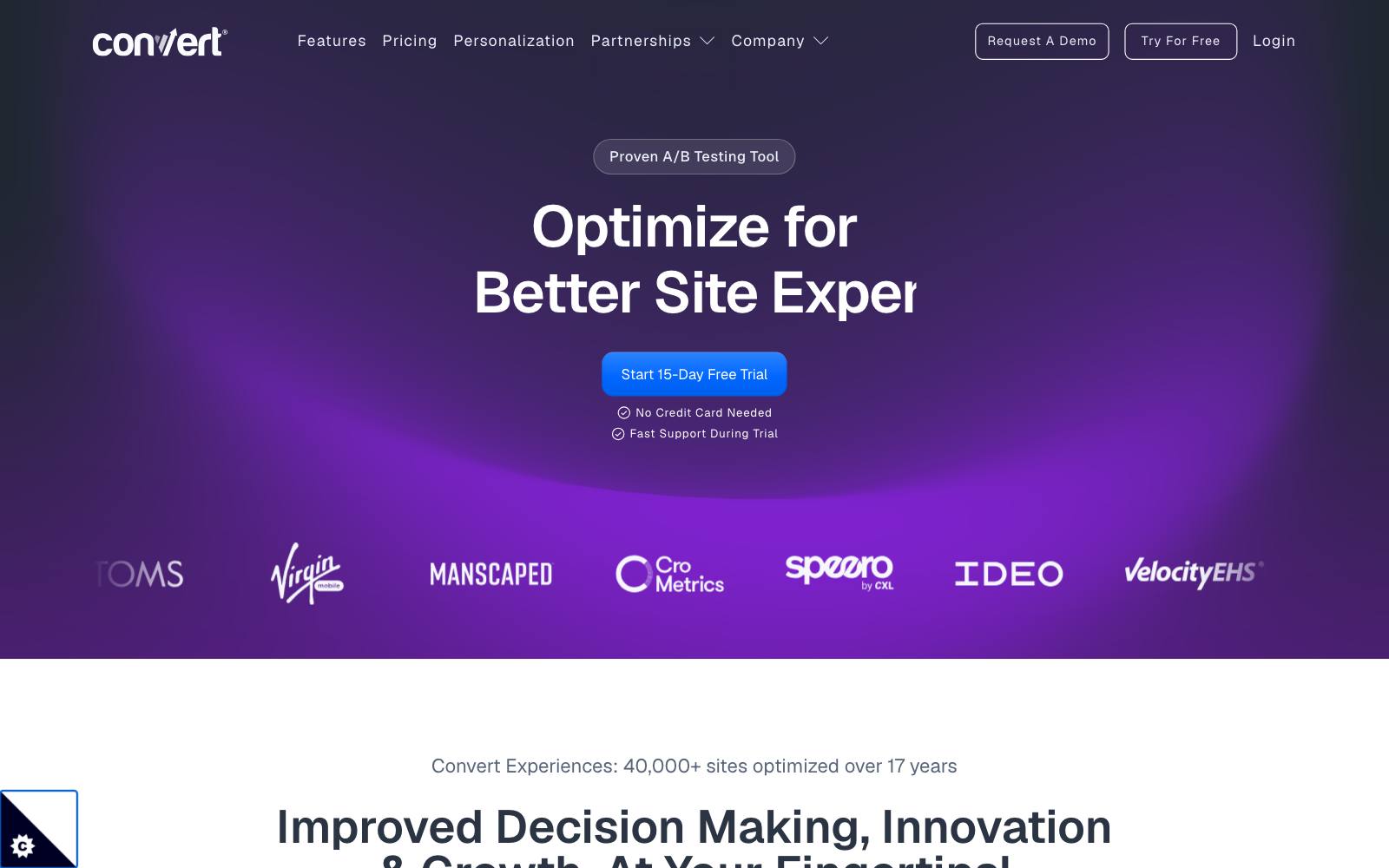
Best for: agencies and teams that test pages across several platforms and care about privacy.
What it does: Convert is a client-side A/B testing tool that works on any site, including Shopify, WordPress and hosted builders.
It includes Shopify price and shipping tests on all plans.
Key features:
- Visual and code editors for A/B and split URL tests
- Multivariate tests on Pro and Enterprise
- Sample ratio mismatch checks
- Anti-flicker loading (vendor claim)
Pros:
- Public pricing
- 15-day free trial with no credit card
- Platform-neutral, so it follows your pages if you change builders
Cons:
- Expensive for small sites
- Multivariate testing is an add-on on Growth
Pricing: per Convert's pricing page (November 2026), Growth is $399/month or $299/month billed annually for 100K tested users.
Pro is $599/month or $420/month billed annually. Enterprise is on request.
In our archive: Journey Further used Convert to test a dedicated PPC landing page against the product page for High Street TV: +32.62% purchases.
6. Shoplift (test)
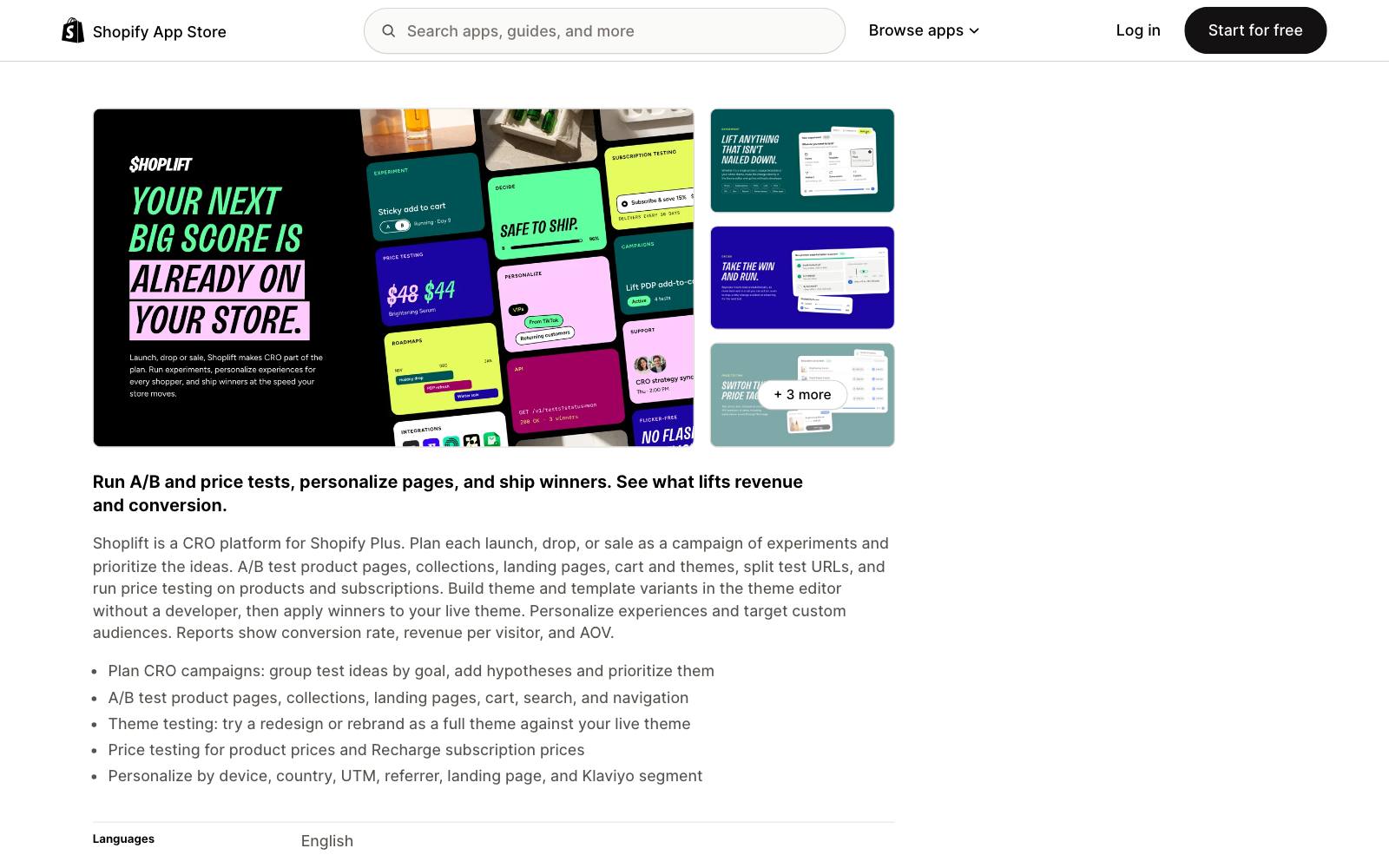
Best for: Shopify brands testing landing pages, templates and themes without a developer.
What it does: Shoplift tests Shopify product pages, collections, landing pages, cart and themes, plus split URLs and prices.
It reports conversion rate, revenue per visitor and AOV.
Key features:
- Theme and template variants built in the Shopify editor
- Split URL tests
- Price testing on products and subscriptions
- Audience-based personalization
Pros:
- Native to Shopify, so variants use your own theme
- 14-day free trial on all plans
Cons:
- Shopify only
- Advanced ($399/month) and Pro ($999/month) get expensive fast
Pricing: per its Shopify App Store listing (November 2026): Core $99/month ($888/year), Advanced $399/month ($3,588/year), Pro $999/month ($8,388/year).
Rating: 4.9 out of 5 from 134 reviews on the Shopify App Store.
In our archive: Fishwife built a homepage-style landing page for a collab and tested it in Shoplift: +24.5% revenue/visitor.
7. Microsoft Clarity (watch)
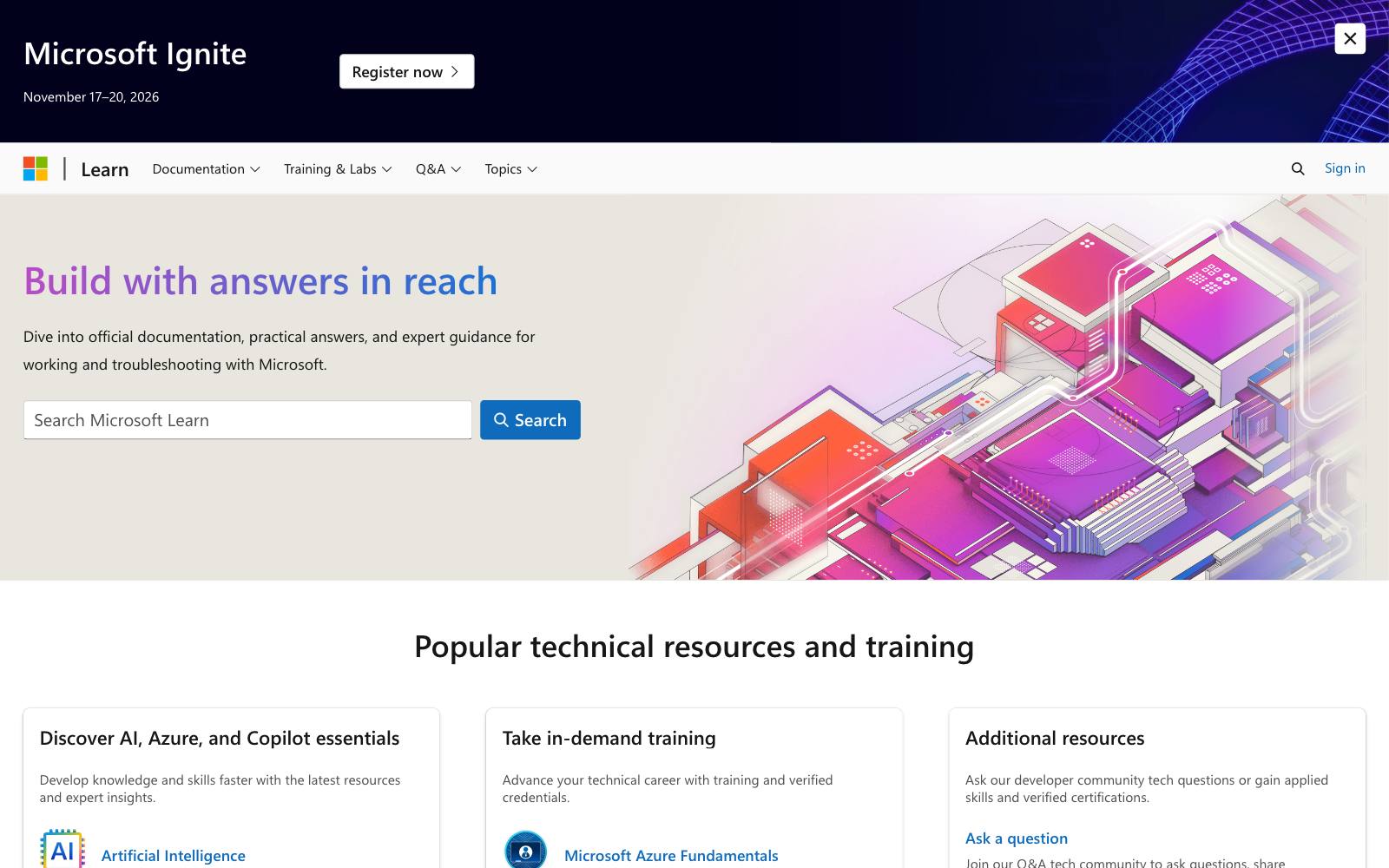
Best for: every site, as the first behavior tool you install.
What it does: Clarity records sessions and builds click and scroll heatmaps for free.
It flags rage clicks and dead clicks, which point straight at broken or confusing parts of a page.
Key features:
- Session recordings and heatmaps
- Rage-click and dead-click filters
- AI summaries of sessions
- Google Analytics and Shopify integrations
Pros:
- Free, with no traffic limits and no sampling of traffic, per Microsoft's FAQ
- No limit on sites or team members
Cons:
- Recordings are kept for 30 days (favorites and a random sample up to 9 months)
- Heatmaps are built from a sample impression and capped at 100,000 page views each
- No surveys and no revenue per element
Pricing: free. Microsoft calls it "a free service forever" on the Clarity FAQ.
In our archive: Dave Diederen changed above-the-fold USPs to the points heatmaps showed buyers engaging with, and got +7.28% revenue per visitor.
The test didn't name the heatmap tool, but this is the kind of finding Clarity surfaces for free.
8. Hotjar, now part of Contentsquare (watch)
Best for: teams that want recordings, heatmaps, funnels and on-page surveys in one paid tool.
What it does: Hotjar is now part of Contentsquare, and new sign-ups go through Contentsquare's plans.
The free and Growth plans cover session replay, heatmaps, funnels and feedback surveys.
Key features:
- Session replays and heatmaps, with zone-based heatmaps on Growth
- Funnels and journey analysis
- Feedback widgets and surveys
Pros:
- Watch and ask in one tool
- 13 months of data on Growth
Cons:
- The free plan captures only 5% of sessions (max 10k) and keeps one month of data
- Growth captures 15% of sessions, so small sites see few recordings
- Pro and Enterprise are quote-only
Pricing: per Contentsquare's pricing page (November 2026): Free, Growth at $39/month billed annually ($49 monthly), Pro and Enterprise on request. Leaving? See Hotjar alternatives.
In our archive: KlientBoost built heatmap-led landing pages plus new PPC for AutoPayPlus and reported +77% conversion rate.
Ads and pages changed together, so the page's share is unknown.
9. Lucky Orange (watch)
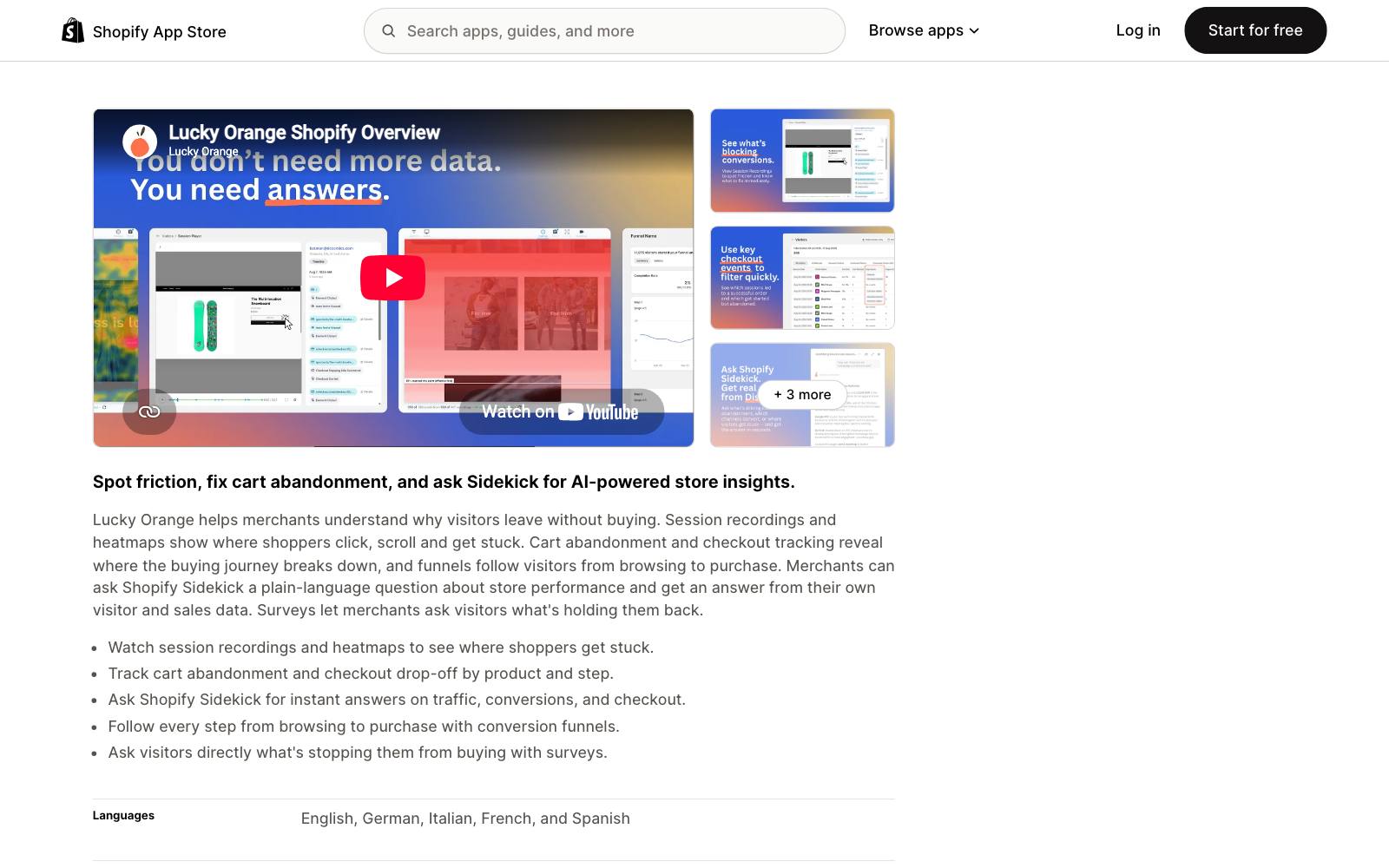
Best for: small and mid-size Shopify stores that want recordings, heatmaps and surveys in one cheap app.
What it does: Lucky Orange combines session recordings, heatmaps, conversion funnels, visitor surveys and live chat.
It also tracks cart abandonment and checkout drop-off.
Key features:
- Recordings and heatmaps
- Conversion funnels and checkout drop-off
- On-site surveys
- Live chat
Pros:
- Low entry price and a free plan
- Many tools in one app, so fewer scripts on the page
Cons:
- Priced by sessions, so cost rises fast with traffic
- One reviewer reported surprise charges from the optional "Keep Me Tracking" feature
Pricing: per the Shopify App Store listing (November 2026): Free (100 sessions/month), Launch $19/month (500), Build $39/month (3,500), Grow $89/month (10,000).
Rating: 4.6 out of 5 from 906 reviews on the Shopify App Store.
In our archive: surveys feed tests. Oliver Kenyon added three survey-based reassurance lines above a collection grid, worth an estimated $44,890/month.
Those lines came from post-purchase surveys, not from a specific tool.
10. Lyssna (ask)
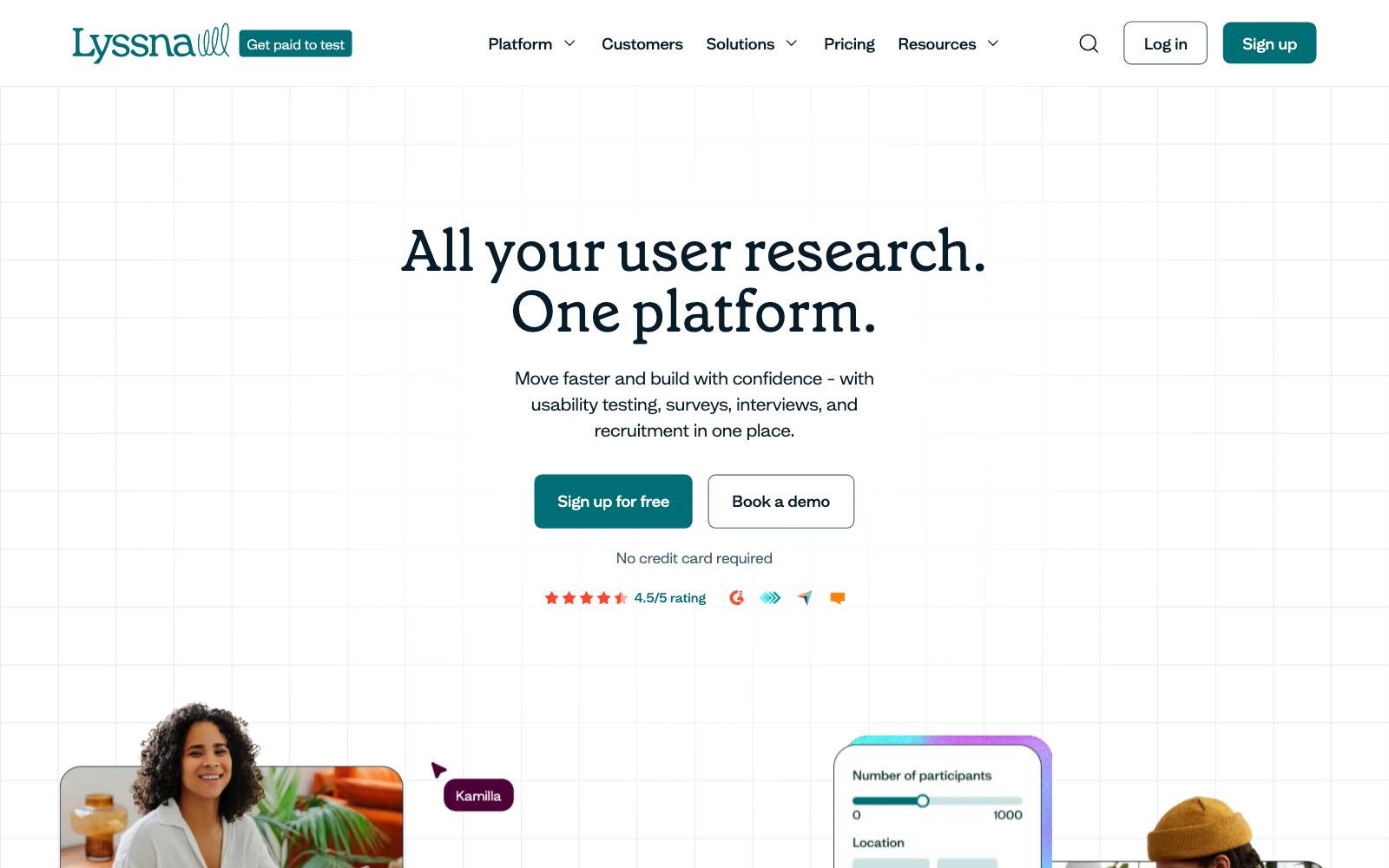
Best for: checking a headline or hero before it goes into an A/B test, especially on low-traffic pages.
What it does: Lyssna runs five-second, preference and first-click tests, plus surveys and interviews.
A five-second test shows whether people can say what your page offers after a glance.
Key features:
- Five-second, preference and first-click tests
- Prototype tests, card sorting and tree testing
- A panel of 690,000+ participants (paid per response)
Pros:
- Free plan with 3 seats
- Answers in hours, with no site traffic needed
Cons:
- Panel responses cost extra on every plan
- What people say isn't what they do; you still need a live test
- Weak for niche B2B audiences
Pricing: per Lyssna's pricing page (November 2026): Free (15 self-recruited responses), Growth $166/month, Enterprise custom.
In our archive: headline wording alone can move leads.
Imsider.ru changed an ebook page headline to "open your internet store in one evening" and got +9.52% leads.
A preference test is a cheap way to pick which headlines earn a live test.
11. Wynter (ask)
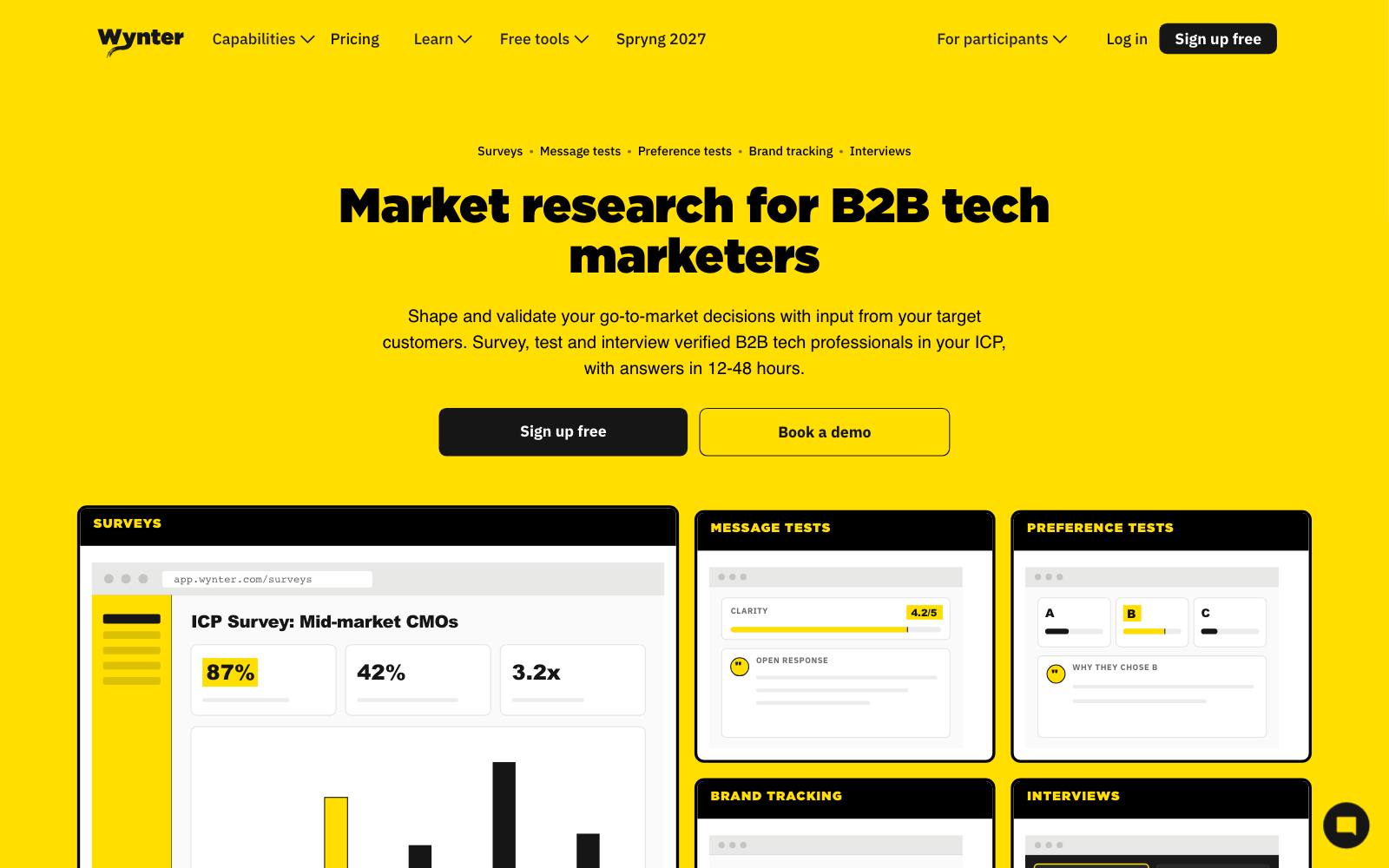
Best for: B2B SaaS and services teams testing positioning and landing page copy.
What it does: Wynter shows your copy to a verified B2B panel that matches your buyer and collects line-by-line feedback.
It runs message, landing page, pricing page and preference tests, with results in 48 hours.
Key features:
- 86,000+ verified B2B participants
- Targeting by seniority, from specialists to VP and C-suite
- Message, landing page and pricing page tests
Pros:
- The only tool here built for B2B message testing
- Pay-as-you-go option, no subscription required
Cons:
- Expensive: plans start at $20,000/year
- Pay-as-you-go tests cost about 50% more than on a plan
- Not for consumer ecommerce
Pricing: per Wynter's pricing page (November 2026): Pro $20,000/year, Elite $40,000/year, Wynter Black $100,000/year, or pay-as-you-go. Compare it with other message testing tools.
Which one is right for you
Lead gen and PPC campaigns
Unbounce for building and testing in one tool, plus Clarity for recordings.
Pick Instapage if you want server-side testing built into the builder.
Shopify stores
PageFly to build and Shoplift to test, with Lucky Orange or Clarity to watch.
Check page speed before and after you add a builder.
SaaS marketing sites
VWO or Convert to test the pages you already have, and Wynter for B2B copy. Lyssna is the cheaper first step.
Tight budget
Microsoft Clarity (free) and Lyssna's free plan. Use them to build a list of test ideas, then buy a testing tool when traffic allows.
Want hands-on help
Tools don't pick the hypothesis for you. If you'd rather have someone run the program, see landing page agencies.
What to look for
- Testing on your plan: most builders keep A/B testing off their cheapest tiers, so price the plan that actually tests.
- How it counts traffic: visitors, sessions, tested users and revenue bands cost very different amounts at the same traffic.
- Page speed: every builder and script adds weight, and a slower page can cost more than the test gains.
- Flicker: client-side tools can show the original page for a moment before the variant; server-side or native testing avoids it.
- The metric it reports: leads, revenue per visitor or sign-ups, not just clicks.
- Data retention and sampling: check how many sessions you actually capture and for how long.
- Platform fit: Shopify-native tools can test prices and themes; general tools follow you across platforms.
Real landing page test results
These tests ran on tools from this list, or started from the kind of data they collect. Browse more in landing page tests.
 @oliverkenyon
 Apexure
Watch out for
- Tool stacking: a builder, a testing script, a heatmap tool and a survey widget all load on the same page. Use one tool for two jobs where you can, and remove what you don't use.
- Before-and-after "results": agency case studies often bundle new ads and new pages. Treat them as ideas, not proof, and run your own split test.
- Redesigns that lose: a cleaner, modern page is not automatically better, as the Uncommon Knowledge test shows. Test big redesigns against the original.
- Calling tests early: landing pages with little traffic need weeks. Decide the sample size before you start.
For more tools by category, see all CRO tools or our A/B testing tools roundup.