



The best sticky add to cart app is often none at all: check your theme first.
Maestrooo's Prestige, Impact and Focal themes ship with a "Show sticky add to cart" setting that's on by default.
If your theme lacks one, EA Sticky Cart Drawer & Upsell (free plan, 4.8 stars from 217 reviews) and Uplinkly Sticky Cart (free plan, 9 dollars a month for Pro) are the simplest add-ons.
If you already pay for a page builder,  GemPages has a ready-made sticky add-to-cart element.
How we picked: we read each vendor's docs, pricing pages and app store listings in November 2026, and compared them against the sticky add-to-cart tests in our archive. We have not used these apps ourselves.
Sticky add to cart apps compared
| Tool | Best for | Starting price (as of November 2026) | Free plan or trial | Rating (source) |
|---|---|---|---|---|
| Your theme's built-in setting | Sites on Prestige, Impact or Focal | Included with the theme ($320-$400 one-time) | Free to try in the theme editor | Prestige 91% positive, 875 reviews (Shopify Theme Store) |
| EA Sticky Cart Drawer & Upsell | Free sticky bar plus cart drawer | Free; Pro $9.99/mo | Free plan, 7-day trial | 4.8, 217 reviews (Shopify App Store) |
| Uplinkly Sticky Cart | A single-purpose bar that matches your theme | Free; Professional $9/mo | Free plan, 7-day trial | 4.7, 24 reviews (Shopify App Store) |
| Ultimate Sticky Add to Cart | Buy Now button and pixel tracking | $11.99/mo | 7-day trial | 5.0, 27 reviews (Shopify App Store) |
| Libautech: Sticky Add to Cart | Cheapest paid upgrade | Free; Pro $6.99/mo | Free plan, 7-day trial | 5.0, 8 reviews (Shopify App Store) |
| Vitals | Replacing several apps with one | $29.99/mo (up to 200 orders) | 7-day trial | 4.9, 2,972 reviews (Shopify App Store) |
| GemPages | Custom product pages built in a page builder | Free; Build $29/mo | Free plan (1 published page) | 4.9, 4,270 reviews (Shopify App Store) |
 PageFly | PageFly users who want a sticky section | Free; Builder $24/mo | Free plan | 4.9, 5,924 reviews (Shopify App Store) |
| WPC Sticky Add To Cart | WooCommerce sites | Free | Free plugin | 5 stars, 4 reviews (WordPress.org) |
The 9 best sticky add to cart apps
1. Your theme's built-in sticky add to cart
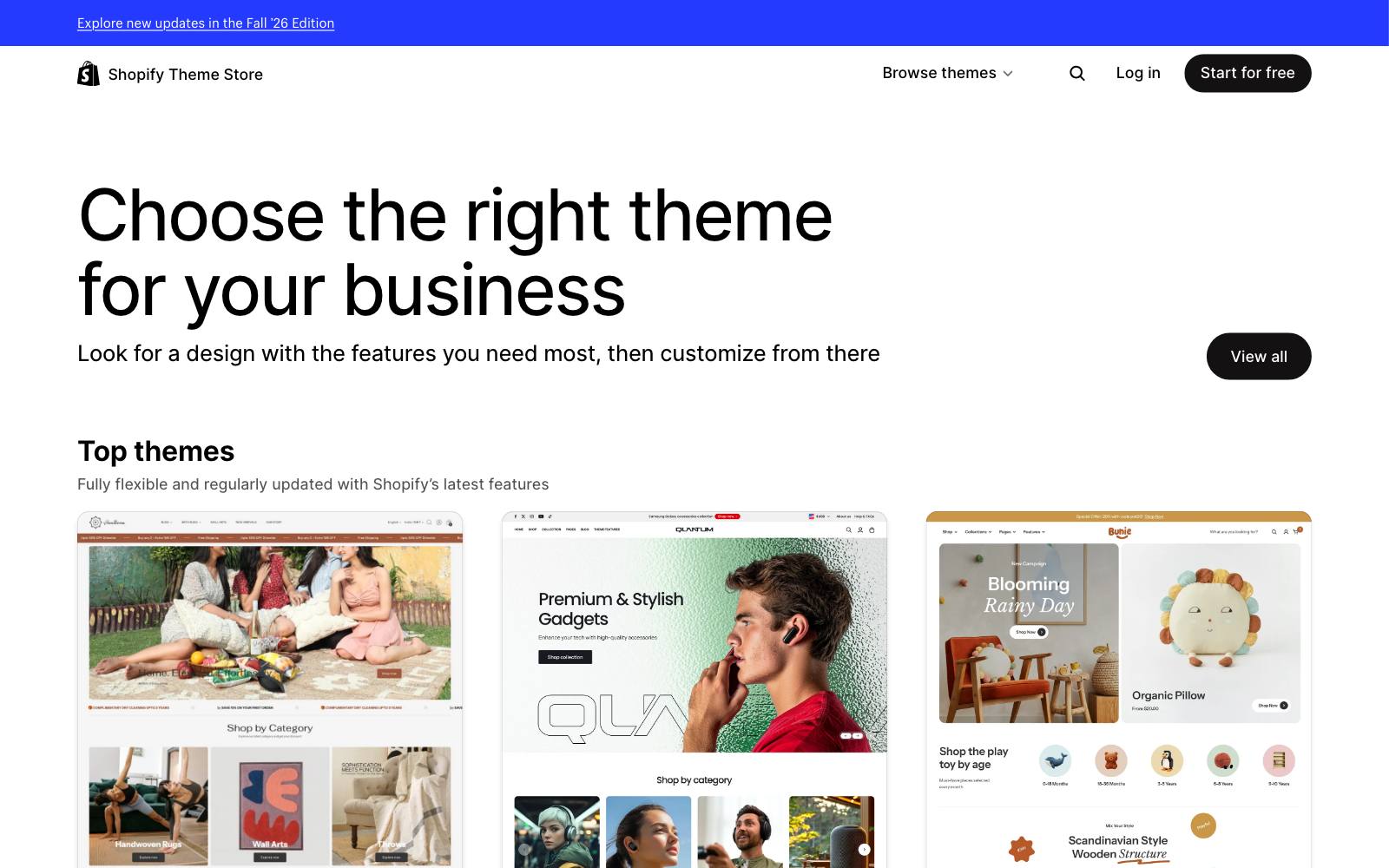
Best for: Shopify sites already on a theme that has the setting, which costs nothing extra and adds no app code.
What it does: Maestrooo says Prestige, Impact and Focal offer a sticky add-to-cart feature on product pages, switched on by default.
You turn it off in the theme editor under Products, Default template, Product page section, "Show sticky add to cart".
Many other paid themes include something similar, so check your product page section settings before you install anything.
Key features:
- Built into the theme's product section, styled to match the rest of the page
- One toggle per product template, so you can turn it off on complex products
- No extra script loading on every page
Pros:
- No monthly fee and no app to uninstall later
- Updates with the theme, so it's less likely to break
Cons:
- Few design options compared with a dedicated app
- Not available everywhere: Shopify's free Horizon theme lists a sticky header and quick buy but no sticky add-to-cart bar
- Maestrooo itself says you "might prefer turning off this feature" if your products are complex
Pricing: Included with the theme. On the Shopify Theme Store, Prestige and Impact cost $400 and Focal costs $320, one-time.
Rating: Prestige has 91% positive from 875 reviews, Focal 93% positive from 335, and Impact 85% positive from 200 on the Shopify Theme Store.
In our archive: UN/COMMON added a sticky add-to-cart button to Ursa Major's mobile product pages and got +5.1% revenue per visitor.
A built-in setting gets you the same basic bar for free.
2. EA Sticky Cart Drawer & Upsell
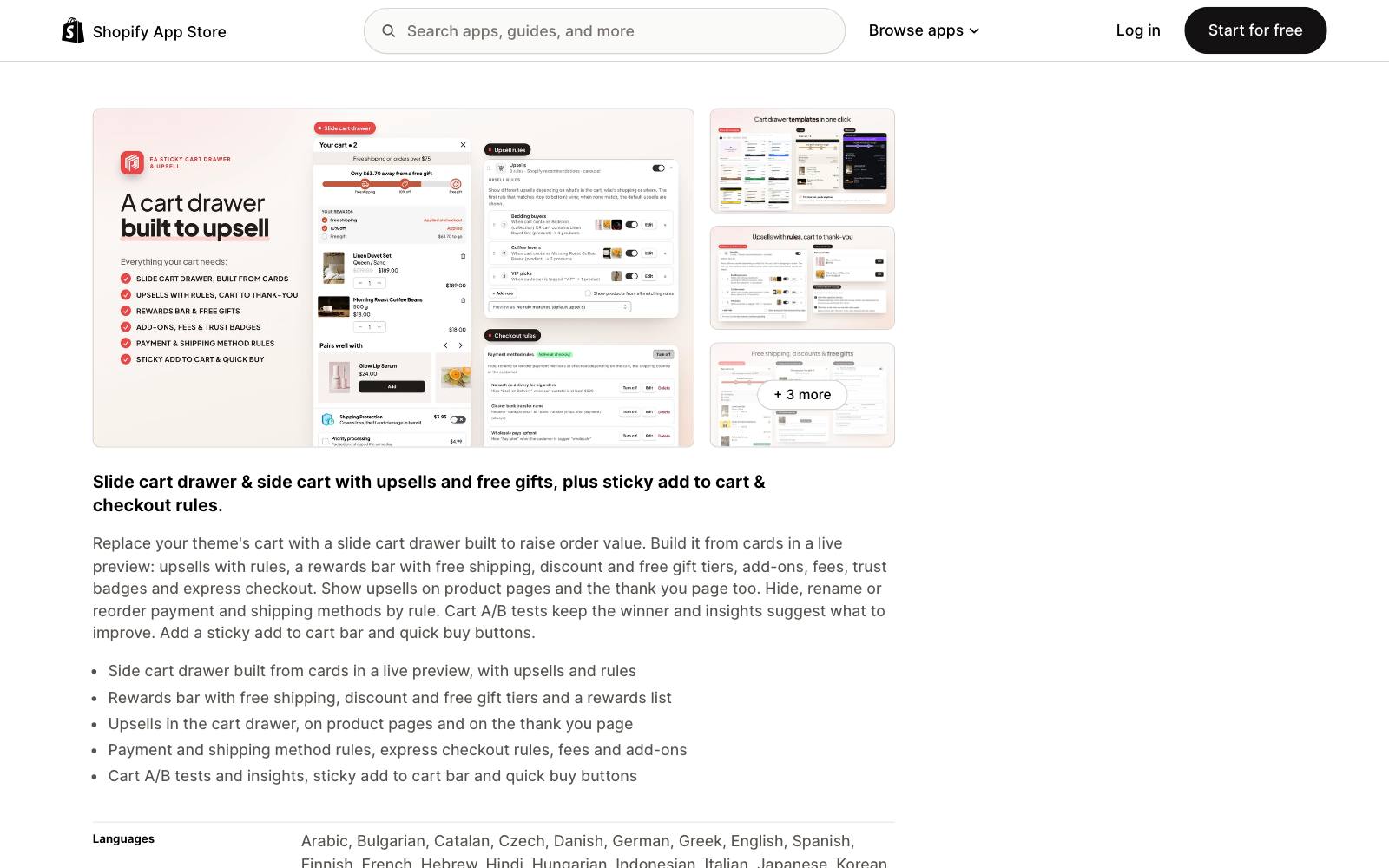
Best for: Sites that want a free sticky bar and might also want a slide-out cart later.
What it does: EasyApps' app adds a sticky add-to-cart bar and quick buy buttons to product pages, plus a slide cart drawer.
The Pro plan adds cart upsells, a free shipping rewards bar, free gifts and A/B testing.
Key features:
- Sticky add-to-cart bar and quick buy buttons
- Slide cart drawer with templates, cart notes and discount code field
- Pro: upsells, rewards bar, checkout and thank-you page upsells, A/B testing
Pros:
- The sticky bar is on the free plan
- Has the Built for Shopify badge
- Largest review base of the single-purpose apps here
Cons:
- Fairly new (launched February 2024)
- If your theme or another app already runs your cart drawer, you'll be paying for features you can't use
Pricing: Free plan; Pro $9.99/month with a 7-day trial, per the Shopify App Store listing.
Rating: 4.8 from 217 reviews on the Shopify App Store.
In our archive: GrowthRock tested a mobile sticky button that opened a slide-up buy drawer and got +5.2% orders.
That pairing of sticky button and drawer is what this app sells.
3. Uplinkly Sticky Cart
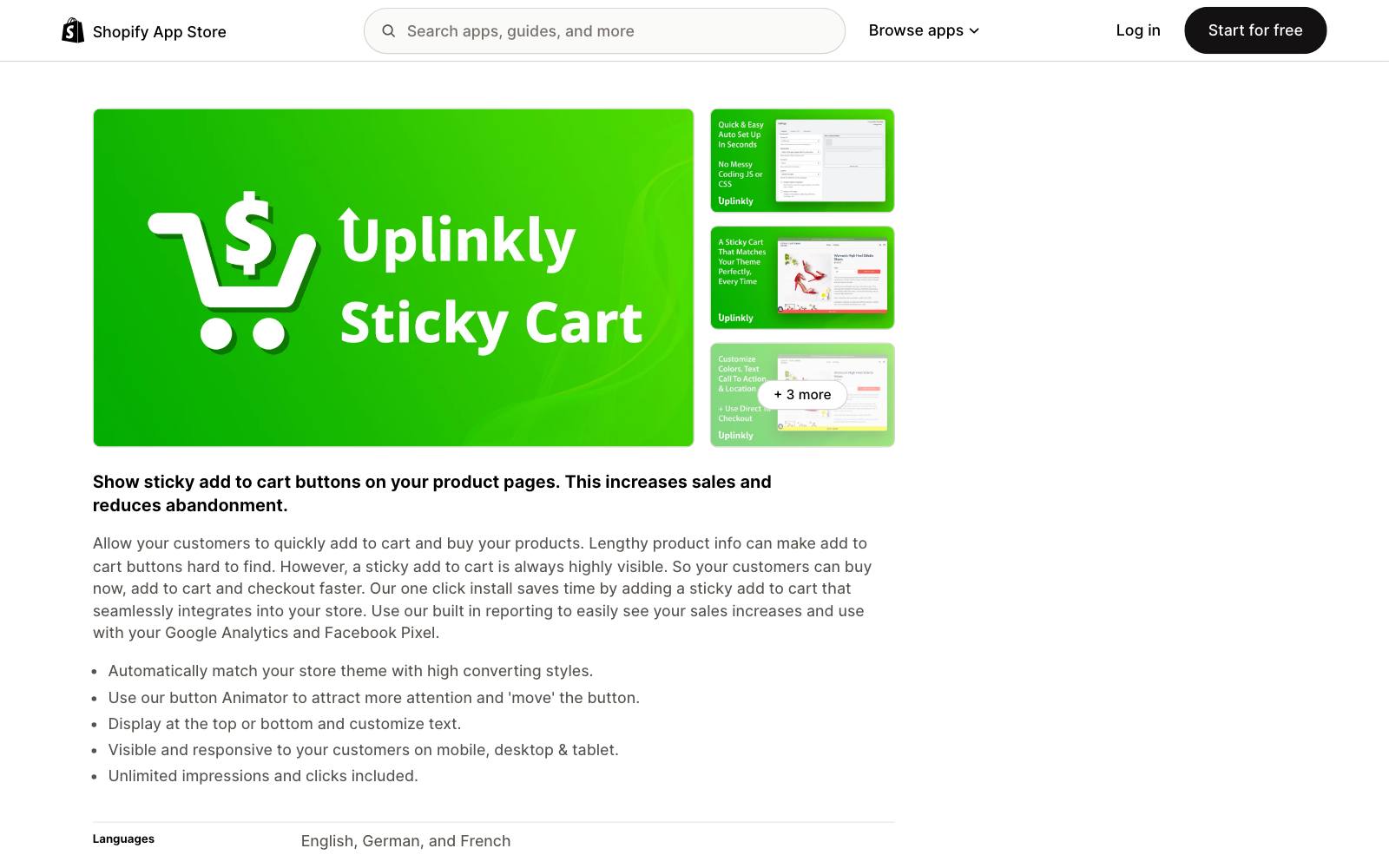
Best for: Sites that want one job done: a sticky button that picks up the theme's styling.
What it does: Uplinkly shows a sticky add-to-cart button on product pages.
It matches your theme's styling automatically and lets you set the position, text and animation.
It has been on the App Store since 2018.
Key features:
- Automatic theme style matching
- Mobile, tablet and desktop layouts
- Google Analytics and Facebook Pixel tracking
- Pro: reporting, templates and countdown timers
Pros:
- Free plan with unlimited visitors
- Long track record and Built for Shopify badge
Cons:
- Only 24 reviews
- The Pro countdown timer is easy to misuse as fake urgency
Pricing: Basic free; Professional $9/month with a 7-day trial (Shopify App Store).
Rating: 4.7 from 24 reviews on the Shopify App Store.
In our archive: A sticky add-to-cart bar on Aeromotive's desktop product pages lifted revenue per visitor by 69% in a Blend Commerce test.
Blend didn't share sample size or confidence, so treat the size of that number with care.
4. Ultimate Sticky Add to Cart
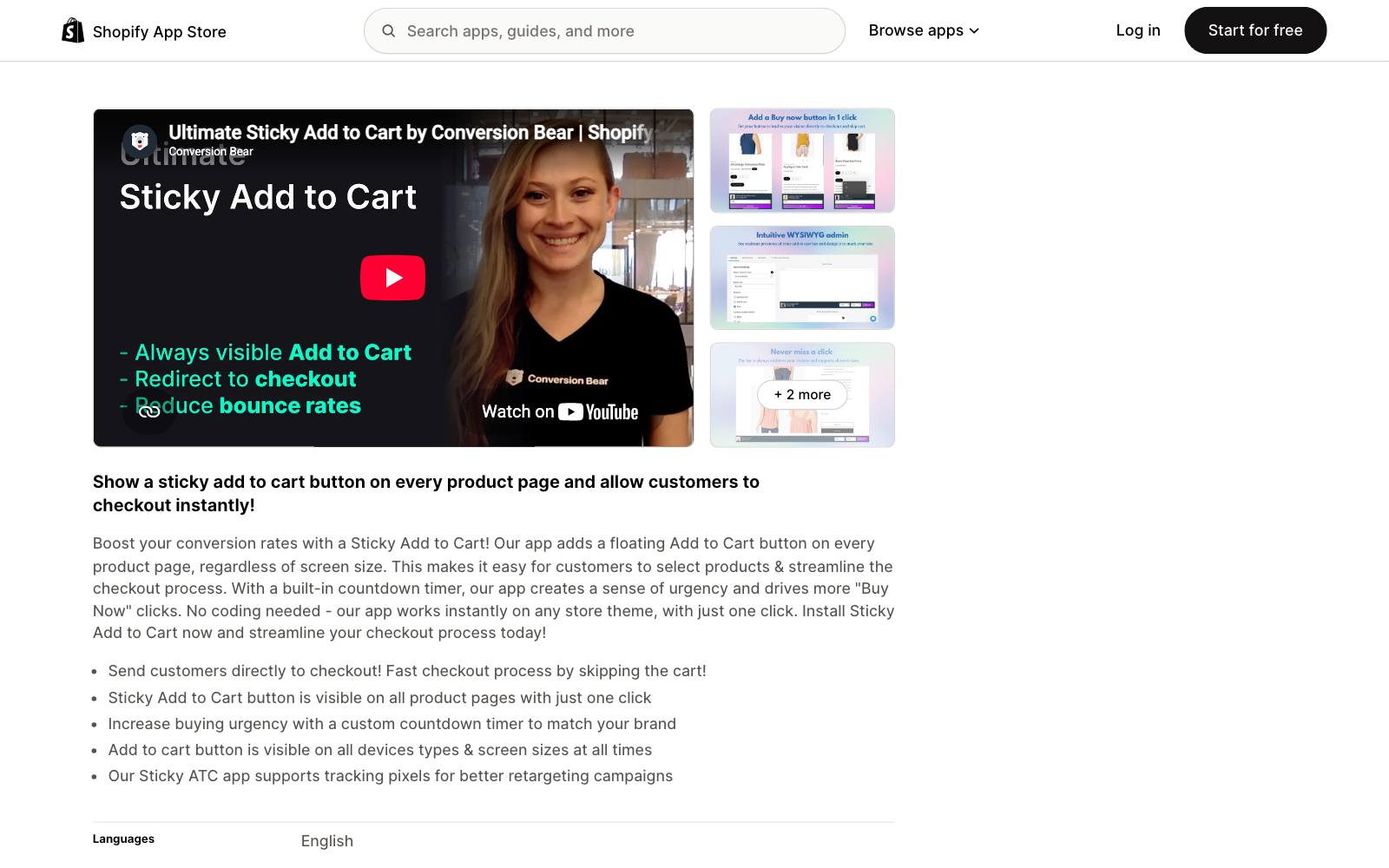
Best for: Sites that want a Buy Now button that skips the cart, plus full ad-pixel tracking.
What it does: Conversion Bear's app adds a floating add-to-cart button on every product page at any screen size.
It can send shoppers straight to checkout and fires events to the main ad pixels.
Key features:
- "Buy Now" option for direct checkout
- Facebook, Google Analytics, Pinterest, Snapchat and TikTok pixel events
- Custom CSS and JavaScript
- Optional countdown timer
Pros:
- Perfect 5.0 rating and Built for Shopify badge
- Custom code support helps if your theme's layout is unusual
Cons:
- No free plan
- Skipping the cart can cut add-on purchases if your cart drawer carries upsells
Pricing: $11.99/month with a 7-day trial (Shopify App Store).
Rating: 5.0 from 27 reviews on the Shopify App Store.
In our archive: Ezra Firestone's sticky footer add-to-cart on a mobile sales page lifted clicks 10% and conversion 9%, and a retest held up.
5. Libautech: Sticky Add to Cart
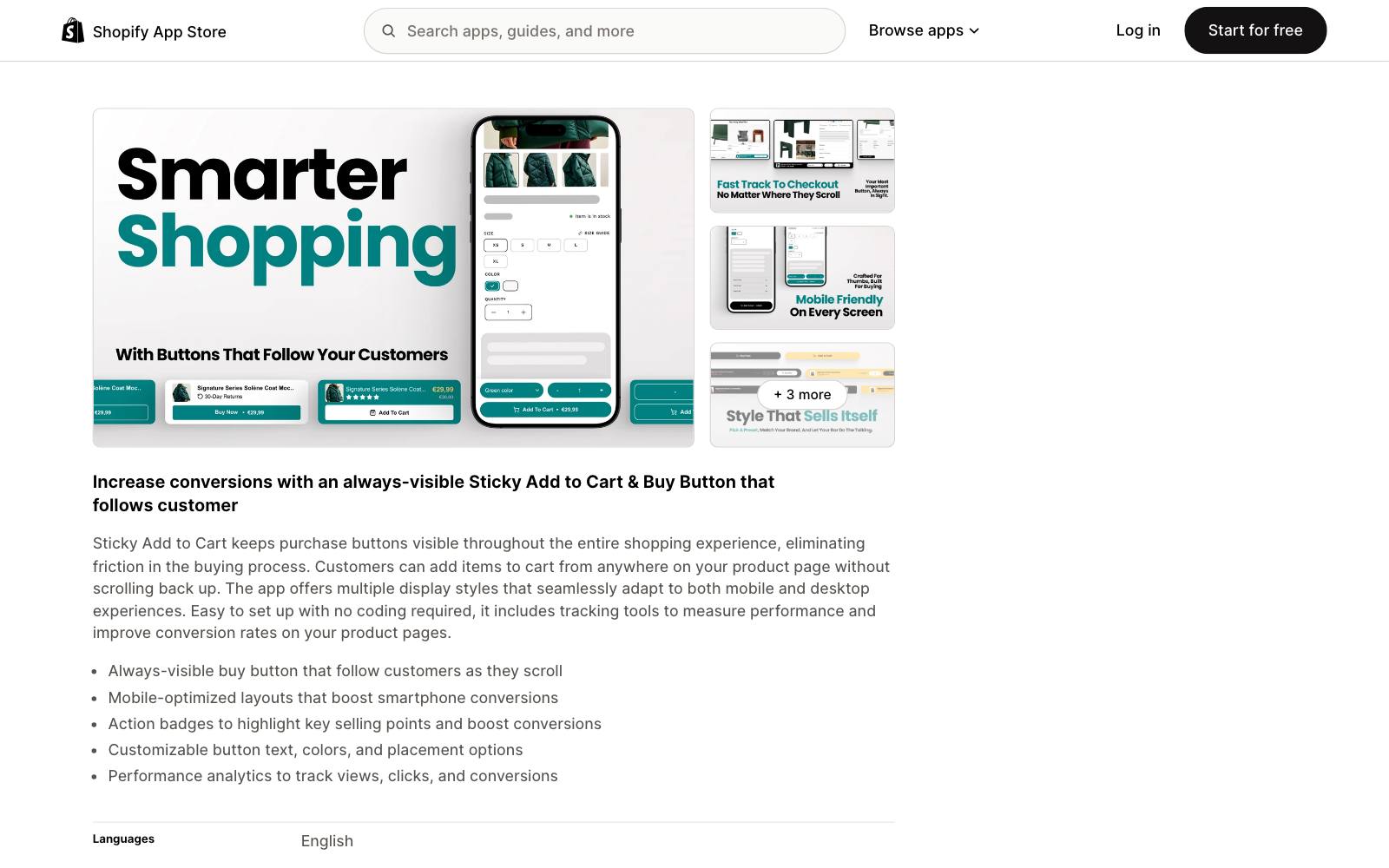
Best for: Small sites that want custom styling for the least money.
What it does: Libautech adds buy buttons that follow shoppers as they scroll, with mobile-friendly layouts and "action badges" that highlight selling points.
The free plan covers standard layouts on product pages.
Key features:
- Several display styles for mobile and desktop
- Action badges in the bar
- Pro: custom CSS; Package plan: analytics and the developer's other apps
Pros:
- Cheapest paid tier here at $6.99/month
- Built for Shopify badge
Cons:
- Only 8 reviews, so little public feedback
- Analytics need the $14.99 Package plan
Pricing: Free; Pro $6.99/month; Package $14.99/month; 7-day trials on paid plans (Shopify App Store).
Rating: 5.0 from 8 reviews on the Shopify App Store.
In our archive: Clean Commit's sticky mobile add-to-cart button with the price on it lifted add-to-cart by 3.9% for AFTCO. A plain bar is often enough.
6. Vitals
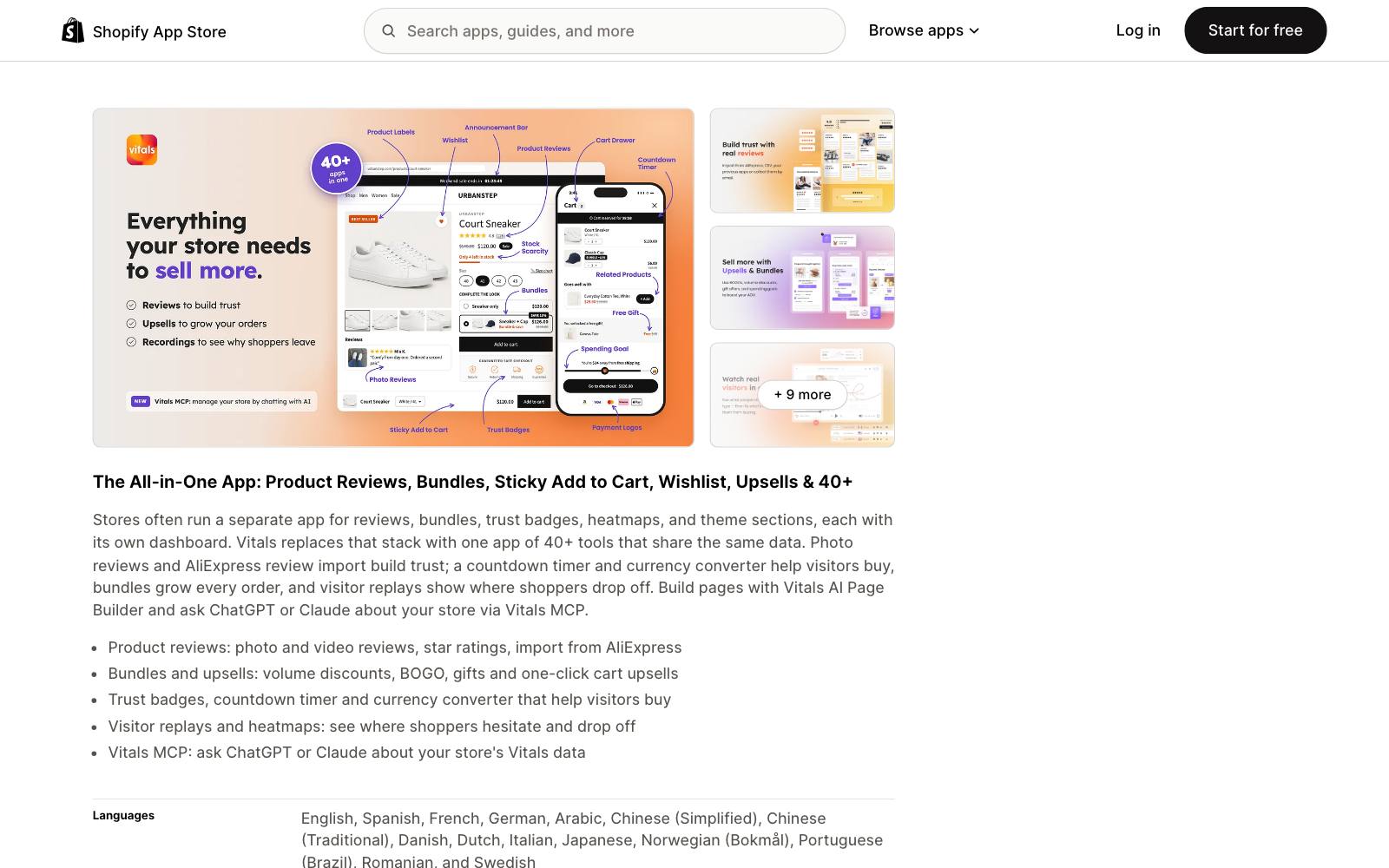
Best for: Sites that would otherwise install several small apps (reviews, bundles, sticky bar, wishlist).
What it does: Vitals bundles more than 40 tools into one app, including a sticky add-to-cart button, product reviews, bundles and upsells, wishlists and visitor recordings. You pay by monthly order volume.
Key features:
- Sticky add-to-cart button as one of 40+ modules
- Photo and video reviews, bundles, upsells
- Visitor recordings and heatmaps
Pros:
- Far more reviews than any single-purpose sticky app
- One app can replace several, which can help page speed
Cons:
- Expensive if all you need is the sticky bar
- Price rises with orders: $79/month from 201 orders
- Putting many features in one vendor makes it harder to switch later
Pricing: Starter $29.99/month (up to 200 orders), Growth $79/month (201-1,000), Pro $179/month (1,001-5,000), each with a 7-day trial (Shopify App Store).
Rating: 4.9 from 2,972 reviews on the Shopify App Store.
In our archive: Blend Commerce found a sticky add-to-cart bar on Jackson's product pages lifted conversion 47.6%.
7. GemPages
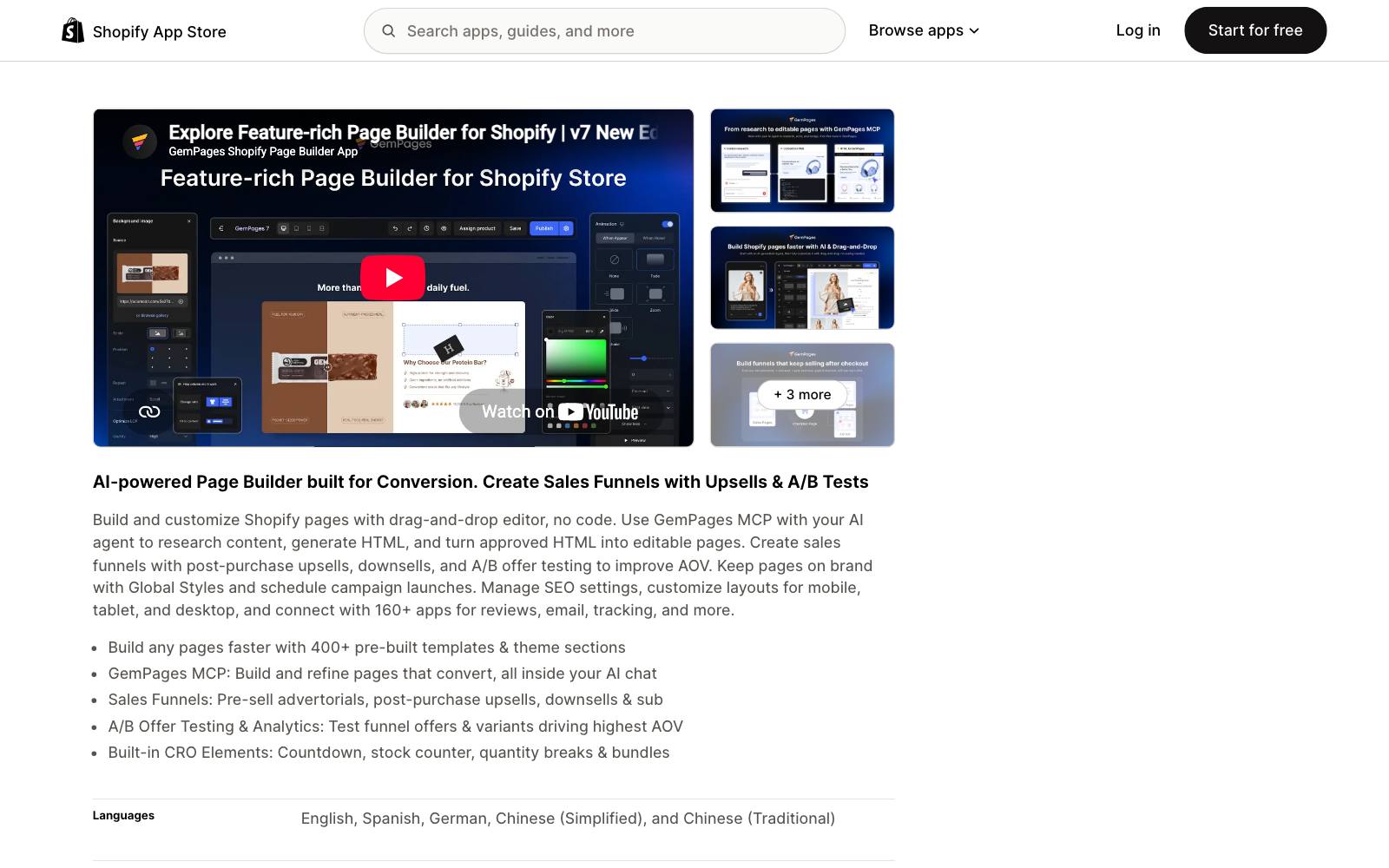
Best for: Sites that build custom product or landing pages and want the sticky bar designed in the same editor.
What it does: GemPages is a Shopify page builder.
It has a Sticky Add-to-Cart element that comes with product, variant, quantity and add-to-cart parts, which you drag onto a page.
Its GemX add-on runs A/B tests, so you can test the bar too.
Key features:
- Drag-and-drop sticky add-to-cart element with variant picker and quantity
- Layout settings in the sidebar
- A/B testing through the GemX add-on
Pros:
- Full design control, matched to your page
- Free plan to try it
Cons:
- Only works on pages built with GemPages, not your theme's own product template
- Overkill if you don't need a page builder
Pricing: Free (1 published page), Build $29/month, Optimize $59/month, Enterprise $199/month (Shopify App Store).
GemPages has an affiliate program, so we may earn a commission if you sign up through our links.
Rating: 4.9 from 4,270 reviews on the Shopify App Store.
In our archive: Dave Diederen's sticky bar that scrolls shoppers back up when a variant or bundle must be picked earned +$32,565/month revenue.
A builder makes that kind of custom behavior easier to set up.
8. PageFly
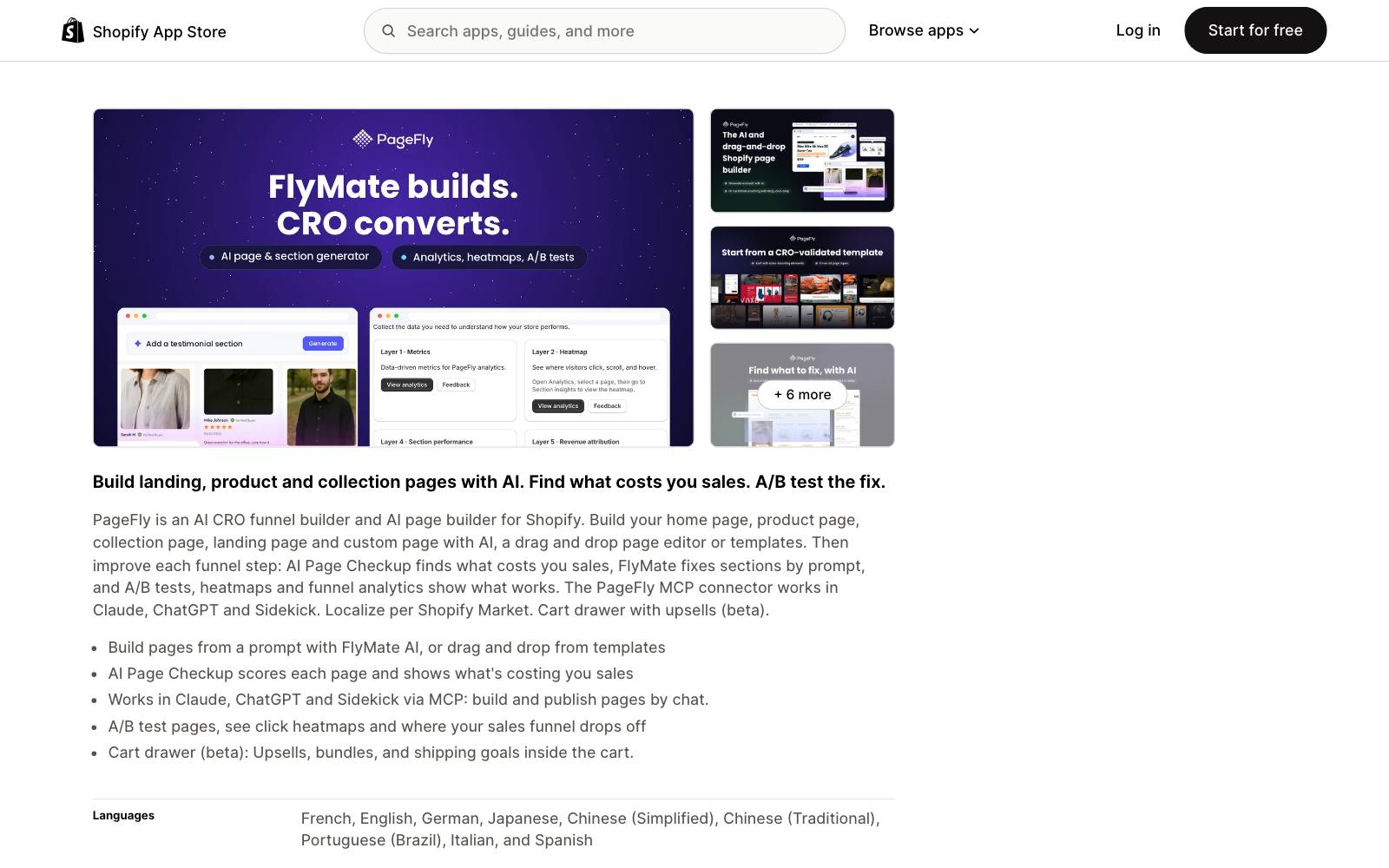
Best for: Sites already building pages in PageFly.
What it does: PageFly is a Shopify page builder.
It doesn't have a single sticky add-to-cart widget.
According to PageFly's own guide, you put the add-to-cart element in its own section and switch on sticky positioning for that section.
Key features:
- Sticky sections you can fill with any product elements
- A/B testing, heatmaps and funnel analytics from the Accelerate plan ($99/month)
- Cart drawer with upsells (beta)
Pros:
- Largest review base on this list
- Free plan
Cons:
- More setup than a one-click app; PageFly's guide says a parent element with overflow: hidden can stop it from sticking
- Only applies to PageFly-built pages
Pricing: Free; Builder $24/month; Accelerate $99/month; Enterprise $299/month (Shopify App Store).
PageFly has an affiliate program, so we may earn a commission if you sign up through our links.
Rating: 4.9 from 5,924 reviews on the Shopify App Store.
In our archive: Blend Commerce paired gallery thumbnails with a higher sticky CTA and got +7.17% conversion.
That's a layout change a page builder handles well.
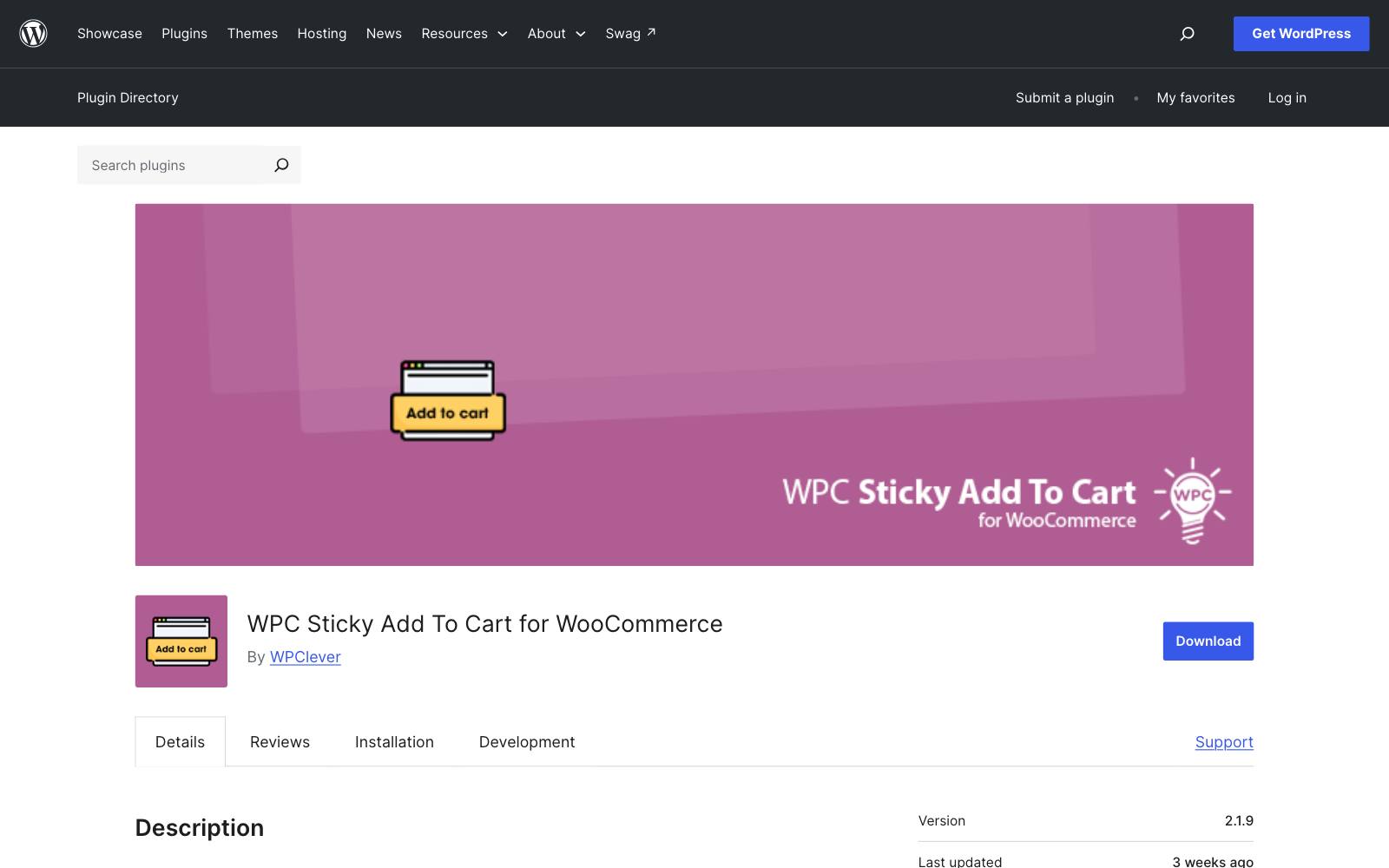
9. WPC Sticky Add To Cart for WooCommerce
Best for: WooCommerce sites on WordPress.
What it does: WPClever's free plugin shows a sticky add-to-cart button at the top or bottom of the page, with the product thumbnail, price and an optional quantity box.
It works with WooCommerce bundles and composite products.
Key features:
- Top or bottom position
- Thumbnail, price and quantity input
- Works with WPC Smart Wishlist, Compare and Quick View
Pros:
- Free, with 2,000+ active installs
- Actively maintained (updated October 17, 2026)
Cons:
- Only 4 reviews
- Styling past the basic options needs CSS
Pricing: Free on WordPress.org.
Rating: 5 stars from 4 reviews on WordPress.org.
In our archive: Sticky buttons aren't only for stores.
Booking.com put a sticky mobile CTA on a partner sign-up page and got +36% registration clicks.
If you run SaaS or lead gen pages on WordPress, a sticky CTA bar is the equivalent test.
Which one is right for you
You're on Prestige, Impact, Focal or another theme with the setting
Use the built-in setting. Spend the app budget on an A/B testing tool such as  Shoplift or
 Intelligems so you can find out whether the bar helps your site.
Your theme has no sticky bar and you want it free
EA Sticky Cart Drawer & Upsell or Uplinkly Sticky Cart.
Both put the bar on their free plan.
You build pages in a page builder
GemPages if you want a ready-made element, PageFly if you're already on it and don't mind setting up a sticky section.
You're replacing a pile of apps
Vitals, but only if you'll use several of its modules.
You run WooCommerce, SaaS or lead gen pages
WPC Sticky Add To Cart for WooCommerce. On a non-store site, a sticky CTA bar built in your theme or landing page builder does the same job.
What to look for in a sticky add to cart app
- Variant handling: the bar should either include a variant picker or scroll shoppers back to choose, so nobody adds the wrong size.
- Separate mobile and desktop settings: results in our archive differ by device, so you want to control each one.
- When it appears: the bar should show only after the main button scrolls out of view.
- Theme fit: it should pick up your fonts and colors and not cover chat widgets, cookie banners or the cart drawer.
- Script weight: fewer scripts are better; a theme setting adds none.
- Price on the bar: showing the price beside the button saves shoppers a scroll.
- Easy to switch off per template: complex products may do better without it.
- Testable: make sure your A/B testing tool can show the bar to one group and hide it from the other.
Real test results: sticky add to cart
Most sticky add-to-cart tests in our archive won, but not all.
Here are the clearest results, including two where more carts didn't turn into more sales.
See all of them on our sticky add-to-cart element page.
 @DaveDiederen
 Blend CommerceBlend Commerce
 Clean CommitClean Commit
- Dave Diederen's sticky bar that scrolls back to the main buy box: +17.39% revenue per visitor.
- PerTronix's desktop sticky bar won +25.95% conversion rate, while the mobile version was flat: +10% conversion, not significant (Blend Commerce).
- Clean Commit's sticky bar lifted desktop add-to-cart 45.3%, but sales fell. Another mobile sticky button got +6.8% adds and -7.7% conversion rate.
- Blend Commerce removed the sticky bar and early buy buttons on a Dr Pooper page that needed explaining, and conversion rose 6%. That result reached only 76% significance.
The lesson: a sticky bar makes adding to cart easier.
It doesn't answer a shopper's questions. Test it on your own traffic with one of the Shopify A/B testing apps, and judge it on orders or revenue per visitor, not add-to-cart rate.
Watch out for
- Doubled bars: if your theme already has a sticky bar, a second one from an app stacks on top of it. Turn one off.
- App stacking and page speed: every app adds script. If you already run a cart drawer, upsell and reviews app, pick a sticky option that's built into one of them or into the theme.
- Covering other things: on mobile, bottom bars can cover chat bubbles, cookie banners and express checkout buttons. Check on a real phone.
- Fake urgency: several apps add countdown timers to the bar. A timer that resets on every visit damages trust; only use it for a real deadline.
- Skipping the variant step: a bar that adds the default size without asking leads to wrong orders and returns.
For the rest of the product page, see our guides to product page design and add-to-cart buttons, or browse more CRO tools.
If you'd rather have someone plan and run these tests for you, Oliver Kenyon works on product page testing for ecommerce brands.