



Mouseflow is a behavior analytics tool for stores and lead-gen sites that want session replay, heatmaps, funnels and field-level form analytics in one place, at a lower entry price than enterprise suites.
It is a reasonable Hotjar alternative if forms and checkout drop-off are your main problem.
If you only need basic heatmaps and recordings, free tools like Microsoft Clarity or Contentsquare Free (formerly Hotjar) may be enough.
We have not used Mouseflow ourselves. This review is based on Mouseflow's public pages and docs, plus real A/B tests from our database that show the kind of research a tool like this feeds into.
We have no affiliate deal with Mouseflow. We do earn a commission from some alternatives named below, and we say which ones.
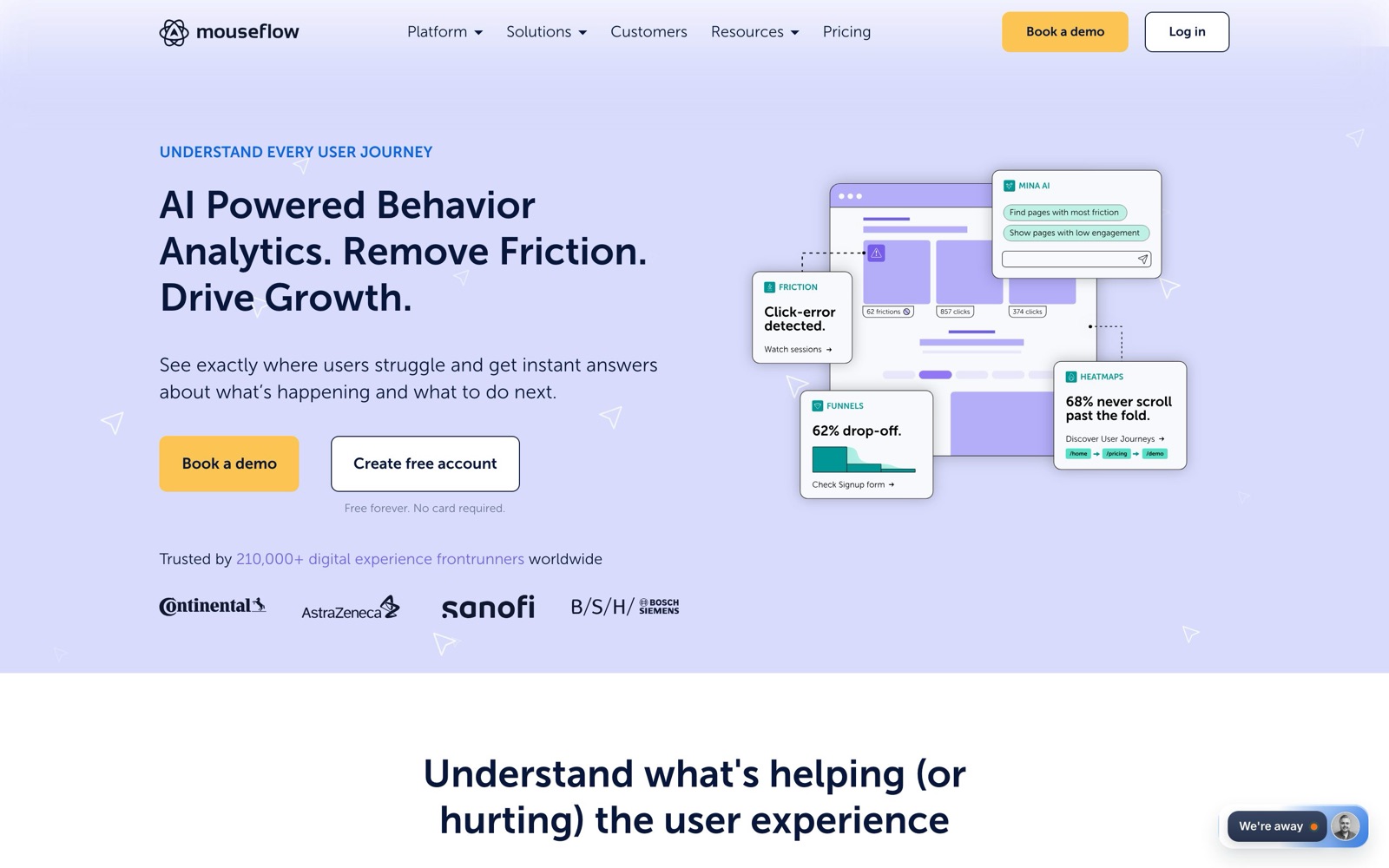
What Mouseflow does: heatmaps, session replay, funnels and form analytics
Mouseflow records visitor sessions and turns them into several views.
According to its pricing page, the product includes:
- Session replay: video-style playback of each visit, with tagging, comments and sharing.
- Heatmaps: click, scroll and geo heatmaps, plus attention, movement, friction and interactive heatmaps on higher tiers.
- Conversion funnels: you can watch replays of the people who dropped out at a step, or of the ones who converted.
- Form analytics: field-level data on where people hesitate, skip fields or abandon a form.
- Friction detection: automatic flags for rage clicks, dead clicks, click errors and JavaScript errors, described on the friction detection page.
- Feedback surveys, journey analytics and AI: on-site surveys, path analysis, an assistant called Ask Mina AI, and an MCP connector for linking your data to AI tools.
Mouseflow lists 42 integrations, including Google Analytics, Google Tag Manager, Shopify, Salesforce, Google Ads and A/B testing tools such as AB Tasty, Varify and Visually.
Where it fits in a CRO program
Mouseflow does not run A/B tests. It is a research tool.
You use it to see where people struggle, write a hypothesis, then test a fix in a testing tool.
Our guide to customer research for CRO covers that full loop, from research to hypothesis to test.
Dave Diederen's tests are good examples of heatmap data turning into test ideas.
Rewriting above-the-fold USPs around the points heatmaps showed buyers engaging with won +7.28% revenue per visitor.
Putting a countdown timer where heatmaps showed shoppers were focused won +20.65% revenue per visitor.
Making a collection banner that drew attention into a clickable countdown timer added $161K in revenue.
On the lead-gen side, KlientBoost rebuilt PPC landing pages based on heatmaps and launched new campaigns at the same time.
That project reported a +77% conversion rate, though it bundled several changes, so the heatmap work can't be isolated.
 @DaveDiederen@DaveDiederen
 KlientBoost@DaveDiederen
None of these teams said which heatmap tool they used.
They show what the data is good for, not that Mouseflow produced it.
Mouseflow pricing
Mouseflow charges by monthly sessions, the number of website projects, funnels and how long data is kept.
As of November 2026, the Mouseflow pricing page lists these plans:
| Plan | Listed price | Monthly sessions | Websites | Funnels | Data retention |
|---|---|---|---|---|---|
| Free | $0 | 500 | 1 | 1 | 1 month |
| Essential | $25/month | 5,000 | 1 | 1 | 3 months |
| Advanced | $109/month | 25,000 | 2 | 5 | 6 months |
| Premium | $319/month | 100,000 | 5 | 10 | 12 months |
| Enterprise | Contact sales | Custom | Custom | Custom | Custom |
All plans include unlimited users. The page says annual billing saves up to 35% and offers a 14-day money-back guarantee.
The free signup also gives 14 days of premium features without a credit card, according to Mouseflow's feature pages.
Some features, such as SSO, journey analytics and the extra heatmap types, sit on the higher tiers.
Check the plan comparison table before you buy if you need a specific feature.
What the price means in practice
A session is one visitor's full visit. A store with 100,000 monthly visits would need Premium or Enterprise to record all of them.
500 sessions on the free plan is enough to try the tool on one page, but not to research a whole site.
Form analytics for lead-gen sites
Form analytics is the main reason to pick Mouseflow over a basic heatmap tool.
Its form analytics page says the tool tracks hesitation time per field, skipped fields, blank submissions and abandonment.
From an abandoned form you can jump to the session replay of that visitor.
Mouseflow says it works with native, third-party and custom-built forms.
That matters for lead-gen sites that use embedded form builders.
The data points you toward fixes that are known to move lead volume. In our database:
- Qualicorp removed repeated fields from a quote form and got +19.31% completed quote requests (shared by VWO).
- Tinkoff Bank added a "Don't remember passport details?" option to an application and got +35.8% applications.
- InsightWhale cut a travel deal form to 3 required fields and hid the rest, for +26% conversions.
Field-level data is what tells you which field to cut or explain.
It shows you a problem, and the A/B test confirms the fix.
For more test ideas, see our lead form test results and our roundup of multi-step form builders.
Mouseflow vs Hotjar
Hotjar is now part of Contentsquare. Hotjar.com redirects to Contentsquare, which says "Hotjar is now Contentsquare" and moves users to Contentsquare's plans.
As of November 2026, Contentsquare's pricing page lists a free plan with up to 200,000 monthly sessions and one month of data access.
On that plan, replays capture 5% of sessions, up to 10,000. The Growth plan starts at $39 a month billed yearly.
Pro and Enterprise pricing requires a demo. Contentsquare's Form Analysis is listed only on Pro and Enterprise.
| Mouseflow | Contentsquare (formerly Hotjar) | |
|---|---|---|
| Free plan | 500 sessions/month | Up to 200k sessions/month, replays on 5% (max 10k) |
| Entry paid plan | $25/month, 5,000 sessions | Growth from $39/month billed yearly |
| Form analytics | Yes, a core feature | Pro and Enterprise only (demo pricing) |
| Surveys | Feedback surveys | Separate Voice of Customer plans |
| Best for | Lead-gen and checkout forms, mid-size sites | Sites that want a large free tier or a full enterprise suite |
For a small site that only wants heatmaps and some replays, the Contentsquare free tier offers far more sessions.
For a lead-gen site that needs field-level form data without enterprise pricing, Mouseflow is the better fit.
Who Mouseflow is not for
- Sites that need to run A/B tests: you still need a separate testing tool.
- Very low budgets: Microsoft Clarity is free and covers basic heatmaps and recordings.
- High-traffic sites that want every session recorded: session-based pricing gets expensive, and Enterprise pricing is not public.
- Shopify stores that care mainly about revenue per element: a revenue-based heatmap tool may fit better.
Mouseflow alternatives
These are the alternatives we would look at first.
Our Hotjar alternatives and heatmap tools roundups cover more.
- Lucky Orange: the Lucky Orange pricing page says every feature, including page and form analytics, is on every plan. As of November 2026, plans are listed from $32 a month for 3,500 sessions, with a 7-day free trial. It's the closest like-for-like option. We earn a commission on Lucky Orange signups. See our Lucky Orange review.
- Heatmap.com: built for ecommerce, it ties heatmaps to revenue. As of November 2026, the Heatmap.com pricing page prices plans by store revenue, starting at $199 a month for stores up to $10M, with a 14-day free trial. We earn a commission on Heatmap.com signups.
- Microsoft Clarity: free heatmaps and session recordings. It's a good starting point, though it lacks Mouseflow's form analytics depth.
- Contentsquare (formerly Hotjar): a large free tier and a full enterprise platform.
- Smartlook: session replay and event analytics that also covers mobile apps. See our Smartlook review.
If you'd rather have someone turn heatmap and replay data into a test plan, Dave Diederen publishes heatmap-led test results like the ones above.
For a wider view of replay tools, see our session replay tools roundup.