




Maze usability testing suits product designers and lean product or CRO teams who want fast, unmoderated tests on Figma prototypes, live pages and surveys, with numbers like task completion and misclick rates instead of hours of video.
Our verdict: it's a good fit for quick design checks and navigation research, but the free plan allows only 1 study a month, and everything beyond that (live website testing, card sorting, interviews, advanced screening) sits behind a custom-priced Enterprise plan.
We haven't used Maze ourselves. This review is based on Maze's own pricing page, feature pages and help center, and we link each source inline.
We also show real tests from the LiftArchive database that are the kind of change Maze research helps you plan.
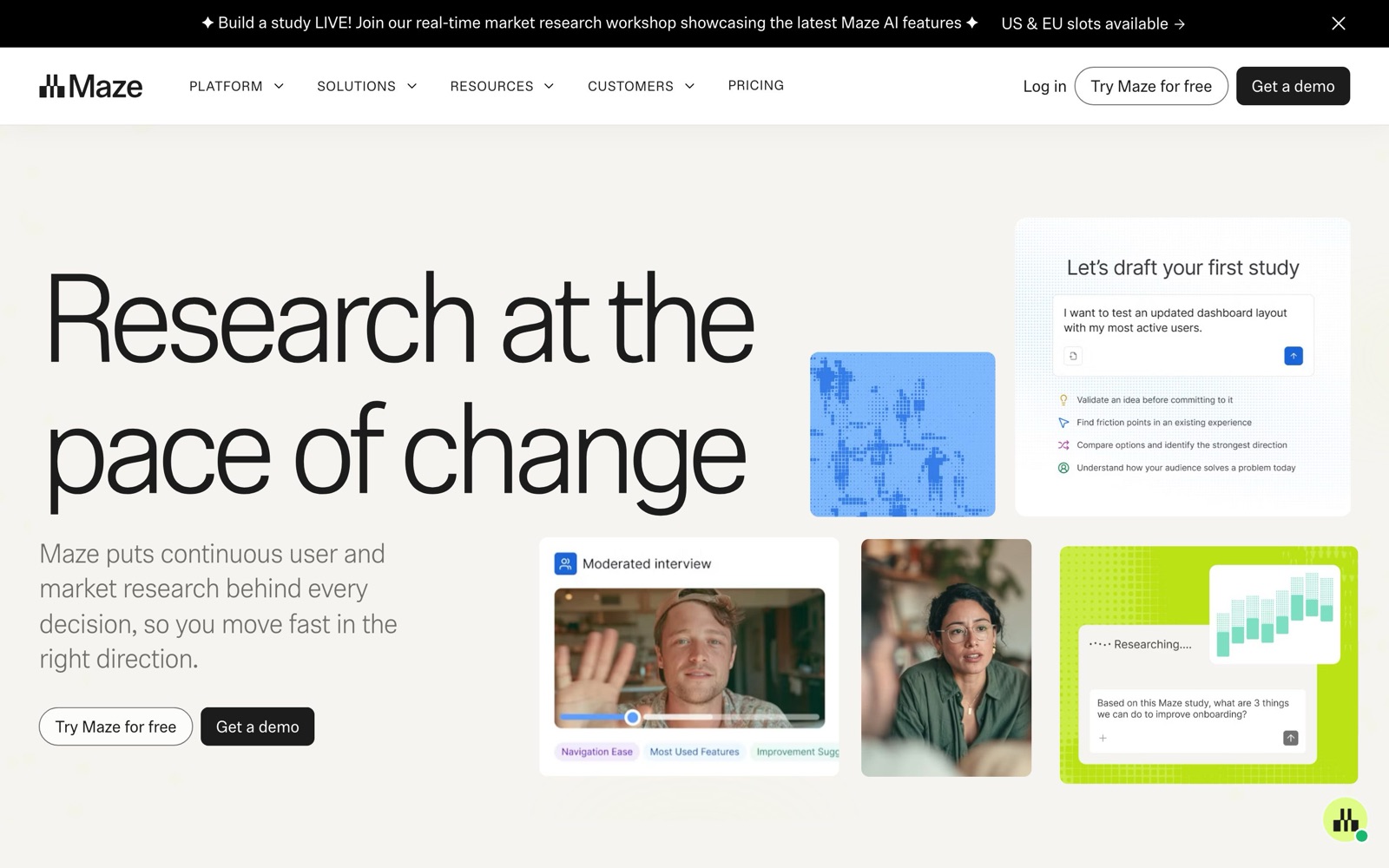
What Maze does: prototype tests, live-site tests and surveys
Maze is an unmoderated research platform. You build a study from blocks (tasks, questions, card sorts), send a link to participants and get an automated report back.
- Prototype testing. Maze supports prototypes from Figma and Axure, plus AI-built prototypes from Figma Make, Lovable, Bolt and Replit. Reports show completion rates, misclicks, average duration, paths and heatmaps, and a First Click task type.
- Live website testing. You add a Maze tracking code to a site and give participants tasks on the real pages. Maze says it generates heatmaps, paths and recordings and measures how far users stray from a defined success path.
- Information architecture. Open and closed card sorting plus tree testing, for checking menu labels and category structure.
- Surveys, interviews and AI moderation. Surveys are on every plan. Moderated interviews, AI-moderated interviews and the AI study builder are listed as Enterprise features.
For CRO, Maze belongs in the research step.
You find a problem in analytics, use Maze to learn why people get stuck, turn that into a hypothesis, then prove it with an A/B test.
Our customer research guide covers that loop in more detail.
Navigation is a good example. Tree tests and card sorts are built to check whether people can find things before you ship a new menu.
The Clean Commit team's single-row header with an image mega-menu lost, with -22.5% conversion.
Surefoot stopped a swatch navigation test at The Shade Store at about -82%.
On the winning side, Blend Commerce added text labels to mobile header icons and saw +10.37% conversion rate.
A cheap first-click or tree test can catch label and findability problems like these before they cost you an A/B test slot.
 Blend Commerce
 Conversion Fanatics
 Clean Commit
 Surefoot
Maze pricing
As of November 2026, Maze's pricing page lists two plans:
- Free: 1 study per month, 5 seats, essential prototype testing, surveys and pay-per-use panel credits. Targeting, usability testing and IA testing are marked "Basic."
- Enterprise: custom pricing through sales, custom study volume and unlimited seats. It adds live website and mobile app testing, card sorting and tree testing at the "Advanced" level, moderated and AI-moderated interviews, all Maze AI features, SSO and a dedicated CSM.
Maze no longer publishes a self-serve paid tier.
That leaves a big gap for small teams: once you need more than 1 study a month, or any live-site testing, you have to talk to sales, and Maze doesn't publish the Enterprise price.
Panel recruitment is billed separately in credits. Maze's help center lists bundles of 50 credits for USD $250, 100 for $500 and 500 for $2,500, so $5 per credit.
An unmoderated response from the Core Network costs 3 credits ($15).
Extended Network responses cost 5 credits for B2C ($25) and 9 for B2B ($45). Credits expire 12 months after purchase.
Panel vs your own users
You can send a Maze study link to your own customers, email list or site visitors, or buy panel responses.
On Enterprise, Maze says you can bring your own users for free and also recruit with In-Product Prompts on your site.
The panel is fast and good for broad consumer questions, such as whether a first-time visitor understands your menu.
Your own users are better when the task depends on context: an existing SaaS customer finding a setting, or a repeat buyer reordering.
For B2B or niche audiences, the 9-credit Extended Network rate adds up quickly, so check whether your own list can reach the sample size first.
Onboarding is a good place to test with your own users.
AURUM's floating onboarding checklist in a trial lifted activation by +187%.
Panel participants who have never needed your product can't tell you much about a trial's first run. Real trial users can.
Maze vs UserTesting
The two tools overlap but serve different buyers.
Maze leans toward quick, quantitative unmoderated tests that designers can set up themselves.
UserTesting leans toward recorded think-aloud sessions and larger research programs.
Neither tool publishes paid prices. UserTesting's plans page lists Advanced, Ultimate and Ultimate+ tiers, all quoted by sales, with a participant panel across 60+ countries.
Maze at least has a usable free plan and published panel credit prices.
| Tool | Main methods | Pricing model (as of November 2026) | Best for |
|---|---|---|---|
| Maze | Unmoderated prototype and live-site tasks, card sorting, tree testing, surveys, AI-moderated interviews | Free (1 study/month); Enterprise by quote; panel credits at $5 each (source) | Designers and product teams validating flows and navigation with metrics |
| UserTesting | Recorded think-aloud sessions, live interviews, panel recruitment | All plans by quote (source) | Larger teams that want video-based qualitative insight at scale |
| Lyssna | Unmoderated quick and in-depth studies, self-recruited or panel participants | Free; Growth at $166/month; Enterprise by quote; panel pay-per-use (source) | Small teams that want a published self-serve paid plan |
Strengths and limits
Strengths
- Direct Figma prototype import, so you can test a design before anyone writes code.
- Automated metrics (completion, misclicks, paths, heatmaps) that are easier to share with stakeholders than raw video.
- Tree testing and card sorting in the same tool, useful for menu and category work.
- Published per-response panel prices, which many competitors don't share.
Limits
- The free plan's 1 study per month is enough to try Maze, not to run a research program.
- No published mid-tier. Live website testing, full IA testing and interviews need an Enterprise quote.
- Unmoderated tasks show what people did, not always why. For deeper "why" answers you need interviews, which are also Enterprise features.
- A usability study is not proof of lift. Teamleader's redesigned trial sign-up form went from 34.3% to 37.5% conversion (+9.3%) in a live test, and that kind of number only comes from an A/B test with real traffic. Pair Maze with one of the A/B testing tools we cover.
Who Maze is not for: teams that mainly want to watch real sessions on their live store (a session-replay tool like Hotjar fits better), teams on a tight budget who need several studies a month, and marketers who mostly test copy and messaging with a target audience.
Maze alternatives
- Lyssna: a similar unmoderated testing platform with a published Growth plan at $166/month as of November 2026 per Lyssna's pricing page. It's the obvious pick for a "Maze vs Lyssna" shortlist if you need a self-serve paid tier.
- UserTesting: stronger on recorded qualitative sessions, but sales-quoted at every tier.
- Session replay and heatmaps: tools like Hotjar show how real visitors behave on your live site, without recruiting anyone.
For a wider comparison, see our roundups of user testing tools and UX research tools.